

  • $23.99
  • Free 15-day Returns
Ships from China.
Sold by fadaoe

Shipped by fadaoe

Price alert
Shop it at NeweggBusiness.

Meet Your Seller

True Wireless Earbuds, Mini Ear Buds Bluetooth 5.3 Headphones IPX7 Waterproof Bluetooth Headset Light-Weight Earphones with Microphone & Charging Case Digital Display for TV Phone PC Laptop Workout

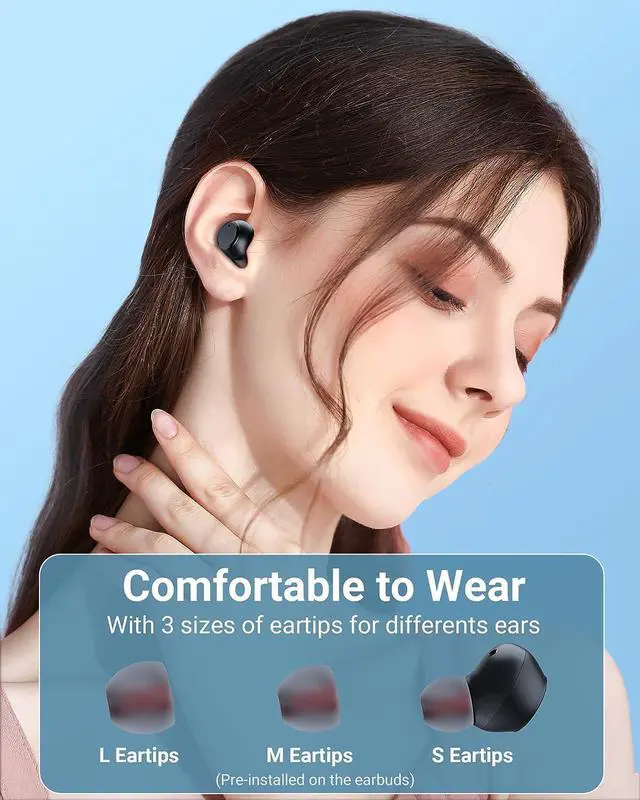
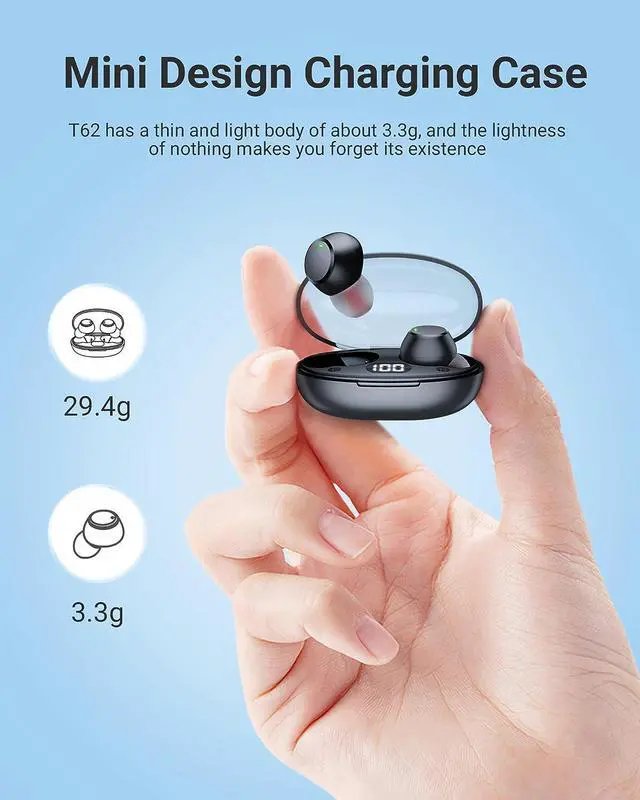
  • Ultra-light & Ultra-compact Design: EarBuds weight just 3.3g/pc, as light as a feather, providing a zero burden wear experience. with 3 pairs of softer ear tips in different sizes (S, M, L), comfortable and painless to wear for a long time, ideal for small, medium, and large ears. Bluetooth Headphones' charging case is compact, only half the size of other earbuds, very space-saving.
  • IPX7 Waterproof & LED Display: Equipped with IPX7 water resistance, preventing damage from sweat and raindrops, thereby extending the earbuds' lifespan.
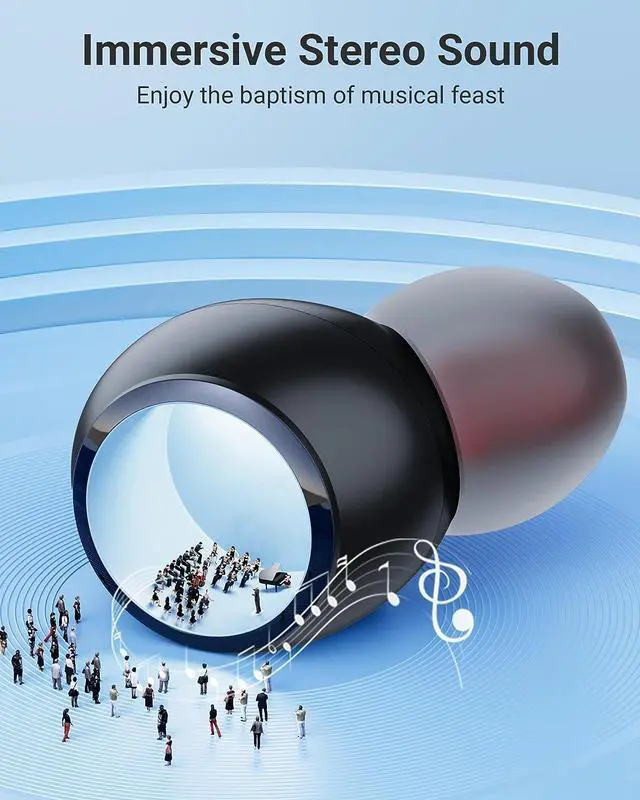
  • Bass Acoustic and Touch Control: Headphones bluetooth equipped with an advanced dynamic driver and provide crystal-clear audio, especially in the bass, treble and other aspects of music delivery.
  • Bluetooth 5.3 and One-Step Pairing: Feature Bluetooth 5.3 technology, ensuring fast and reliable connections for an immediate and seamless audio experience.
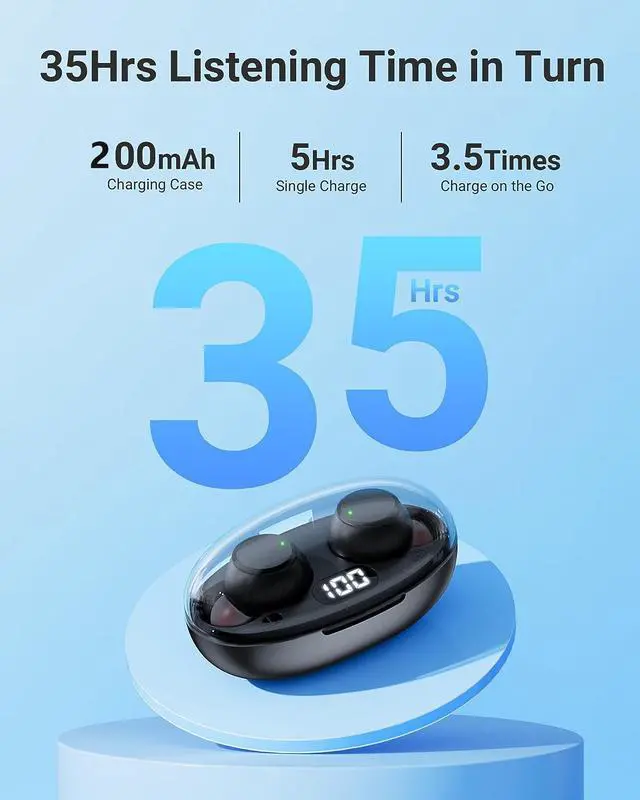
  • Long Playback Time: Earphones with a 30mAh capacity offer up to 5 hours, Case with a 200mAh capacity.
+
+
Overview
Specs
Reviews
T62
Bluetooth Headphones, Support Dual Ear Touch Control


Music:

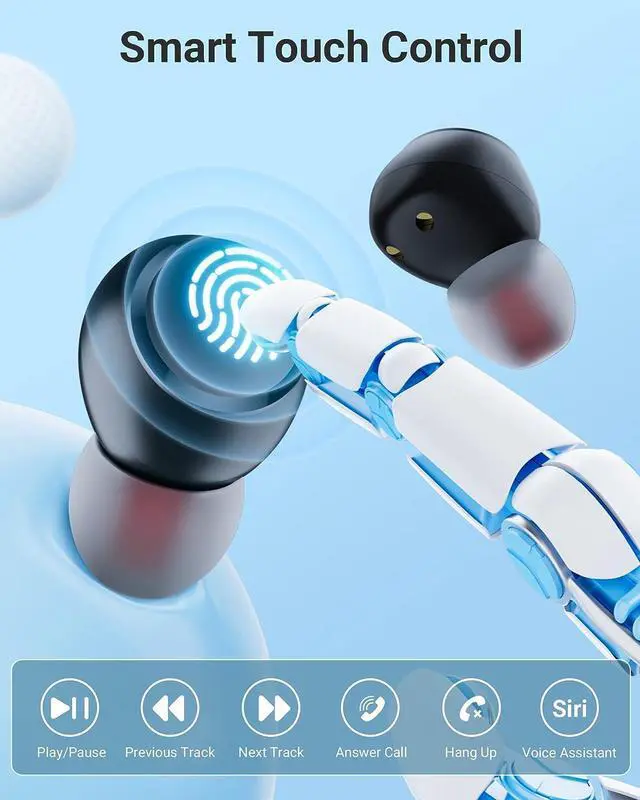
Play/Pause: Single Tap Left or Right Earbud

Previous/Next Song: Double Tap Left or Right Earbud

Decrease/Increase Volume: Long Press Left/Right Earbud

The earbuds have a minimum and maximum volume tone to alert the ear buds volume to prevent accidental voice loss or to protect the ear from injury.


Call:

Answer/End/Reject Call: Double Tap Left or Right Earbud

1. During the call, use two earphones at the same time so that the other party can hear the call clearly.

2. When using headphones to answer the phone, if there is no sound in the earbuds, it may be that the default answering device is the phone speaker, not the earbuds device, you can manually click to switch to the earbuds call.


Voice Assistant:

Quick Triple Tap Left/Right Earbud

Please refer to the QA video for details. (Search "play/pause, previouse/next song, decrease/increase volume, answer/end/reject call, voice assistant")

Long Battery Time, USB-C Compatible, Power Display
 

Bluetooth earbuds with a 300mAh charging case, support type c charging, earbuds can be used for about 5 hours on a single charge and be used for total 35 hours charge in turn.

T62 ear buds case features a clear power display, allowing you to know the remaining power of the case at any times.

Fast Connect, Compatible with All Bluetooth Enabled Devices
 

As long as your device has Bluetooth, the wireless headphones will be compatible with it.

After the first pairing, the headphones wireless bluetooth connects to the device very quickly, you just need to take the earbuds out of the case, turn on the Bluetooth of the phone, and it will be connected quickly.

(PS: If you've already connected one device and need to connect to another, you'll need to unpair the previous device and the ear buds wireless bluetooth earbuds will be able to connect to your other device.)

Please refer to the QA video for details. (Search "how to pair it")

12
Troubleshooting Guide


1. Can't be charged / Digital display won't light up

The charging contact points of the earbuds or case may be dirty.

*You can clean them with a cleaning stick dipped in a small amount of alcohol.*

Incorrect charging cable used.

* Use the included cable to charge the set. *

2. Poor sound quality or easy to drop

The ear tips don't fit well enough.

* Try other included ear tips for the best fitting. (S M L size) *

The grilles or the ear tips may dirty.

* Clean them with a cleaning stick. *

Other issues, please refer to the T62 troubleshooting guide on the page of T62 product.

Troubleshooting Guide
1. Can't be charged / Digital display won't light up

The charging contact points of the earbuds or case may be dirty.

*You can clean them with a cleaning stick dipped in a small amount of alcohol. *

Incorrect charging cable used.

* Use the included cable to charge the set. *

2. Poor sound quality or easy to drop

The ear tips don't fit well enough.

* Try other included ear tips for the best fitting. (S M L size) *

The grilles or the ear tips may dirty.

* Clean them with a cleaning stick. *

Other issues, please refer to the T62 troubleshooting guide on the page of T62 product.

Warranty & Returns

Warranty, Returns, And Additional Information

Warranty

  • Please contact the Seller directly for warranty information. Warranty information may also be found on the Manufacturer's website.
  • CONTACT

Return Policies

  • Return for refund within: 15 days
  • Return for replacement within: 30 days
  • This item is covered by fadaoe Return Policy

Manufacturer Contact Info

LOADING...