



Meet Your Seller

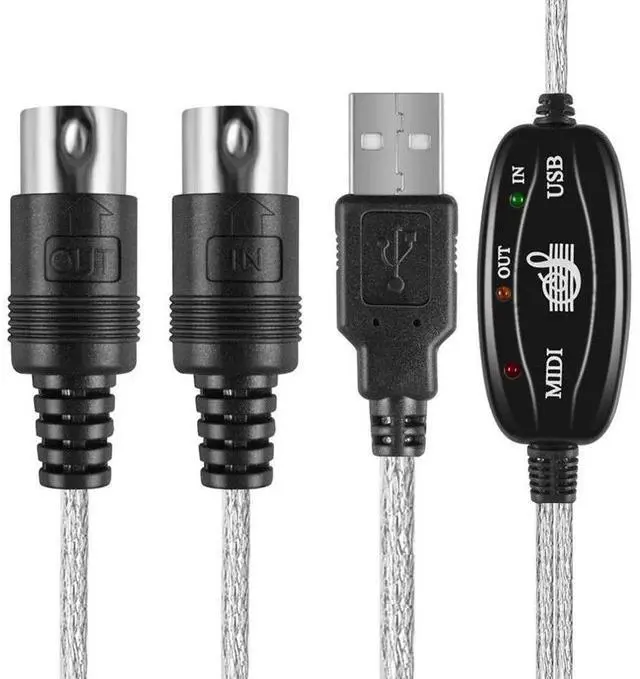
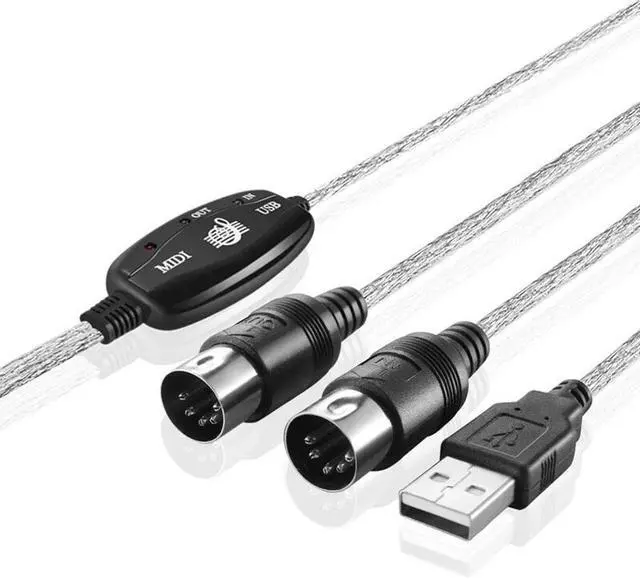
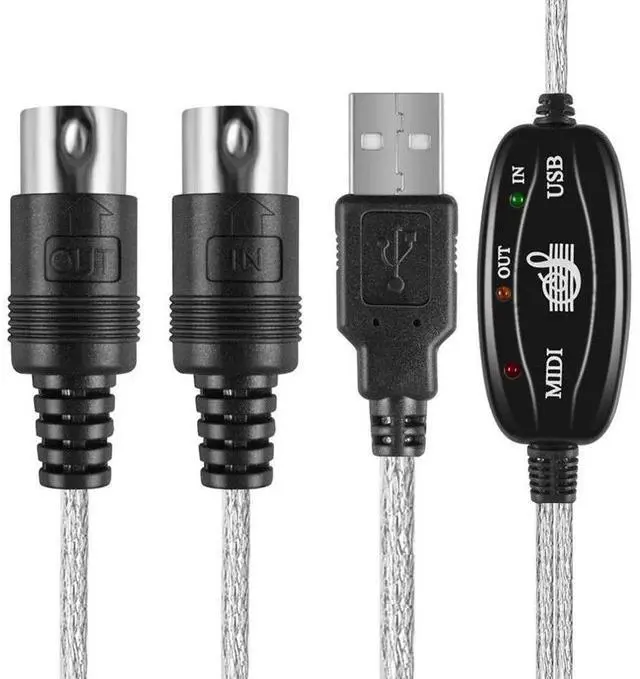
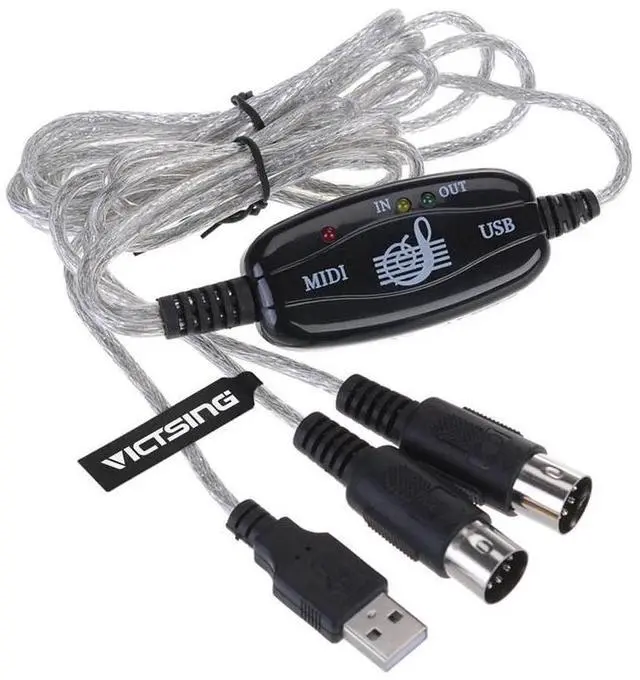


USB To Midi Cable Adapter Keyboard Interface Converter
- -Latest model with a built-in driver.
- -True Plug & Play NO DRIVER INSTALLATION NEEDS.
- -1 in and 1 out MIDI interface.
- -16 MIDI input channels and 16 MIDI output channels.
- -LED's indicate power in, MIDI in signal and MIDI out signal.
- -Usb bus powered; Requires no external power.
- -Cable length: 2.0m (6 Ft).
+
+
Overview
Specs
Reviews
USB 2.0 to MIDI CABLE
It's easy to turn your PC into a music studio.
Start by connecting an electronic musical instrument to your computer with the supplied USB MIDI cable.
Within minutes you'll be able to play songs while they are being recorded on your PC!
With appropriate software, you can overdub additional instruments,
then edit, mix and even print sheet music of your final compositions.
Features:
-Latest model with a built-in driver.
-True Plug & Play NO DRIVER INSTALLATION NEEDS.
-1 in and 1 out MIDI interface.
-16 MIDI input channels and 16 MIDI output channels.
-LED's indicate power in, MIDI in signal and MIDI out signal.
-Usb bus powered; Requires no external power.
-Cable length: 2.0m (6 Ft).
Instructions for use:
Please follow these steps
Connect the cable marked "IN" to the MIDI "OUT" socket of a MIDI keyboard (or MIDI device).
Connect the cable marked "OUT" to the MIDI "IN" socket of a MIDI keyboard (or MIDI device).
Plug the USB cable into any free USB socket on your computer, the red LED will light to show power on.
Open you music software program, e.g. Cubase, Sonar, MIDI connections, etc.
Set the music in programs MIDI in and MIDI out devices to "USB Audio Device".
Your USB to MIDI interface is now ready for use.
To save potential problems, it is recommended that this interface is always connected to the same USB
as it was originally installed on to prevent multiple installations of the driver.
Package Included:
1 x USB to MIDI Converter cable
Warranty & Returns
Warranty, Returns, And Additional Information
Warranty
- Please contact the Seller directly for warranty information. Warranty information may also be found on the Manufacturer's website.
- CONTACT
Return Policies
- Return for refund within: 30 days
- Return for replacement within: 90 days
- This item is covered by YiBoKeShangDian Return Policy
Manufacturer Contact Info
- For a directory of all our manufacturers, please click below.
- Manufacturers Directory
LOADING...