





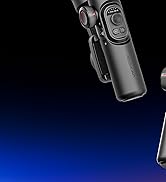
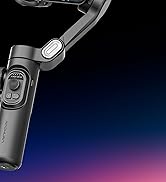
Smart XE Series Discounts

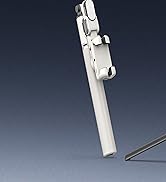
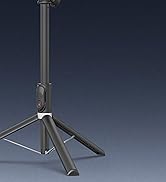
Smart M2 Series Discounts
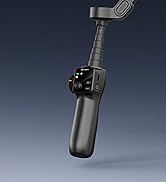
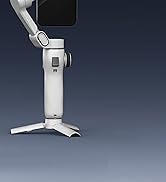
Smart V8
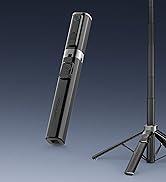
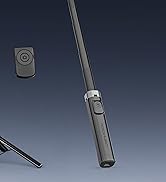
Smart M3

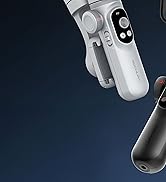
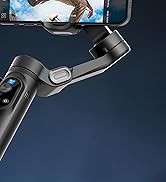
Smart XPRO Series Discounts
Smart X2 Series Discounts
AOCHUAN specialized in the smartphone, action camera, and camera videography stabilization. Since 2016, AOCHUAN has been providing series of advanced 3-axis gimbal stabilizers, camera accessories, plus friendly service to you to create amazing video contents. Our gimbal products are promoted in the global markets, including USA, Europe and Asia.
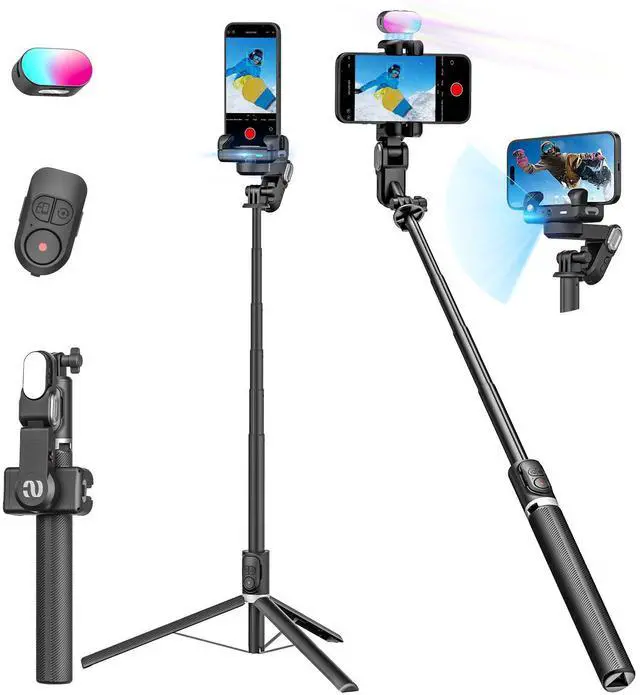
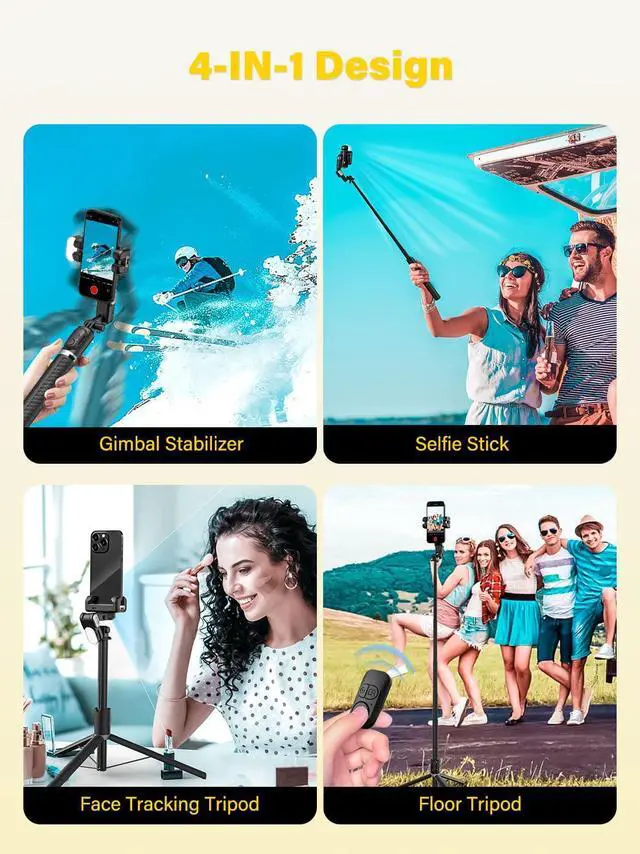
M2PRO 4-major shooting modes
AOCHUAN Smart M2PRO
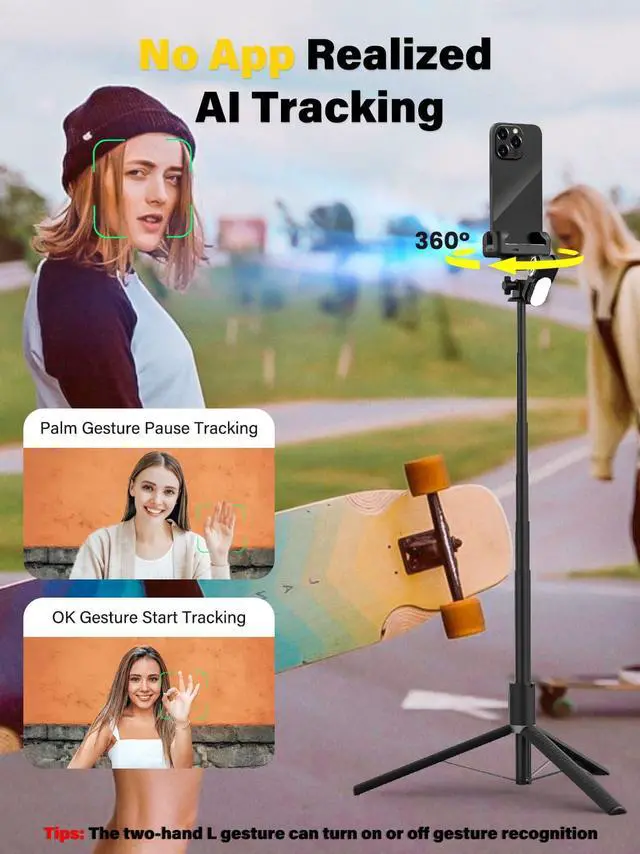
AI tracking mode
Turn on the stabilizer switch, gesture "OK" to the stabilizer to enter the tracking mode, and the stabilizer will automatically track and assist your shooting.
AOCHUAN Smart M2PRO
Stabilizer mode
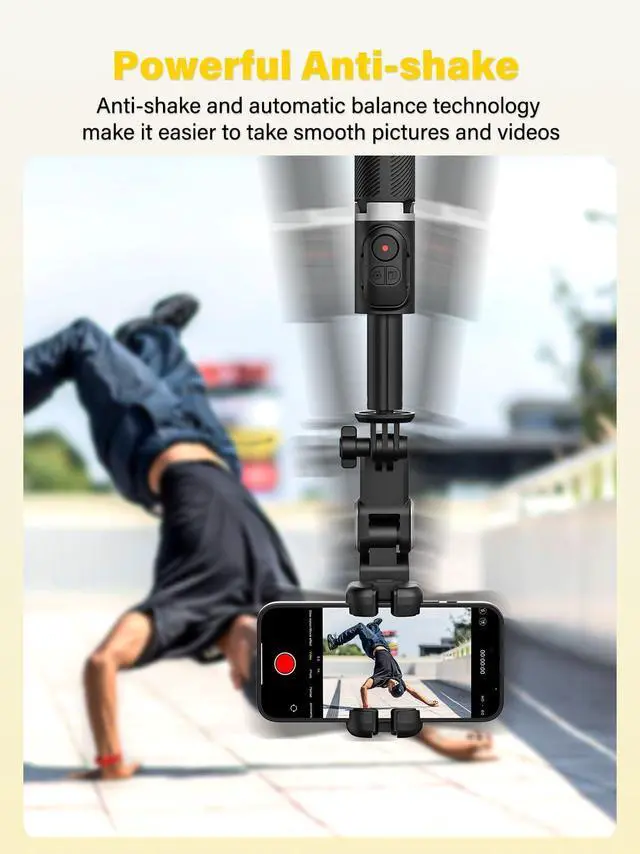
The stabilizer mode automatically adjusts according to the movement of the human body, and the output is more stable and high-quality video.Even in the case of strenuous exercise, you can get a stable video.
AOCHUAN Smart M2PRO
Floor tripod shooting mode
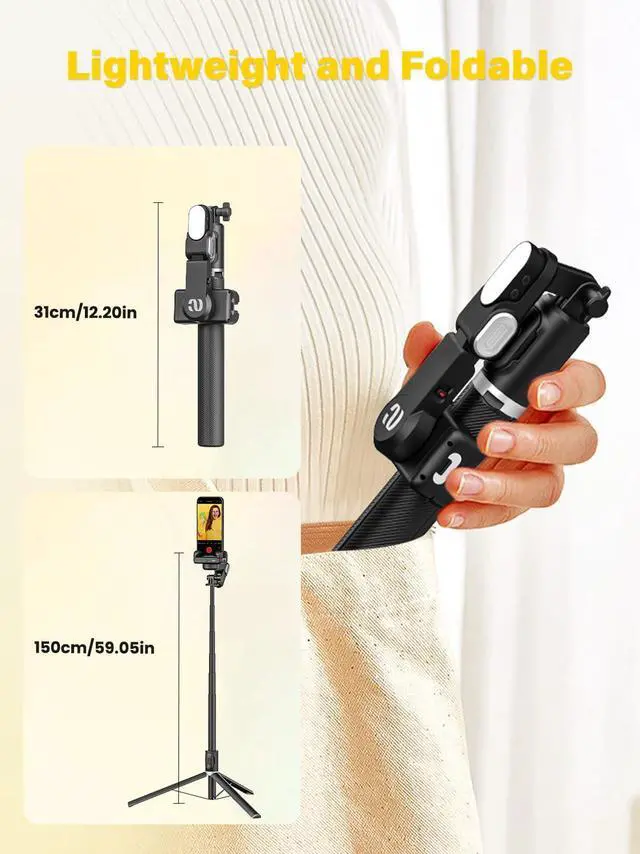
The stabilizer can be extended and placed on the ground to act as a remote control tripod for shooting. The stabilizer can be rotated and photographed 360° by remote control.
AOCHUAN Smart M2PRO
Selfie stick mode
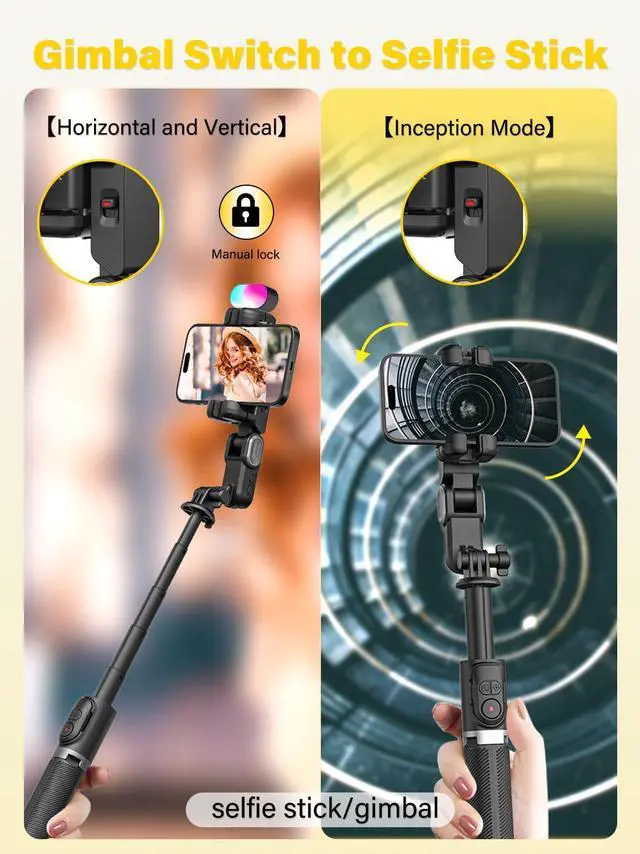
Extend the stabilizer and lock the stabilizer clip to turn it into a selfie stick mode, which can be used as a selfie stick to shoot through the Bluetooth remote control.


Instructions - Switching b/w 2 modes
AI Tracking Mode
Handheld Gimbal Mode


How to convert between M2Pro several modes?
Smart XE Series Discounts
Smart M2 Series Discounts
Smart V8
Smart M3
Smart XPRO Series Discounts
Smart X2 Series Discounts
AOCHUAN specialized in the smartphone, action camera, and camera videography stabilization. Since 2016, AOCHUAN has been providing series of advanced 3-axis gimbal stabilizers, camera accessories, plus friendly service to you to create amazing video contents. Our gimbal products are promoted in the global markets, including USA, Europe and Asia.