


- Free 30-day Returns
$60.78
Ships from China.
Sold by PeakCircuit Technology
Shipped by PeakCircuit Technology

Meet Your Seller

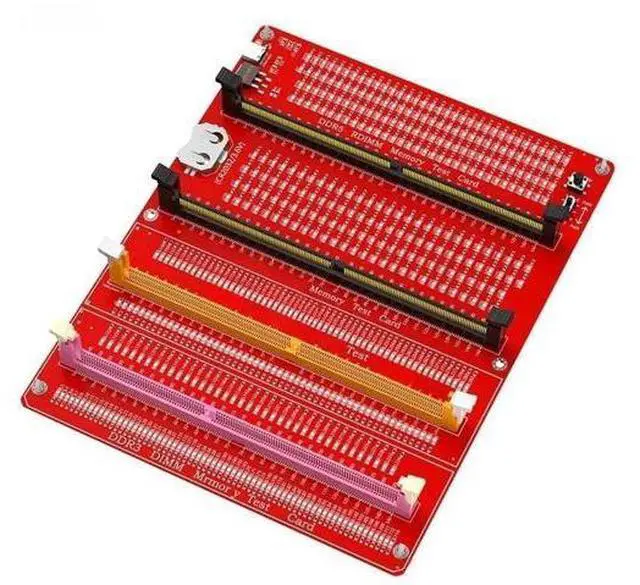
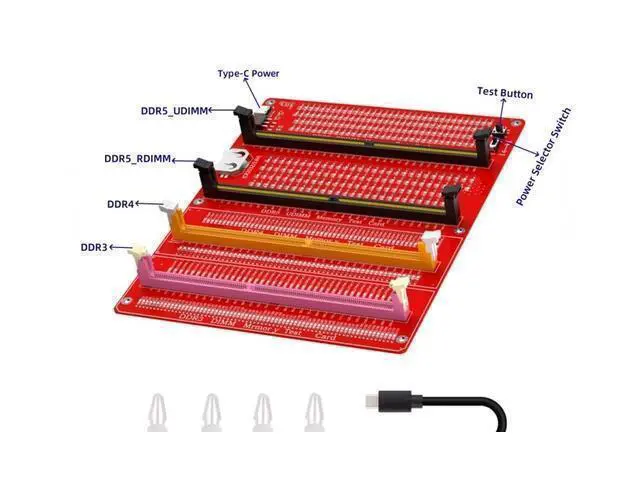
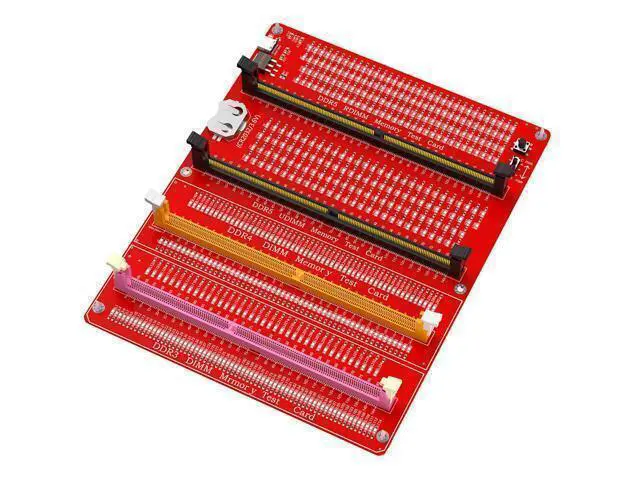
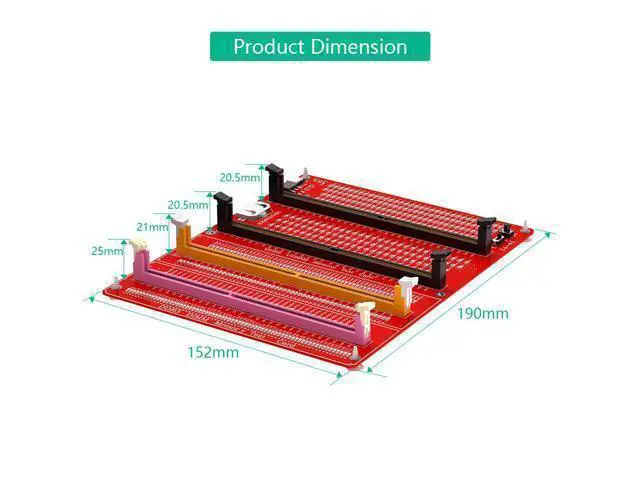
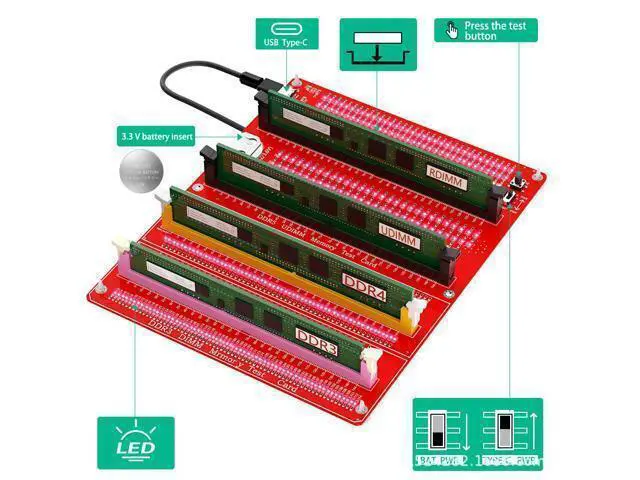
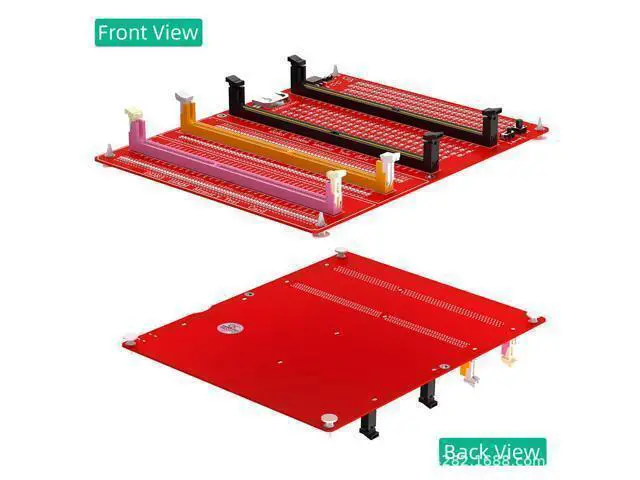
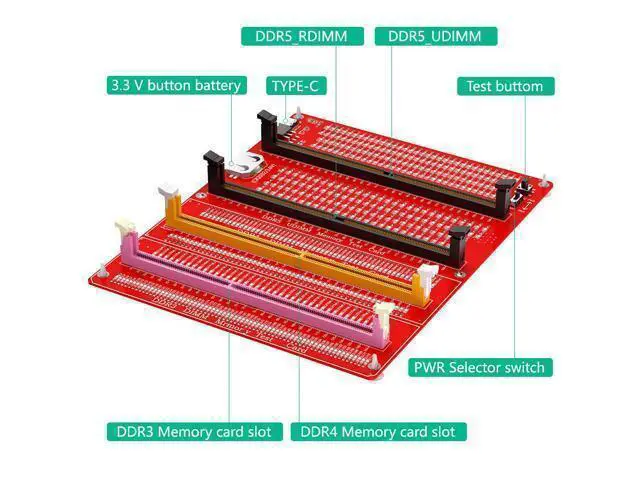


AJMRTC DDR3/4/5 RDIMM/UDIMM Memory Tester, LED Indicator, Type-C Power Supply, Test Button, Desktop Computer DDR3/4/5 Memory Test Card
- Supports DDR3/DDR4/DDR5 UDIMM (desktop) and RDIMM (server), with full specification coverage, compatible with mainstream brand memory, and one-stop maintenance/testing.; LED indicator light for intuitive diagnosis; Each pin is equipped with an independent LED light, which is normally on, flashes due to poor contact, and does not light up due to open circuit. It can locate faulty pins/particles at a glance without the need for professional knowledge.; Dual power supply+one button testing; Type-C power supply (5V)+CR2032 battery dual-mode; Equipped with an independent Test button, plug in the memory power on button, 3 seconds for quick detection.; Desktop/Server Universal; Compatible with desktop DDR3/DDR4/DDR5 UDIMM and server DDR5 RDIMM to solve memory related faults such as non boot, blue screen, splash screen, and frequent restarts.; Essential tools for maintenance/installation
+
+
Overview
Specs
Reviews
Supports DDR3/DDR4/DDR5 UDIMM (desktop) and RDIMM (server), with full specification coverage, compatible with mainstream brand memory, and one-stop maintenance/testing.; LED indicator light for intuitive diagnosis; Each pin is equipped with an independent LED light, which is normally on, flashes due to poor contact, and does not light up due to open circuit. It can locate faulty pins/particles at a glance without the need for professional knowledge.; Dual power supply+one button testing; Type-C power supply (5V) +CR2032 battery dual-mode; Equipped with an independent Test button, plug in the memory power on button, 3 seconds for quick detection.
; Desktop/Server Universal; Compatible with desktop DDR3/DDR4/DDR5 UDIMM and server DDR5 RDIMM to solve memory related faults such as non boot, blue screen, splash screen, and frequent restarts.; Essential tools for maintenance/installation
; Desktop/Server Universal; Compatible with desktop DDR3/DDR4/DDR5 UDIMM and server DDR5 RDIMM to solve memory related faults such as non boot, blue screen, splash screen, and frequent restarts.; Essential tools for maintenance/installation
Warranty & Returns
Warranty, Returns, And Additional Information
Warranty
- Please contact the Seller directly for warranty information. Warranty information may also be found on the Manufacturer's website.
- CONTACT
Return Policies
- Return for refund within: 30 days
- Return for replacement within: 90 days
- This item is covered by PeakCircuit Technology Return Policy
Manufacturer Contact Info
- For a directory of all our manufacturers, please click below.
- Manufacturers Directory
LOADING...