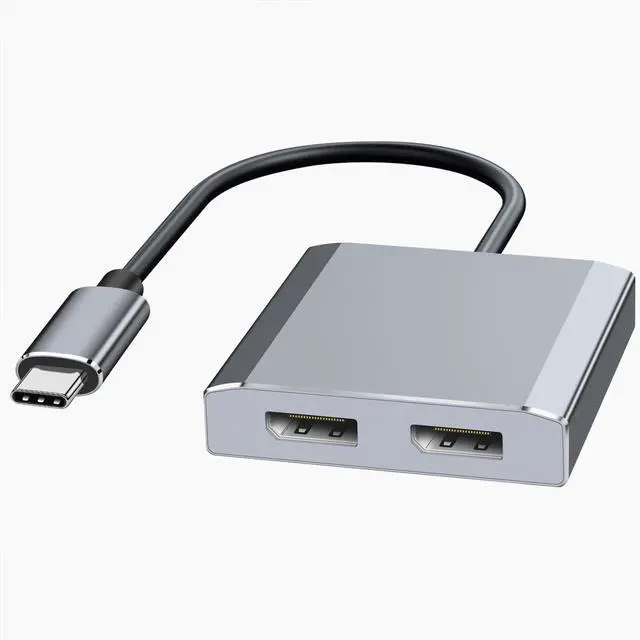
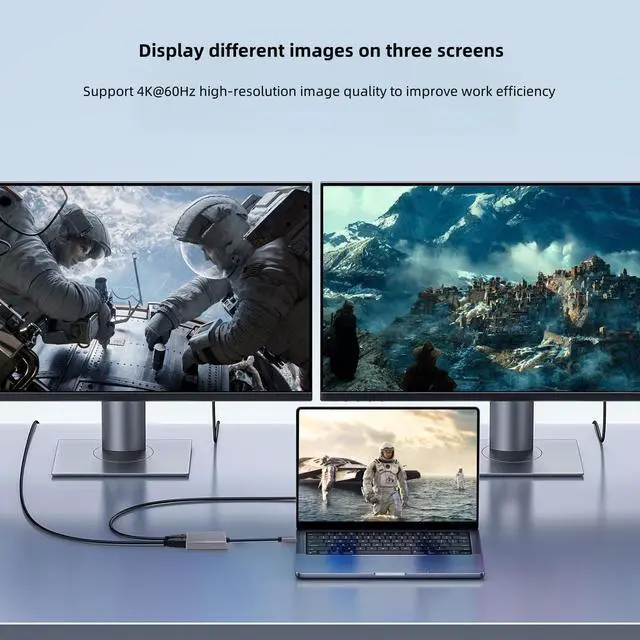
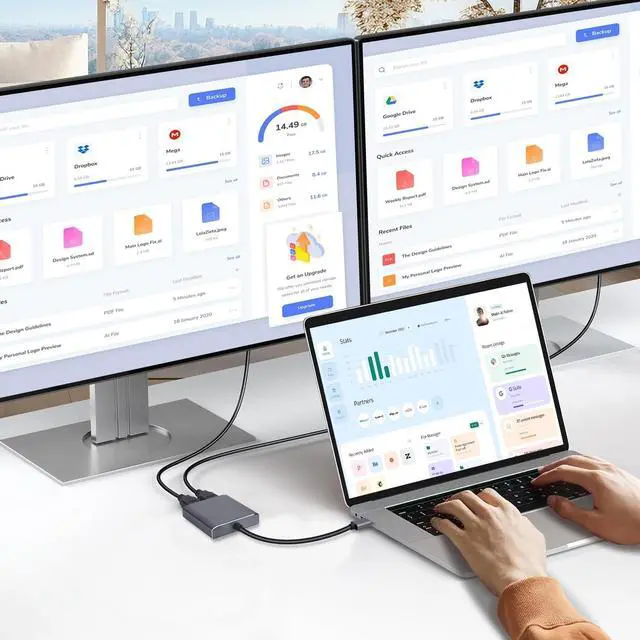
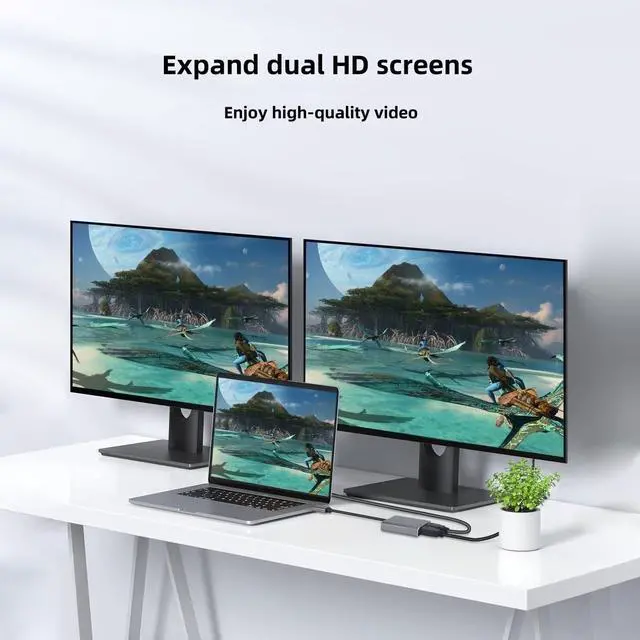
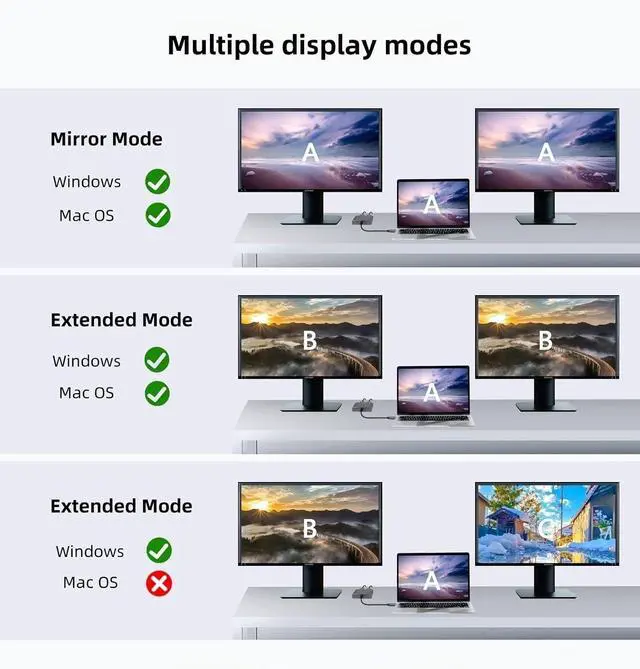
USB-C to Dual DP Ports Adapter- Attention: For Mac OS, it ONLY Mirror Mode, Can't extend two different Screen, due to Mac OS limitation; Connect device with USB Type C (tunderbolt 3) port to two external monitors with 4K DP output; Windows System supports both SST and MST mode (AAA, ABB, ABC) . on macOS, only the duplicate modes (AAA and ABB) are supported. (Note: Please ensure that your USB C port supports video output (DP Alt mode)
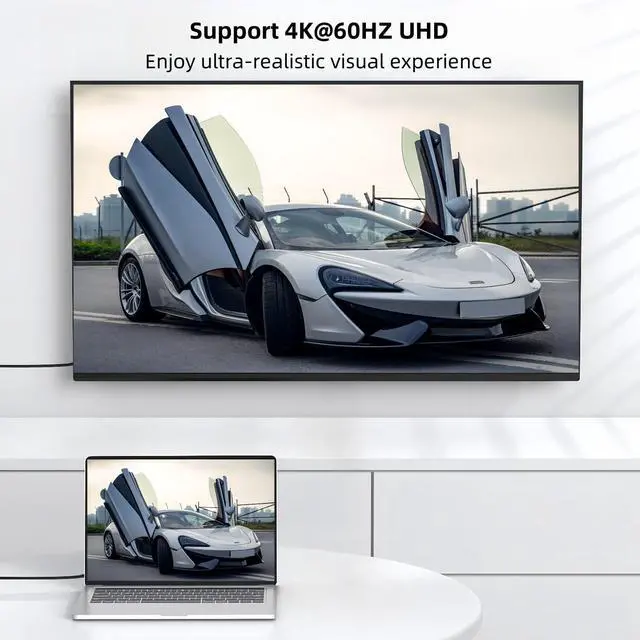
4K@60Hz UHD Visual FeastWith resolutions up to 4K@60Hz, this USB C to DisplayPort splitter delivers UHD high-definition content directly to dual 4K DP displays; the dual-monitor USB-C adapter also supports 1440p and 1080p@60Hz resolutions provided by DisplayPort MST technology; use this USB-C to 2 DP adapter gives you HD video without any delay. (IMPORTANT: Make sure the device supports 4K resolution, make sure to use a DP2.0 or better cable)
Wide compatibilityFirst of all, please make sure your USB-C port laptop or PC supports Thunderbolt 3/4 or Display Output Mode (DP Alt Mode).The USB C Dual monitor adapter works perfectly with devices that support video output, such as De-ll XPS 13/15/17,HP Spectre x2/HP Spectre x360,Len-ovo Yoga 720/910/920/930,Surface Pro 7/X/Go/Laptop 3, etc.Please do not connect to other docking stations or hubs.
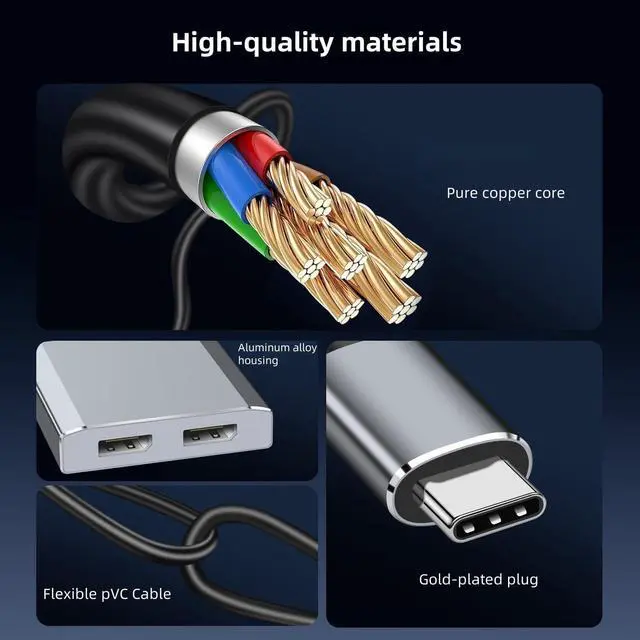
Excellent StabilityBuilt-in advanced IC chip converts USB-C digital signal to DisplayPort signal. Nickled-plated connector ensures secure high-speed data transmission free from interference and the uni-body molding makes it unbreakable. Aluminum case dissipates heat efficiently for longer term use. Thicker copper wire distinctively minimizes signal loss with maximum conductivity.Plug and play; no drivers required.
Worry-FreeYou will get 1*USB Type C to Dual Display Port Splitter.Our professional brand XinYaa is committed to providing unique, affordable and high quality products and services, for this reason we provide 24 months worry-free product warranty and professional technical support, if you encounter any problems in use (e.g.: doesn't work, how to set it up, etc.). Please do not hesitate to tell us.