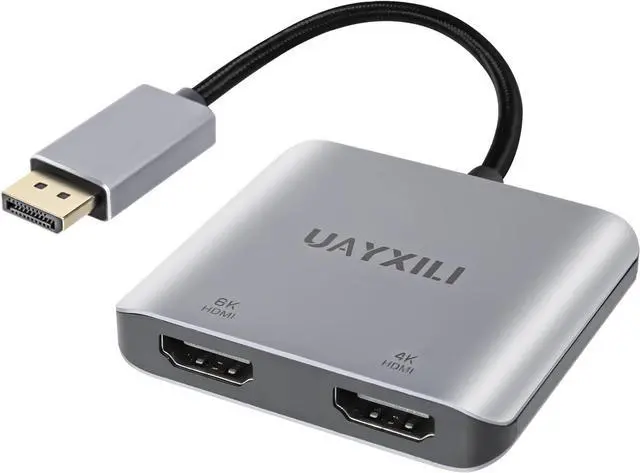
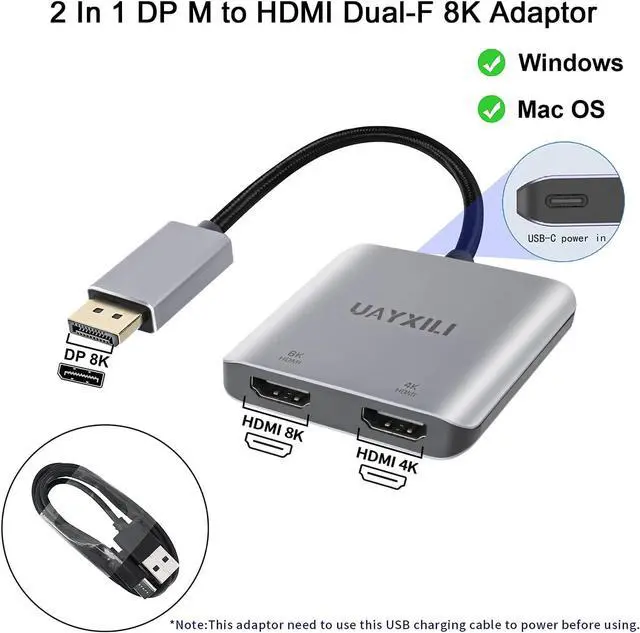
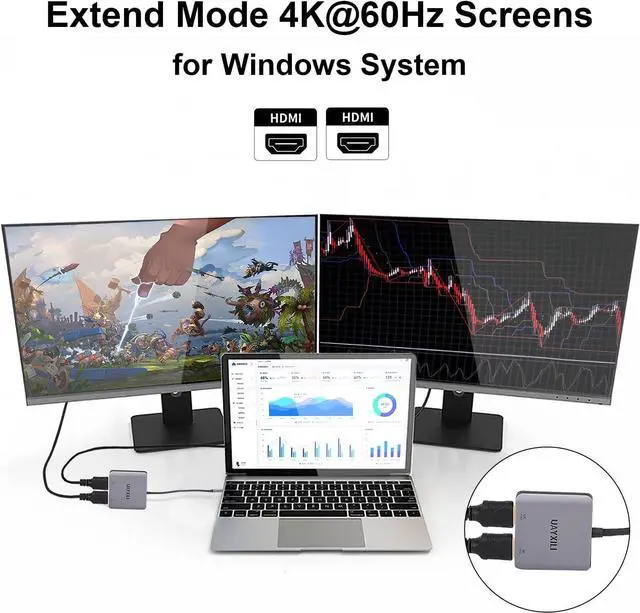
This DisplayPort to Dual HDMI Adapter is plug and play, no drivers to install.When in use, it is essential to strictly follow the sequence of operation steps; otherwise, it cannot be used.Usage Step: 1,Plug the male DP connector into the source device (PC, laptop, graphics card); Step 2,connect the included power cable to provide 5V/1A current; Step 3,Connect the 2 HDMI females to the monitor via HDMI cable range.The usage step must be Note:1. Cannot be used with any hub/docking station/KVM2.Before using it must connect the USB-C power cable first,or else with out power it can't work.
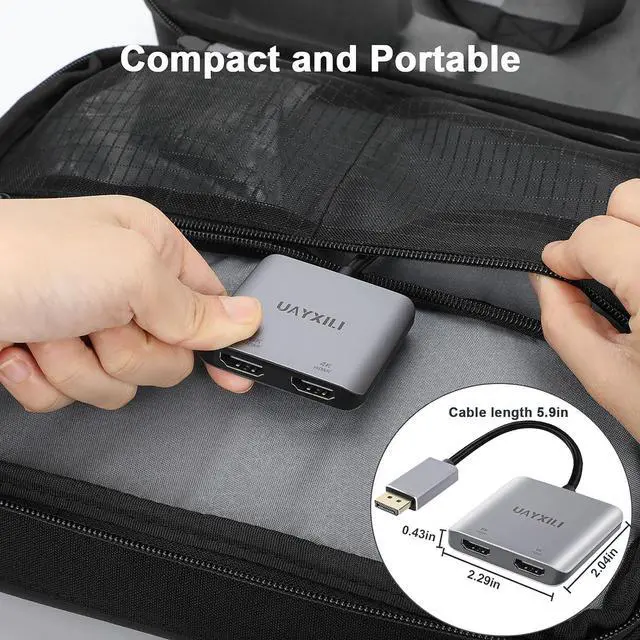
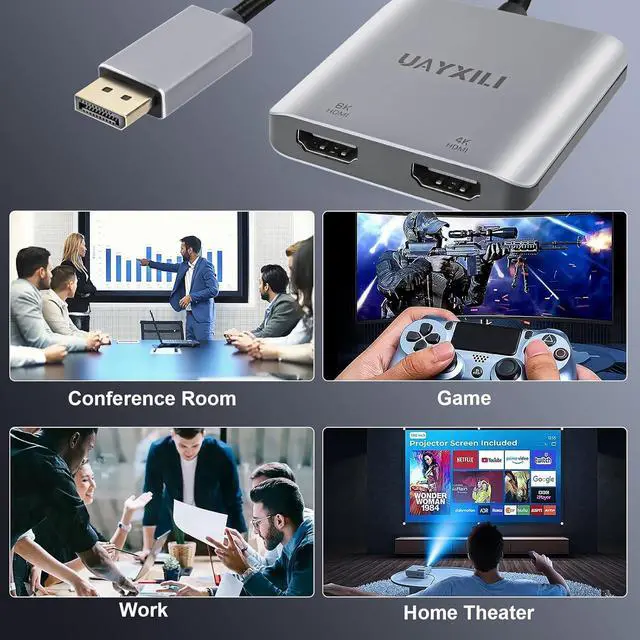
DP to dual HDMI adapter:This UAYXILI Displayport to dual HDMI MST hub, you can easily extend your laptop's connectivity options by adding 8K30Hz HDMI ports. It support connecting 2 monitors on laptop or PC, providing you the convenience of an expanded or mirrored display. This DP to dual HDMI is made from aluminum alloy case with mini size, so its very portable, which it is a idea choice for work and travel.
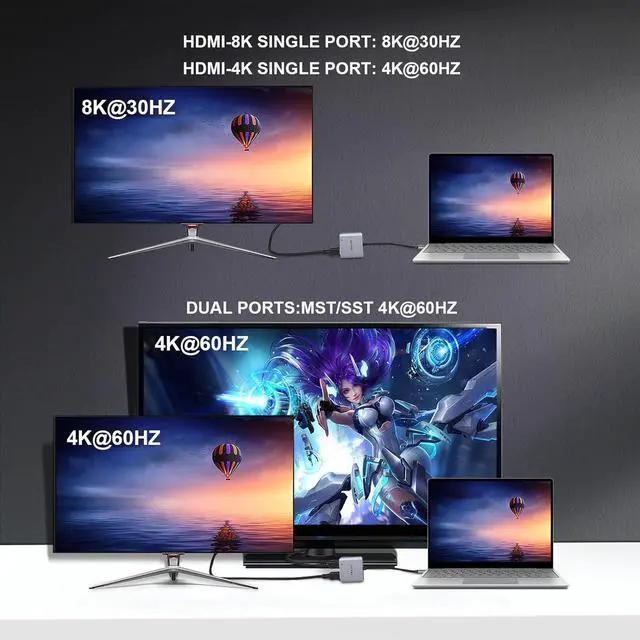
Dual 4K HDMI Expansion: Using this Displayport to dual HDMI splitter, you can achieve a maximum resolution of 8K@30Hz or 4K60Hz with a single HDMI connection. Additionally, you can connect to two monitors simultaneously and display at 4K@60Hz. The final resolution depends on the device used, but it provides colorful and visually enjoyable 4K Ultra HD quality. *Note: 1.The adapter only from one DP source to two HDMI monitors 2.The HDMI display output must achieved the corresponding resolution.
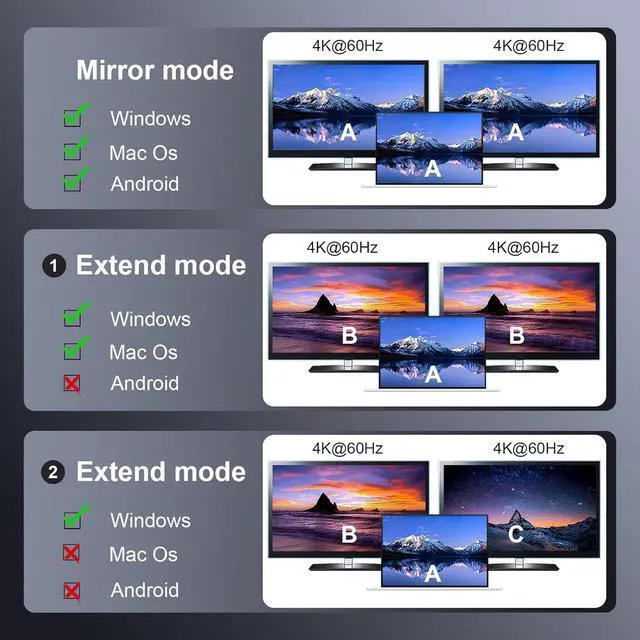
Mirror Mode and Extended Mode:dual HDMI ports supports both extended and mirror modes. It can easily connect a source device(desktop/laptop/graphics card) equipped with DP/DP++/DisplayPort++ to dual HDMI displays. Windows OS supports both MST(A+B+C) and SST(Mirror Mode A+A+A/A+B+B), while macOS only supports SST (Mirror Mode A+A+A/A+B+B). Please note: 1For extended display mode, ensure your graphics driver is up to date.
Wide Compatibility: This MST hub is compatible with both Windows and Mac OS.Note: Mac OS does not support MST(A+B+C) technology, so when used with Mac OS, it will display two mirrored screens instead of two independent displays.