Item Type: Mini Gaming Keypad
Material: Acrylic, Printed Circuit Board
Application: Suitable for Office, Games, Music, Media, Industrial Control, Laboratory, Production Line Testing and Other Fields
System Supported: For Win, for Vista, for Linux, for OS X Laptop
Key Life: Over 50 Million Times
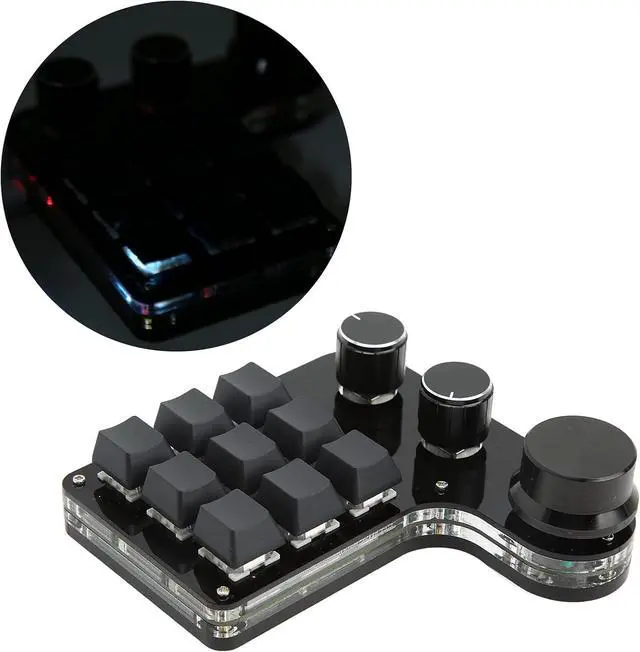
Light: RGB Backlit
Switch: Dustproof Blue Switch
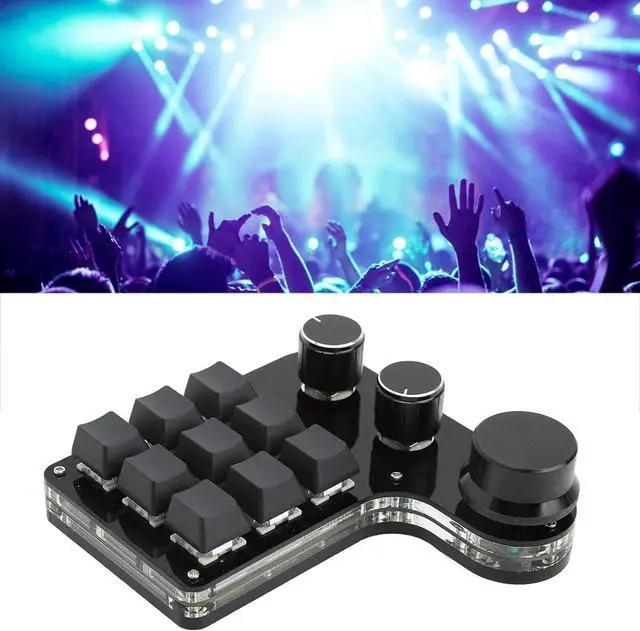
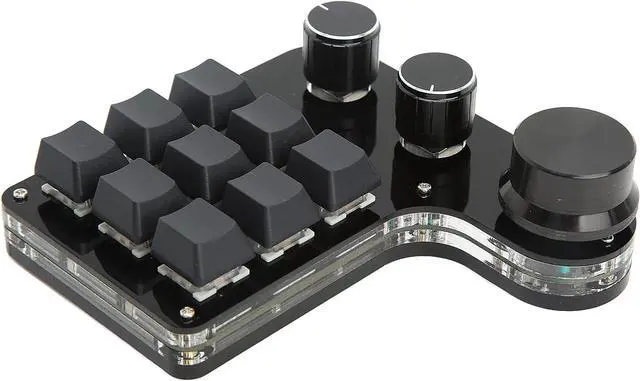
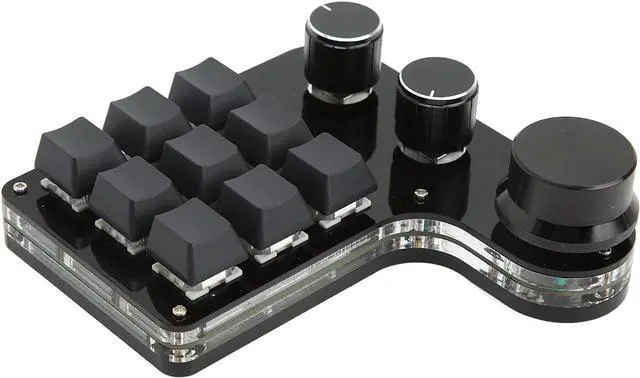
Number of Key: 9
Operating Temperature: Minus 10 to 50
Product Size: Approx. 120 x 115 x 38mm / 4.7 x 4.5 x 1.5in ( Manual Measurement, Slight Error May Exist )
Package List:
1 x
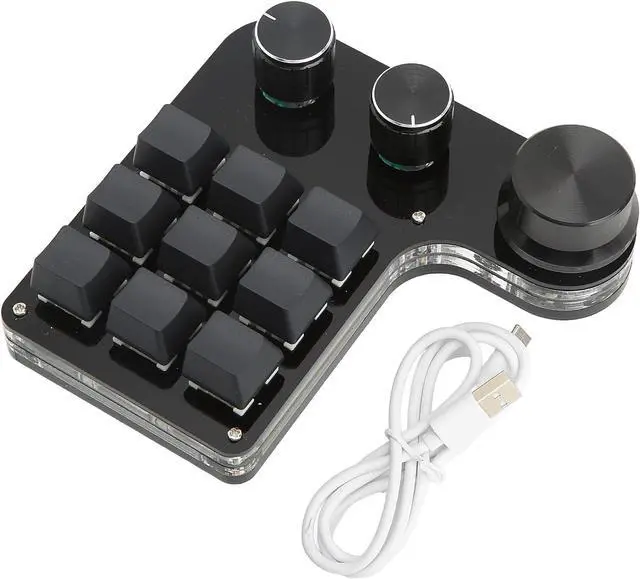
Mini Gaming Keypad1 x USB Cable
How To Use:
1. Small keyboard, open the custom software on the computer;
2. On the custom software, click the key setting area or Knob setting area (yellow area) and then click the key KEY1 to KEY12 or any key of knob 1 or knob 2 (green area) to be set. If selected, it will display red.
3. Click the function key corresponding to the simulated keyboard on the custom software, click download, download successfully, our custom keypad can be used. For example, I want to set the small keypad key 1 as the shortcut key of copy (Ctrl+C), click key setting area on the software, click KEY1 and then click Ctrl and C on simulated keyboard in software, click Download, and the download is successful
Common troubleshooting:
Problem 1: When the keyboard is connected to the computer, there is no response or a message indicating that the device is running abnormally. Solution: Check whether the cable and interface are connected properly, and remove and reinsert them. Replace the USB port on the computer and plug it back in.
Problem 2: The custom software cannot be opened after being downloaded.
Solution: Check whether the antivirus software intercepts the operation and set it as a trusted file.
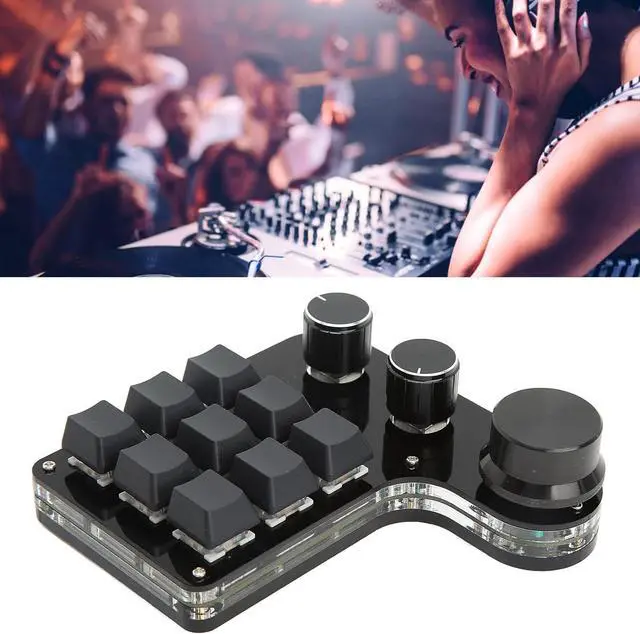
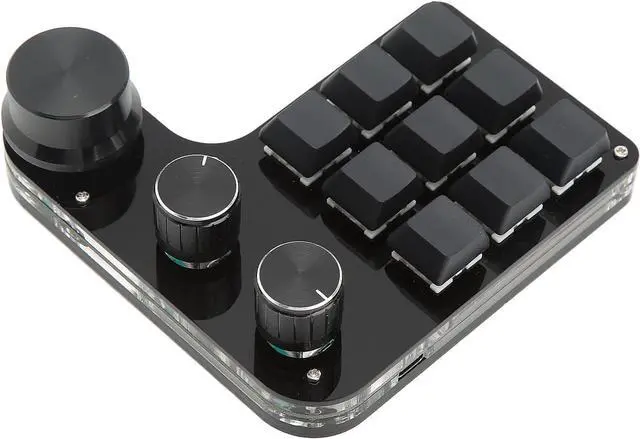
RGB Backlit Mini Gaming Keypad 9 Key 3 Knob Blue Switch Programmable Suitable for Office Games Music Media Industrial Control Laboratory Production Line Testing Mini Keypad


 We‘re shipping as usual! The Canada Post strike only affects certain remote deliveries and PO Boxes. Details
 Holiday Shipping Details & Extended Holiday Returns


