How to connect the Bluetooth keyboard?
1. Open the case, and insert the tablet into the case.
2. Dial ON/OFF button on right direction for opening keyboard, press FN+C into wireless matching condition.(The Bluetooth light blinks slowly)
3. Open bluetooth on device, search keyboard name(Bluetooth Keyboard ) for matching device to keyboard
4. Click the "Bluetooth Keyboard to connect, finish.
Product Features:
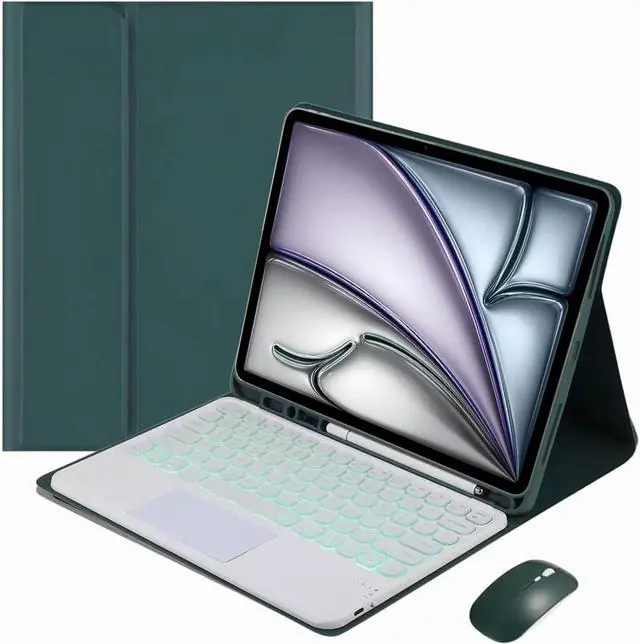
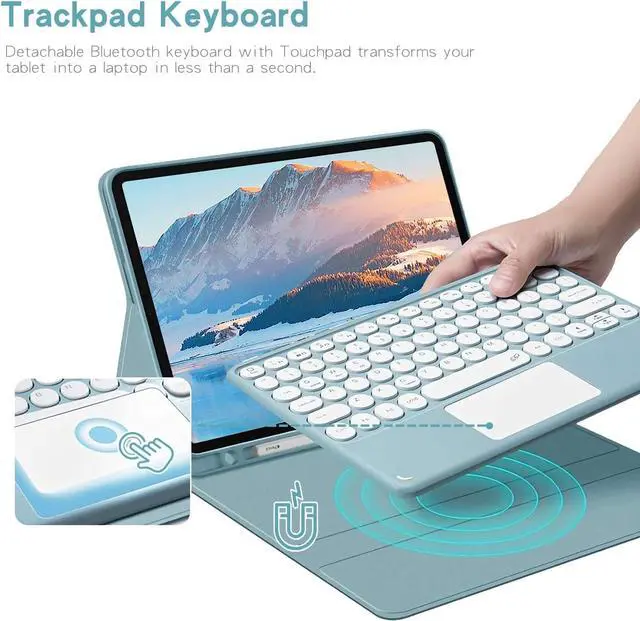
Magnetic Removeable Keyboard
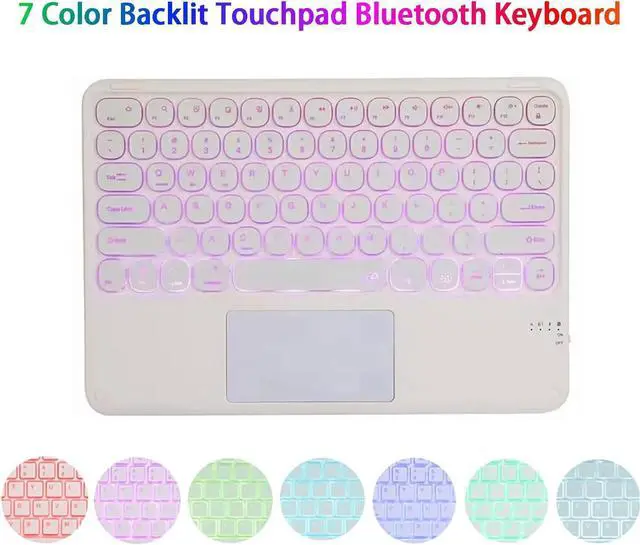
7 Color Backlit
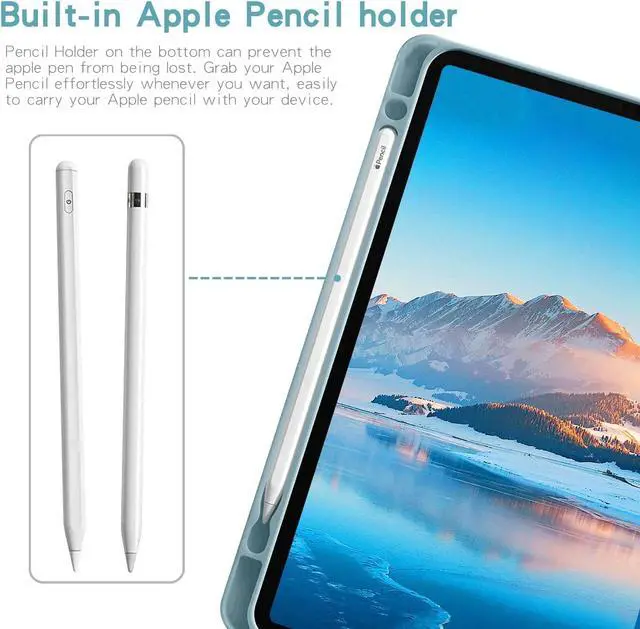
Built-In Pencil Holder
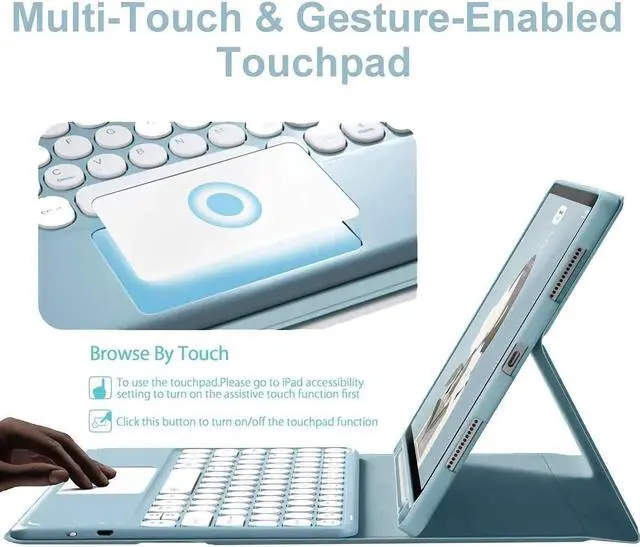
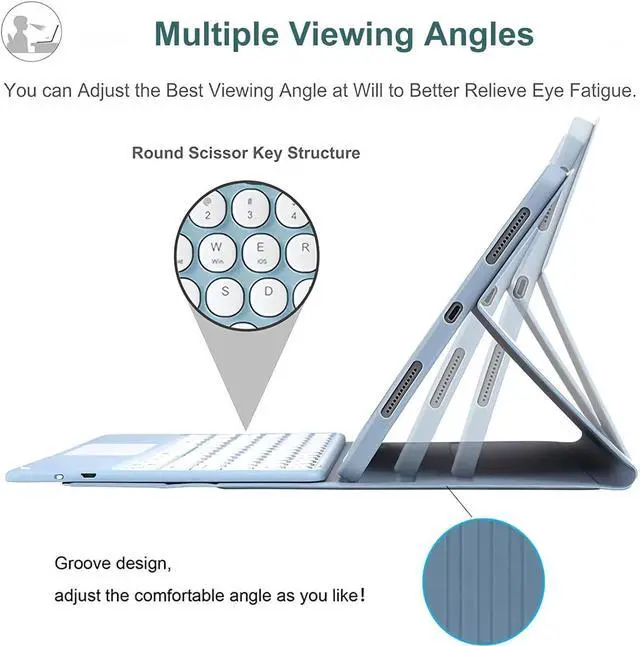
Multiple Viewing Angles
Support Auto Sleep/Wake
Precise Cutouts & Full Body Protection
Slim PU Lightweight
Better Heat Dissipation
Package Contents:
1 * Wireless Touchpad Keyboard
1 * Tablet Cases
1 * Charging Cable
1 * User Manual
After-sale guarantee:
has a variety of styles and models for you to choose from. Please confirm your device before purchasing. If you have any problems or need to return an item, please contact us directly via email and we will promptly answer your questions and process your return or refund. (Returns are free and at no cost to you).


 We‘re shipping as usual! The Canada Post strike only affects certain remote deliveries and PO Boxes. Details
 Holiday Shipping Details & Extended Holiday Returns


