


- Free 30-day Returns
$77.00
Ships from China.

Meet Your Seller

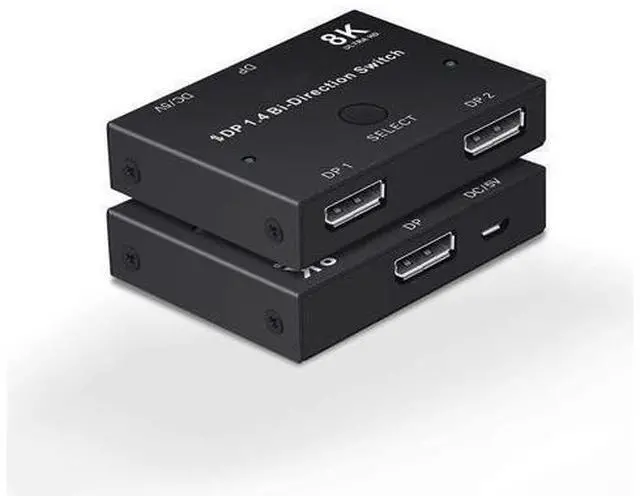


BUCIER 8K Displayport 1.4 Switch, Bi-Directional 1in 2 Out or 2in 1out DP 1.4 Switcher Converter Supports 8K@30Hz 4K@120hz 2K@144hz for Dual DP Sources or Displays
Limited time offer, ends 11/01 By Warm Cozy Harbor
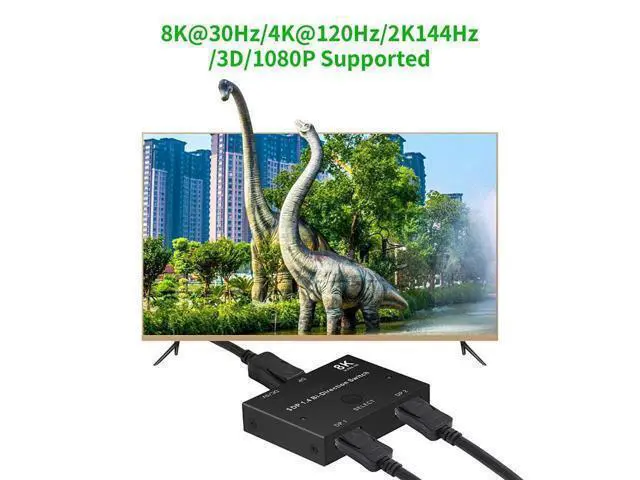
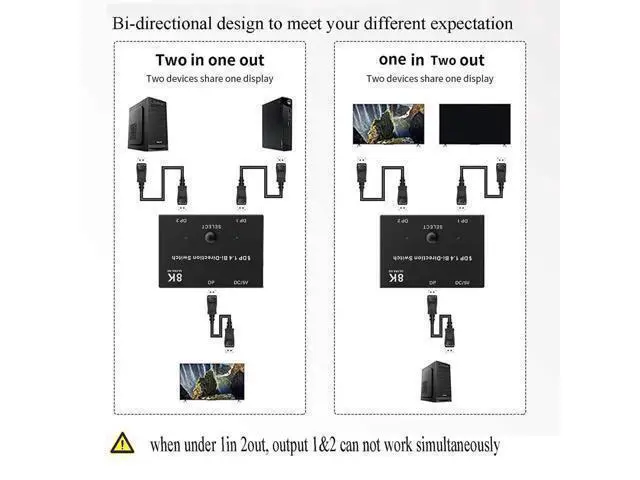
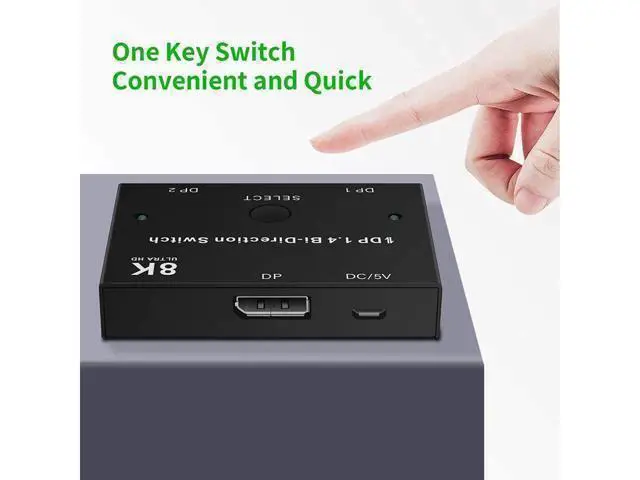
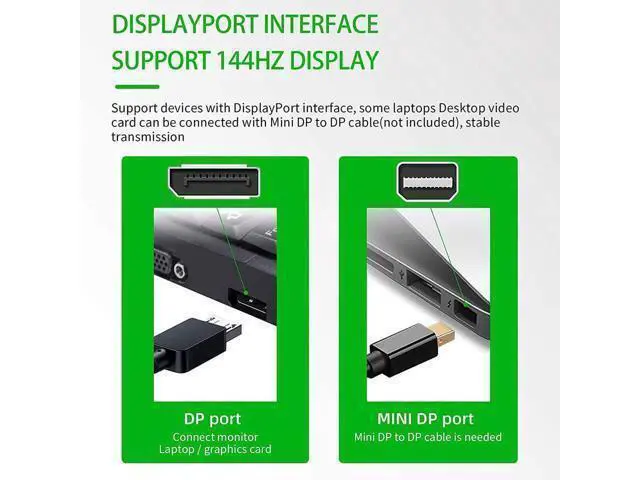
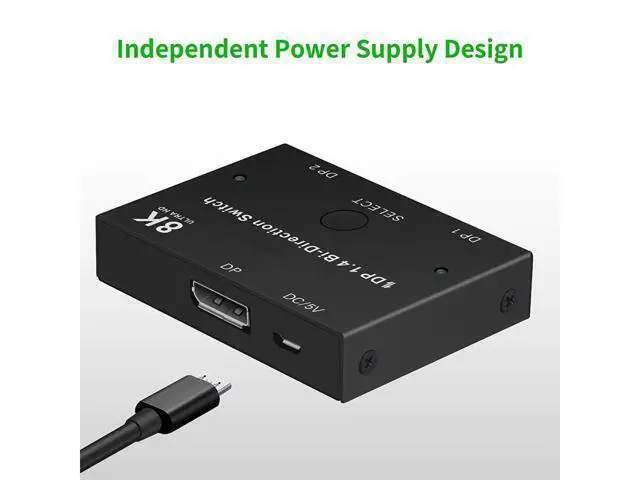
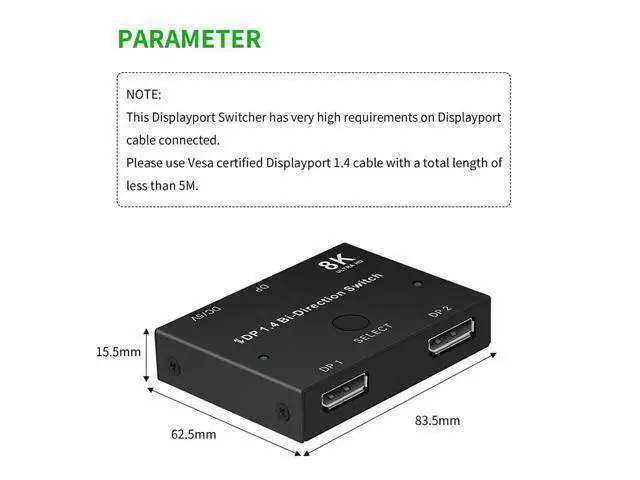
- Bi-Directional Displayport 1.4 swtich works for 1in 2out or 2in 1 out at 8K@30Hz, 4K@120Hz. Bi-directional design to meet your different office or entertainment expectation. Practical and powerful than those dp 1.0 swtich or only support 2in 1out switch. (this is a swtich,not a splitter, when under 1in 2out, 2out of switch can not display simultaneously); Parameter Info Audio Video Synchronization, Bandwidth 32.4Gbps, resolution up to 8K@30Hz, 4K@120Hz, 2K@144Hz, 1080P@240Hz. Also 3D resolution and HD audio, HDR, 32 channels sound effect, And back compatible with all DP standard. To enjoy best visual effect, you need to use standard dp 1.4 cable; Plug and PlayUpgraded chip used and no more power cable need for daily uses. Just plug in qualified dp cables, then press the button to select signal or display, the LED light will show you which port is active. Simple but effective.(for long time running, please plug in power cable to enable a stable power supply)
+
+
Overview
Specs
Reviews
Bi-Directional Displayport 1.4 swtich works for 1in 2out or 2in 1 out at 8K@30Hz, 4K@120Hz. Bi-directional design to meet your different office or entertainment expectation. Practical and powerful than those dp 1.0 swtich or only support 2in 1out switch. (this is a swtich, not a splitter, when under 1in 2out, 2out of switch can not display simultaneously); Parameter Info Audio Video Synchronization, Bandwidth 32.4G bps, resolution up to 8K@30Hz, 4K@120Hz, 2K@144Hz, 1080P@240Hz. Also 3D resolution and HD audio, HDR, 32 channels sound effect, And back compatible with all DP standard.
To enjoy best visual effect, you need to use standard dp 1.4 cable; Plug and PlayUpgraded chip used and no more power cable need for daily uses. Just plug in qualified dp cables, then press the button to select signal or display, the LED light will show you which port is active. Simple but effective. (for long time running, please plug in power cable to enable a stable power supply)
To enjoy best visual effect, you need to use standard dp 1.4 cable; Plug and PlayUpgraded chip used and no more power cable need for daily uses. Just plug in qualified dp cables, then press the button to select signal or display, the LED light will show you which port is active. Simple but effective. (for long time running, please plug in power cable to enable a stable power supply)
Warranty & Returns
Warranty, Returns, And Additional Information
Warranty
- Please contact the Seller directly for warranty information. Warranty information may also be found on the Manufacturer's website.
- CONTACT
Return Policies
- Return for refund within: 30 days
- Return for replacement within: 90 days
- This item is covered by Warm Cozy Harbor Return Policy
Manufacturer Contact Info
- For a directory of all our manufacturers, please click below.
- Manufacturers Directory
LOADING...