
Your Browsing History
- Free 30-day Returns
$49.99
Ships from United States.

Meet Your Seller

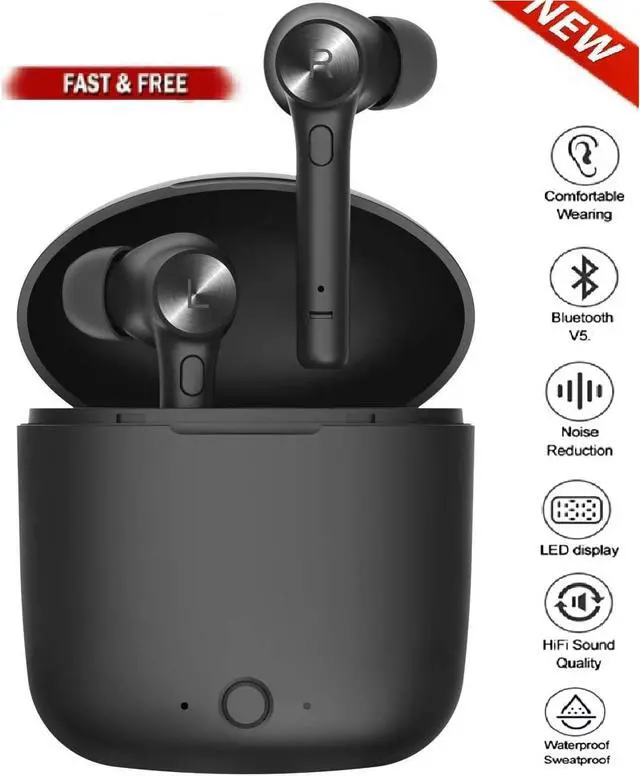
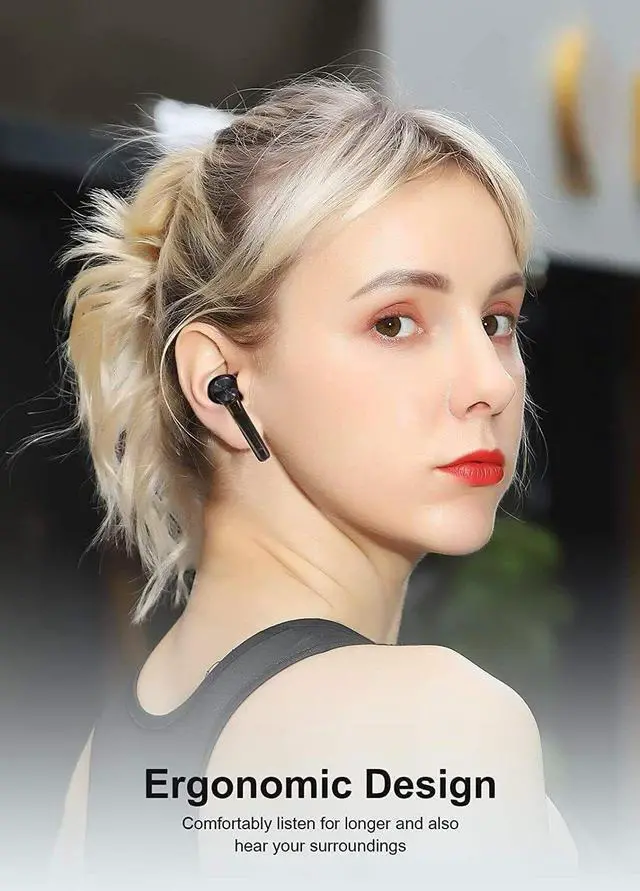
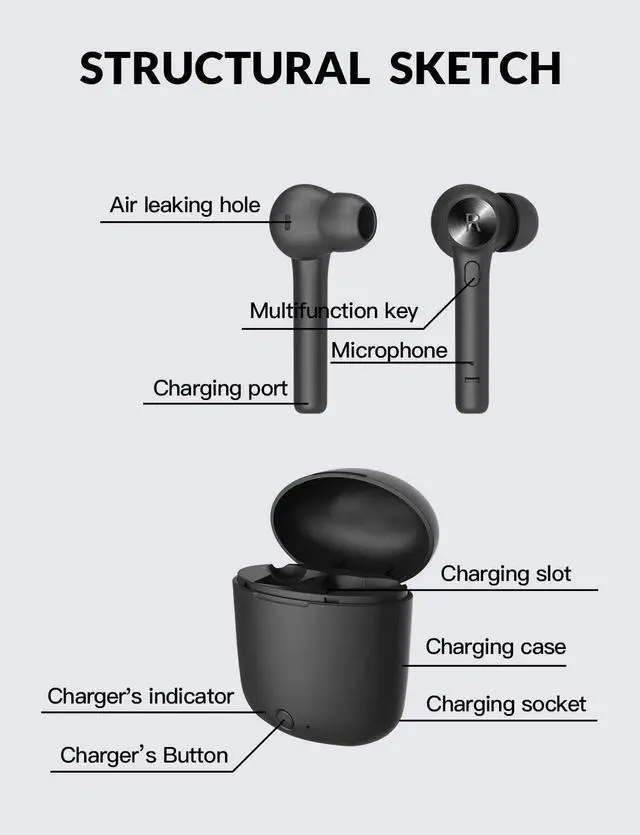
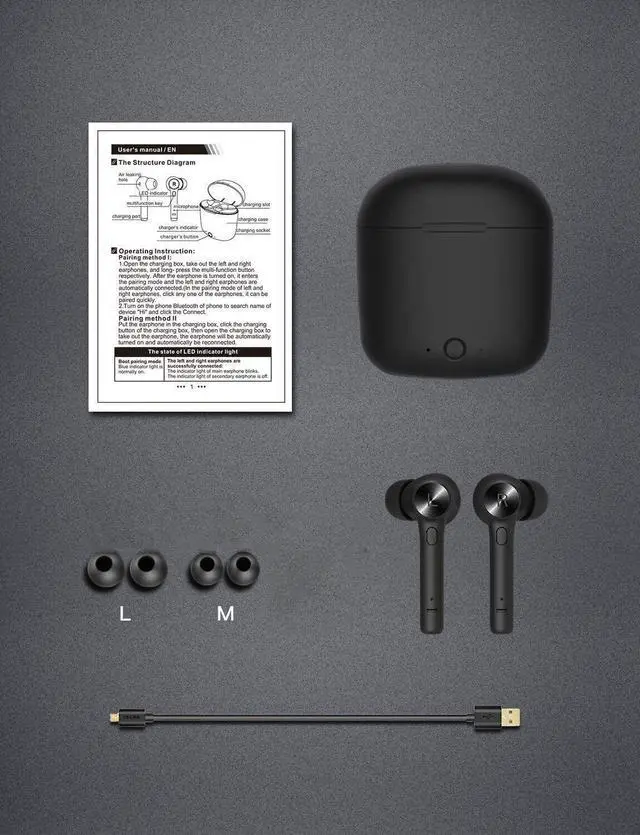


Bluetooth Waterproof Headset TWS 5.0 Wireless Earphone Earbuds Headphones Stereo
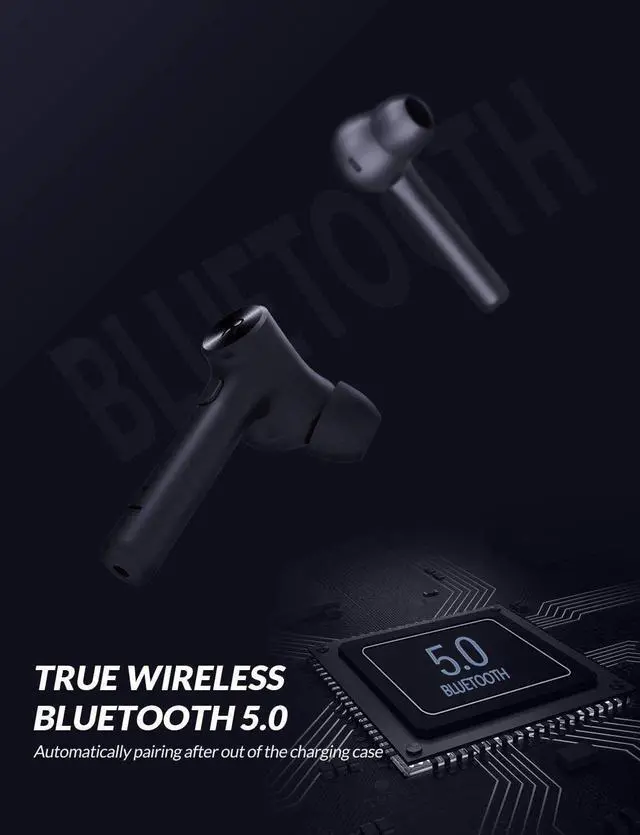
- Bluetooth 5. 0 & Superior Sound Quality- Bluedio Hi Wireless Earbuds adopt the most advanced Bluetooth 5.0 technology. Support A2DP, HSP, HFP, AVRCP. 13mm dynamic speakers(Biggest Driver on the earphones Market At Present) and noise isolation deliver clear and flawless in-ear call quality.
- One-step Pairing- Automatic system gives you a hassle-free experience when pairing and connecting to your devices. All you need to do just take them out from the case and turn on the left and right earbuds, two earbuds will connect automatically, put them on and you are ready to immerse in your music world.
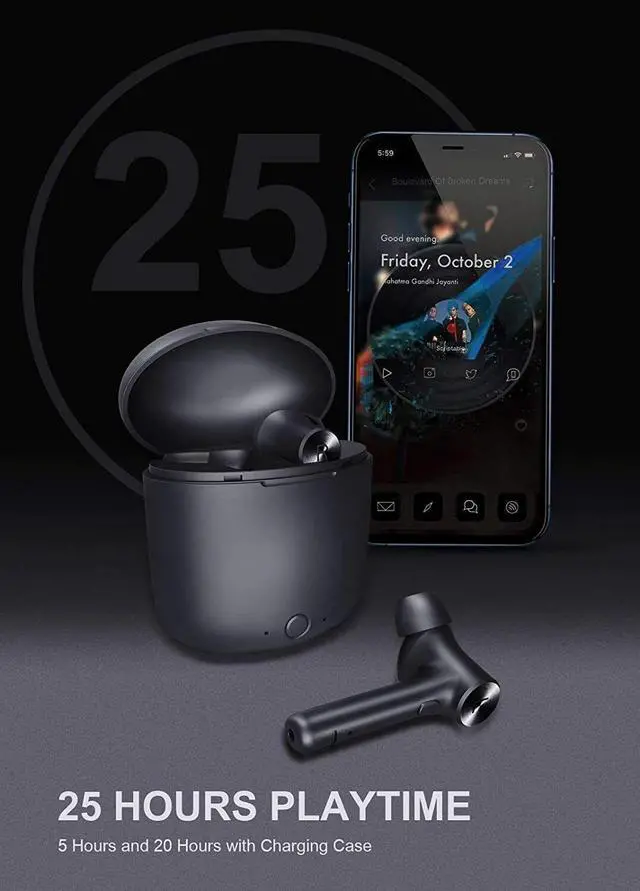
- 20Hrs Play Time with Portable Charging Case- The charging case holds roughly 4 full charges and each charge works for roughly 5 hours. About 1-hour charging you can make the earbuds battery from died to full charge, and only 2 hours for charging case.
+
+
Overview
Specs
Reviews
Bluetooth Waterproof Headset TWS 5.0 Wireless Earphone Earbuds Headphones Stereo
Operation Tips
Auto Power On and Pairing with Phone
First step - Open the charging case, long-press the multi-function button respectively, click any one of the earphones, the two earphones can be paired quickly.
Second step-turn on the blutooth of your phone and choose "Hi"
After First Pairing
Put the earphones in the charing case, click the charing button of charing box
Then open the charing box to take out the earphones, they will be turned on and reconnected automaticall
How to do if only one earphone has sound or the other earphone does not be connected?
Firstly, long-press the multi-function button to turn on the earphones, press the multi-function button for three times, the earphones will be turned down automatically,
Secondly, put the two earphones back into the charing box, close the the cover, click the charing button of charing box, clear the pairing imformation
Restart the earphones and turn on the Bluetooth of phone for Bluetooth pairing
Operation Tips
Auto Power On and Pairing with Phone
First step - Open the charging case, long-press the multi-function button respectively, click any one of the earphones, the two earphones can be paired quickly.
Second step-turn on the blutooth of your phone and choose "Hi"
After First Pairing
Put the earphones in the charing case, click the charing button of charing box
Then open the charing box to take out the earphones, they will be turned on and reconnected automaticall
How to do if only one earphone has sound or the other earphone does not be connected?
Firstly, long-press the multi-function button to turn on the earphones, press the multi-function button for three times, the earphones will be turned down automatically,
Secondly, put the two earphones back into the charing box, close the the cover, click the charing button of charing box, clear the pairing imformation
Restart the earphones and turn on the Bluetooth of phone for Bluetooth pairing
Warranty & Returns
Warranty, Returns, And Additional Information
Warranty
- Please contact the Seller directly for warranty information. Warranty information may also be found on the Manufacturer's website.
- CONTACT
Return Policies
- Return for refund within: 30 days
- Return for replacement within: 30 days
- This item is covered by LEAPTOP Return Policy
Manufacturer Contact Info
- For a directory of all our manufacturers, please click below.
- Manufacturers Directory
LOADING...