



Meet Your Seller

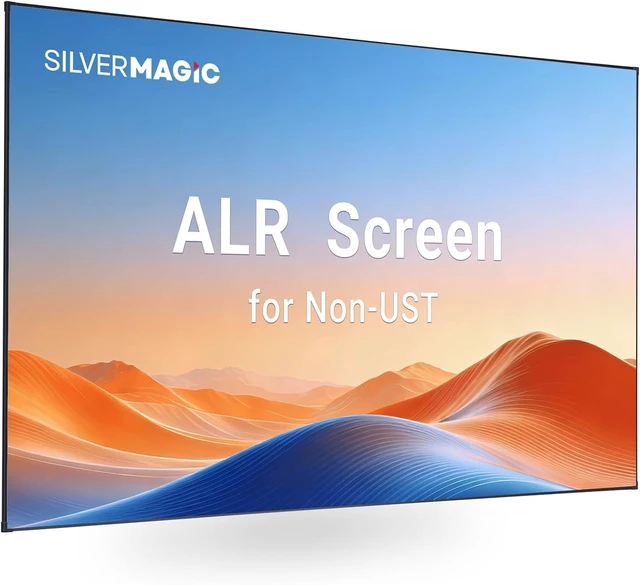
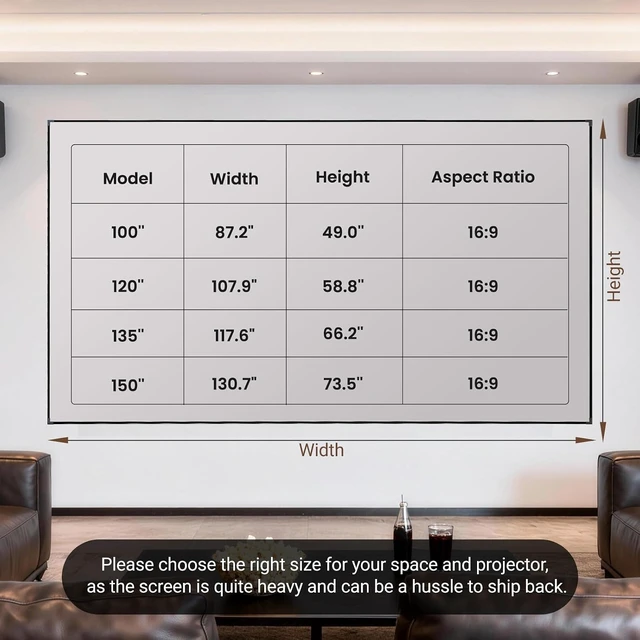


ALR Projector Screen for Standard Throw (Non-UST) with Fixed Frame by SilverMagic - Indoor Wall-Mounted Gray Screen for Home Theater/Living Room/Patio/Office/Classroom - 100 inch 16:9
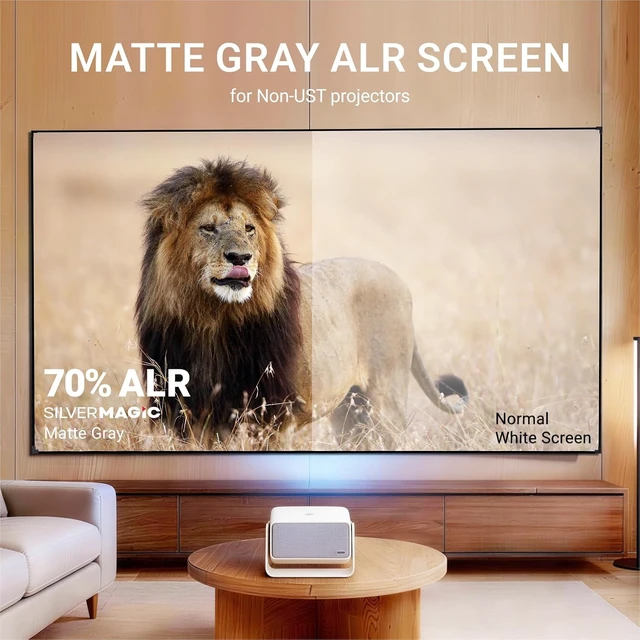
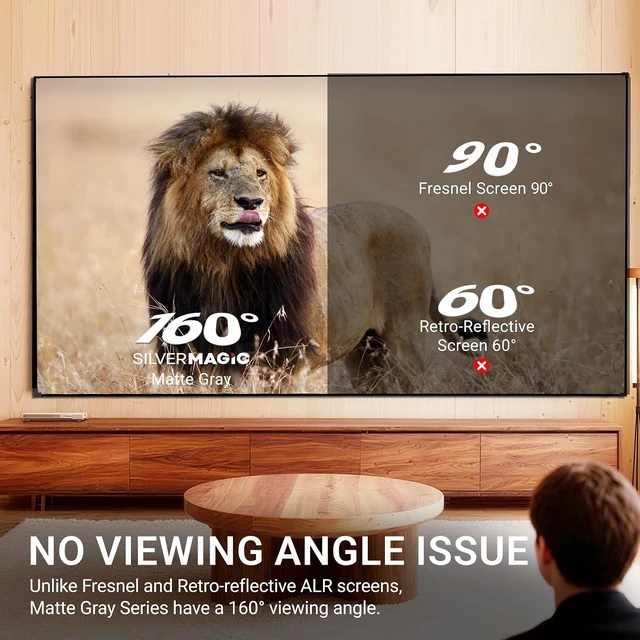
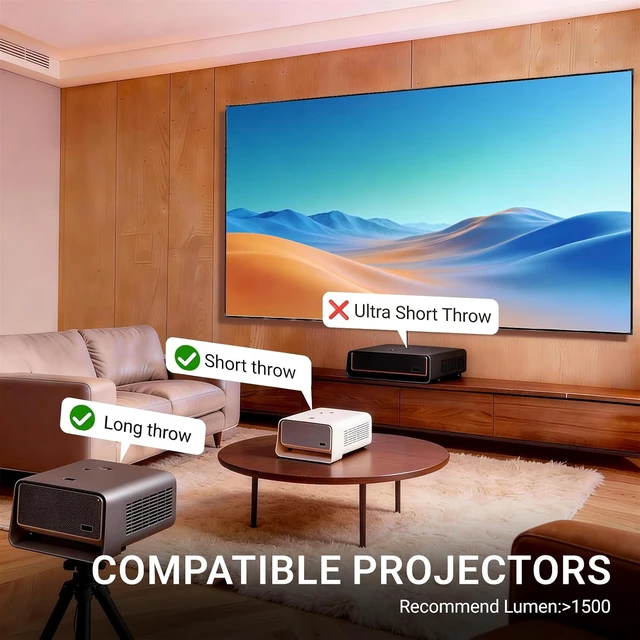
- Matte Gray Screen for Standard Throw Projectors Engineered specifically for standard and long throw projectors, this Matte Gray screen effectively reduces ambient light interference while maintaining a wide, uniform viewing angle. Unlike Fresnel or retro-reflective screens, it avoids hotspotting and narrow viewing angle issues, delivering consistent brightness and image quality from every seat.
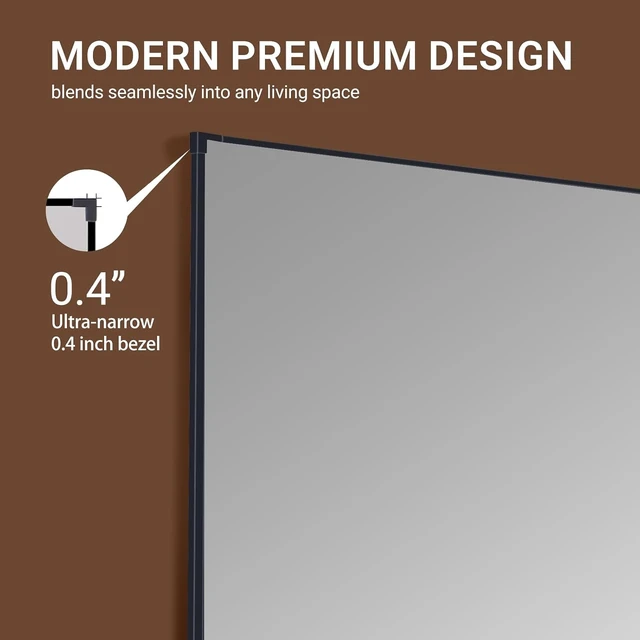
- Modern & Premium LookFeaturing an ultra-narrow 1/4-inch aluminum bezel, the screen offers a sleek, minimalist appearance that blends seamlessly into modern home interiors, elevating your home theater setup.
- Built to LastCrafted with one of the highest-grade aluminum alloy frames in its class, the screen provides exceptional structural strength, precise craftsmanship, and long-term durability without deformation.
- Exceptionally Flat Screen SurfaceThe rigid frame structure keeps the screen surface perfectly flat, eliminating waves and wrinkles. If your space allows wall installation, a
+
+
Overview
Specs
Reviews
I see some vertical lines or wrinkles in the corners. Is this normal?
Don't worry! Vertical lines or corner wrinkles can be removed with simple adjustments, and most settle naturally within days. Also, contact our Chicago-based After-sales Support. Were committed to resolving any issues you may have.
Can I use the screen with lights on or during the day?
ALR materials help reduce ambient light interference, but do not eliminate it. Results depend on light direction, projector brightness and setup. Keep direct sunlight off the screen; matte white performs best with controlled lighting.
How can I get a smooth screen surface during assembly?
The fixed frame supports an evenly tensioned surface. Follow the assembly sequence and distribute tension evenly; do not force one corner. If creases remain, check the frame alignment and material attachment before wall mounting.
How do I avoid installing the screen upside down or backward?
Before assembly or drilling, confirm the viewing side and top edge using the instructions for your selected material. Directional ALR surfaces need the correct orientation. Do not rely on screen color alone.
Will a high-gain screen look equally bright from every seat?
High gain emphasizes brightness within a particular viewing area. Brightness can vary with projector position and seating angle. Check the selected model's viewing guidance, especially for wide seating layouts.
I see some vertical lines or wrinkles in the corners. Is this normal?
Can I use the screen with lights on or during the day?
How can I get a smooth screen surface during assembly?
How do I avoid installing the screen upside down or backward?
Will a high-gain screen look equally bright from every seat?
Warranty & Returns
Warranty, Returns, And Additional Information
Warranty
- Please contact the Seller directly for warranty information. Warranty information may also be found on the Manufacturer's website.
- CONTACT
Return Policies
- Return for refund within: 30 days
- Return for replacement within: 90 days
- This item is covered by Cloudless Clear Return Policy
Manufacturer Contact Info
- For a directory of all our manufacturers, please click below.
- Manufacturers Directory
LOADING...