



Meet Your Seller

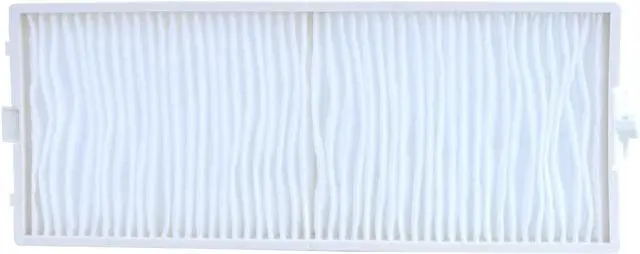
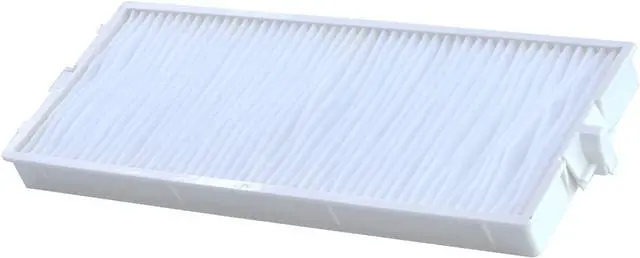
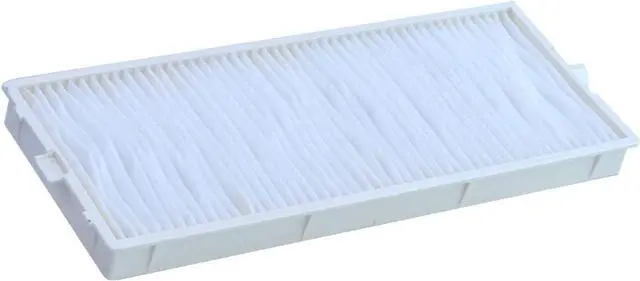
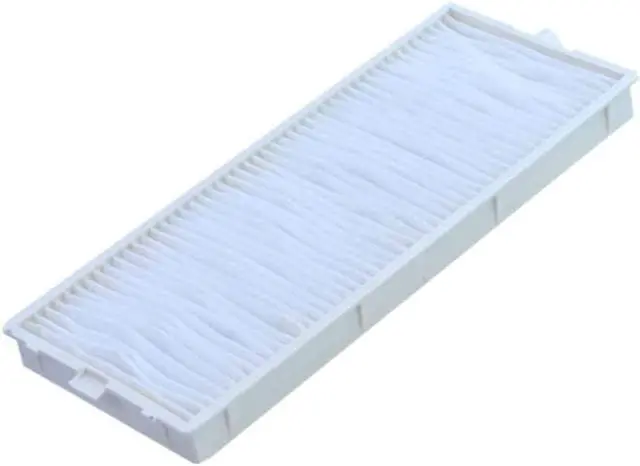


ET-RFM100 Replacement Projector Air Filter for PANASONIC PT-MW530 PT-MW630 PT-MW730 PT-MZ570 PT-MZ670 PT-MZ680 PT-MZ770 PT-MZ780 PT-MZ880 PT-MZ10KL PT-MZ13KL PT-MZ16KL
- JISIZKY Premium Quality Replacement Projector Air Filter ET-RFM100.
- Fit for PANASONIC PT-MW530 PT-MW630 PT-MW730 PT-MZ570 PT-MZ670 PT-MZ680 PT-MZ770 PT-MZ780 PT-MZ880 PT-MZ10KL PT-MZ13KL PT-MZ16KL.
- Using JISIZKYs Projector Air Filter provides you clear,bright,gorgeous pictures,bring you and your family to experience a better entertainment,
- Each Projector Air Filter will be Test before Ship Out From the Factory.
- Friendly Customer Service(180 Days Warranty and Messages Will Be Respond Within 12hours.)
+
+
Overview
Specs
Reviews
For projectorsprojector air filter plays an important role.Using JISIZKYs projector air filter in your projector not only ensures heat dissipation and ventilation but also can prevent paricles in the air from entering the projector, effectively filtering more than 99% of particles in the air. It greatly improves the filtering effect and efficiency, and effectively protects the entire optical system of the projector. Adapting to the use of projector air filter in different environment no matter small or large dust.
Projector Air Filter Model: ET-RFM100.
Compatible For PANASONIC Projector Models:
PT-MW530 PT-MW630 PT-MW730 PT-MZ570 PT-MZ670 PT-MZ680 PT-MZ770 PT-MZ780 PT-MZ880 PT-MZ10KL PT-MZ13KL PT-MZ16KL Projector
Filter frame:ABS
Filter:Polyurethane foam
You need to replace the air filter in the following situations:
1,lf the message is displayed frequently even though the air filter has been cleaned,replace the air filter.
2,If dust is difficult to remove or the air filter is torn or damaged, replace the air filter.
Filter Replacement Guide:
1,Turn off the projector and unplug the power cord.
2,Remove the air filter cover.(Press the knocks to release the catches,and then pull the cover upward.)
3,Remove the old air filter.
4,Insert the new air filter and push gently until it clicks into place.(Install with the groove faced to the right)
5,Close the air filter cover.
NOTE:
If regular maintenance is not performed, your projector will notify you when the temperature inside the projector has reached a high level.
Do not wait until this warning appears to maintain your projector filter as prolonged exposure to high temperatures may reduce the life of your projector or lamp.
Warranty & Returns
Warranty, Returns, And Additional Information
Warranty
- Please contact the Seller directly for warranty information. Warranty information may also be found on the Manufacturer's website.
- CONTACT
Return Policies
- Return for refund within: 30 days
- Return for replacement within: 90 days
- This item is covered by Cloudless Clear Return Policy
Manufacturer Contact Info
- For a directory of all our manufacturers, please click below.
- Manufacturers Directory
LOADING...