
Your Browsing History

Meet Your Seller




Visit EmpressTech Store
FOLLOW
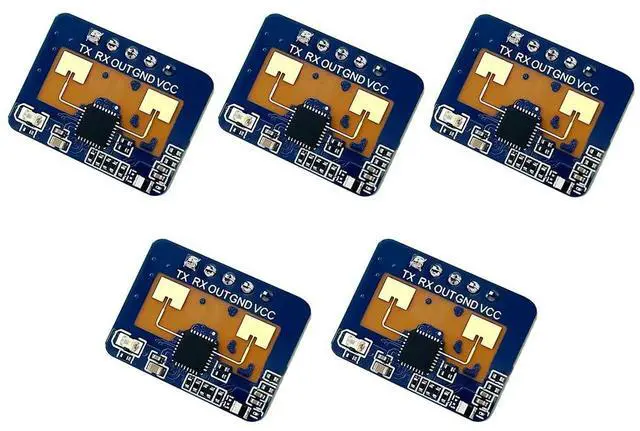
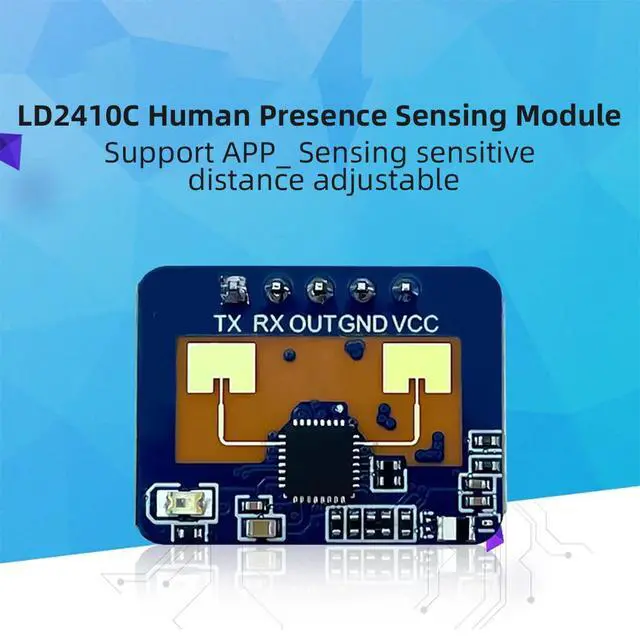
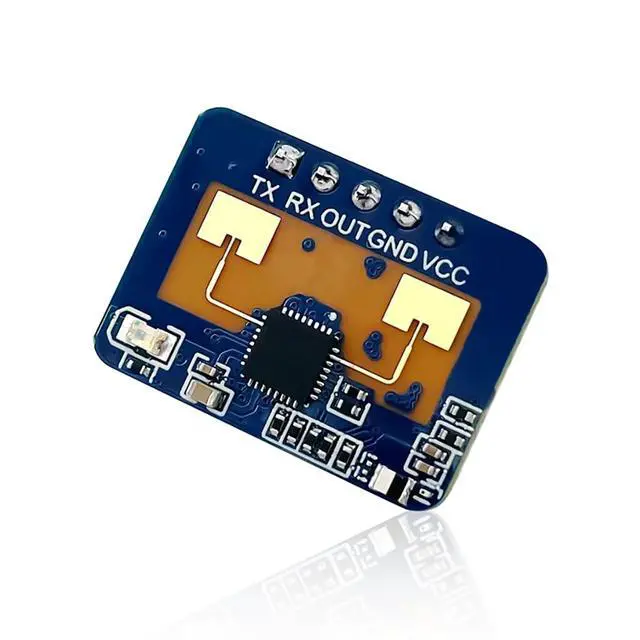
2410C 24G Human Presence Sensor Ra¡¤DAR Module FMCW Modulation Compatible with Blue-Tooth APP (5Pcs Module)
Limited time offer, ends 09/29 By EmpressTech
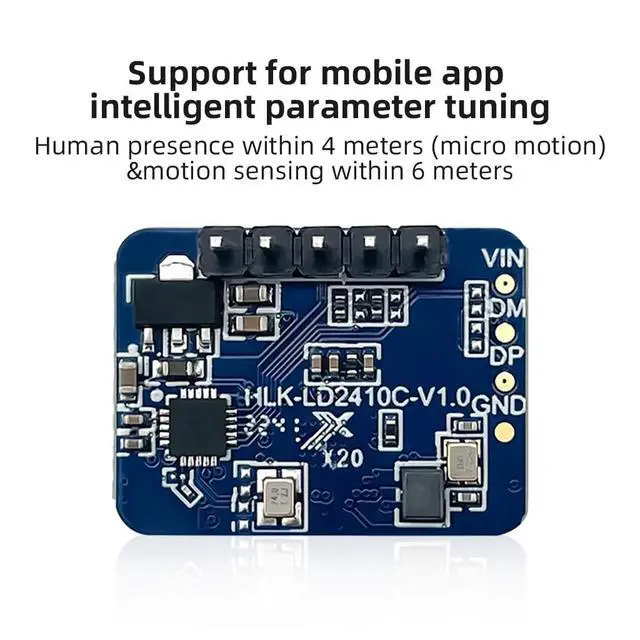
- 2410C Module: A highly sensitive 24GHz human presence sensor module, which works on the principle of utilizing FMCW frequency modulated continuous wave (FMCW) to detect human targets in a given space.; Principle of Operation: Use FMCW FM continuous wave to detect a human target in a defined space, and combine with radar signal processing and accurate human presence sensing algorithms to realize highly sensitive human presence sensing, which can recognize human beings in motion and at rest, and calculate the distance of the target and other auxiliary information.; Blue¡¤tooth-compatible function is turned on by default, and can be turned off by serial protocol. If Blue¡¤tooth-compatible is turned off and you can't use the serial port, you can turn off the power continuously within 2~3s and then power on the power more than 5 times to turn on Blue¡¤tooth-compatible again.; If Blue¡¤tooth-compatible is off and the serial port cannot be used, power off and on for more than 5 times within 2~3s, then Blue¡¤tooth-compatible can be turned on again.; Detection Distance: 0.75~6m adjustable. Detection Angle: ¡À 60¡ã. Power Supply: 5V. Current: ~79mA. Module IO level is 3.3V. Serial port default baud rate 256000, 1 stop bit, no parity bit.
+
+
Overview
Specs
Reviews
2410C 24G Human Presence Sensor Ra¡¤dar Module FMCW Modulation Compatible with Blue-tooth APP
Product Features -Frequency: 24G-
24.25GH z -Modulation type: FMCW
-Detection distance: 0.75 ~6m adjustable -Detection
Angle: ¡À
60¡ã -Power supply: 5V
-Current: ~79mA -Output
Serial Level: 3.3V
-Sweep bandwidth: 250MHz (CE/FCC compliant) -Ambient
Temperature: -40¡æ~+85 -Data
Format: Serial ASC
Il Output/High/Low Level 3.3V &OV -Package: Default with pin
Configuration Debugging: Interface
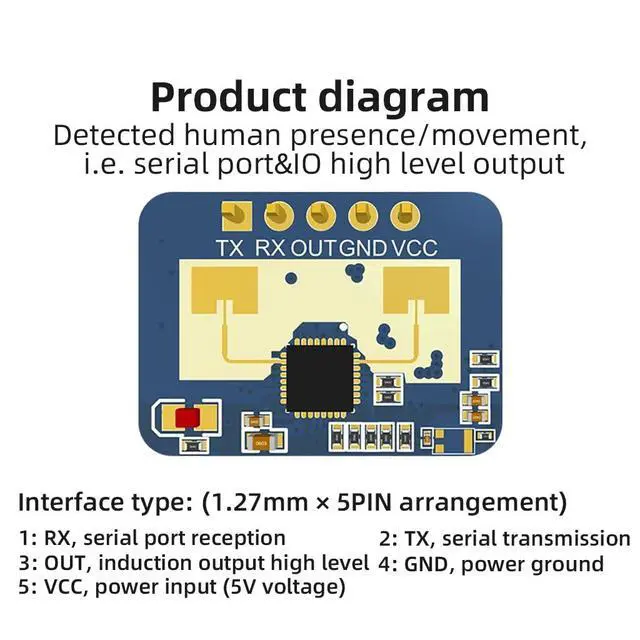
Type: ( 1.27 mm x 5PIN) 1: RX,
Serial Receive 2: TX,
Serial Transmit 3: OUT, sense
output high level 4: GND, power
ground 5: VCC, power supply input (5V) Configuration utility description (PC side utility is the same as LD2410) After connecting the module, open the Configuration Tool without clicking the Start button. When the module is connected, open the Configuration Tool without clicking the Start button or clicking the Stop button after starting, you can read or set the mode parameter information. or set the mode parameter information. Blue¡¤tooth-compatible function is turned on by default, and can be turned off by serial protocol. If Blue¡¤tooth-compatible is turned off and you can't use the serial port, you can turn off the power continuously within 2~3s and then power on the power more than 5 times to turn on Blue¡¤tooth-compatible again. If Blue¡¤tooth-compatible is off and the serial port cannot be used, power off and on for more than 5 times within 2~3s, then Blue¡¤tooth-compatible can be turned on again.
Product Features -Frequency: 24G-
24.25GH z -Modulation type: FMCW
-Detection distance: 0.75 ~6m adjustable -Detection
Angle: ¡À
60¡ã -Power supply: 5V
-Current: ~79mA -Output
Serial Level: 3.3V
-Sweep bandwidth: 250MHz (CE/FCC compliant) -Ambient
Temperature: -40¡æ~+85 -Data
Format: Serial ASC
Il Output/High/Low Level 3.3V &OV -Package: Default with pin
Configuration Debugging: Interface
Type: ( 1.27 mm x 5PIN) 1: RX,
Serial Receive 2: TX,
Serial Transmit 3: OUT, sense
output high level 4: GND, power
ground 5: VCC, power supply input (5V) Configuration utility description (PC side utility is the same as LD2410) After connecting the module, open the Configuration Tool without clicking the Start button. When the module is connected, open the Configuration Tool without clicking the Start button or clicking the Stop button after starting, you can read or set the mode parameter information. or set the mode parameter information. Blue¡¤tooth-compatible function is turned on by default, and can be turned off by serial protocol. If Blue¡¤tooth-compatible is turned off and you can't use the serial port, you can turn off the power continuously within 2~3s and then power on the power more than 5 times to turn on Blue¡¤tooth-compatible again. If Blue¡¤tooth-compatible is off and the serial port cannot be used, power off and on for more than 5 times within 2~3s, then Blue¡¤tooth-compatible can be turned on again.
Warranty & Returns
Warranty, Returns, And Additional Information
Warranty
- Please contact the Seller directly for warranty information. Warranty information may also be found on the Manufacturer's website.
- CONTACT
Return Policies
- Return for refund within: 30 days
- Return for replacement within: 90 days
- This item is covered by EmpressTech Return Policy
Manufacturer Contact Info
- For a directory of all our manufacturers, please click below.
- Manufacturers Directory
LOADING...