


Best Sellers




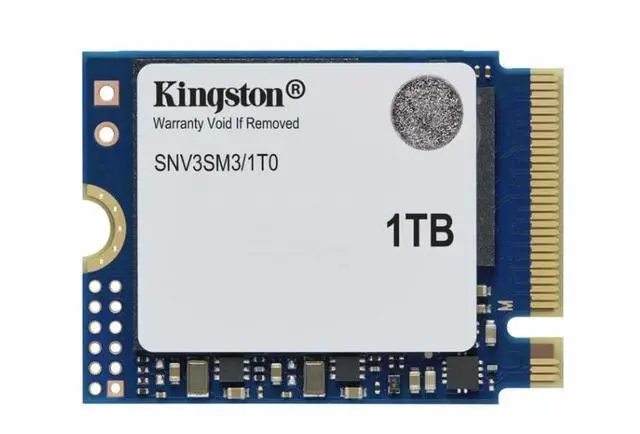
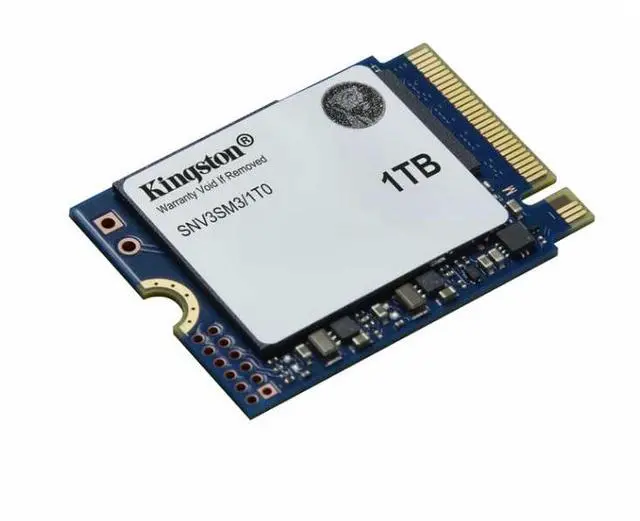
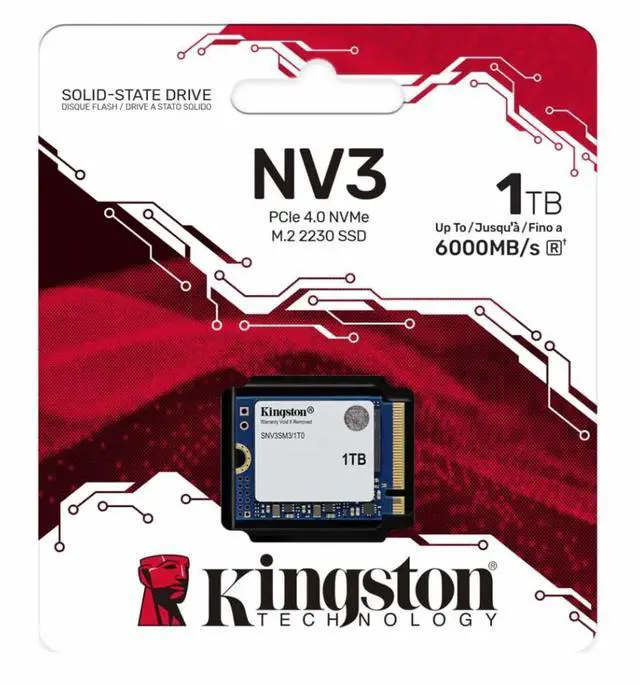
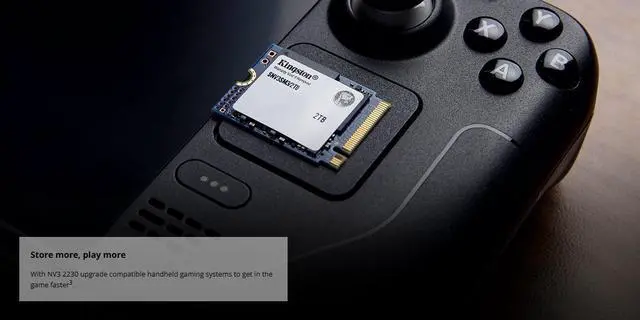
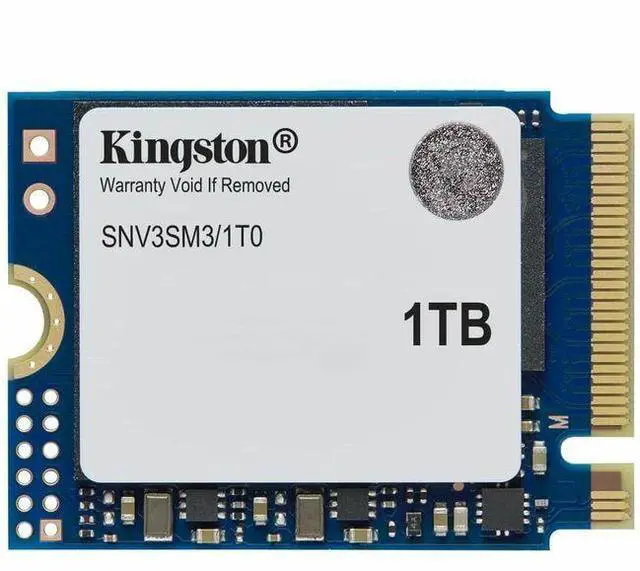


Kingston NV3 M.2 2230 1TB PCIe 4.0 x4 NVMe Internal Solid State Drive (SSD) SNV3SM3/1T0 Up to 6000 MB/s
- Brand: Kingston
- Series: SNV3SM3
- Device Type: Internal Solid State Drive (SSD)
- Used For: Consumer
- Form Factor: M.2 2230
- Interface: PCIe 4.0 x4 NVMe
- Protocol: NVMe
- Max Sequential Read: Up to 6000 MBps
- Max Sequential Write: Up to 4000 MBps
- MTBF: 2,000,000 hours
- Operating Temperature: 0°C ~ +70°C
- Storage Temperature: -40°C ~ +85°C
- Dimension: 22mm x 30mm x 2.3mm
- Weight: 2.8g
+
+
Overview
Specs
Reviews (107)
1000G NV3 M. 2 2230 PCIE 4.0 NVME SSD
Warranty & Returns
Warranty, Returns, And Additional Information
Warranty
- Limited Warranty period (parts): 3 years
- Limited Warranty period (labor): 3 years
- Read full details
Return Policies
- Return for refund within: 30 days
- Return for replacement within: 30 days
- This item is covered by Newegg.ca's Standard Return Policy.
- Read full return policy for details.
Manufacturer Contact Info
- Manufacturer Website
- Support Phone: 1-877-546-4786
- Support Website
- View other products from Kingston Technology Corp.
LOADING...
LOADING...
The Kingston NV3 SNV3SM3/1T0 is a 1TB M.2 2230 PCIe 4.0 x4 NVMe SSD with sequential speeds up to 6,000 MB/s read and 4,000 MB/s write, suited to users upgrading a compatible system that supports this compact drive format.
Recommended For
- Steam Deck owners upgrading a supported M.2 2230 slot who want more internal space for games without choosing a longer SSD; the 2230 version is single-sided, which helps with fitment.
- Owners of compact laptops or mini PCs with a compatible 2230 NVMe slot who need an affordable storage upgrade for everyday work, apps, and file access.
- Handheld-gaming PC users who mostly install and load games, and want a compact replacement drive rather than top-tier sustained-write performance.
- Budget-conscious buyers replacing a 2230 drive who value low-cost PCIe 4.0 storage for ordinary reads and transfers more than consistent performance during very large writes.
Real-World Use Scenarios
- A Steam Deck or other compatible handheld owner runs short on internal space for games. Replacing the existing drive with this 1TB 2230 SSD can make room for a larger installed library and reduce the need to uninstall games; check the device’s supported drive size and follow its installation and recovery steps.
- Someone upgrading a compatible handheld’s original low-capacity internal drive wants to keep more games installed at once. The NV3 provides a 1TB replacement option, though the upgrade requires opening the device and reinstalling or transferring its operating system and data.
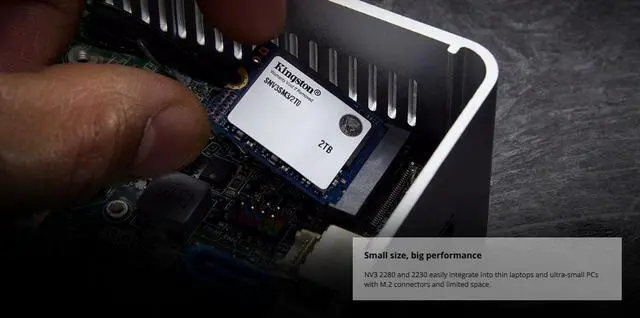
- A user with a compatible compact laptop or small-form-factor PC needs more internal storage but cannot fit a standard-length M.2 drive. The 2230 format is designed for these space-constrained systems; confirm the device supports a 2230 NVMe SSD before buying.
- A handheld gamer considering an SSD upgrade expects smoother storage-related tasks, not higher in-game frame rates. Review testing of the 2230 model focuses on storage and game-loading use; the upgrade’s clearest practical benefit is added capacity, while results depend on the device and workload.
Spec Summary
| Attribute | Value |
|---|---|
| Best For | Compact internal storage for handheld gaming devices, laptops, and small-form-factor PCs |
| Capacity | 1 TB (1000 GB) |
| Interface And Form Factor | M.2 2230 SSD using PCIe 4.0 x4 with NVMe |
| Read Write Performance | Sequential speeds up to 6000 MB/s read and 4000 MB/s write |
| Memory Components | 3D NAND flash |
| Reliability And Operating Conditions | 2,000,000-hour MTBF; operating temperature 0°C to +70°C and storage temperature -40°C to +85°C |
| Physical Specifications | 30 × 22 × 2.3 mm; weighs 2.8 g |
| Model Identifiers | Kingston SNV3SM3 series; model and part number SNV3SM3/1T0 |
Reference Q&A
Q: Kingston NV3 2230 1TB or Crucial P310 2230 1TB—which should I choose?
A: Choose the Kingston NV3 when value and power efficiency matter more; choose the Crucial P310 when you want higher rated sequential speeds. The NV3 is rated for up to 6,000 MB/s reads and 4,000 MB/s writes, while the P310 is rated for up to 7,100 MB/s reads and 6,000 MB/s writes. Both are M.2 2230 PCIe 4.0 drives, but those peak-speed differences do not necessarily translate into noticeably faster game loading.
Q: Kingston NV3 2230 or WD SN740—which makes more sense for a handheld?
A: Choose the NV3 if lower power use and a retail consumer drive are priorities. The WD SN740 is an OEM 2230 drive with TLC flash and strong all-around performance, making it a consideration when you specifically want TLC; reviews also note higher power use and heat under load. Check the exact model and warranty terms when comparing SN740 listings, since it is an OEM drive.
Q: Is the Kingston NV3 2230 1TB worth choosing over the 500GB version?
A: Choose the 1TB model if you want more room for games and applications and higher rated sequential speeds. Kingston rates the 1TB version at up to 6,000/4,000 MB/s read/write, compared with 5,000/3,000 MB/s for the 500GB version. The 500GB model is the capacity-focused budget choice if it costs less and you do not need the extra space.
Q: Should I get the Kingston NV3 2230 1TB or 2TB?
A: Choose 2TB if you need space for a larger game library or other files; choose 1TB if it meets your capacity needs and costs less. Kingston rates both capacities at up to 6,000 MB/s reads, while the 2TB model is rated for up to 5,000 MB/s writes versus 4,000 MB/s for the 1TB model. The main practical difference is capacity, with the higher write rating an additional benefit for large sequential transfers.
Q: Will this 2230 SSD fit my handheld gaming device?
A: It is an M.2 2230 PCIe NVMe drive, the form factor asked about for handheld upgrades in retail Q&A. Check your device’s specifications before buying: the slot must support M.2 2230 NVMe, and the device must have clearance for a drive without a heatsink. Exact compatibility is not confirmed for every handheld.
Q: Can I use this PCIe 4.0 SSD in a device with a PCIe 3.0 slot?
A: It may work if the host supports M.2 2230 NVMe drives, but the host’s interface and device compatibility determine operation and speed. The listed read and write figures—up to 6,000 MB/s and 4,000 MB/s—are maximum drive specifications, not guaranteed speeds in every device.
Q: Is 1TB enough for a handheld or compact laptop storage upgrade?
A: This drive provides 1TB of internal storage, making it suitable for users who need more room for games, apps, and files. Whether that is enough depends on how much content you keep installed; the drive’s 2230 size and NVMe interface must also match the device.
Q: Does this SSD come with a heatsink?
A: No. The listed product is supplied without a heatsink. Check the device’s installation and thermal requirements before adding a heatsink or installing the drive in a compact system.
Q: Is the Kingston NV3 1TB worth buying as a 2230 storage upgrade?
A: It may suit a budget-focused upgrade when you need more space and your device supports a 2230 NVMe SSD. Reddit users comparing it with other 1TB 2230 drives raised concerns about variable components and possible slowdowns when the drive is nearly full. The provided specifications list peak sequential speeds but do not specify sustained performance or endurance, so compare those details if your workload involves frequent large writes.
Q: Will the NV3 make games load noticeably faster than an existing SSD?
A: Not necessarily. In a discussion about replacing a 2230 drive in an ASUS ROG Flow Z13, Reddit commenters said a speed-only upgrade was unlikely to make a noticeable difference in gaming; they viewed extra capacity as a stronger reason to upgrade. The NV3 is rated for up to 6,000 MB/s sequential reads, but that peak figure alone does not establish a noticeable gaming improvement.
Q: Is the NV3 compatible with a Surface Pro as a replacement SSD?
A: It is a 2230 PCIe 4.0 x4 NVMe drive, but confirm that your specific Surface Pro model supports that form factor and interface before buying. Reddit users discussing Surface Pro upgrades raised compatibility concerns, including reports of Gen 4 SSD issues on older Pro models; those reports are anecdotal and do not confirm compatibility for every model.