Specifications:
System Requirements: Android system 4.4 version or above; iOS system 8.0 version or above;
Bluetooth version: BLE 4.0
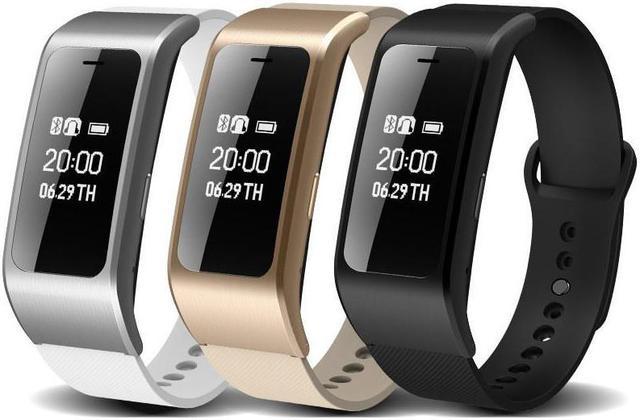
Screen: 0.73 inch OLED
Battery: 120mAh
Motor: Built in, vibratng reminder
Sensor: 3D-sensor
Functions:
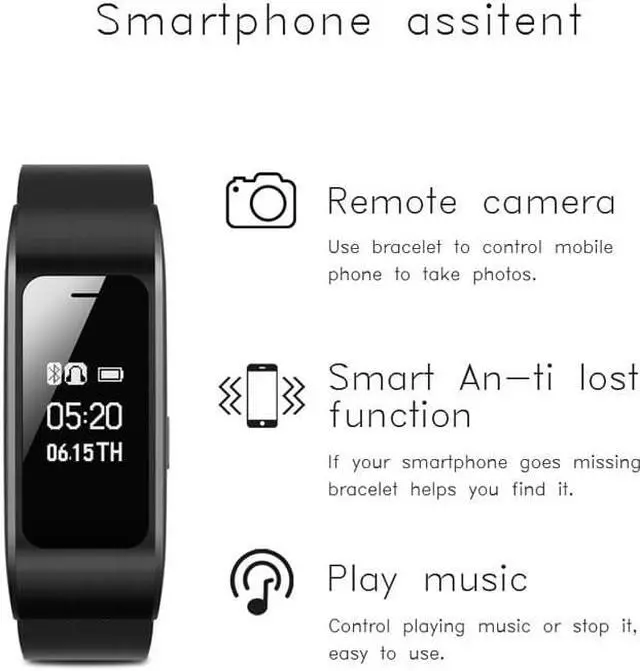
Time ,Pedometer,Calorie Consumption,Distance Calculation,Sleep time,Remote Camera
Pedometer, Calorie Consumption, Distance Calculation
Sleep monitor
Calls to remind,SMS Reminder,Third-party messaging reminder: Wechat/QQ.
Clock alarm
Sedentary reminder
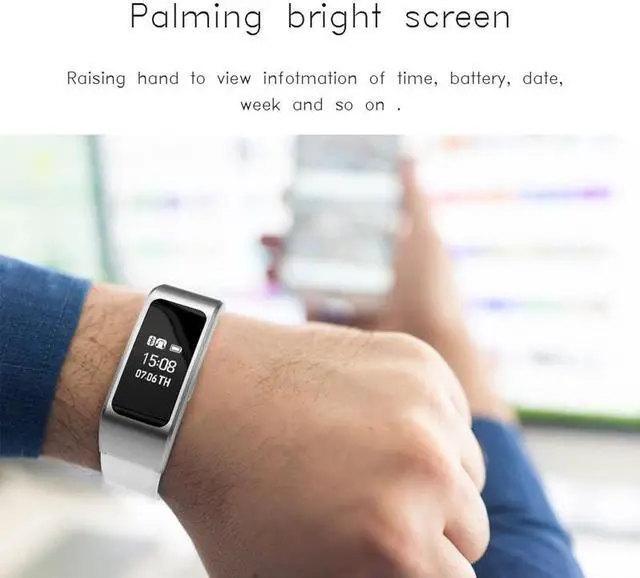
Palming bright screen
Phone finder
How to use it?
1.Pair Bluetooth with smart bracelet
1) Turn on bluetooth of your smart phone and search “A9 plus”
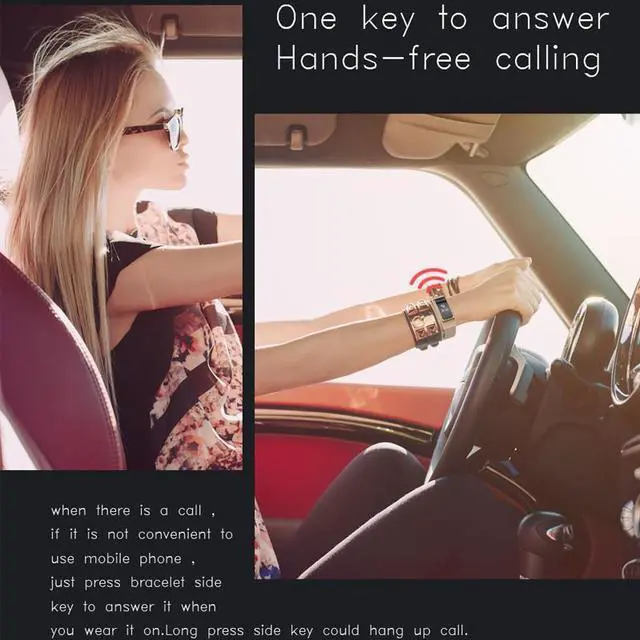
2) and then pair “A9 plus”.After pair bluetooth successfully,the smart bracelet can answer call and hang up call
2. Connect APP
1)Scan QR code on gift box or Scan QR code on user manual to download APP software. And install App to your smart phone.
2) Open App to find”Discover”and click”Discover”to find “My Device”
3)Click “My Device”to find “Activities Add” and click it.And it will connect App.
After connect App successfully.The smart bracelet will control music,take picture and push message such as wechat,facebook,Twitter and so on.
3. if App don’t not search bluetooth,please power off smart bracelet and then power on it and try it again.


 We‘re shipping as usual! The Canada Post strike only affects certain remote deliveries and PO Boxes. Details
 Holiday Shipping Details & Extended Holiday Returns


