
Your Browsing History
Ships from China.

Meet Your Seller



SURF CUZ External CD DVD Drive, Ultra Slim CD Burner USB 3.0 with 4 USB Ports and 2 TF/SD Card Slots, Optical Disk Drive for Laptop Mac, PC Windows 11/10/8/7 Linux OS
Limited time offer, ends 09/15 By Truespan Living
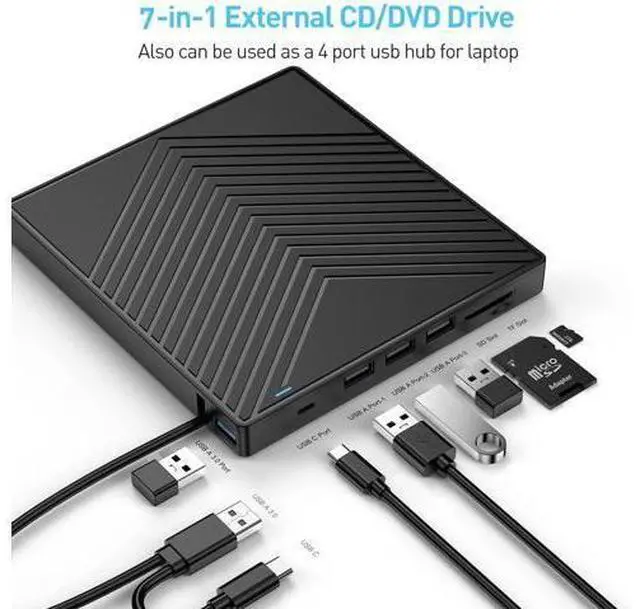
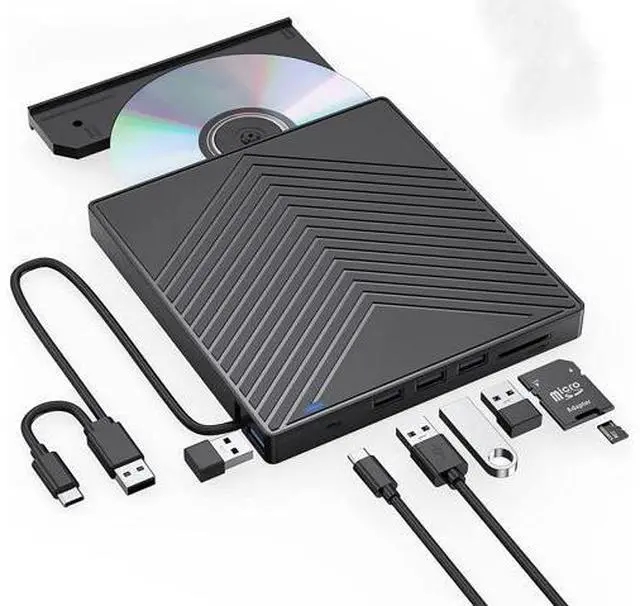
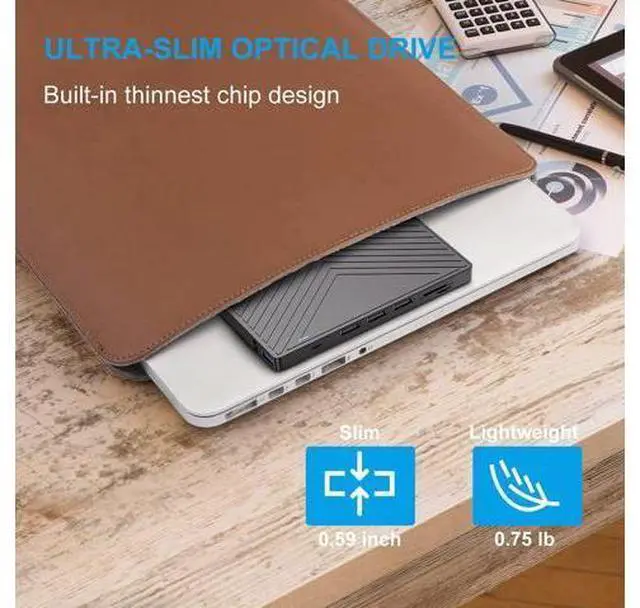
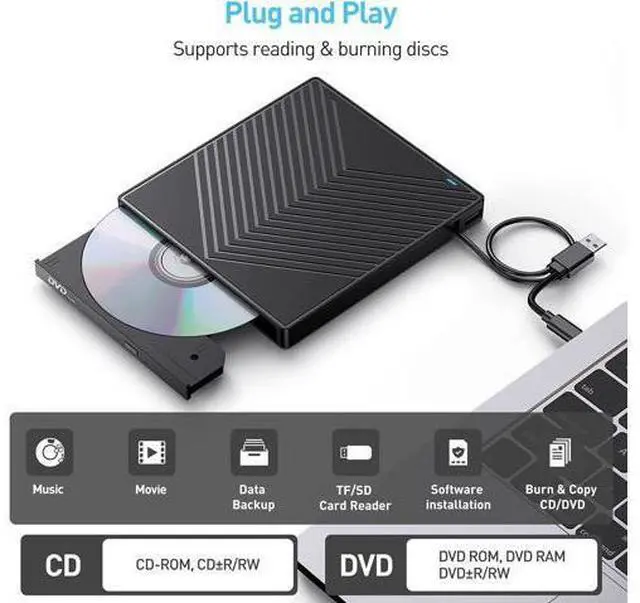
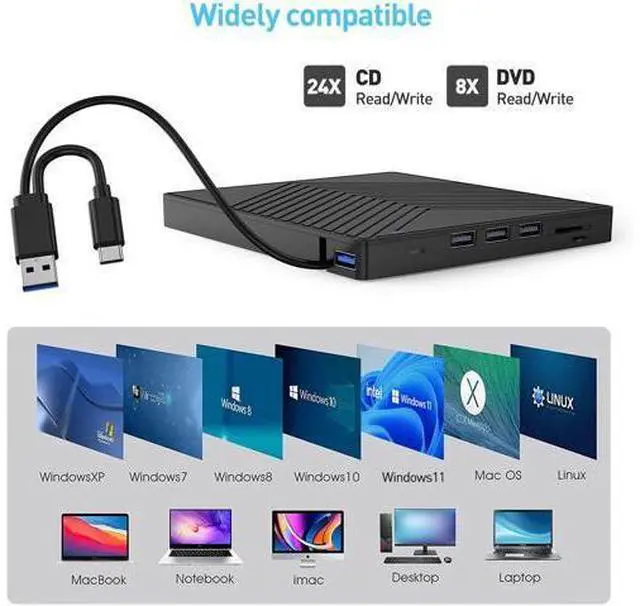
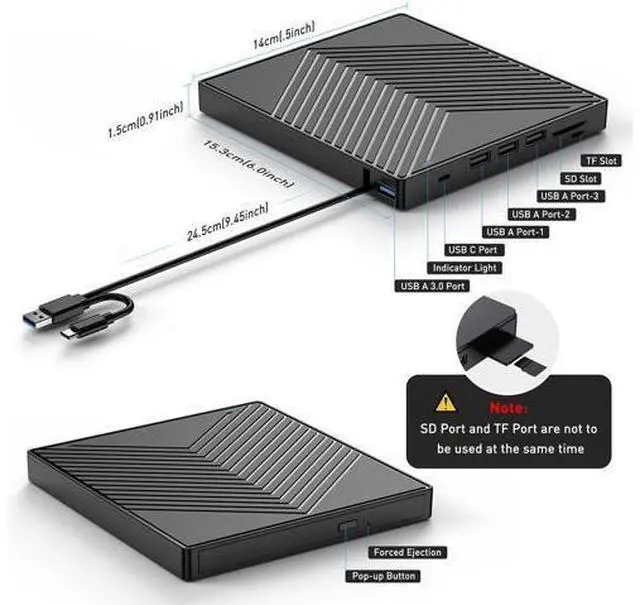
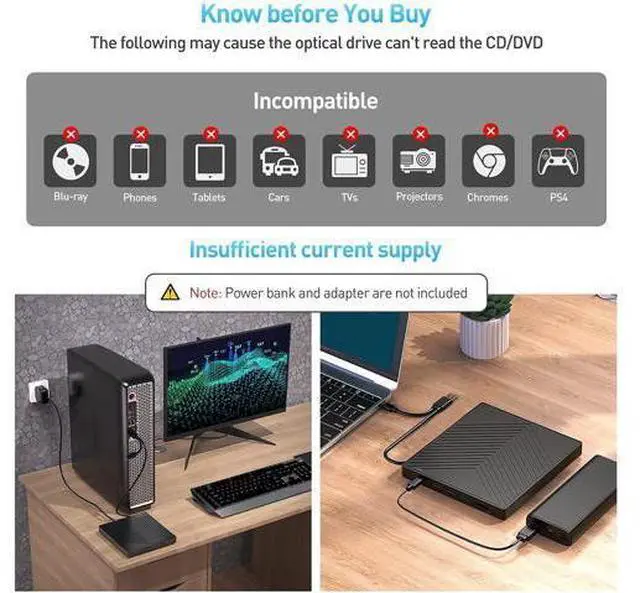
- ?Support CD and DVD Burning?- The optical drive supports reading and writing of CD±R/RW, CD-ROM, DVD±R/RW, DVD-RAM, VCD and SVCD. Also, this USB-A and USB-C external disk drive supports different devices like Macbook, iMac, Laptop, Desktop and Notebook. Compatible with Windows11/10/8/7/XP, Vista 7/8, Linux, Mac OS10.6 or later.; ?7 in 1 USB HUB?- Our external drive can not only burn and read CD DVDs, but also can be used as an external USB hub for laptops, including 1 USB 3.0 port 3 USB 2.0 ports 1 TF slot 1 SD card slot and 1 USB C port, compatible with USB hard drives, (Note: SD port and TF port cannot be used at the same time); ?Ultra Slim Portable Design?This external disk drive is very slim and lightweight, the embedded data cable is easy to use and organize, the non-slip rubber pad prevents it from sliding on the desktop, so you can easily carry your laptop home, office or any local package. It's also a good idea to give it as a gift to anyone who collects CDs and DVDs.
+
+
Overview
Specs
Reviews
External CD/DVD Reader and Burner with this external CD/DVD RW Drive, you can read movies DVDs, play music CDs, burn and rip discs, copy photos, install software/games/system, backup data and more. and just slips easily into your travel bag, perfect companion for DVD lovers, using everywhere. Powerful Performance New upgraded DVD loader with faster speed, low impedance & anti-interference ability, bring you a fast and more smooth experience. 2-in-1 USB 3.0 Connector Equipped with USB-C and USB-A connectors make it easier to connect to more laptops and desktop computers, no USB hub/adapter required.
Plug and Play Extra SD/TF Slot It is not only CD/DVD burner, but also a SD/TF card Reader. Extra built-in SD/TF card slot is perfect for you to transfer photos shooting or videos by your camera from memory cards to your computers How to Play a DVD Movie on Your Laptop You need to ensure that there is a program or app on your laptop for playing DVD. Windows 10, unlike some of its predecessors, no longer ships with a built-in DVD player. Click Start button on the desk of your laptop. Search Windows Media Player to start the program.
Connect an external DVD drive to your laptop via a USB cable and insert the DVD disc to the external DVD drive. Choose your DVD Disk and click Play button. Then you can watch DVD movie on your laptop. How to Play a CD on a Desktop Computer If you haven t ripped your music CDs to audio files on your computer yet, it s not too late. All it takes is a ORIGBE
Plug and Play Extra SD/TF Slot It is not only CD/DVD burner, but also a SD/TF card Reader. Extra built-in SD/TF card slot is perfect for you to transfer photos shooting or videos by your camera from memory cards to your computers How to Play a DVD Movie on Your Laptop You need to ensure that there is a program or app on your laptop for playing DVD. Windows 10, unlike some of its predecessors, no longer ships with a built-in DVD player. Click Start button on the desk of your laptop. Search Windows Media Player to start the program.
Connect an external DVD drive to your laptop via a USB cable and insert the DVD disc to the external DVD drive. Choose your DVD Disk and click Play button. Then you can watch DVD movie on your laptop. How to Play a CD on a Desktop Computer If you haven t ripped your music CDs to audio files on your computer yet, it s not too late. All it takes is a ORIGBE
Warranty & Returns
Warranty, Returns, And Additional Information
Warranty
- Please contact the Seller directly for warranty information. Warranty information may also be found on the Manufacturer's website.
- CONTACT
Return Policies
- Return for refund within: 30 days
- Return for replacement within: 90 days
- This item is covered by Truespan Living Return Policy
Manufacturer Contact Info
- For a directory of all our manufacturers, please click below.
- Manufacturers Directory
LOADING...