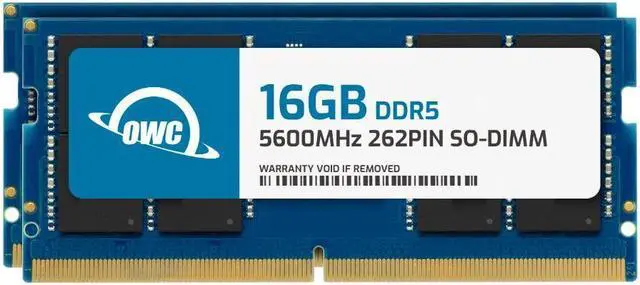
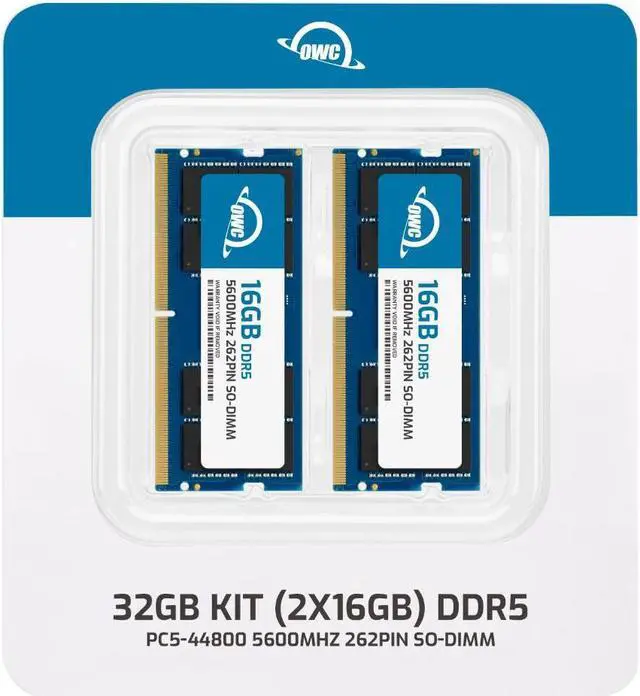
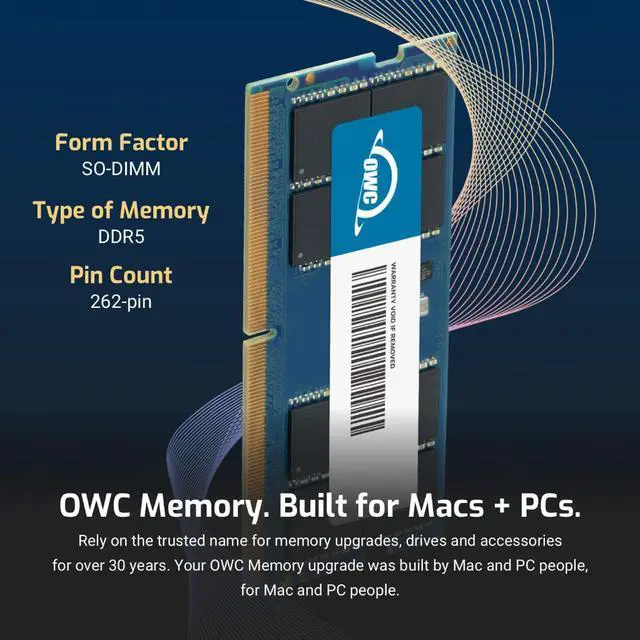
The OWC 32GB (2 x 16GB) DDR5-5600 SODIMM kit is a laptop memory upgrade for HP OMEN 16t-ae000, 16t-u100, 16t-wf100, and 16-wf1047nr models that use compatible DDR5 SODIMM memory.
Recommended For
- Owners of a listed HP OMEN model—16t-ae000, 16t-u100, 16t-wf100, or 16-wf1047nr—who want to replace their current memory with a matched 32GB kit. HP documents user-accessible memory on the 16t-ae000, and the 16-wf1047nr ships with 16GB in two slots.
- OMEN owners who have confirmed that their current memory is limiting gaming while they keep other apps open, such as a browser, voice chat, or game launcher. Moving to 32GB adds capacity, but does not address a CPU- or GPU-limited game.
- Owners of a listed OMEN model configured with 16GB who want a straightforward 16GB-per-module replacement rather than mixing different capacities. HP lists the 16-wf1047nr with two 8GB modules; this kit supplies two matching 16GB modules.
- OMEN owners who regularly run several memory-heavy applications alongside gaming and have verified that 32GB is enough for their workload. The kit provides 32GB total, so it suits a defined capacity upgrade rather than an open-ended expansion plan.
Real-World Use Scenarios
- On a compatible OMEN currently using 16GB, replace the existing memory with this 32GB kit to keep a game, voice chat, a browser, and game-launcher apps open together with more memory headroom; it is not a guarantee of higher game frame rates.
- For video editing, use the added memory headroom while editing footage and keeping project files, browser references, and other apps open; the upgrade does not make video exports faster by itself.
- When recording or streaming gameplay while running chat and streaming software, moving from 16GB to 32GB can leave more memory available to those background tasks and reduce slowdowns if memory was the bottleneck.
- For photo or video projects with large files, keep editing software, source material, and reference tabs open together with more room for active work; results still depend on the laptop’s processor and graphics hardware.
- For everyday work or study, keep many browser tabs, video, and several apps open at once with more memory headroom; Laptop Mag reported no lag while testing an Omen 16 with 32GB and 50 Chrome tabs, though that result is not a guarantee for every configuration.