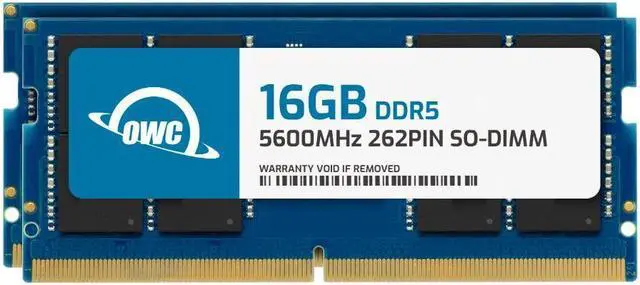
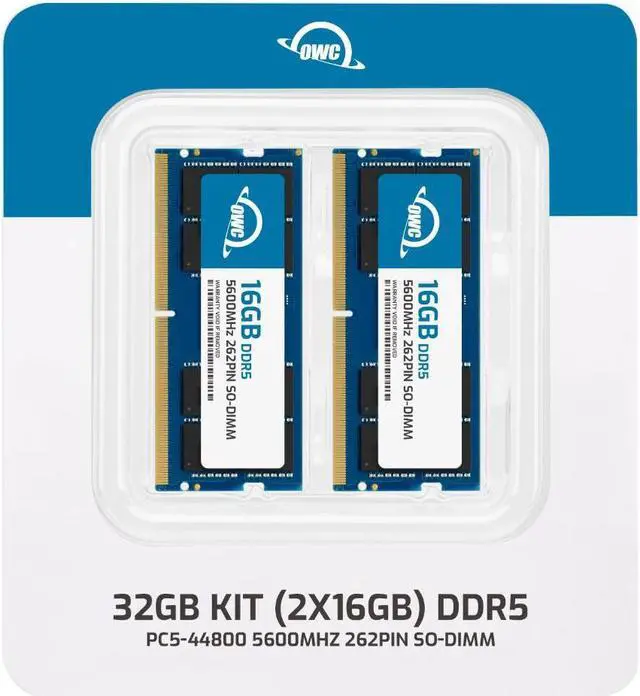
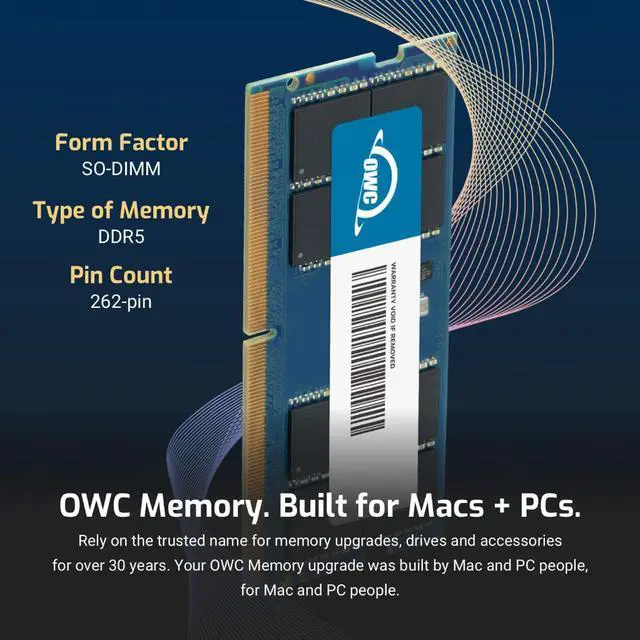
The OWC 32GB DDR5-5600 kit includes two 16GB 262-pin, non-ECC SODIMMs for upgrading a Lenovo ThinkStation P3 Tiny that uses compatible memory.
Recommended For
- ThinkStation P3 Tiny owners moving from a lower-memory setup to 32GB for heavier multitasking, such as keeping several business or technical applications open together.
- P3 Tiny users running moderate engineering, architecture, or media workflows who have confirmed that 32GB meets their software and project needs.
- P3 Tiny owners replacing a single memory module who want a matched 2 × 16GB kit for a 32GB two-module configuration.
Real-World Use Scenarios
- When a P3 Tiny user keeps many browser tabs, office documents, and communication apps open together, configuring the system with 32GB of memory can reduce slowdowns caused by running short on RAM; it will not necessarily make already-smooth tasks faster.
- For 2D CAD or routine engineering work, 32GB can give the P3 Tiny more room for a design application, drawings, and reference materials to remain open at once, provided the system’s processor and graphics configuration also suit the workload.
- In a finance or business workflow involving large spreadsheets alongside email and other office apps, 32GB can help avoid memory pressure when several files and programs are open at the same time; spreadsheet calculation speed still depends on the processor and the workbook.
- For a front desk, classroom display, or digital-signage setup that also runs browser-based tools or management apps, 32GB can provide more headroom for those applications to stay open together; the memory upgrade does not itself improve display output or graphics capability.