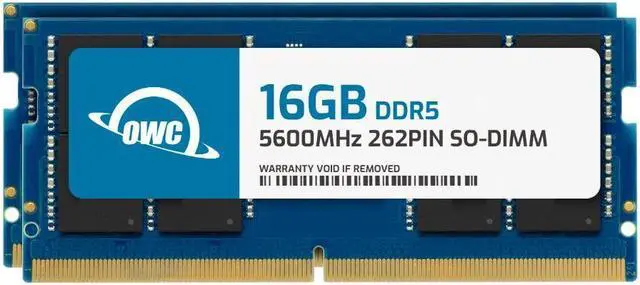
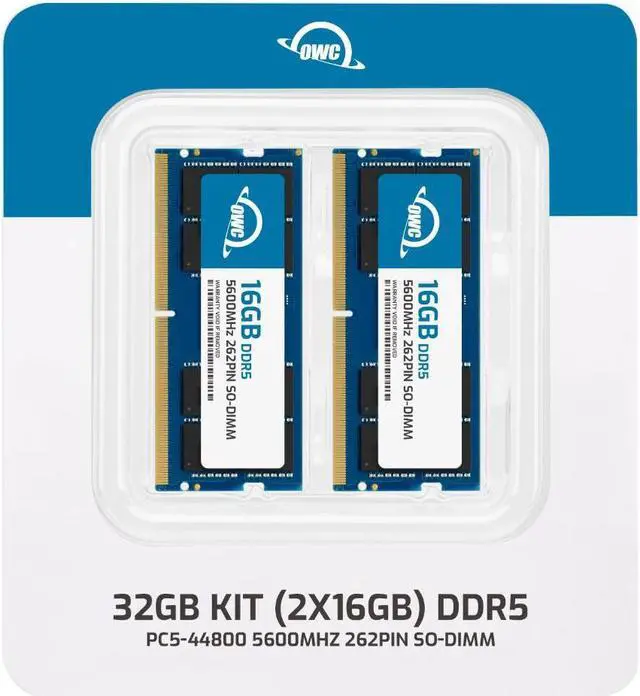
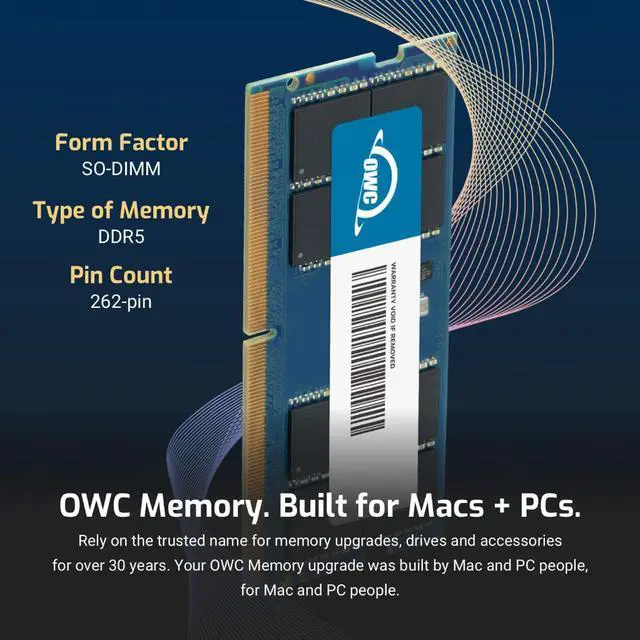
The OWC 32GB (2×16GB) DDR5-5600 SODIMM kit is a system-specific memory upgrade for the Dell Alienware M18 R2, suited to owners seeking 32GB of laptop RAM in a matched two-module kit.
Recommended For
- Alienware m18 R2 owners with 8GB or 16GB who game while running voice chat, launchers, browsers, or recording software and want a 32GB two-module configuration. Dell lists 2×16GB DDR5-5600 as a supported dual-channel setup.
- m18 R2 owners who need to replace their existing memory with a matched 2×16GB kit and want to install the modules themselves; Dell documents removable SODIMM memory and provides an installation video.
- m18 R2 owners who use the laptop for gaming and everyday multitasking, and whose memory needs fit within 32GB; reviewers have tested the system with 32GB, while Dell lists this kit’s capacity and speed combination as supported.
Real-World Use Scenarios
- If an Alienware m18 R2 with 16GB is reaching near-full memory use during demanding games, replacing its memory with this 32GB kit gives the system more room for the game and Windows; it may help with memory-related stuttering, but it does not guarantee higher frame rates.
- When gaming while keeping chat and browser apps open, upgrading a 16GB m18 R2 to 32GB can provide more memory headroom, so you may be less likely to need to close background apps when memory is nearly full.
- For video editing on the m18 R2, 32GB can provide more room for editing software and other open apps than a 16GB setup; the upgrade adds memory capacity, not a guaranteed faster export.
- For a user who regularly switches between games, work or creative apps, and many browser tabs, moving from 16GB to 32GB can reduce pressure to quit apps just to free memory, provided memory capacity is the bottleneck.