


- Free 30-day Returns
$304.49

Meet Your Seller







Visit OWC Canada Store
FOLLOW
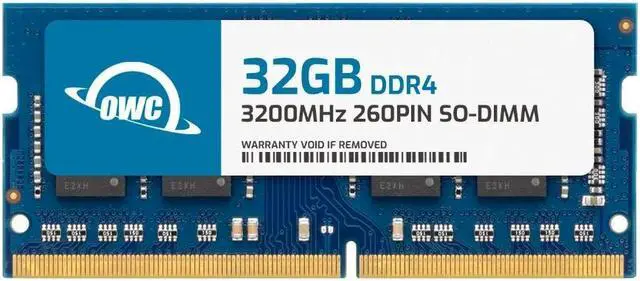
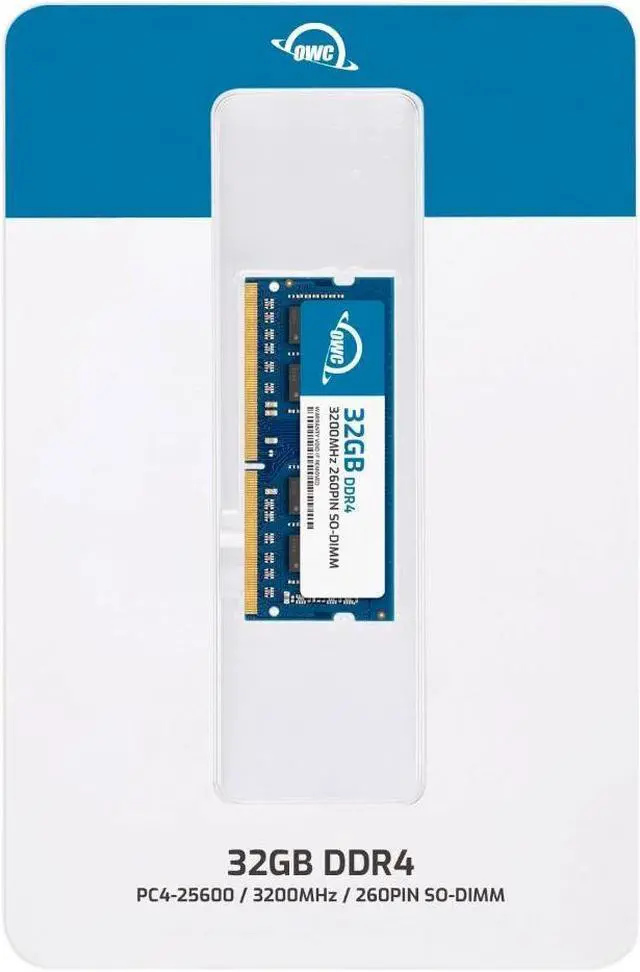
OWC 32GB DDR4 3200MHz PC4-25600 CL22 1.2V 260pin Non-ECC SODIMM Memory RAM Compatible with Lenovo ThinkPad P15 G2 P15s G1 P15s G2 P15v G1 P15v G2
- OWC 32GB DDR4 3200MHz PC4-25600 CL22 1.2V 260pin Laptop SODIMM compatible with Lenovo ThinkBook models 14 G2, 14 G3, 14 G4, 14-IIL and 14s Yoga
- 100% COMPLIANT: With JEDEC Standard Specifications, ROHS Compliant, Warranty Safe Upgrade. Designed and Tested to Meet or Exceed all Manufacturer OEM Specs
- INDUSTRY LEADING: Consumer Friendly Advanced Replacement Program and Limited Lifetime Warranty, which Includes Free Tech Support by Other World Computing
- Replacement for Lenovo Part Number 5M30Z71652 5M30Z71692 5M30Z71711 5M30Z71714 5M30Z71755
- Replacement For 4X71A11993 4X71D09536 5M30V06797 5M30V06804 5M30V06807 5M30V06973 5M30V06981
+
+
Overview
Specs
Reviews


















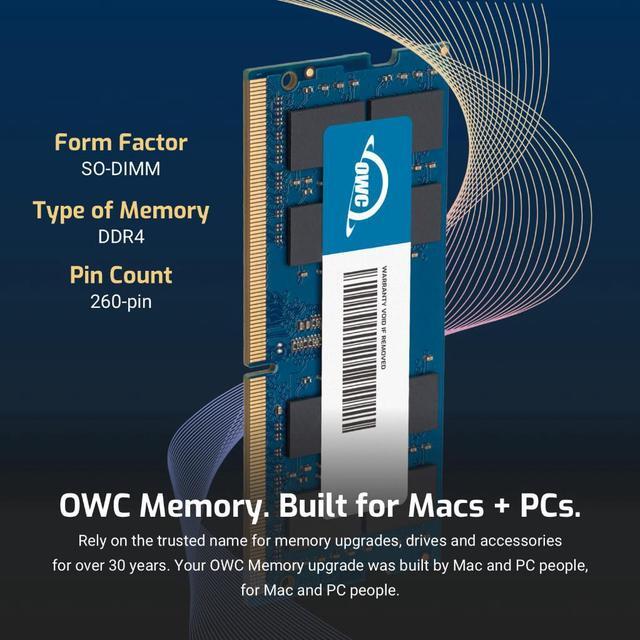
OWC DDR4 memory is Fully compliant with JEDEC specifications, ROHS compliant, providing a warranty safe upgrade. OWC Memory is the most cost effective and simple DIY upgrade you can install to unleash your Mac or PC's full potential and speed up overall responsiveness. Become a multitasking maven when you upgrade your Mac or PC with OWC Memory. Open more apps. Open larger files. Plus, work with multiple files all at the same time. We test every OWC memory module at our in house lab so you can upgrade with the confidence that your memory is built to last.
We built your OWC Memory upgrade to meet or exceed the toughest industry specs to provide years of worry-free service. OWC recommends that all DIMMs be the same capacity, speed, and manufacturer to ensure optimal memory performance.
Warranty & Returns
Warranty, Returns, And Additional Information
Warranty
- Please contact the Seller directly for warranty information. Warranty information may also be found on the Manufacturer's website.
- CONTACT
Return Policies
- Return for refund within: 30 days
- Return for replacement within: 90 days
- This item is covered by OWC Canada Return Policy
Manufacturer Contact Info
- For a directory of all our manufacturers, please click below.
- Manufacturers Directory
LOADING...
The OWC 32GB DDR4-3200 CL22 SO-DIMM is a laptop memory upgrade for Lenovo ThinkPad P15 G2, P15s G1/G2, and P15v G1/G2 owners who need a compatible 260-pin, 1.2V non-ECC module for added memory capacity.
Recommended For
- ThinkPad P15s Gen 2 users who run CAD or other workstation software alongside several open applications and need to populate the laptop’s SO-DIMM slot with a 32GB module. Lenovo lists configurations with 8GB or 16GB soldered memory plus a 32GB SO-DIMM, for 40GB or 48GB total.
- ThinkPad P15v Gen 2 owners upgrading a compatible system for heavier multitasking or memory-intensive project work. The laptop has two SO-DIMM slots and supports up to 64GB of DDR4-3200 non-ECC memory; check the installed module and desired total before upgrading.
- ThinkPad P15 Gen 2 owners seeking a single non-ECC laptop memory module for an upgrade or replacement, provided their exact configuration supports this module type and capacity.
- ThinkPad P15s Gen 1 users whose workload is outgrowing their current memory and whose specific configuration has an available SO-DIMM slot. Lenovo lists this model with one soldered-memory position and one SO-DIMM slot.
Real-World Use Scenarios
- When engineering work involves CAD models alongside reference documents and other applications, adding memory can help keep more of that workflow open if the laptop is currently running short of RAM; actual CAD performance also depends on the laptop’s processor and graphics configuration.
- For photo or video editing, users can keep editing software, project files, and supporting apps open together; the extra memory is most useful when the existing configuration is limiting that multitasking.
- For a busy workday with many browser tabs, video streams, and work applications open at once, additional memory may reduce slowdowns caused by limited RAM, depending on the laptop’s current configuration and workload.
- When using 3D design or visualization software on a compatible P15-series workstation, more memory can provide room for larger or additional applications when RAM is the bottleneck; it does not by itself make rendering faster.