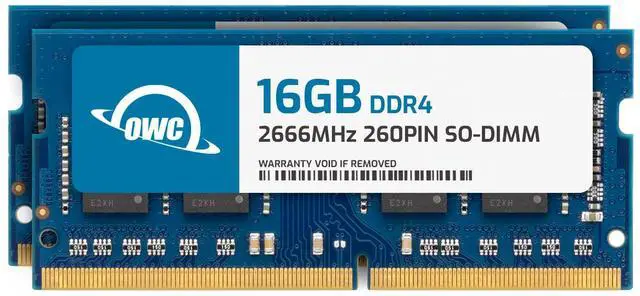
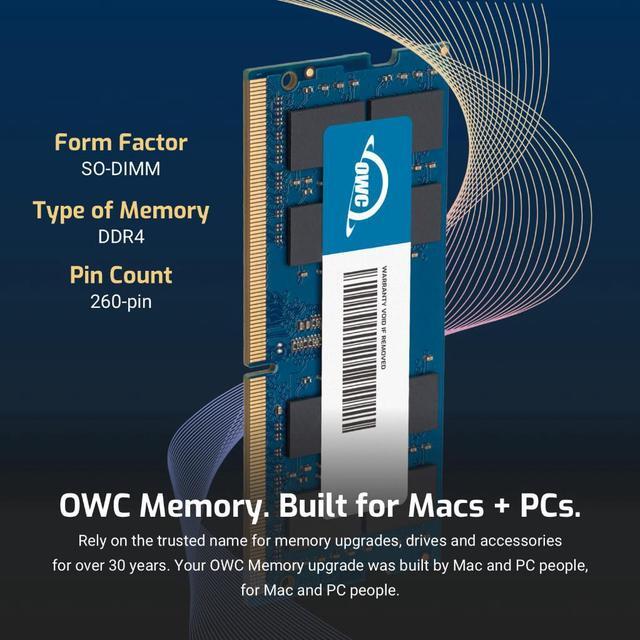
The OWC 32GB memory kit includes two 16GB DDR4-2666 SO-DIMM modules for upgrading a GMKtec NucBox 2, and is suited to users who want more memory for everyday multitasking or other memory-intensive tasks.
Recommended For
- GMK NucBox 2 owners whose current memory is limiting everyday multitasking and who want to move to a 32GB, two-module configuration; reviewers report that the NucBox 2 supports up to 32GB across its two SODIMM slots.
- NucBox 2 users who keep many browser tabs and work applications open at once and want more memory headroom; this is a RAM-capacity upgrade, not a processor upgrade.
- NucBox 2 owners setting up memory-intensive home-lab or virtual-machine workloads who need the system’s supported 32GB capacity; a reviewer tested the mini PC with Unraid.
Real-World Use Scenarios
- When using the NucBox 2 for everyday work with many browser tabs, office apps, and background programs open, replacing a low-memory setup with 32GB gives those apps more room to run together and can reduce slowdowns from memory pressure.
- For a compact home-office PC used through a full workday, the 32GB kit can help keep documents, communication apps, and other routine programs open at once; it adds memory capacity but does not make the processor faster.
- When using the NucBox 2 as a living-room media PC, extra memory can leave more headroom for streaming and other apps running in the background; the system’s video playback capability still depends on the PC and software, not on RAM capacity alone.
- For light gaming on the NucBox 2’s integrated graphics, installing both modules enables dual-channel memory, which can help avoid the single-channel limitation of some configurations; expect modest, game-dependent results rather than a substitute for a dedicated graphics card.
- For a small desktop mounted behind a monitor, upgrading the NucBox 2’s removable memory can support a more app-heavy setup without taking up desk space; the 32GB total is within the 32GB upgrade limit reported for the system.