





OUWEE will be given Your Laptop a New Life and provide you with friendly and easy to obtain after-sales service.

Welcome to OUWEE
OUWEE is a leading battery and battery-powered charging solutions brand. Our batteries use 100% compatible ‘grade A’ cells for a safe way to let your laptop run like new. With multi-protection such as short circuits, overheating, and overload, you can rest assured that you are in good hands. And OUWEE helps you put your laptop back in your life, you can enjoy plenty of time away from your AC adapter.
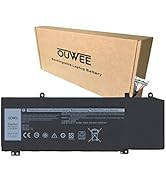
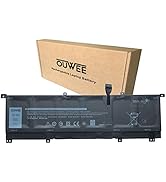
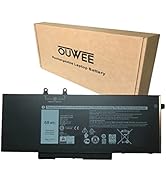
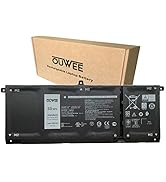
FOR DELL
FOR LENOVO
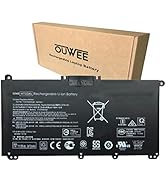
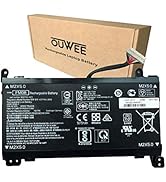
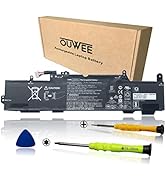
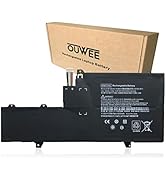
FOR HP
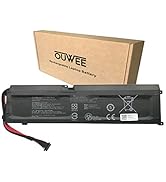
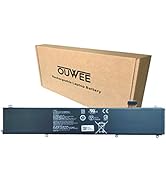
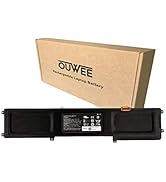
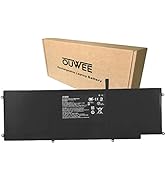
FOR RAZER
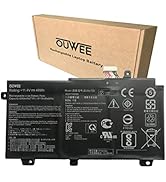
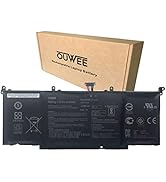
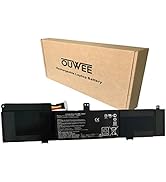
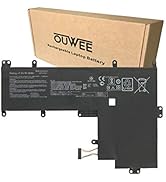
FOR ASUS
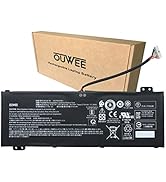
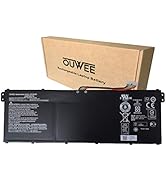
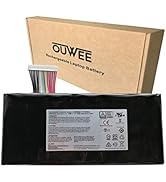
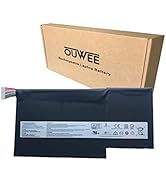
FOR ACER & MSI
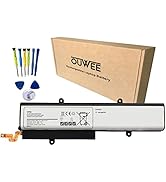
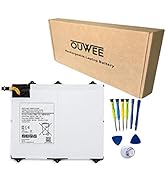
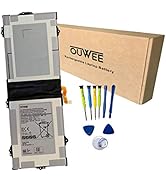
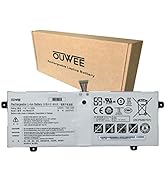
FOR SAMSUNG

Product information


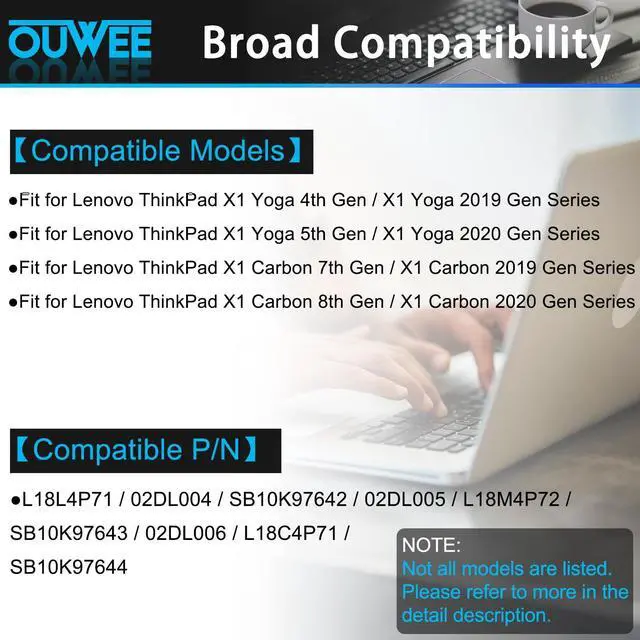
Compatible Models: (use "Ctrl+F" to find your model quickly)
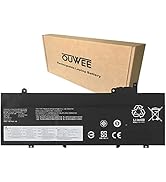
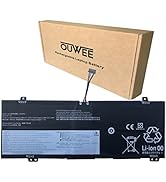
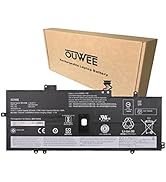
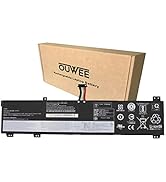
- Fit for Lenovo ThinkPad X1 Yoga 4th Gen / X1 Yoga 2019 Gen Series;
- Fit for Lenovo ThinkPad X1 Yoga 5th Gen / X1 Yoga 2020 Gen Series;
- Fit for Lenovo ThinkPad X1 Carbon 7th Gen / X1 Carbon 2019 Gen Series;
- Fit for Lenovo ThinkPad X1 Carbon 8th Gen / X1 Carbon 2020 Gen Series.
Replacement for Part Number:
L18L4P71 / 02DL004 / SB10K97642 / 02DL005 / L18M4P72 / SB10K97643 / 02DL006 / L18C4P71 / SB10K97644

Common Troubleshooting Methods
Why isn’t your laptop detecting the battery or showing the correct battery level after installation? This could happen if the battery isn’t properly connected. Make sure the battery cable is securely attached. Another possible cause is damaged conductive material between the laptop’s motherboard and the battery’s positive contact—try testing with the original battery to verify. Also, check if the battery driver is functioning correctly. If not, download and install the latest driver update.

Battery maintenance methods for optimal use
When you receive a new battery, discharge the battery to 5% (not 0%), then charge it to 95% and cycle 3-4 times to wake up the new battery. It is important to fully discharge and recharge every other month to extend battery life. Do not leave the adapter connected for long periods of time when using the battery. It may damage the battery. Avoid human impact, disassembly, crushing or puncturing. Do not put it in fire or waterr.

Why should you choose OUWEE Batteries?
100% True Capacity No falsely labeled capacity battery The internal integrated chip is designed to take your laptop to Over-Charge,Over-Current,Over-Voltage,Short-Circuit, Temperature Protection High Quality, fast charge and Long Lasting time. Top Batteries at Great value.
Product information
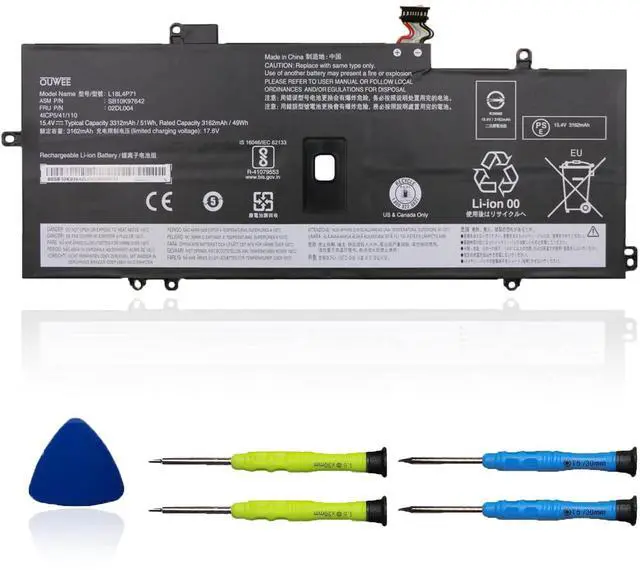
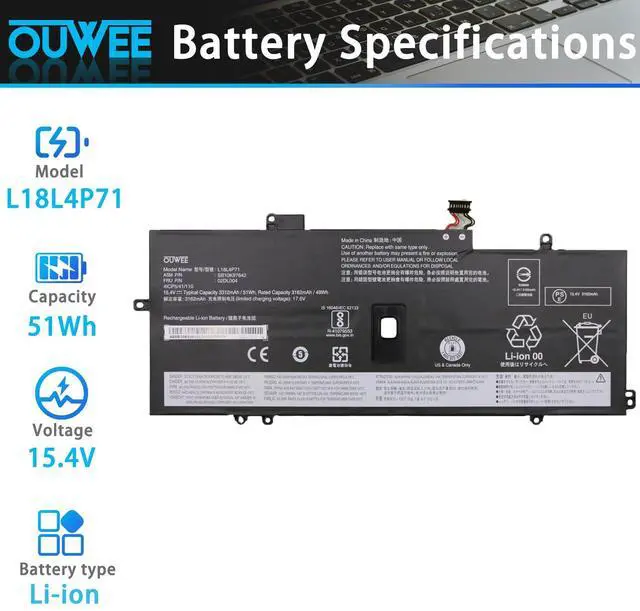
| Model | L18L4P71 |
| Capacity | 51Wh |
| Voltage | 15.4V |
| Type | Li-ion |
| Color | Black |
| Condition | Brand New |
Compatible Models: (use "Ctrl+F" to find your model quickly)
- Fit for Lenovo ThinkPad X1 Yoga 4th Gen / X1 Yoga 2019 Gen Series;
- Fit for Lenovo ThinkPad X1 Yoga 5th Gen / X1 Yoga 2020 Gen Series;
- Fit for Lenovo ThinkPad X1 Carbon 7th Gen / X1 Carbon 2019 Gen Series;
- Fit for Lenovo ThinkPad X1 Carbon 8th Gen / X1 Carbon 2020 Gen Series.
Replacement for Part Number:
L18L4P71 / 02DL004 / SB10K97642 / 02DL005 / L18M4P72 / SB10K97643 / 02DL006 / L18C4P71 / SB10K97644
Common Troubleshooting Methods
Why isn’t your laptop detecting the battery or showing the correct battery level after installation? This could happen if the battery isn’t properly connected. Make sure the battery cable is securely attached. Another possible cause is damaged conductive material between the laptop’s motherboard and the battery’s positive contact—try testing with the original battery to verify. Also, check if the battery driver is functioning correctly. If not, download and install the latest driver update.
Battery maintenance methods for optimal use
When you receive a new battery, discharge the battery to 5% (not 0%), then charge it to 95% and cycle 3-4 times to wake up the new battery. It is important to fully discharge and recharge every other month to extend battery life. Do not leave the adapter connected for long periods of time when using the battery. It may damage the battery. Avoid human impact, disassembly, crushing or puncturing. Do not put it in fire or waterr.
Why should you choose OUWEE Batteries?
100% True Capacity No falsely labeled capacity battery The internal integrated chip is designed to take your laptop to Over-Charge,Over-Current,Over-Voltage,Short-Circuit, Temperature Protection High Quality, fast charge and Long Lasting time. Top Batteries at Great value.
OUWEE will be given Your Laptop a New Life and provide you with friendly and easy to obtain after-sales service.
Welcome to OUWEE
OUWEE is a leading battery and battery-powered charging solutions brand. Our batteries use 100% compatible ‘grade A’ cells for a safe way to let your laptop run like new. With multi-protection such as short circuits, overheating, and overload, you can rest assured that you are in good hands. And OUWEE helps you put your laptop back in your life, you can enjoy plenty of time away from your AC adapter.
FOR DELL
FOR LENOVO
FOR HP
FOR RAZER
FOR ASUS
FOR ACER & MSI
FOR SAMSUNG