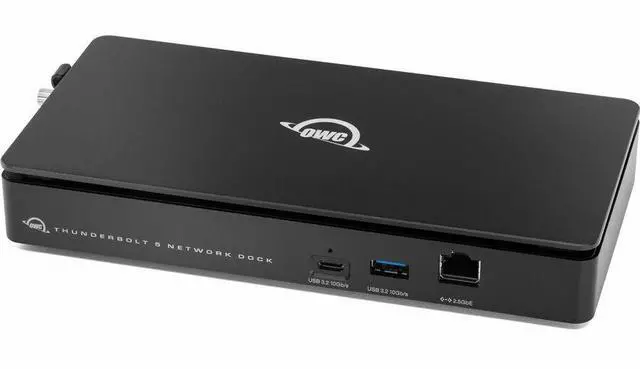
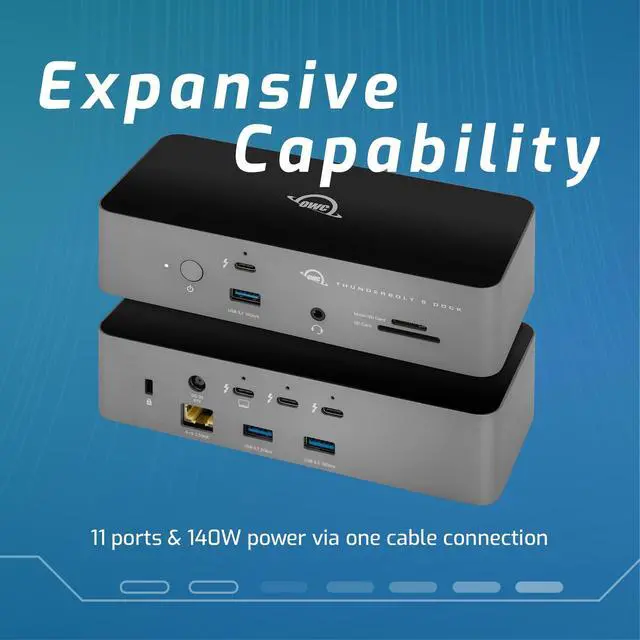
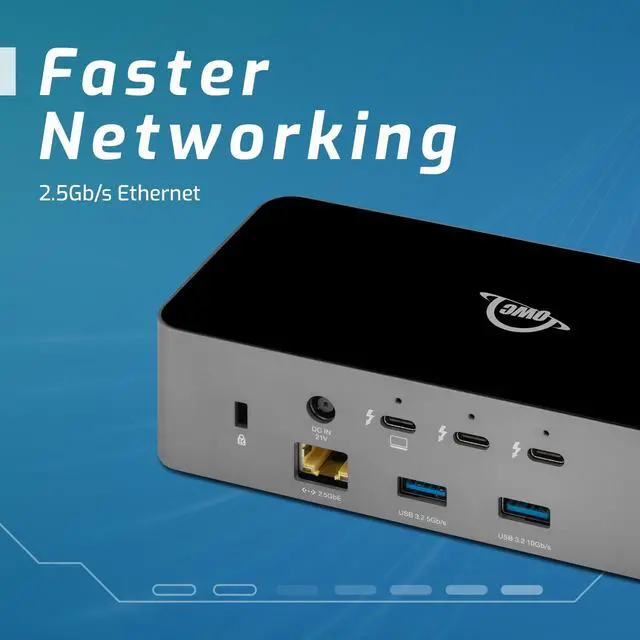
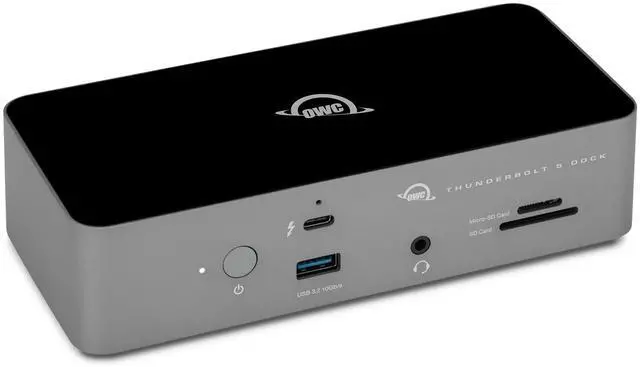
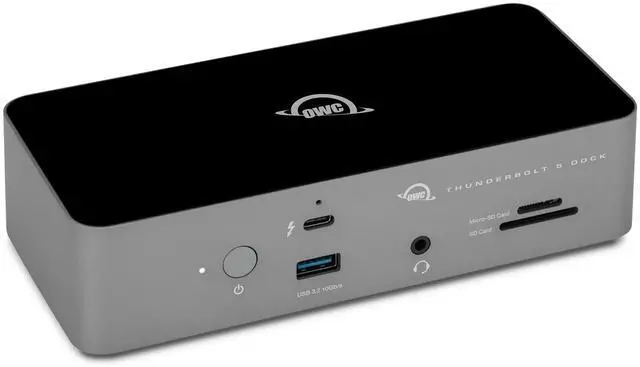
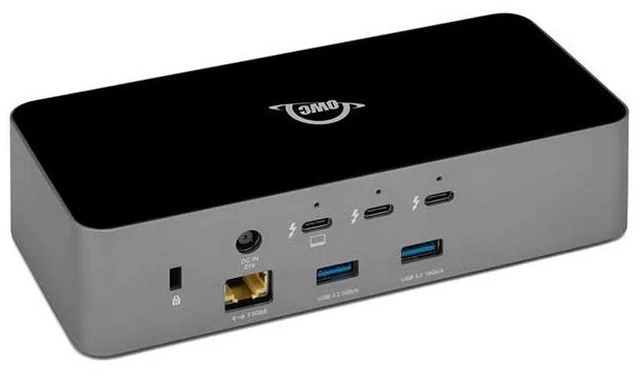
The OWC OWCTB5DOCK11P is an 11-port Thunderbolt 5 docking station with 2.5GbE and up to 140W power delivery, suited to laptop users building a high-bandwidth desk setup for peripherals, networking, and charging through one dock.
Recommended For
- MacBook Pro users building a one-cable desk setup for charging, wired networking, peripherals, and up to two external displays.
- Creative professionals who connect fast Thunderbolt storage, USB peripherals, and SD or microSD cards at a fixed workstation.
- Thunderbolt 5 Windows laptop users who want to connect several high-resolution displays and peripherals through one dock.
- Home-office users with a 2.5GbE-capable wired network who want Ethernet, audio, card readers, and USB ports consolidated at their desk.
Real-World Use Scenarios
- At a home or office desk, connect a compatible laptop to monitors, external drives, wired networking, and other peripherals through the dock; one cable then makes it easier to connect or disconnect the whole workstation.
- When offloading photos or video, insert SD or microSD cards directly into the dock while external storage and the laptop remain connected, reducing the need to swap card-reader adapters.
- For multi-display work such as editing, design, or keeping reference material beside a main project, connect monitors through the dock’s Thunderbolt ports; the number and resolution supported depend on the computer and displays.
- For large file transfers between a computer and a NAS, use the dock’s wired Ethernet connection; transfers can benefit from its 2.5GbE capability when the network and NAS also support speeds above standard gigabit Ethernet.
- When working with fast external SSDs alongside other connected devices, use the dock’s Thunderbolt ports to keep storage and peripherals connected at the desk rather than repeatedly plugging them into the laptop.