


- Free 30-day Returns
$724.99

Meet Your Seller

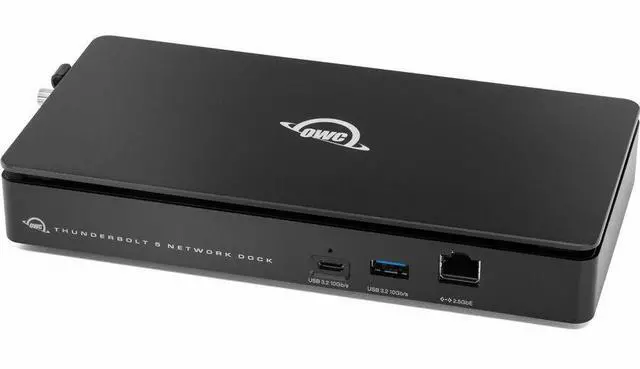
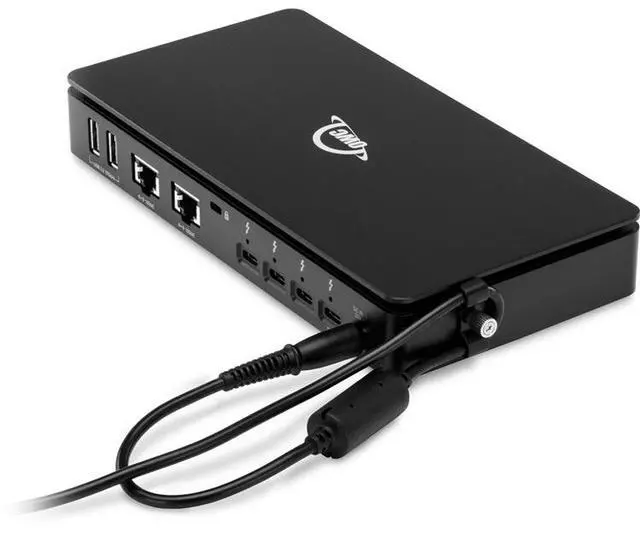


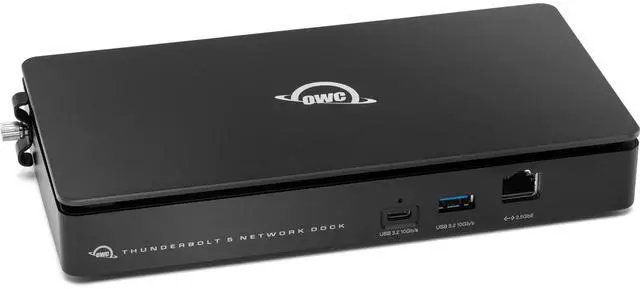


OWC Thunderbolt 5 Dual 10GbE Network Dock (OWCTB5DK11PD210G)
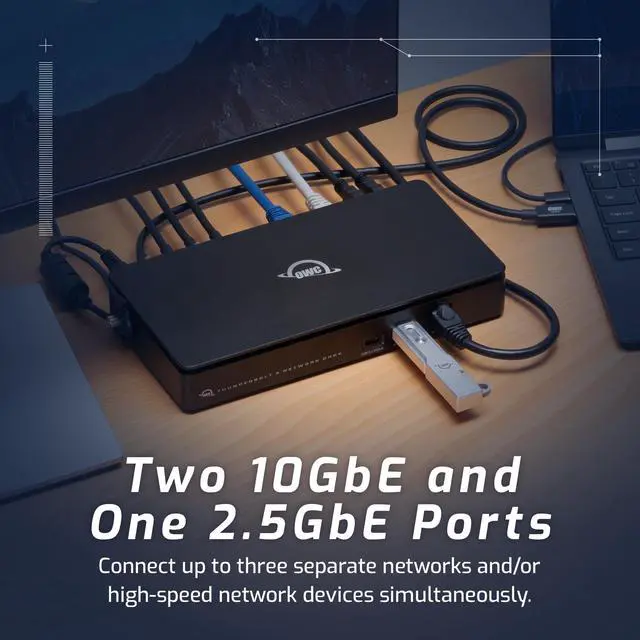
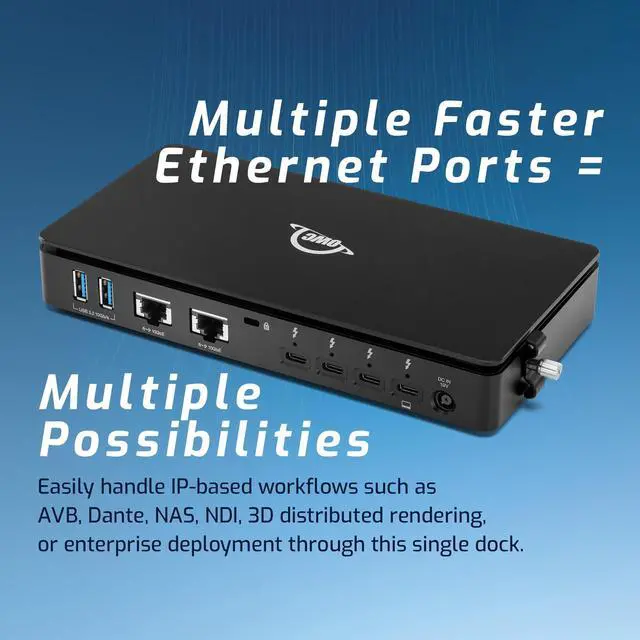
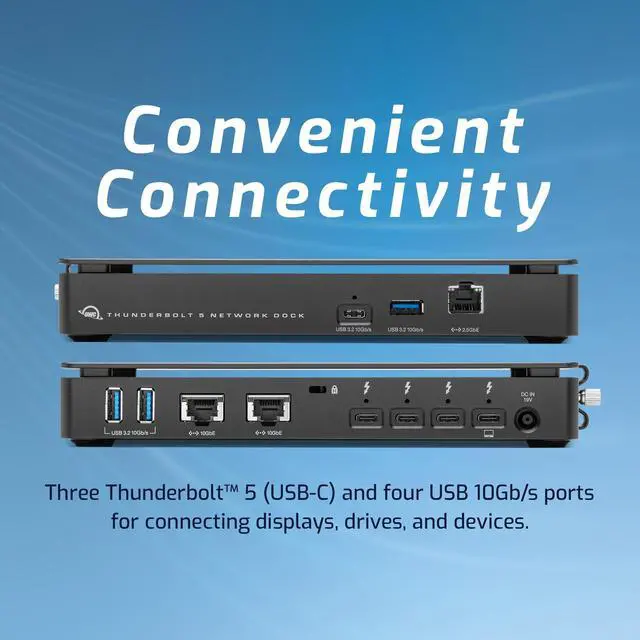
- You can tell its special with just one glance. Three fully independent high speed Ethernet ports. Four Thunderbolt 5 and four USB ports.
- The Thunderbolt 5 Dual 10GbE Network Dock is the first all-in-one solution that simplifies complex multi-network workflows and unlocks high-bandwidth network storage connectivity while offering everyday docking convenience.
- Whether youre handling audio production with Dante, routing 4K NDI video streams for broadcast, outputting large high-res files to NAS storage, or administering a cluster of virtual machines in the cloud, you can do it all through this one dock via a single cable connection to your Thunderbolt equipped Mac or PC.
+
+
Overview
Specs
Reviews
OWC THUNDERBOLT 5 DUAL 10GBE NETWORK DOCK
Warranty & Returns
Warranty, Returns, And Additional Information
Warranty
- Please contact the Seller directly for warranty information. Warranty information may also be found on the Manufacturer's website.
- CONTACT
Return Policies
- Return for refund within: 30 days
- Return for replacement within: 90 days
- This item is covered by OWC Canada Return Policy
Manufacturer Contact Info
- For a directory of all our manufacturers, please click below.
- Manufacturers Directory
LOADING...
The OWC Thunderbolt 5 Dual 10GbE Network Dock is a multi-network dock with three independent Ethernet ports, four Thunderbolt 5 ports, and four USB ports, designed for professionals connecting fast networks and peripherals to a compatible Mac or PC. It suits workflows such as NAS file transfers, Dante audio, 4K NDI video, and virtual machine administration.
Recommended For
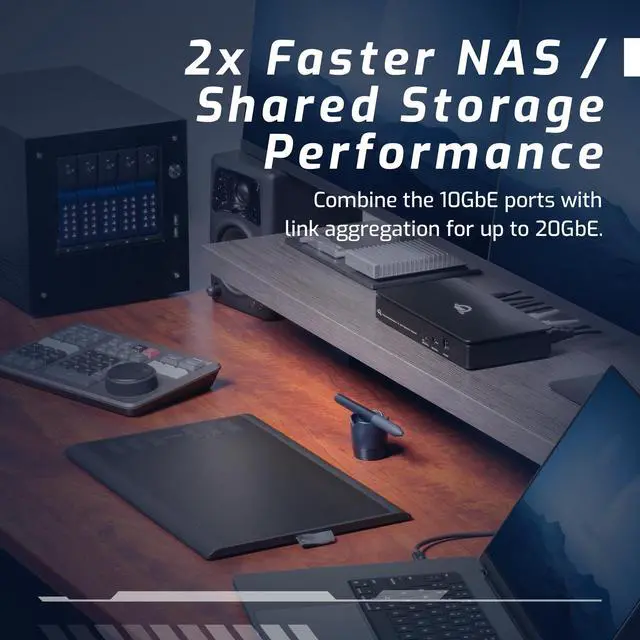
- Video editors and imaging teams working from a high-speed NAS: the dual 10GbE connections can support NAS access alongside other network traffic, and OWC documents link aggregation for compatible setups.
- Live-production and broadcast teams routing NDI video and Dante audio over separate networks from one Thunderbolt-connected workstation.
- AV installers and IT professionals who need a laptop-based setup connected to separate AV and office networks, such as for isolating NDI or Dante traffic from corporate LAN access.
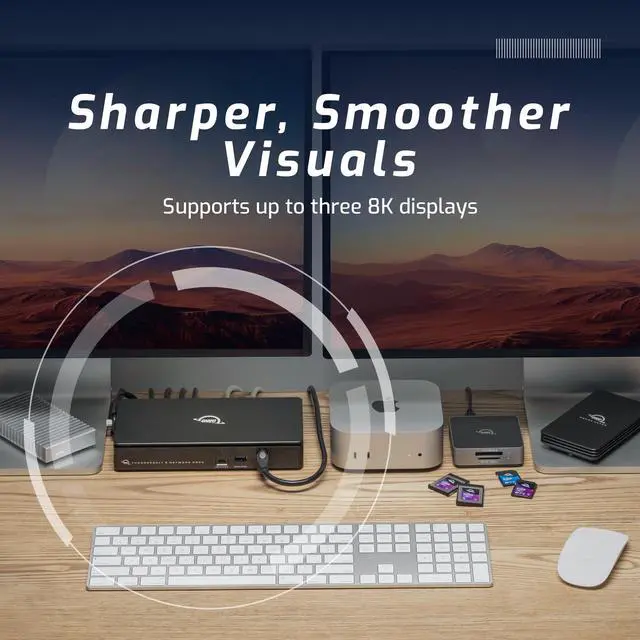
- Workstation users who regularly move a Thunderbolt-equipped laptop between desks and need multiple Ethernet networks, Thunderbolt devices, and USB peripherals connected through one dock.
Real-World Use Scenarios
- At a live production or broadcast setup, connect NDI cameras, Dante audio, and a NAS on separate networks; the laptop can handle video, audio, and media files from one dock without relying on multiple Ethernet adapters.
- In a recording or post-production studio, connect the laptop to shared project storage, an audio network, and the internet separately; storage, displays, and other gear can stay connected to the dock when the laptop is unplugged and moved.
- When editing high-resolution footage or working with large photo libraries on a compatible NAS, use the dock’s 10GbE connections for network storage; link aggregation may increase access bandwidth when the NAS and network are configured to support it.
- For IT administration or lab work, connect a notebook to separate corporate, test, or management networks; independent Ethernet connections make it easier to keep network access distinct while using one docked workstation.
- At a shared desk or a mobile production workspace, leave displays, drives, peripherals, and network cables attached to the dock; connecting a compatible laptop with one Thunderbolt cable reduces repeated setup and teardown.
- In a 3D or VFX workflow, connect a workstation to a render network and shared asset storage at the same time; this can keep rendering jobs and large project files on separate network paths.