






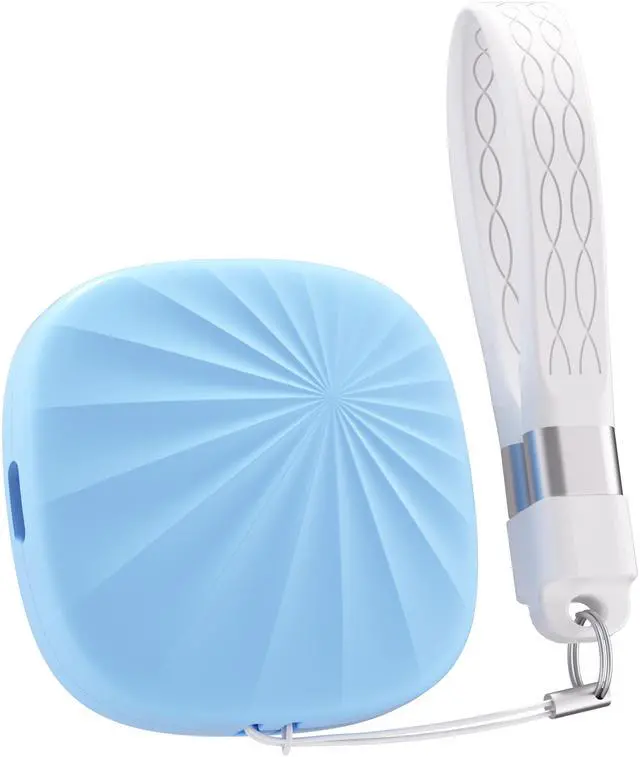
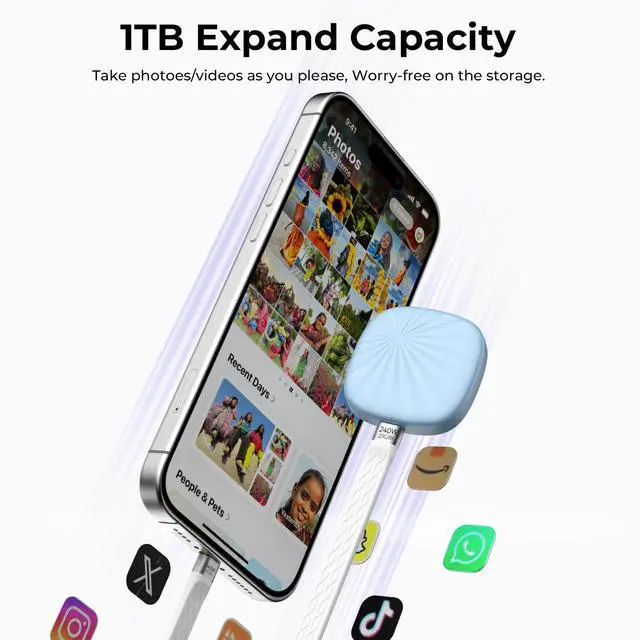
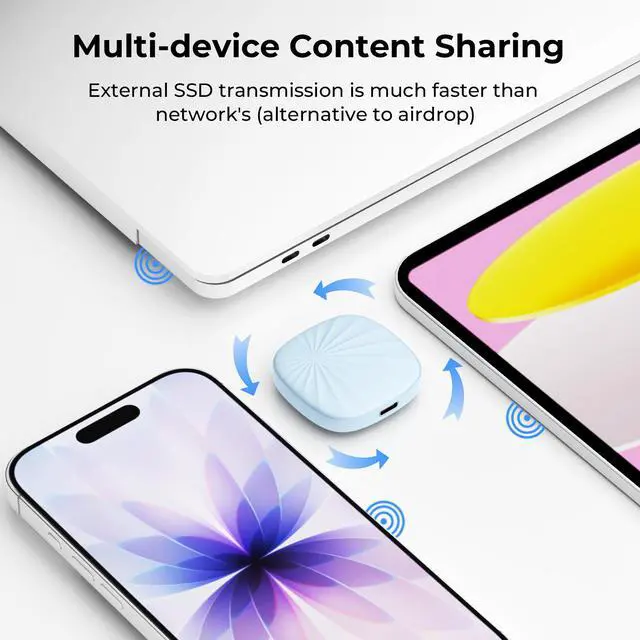
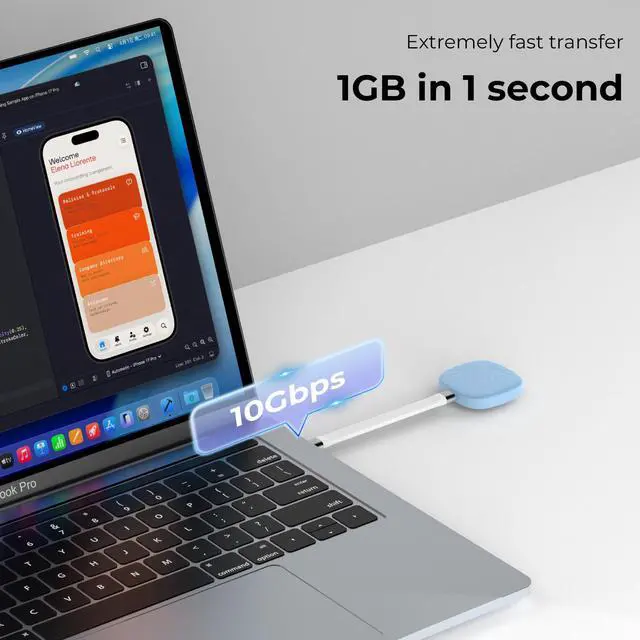


The Nusyn NSP30 1TB is a compact portable SSD with USB 3.2 Gen 2 and USB-C, built for users who want fast file transfers up to 1050MB/s in a pocket-size drive for laptops, phones, tablets, and travel-ready backups.
| Attribute | Value |
|---|---|
| Best For | Portable personal storage and media transfers for laptops, desktops, tablets, smartphones (including iPhone 15 and above) and gaming consoles |
| Capacity | 1 TB solid-state storage |
| Interface And Transfer | USB 3.2 Gen 2 Type-C interface (USB connectivity) |
| Performance | Sequential read up to 1050 MB/s and sequential write up to 900 MB/s over the stated USB interface |
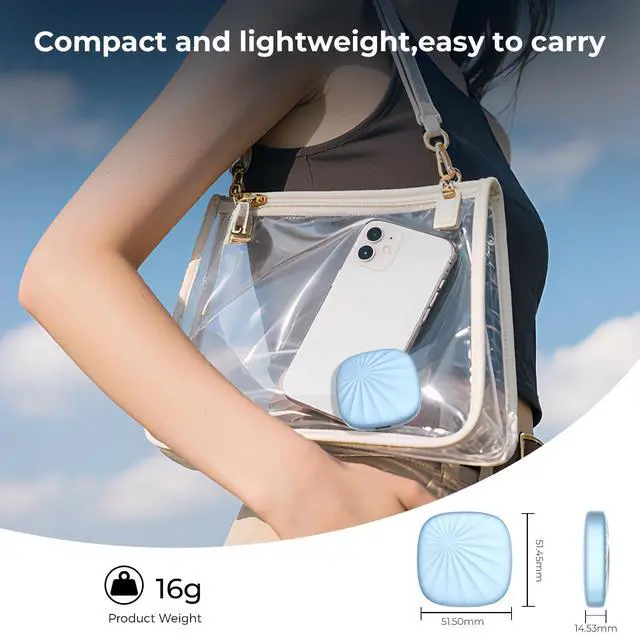
| Physical Dimensions & Weight | Compact footprint — 51.5 x 51.5 x 14.53 mm (2.03 x 2.03 x 0.57 in); weight 0.04 lb |
| Compatibility & System Requirements | Compatible with iPhone 15 and above, desktop computers, laptops, tablets, smartphones and gaming consoles; intended as an external/portable drive for personal use |
| Package Contents | Includes one portable SSD unit, USB-C data cable and user manual |
| Model Identifiers | NUSYN NSP30 series — model NSP30B1T (part number NSP30B1T); model name/number NSP30 |
| Form Factor & Color | Compact, portable external SSD in Blue |
Q: Is the Nusyn 1TB NSP30 a good portable SSD for travel, office work, and everyday backups?
A: Yes, it is a practical fit for travel and everyday work if you want a very small, light external SSD for documents, photos, 4K media transfers, and routine backups. Its stated USB 3.2 Gen 2 speed class and pocket-size design match the main decision criteria that shoppers repeatedly ask about on competing retail listings: portability, simple plug-and-play use, and enough speed for normal work files. The main trade-off is that this listing does not mention extras such as hardware encryption, bundled software, or rugged protection, so buyers who prioritize security features or premium build details may prefer a higher-tier alternative.
Q: Will this work with an iPhone or Android phone?
A: It should be suitable for USB-C mobile devices that support external storage, and the product listing specifically names Android, iOS, and iPhone 15 and above. For buying decisions, the important nuance is that phone compatibility is often more limited than laptop compatibility on competing SSD listings. In practice, USB-C iPhones are the safest fit, while older Lightning iPhones are not the target use case here. Buyers should also expect that file app support, formatting, cable fit, and phone power limits can affect the experience.
Q: Is the Nusyn NSP30 better than a Samsung T7 or similar mainstream portable SSD?
A: It is competitive on the core basics: 1TB capacity, USB 3.2 Gen 2, USB-C, and roughly the same advertised speed class that many shoppers compare first. It is the better choice if your priority is a simple, compact drive for file transfer and backup. A Samsung T7-class alternative is usually the safer pick if you specifically want known extras that come up often in retail Q&A, such as hardware encryption, software utilities, or broader documented support details. So the Nusyn is likely the value-and-simplicity option, while a T7-type model is the feature-and-brand-confidence option.
Q: Is this a good choice for storing games or using with a console?
A: It can work as external storage for moving or storing game files, but buyers should not assume it upgrades every console use case. Retail Q&A for comparable SSDs repeatedly shows that console compatibility has caveats, especially on PlayStation systems where external USB SSDs may store or run only certain game types. This makes the NSP30 reasonable for backup, media, and extra space, but not the best choice if your main goal is full-speed current-generation console gameplay without checking platform limits first.
Q: Who is this SSD most suitable for, and who should skip it?
A: It is most suitable for students, remote workers, travelers, photographers, and phone or laptop users who want a small USB-C SSD for fast transfers and simple backup across multiple operating systems. It is less suitable for buyers who need advanced security features, bundled management software, or clearly documented specialized use cases such as direct phone video recording workflows, pass-through charging, or heavy console-specific gaming needs. In short, it fits general-purpose portable storage better than niche professional workflows.
Q: Is this a good buy if I just need a small portable SSD for everyday file transfers and backups?
A: It can fit that use case if your priority is a compact 1TB USB-C drive for moving files between common devices. Based on the product data, it offers up to 1050 MB/s read and 900 MB/s write over USB 3.2 Gen 2, which is in line with mainstream 10Gbps portable SSD performance. The main trade-off is that there is very little community discussion about this exact model, so buyers who value a long track record, teardown history, or broad user validation may prefer a more established portable SSD brand.
Q: Who is this SSD most suitable for?
A: It is most suitable for users who want a basic portable SSD for laptop, phone, or tablet backups, travel, and general file transfer. The listed compatibility covers Windows, macOS, Linux, Android, and iOS, and the size and weight make it better suited to portability than desktop storage. It is less clearly positioned for buyers who need proven long-term reliability data, rugged design, hardware encryption, or creator-focused workflow features.
Q: Is it a good choice for use with a phone or iPhone?
A: It appears suitable for phone use if your device supports external USB-C storage and you want fast local transfers or backups. The product data specifically lists Android, iOS, and iPhone 15-and-above compatibility, which matches the common Reddit decision pattern of looking for a portable SSD that can connect directly to a phone. The main limitation is that phone compatibility depends on the device port, power behavior, and app support, so buyers should confirm their exact workflow before choosing it.
Q: What are the main trade-offs compared with better-known portable SSDs?
A: The main advantage is a compact 10Gbps USB-C design with mainstream rated speeds. The main trade-off is confidence: community discussions around portable SSD buying often focus on reliability history, known controller behavior, and whether a product has enough real-world validation. For this specific model, there is not enough visible Reddit or YouTube discussion to confirm those points, so it may be a reasonable budget or convenience pick, but not the safest choice for critical data if you prefer heavily vetted models.
Q: Should I buy this for important long-term storage?
A: It is better treated as a portable transfer and backup drive than as your only long-term storage location. The product data shows solid interface speed and broad compatibility, but there is not enough Reddit or YouTube discussion about this exact model to establish a strong reputation for long-term reliability. For important data, a safer decision is to use it as one copy within a broader backup plan rather than as the only place your files live.