






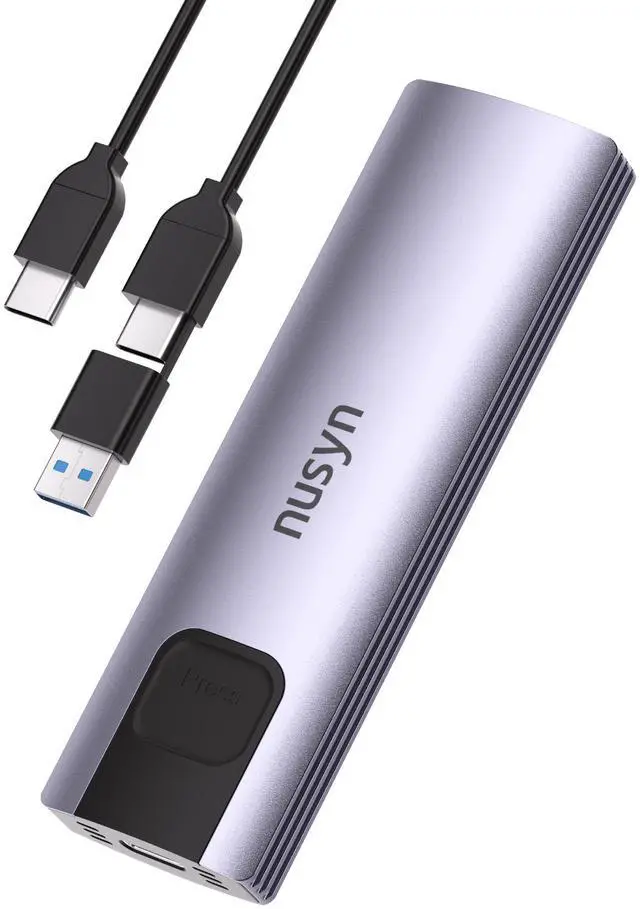
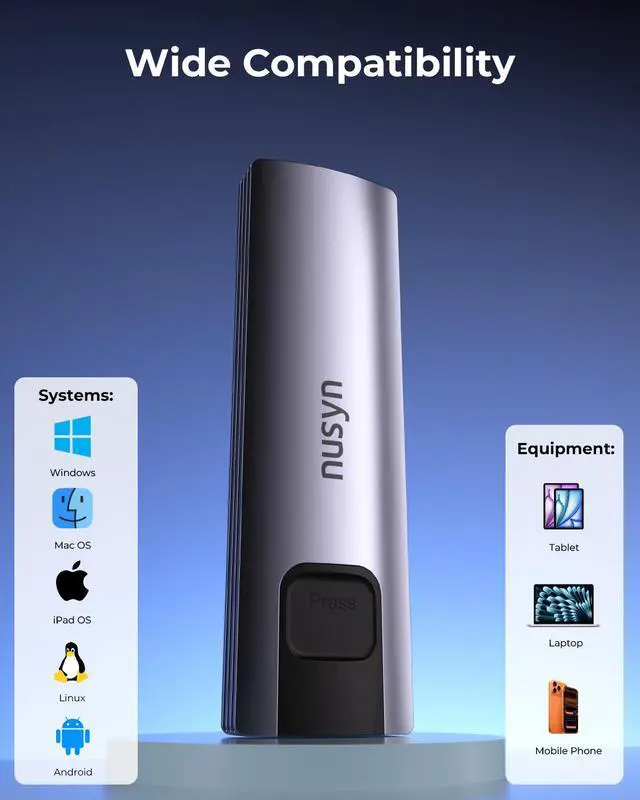
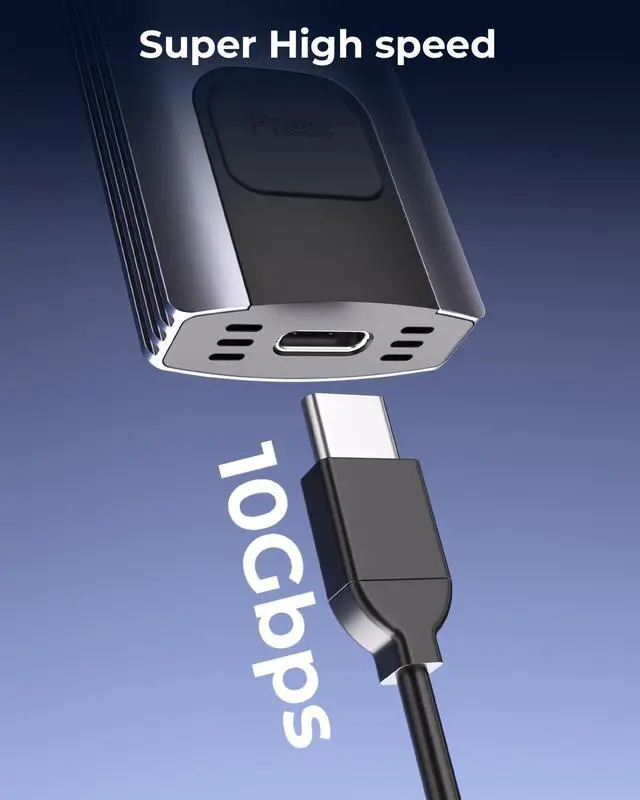
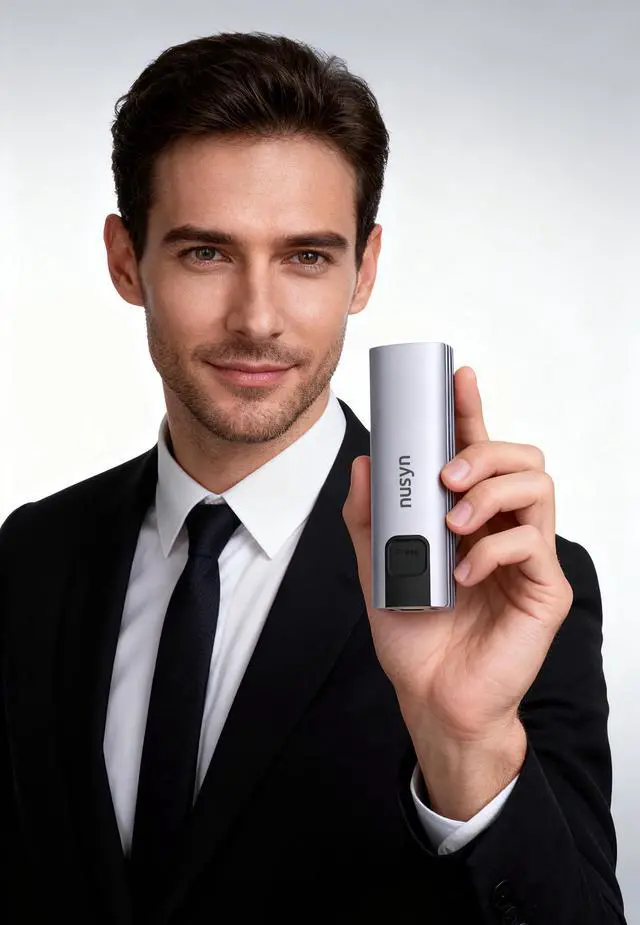
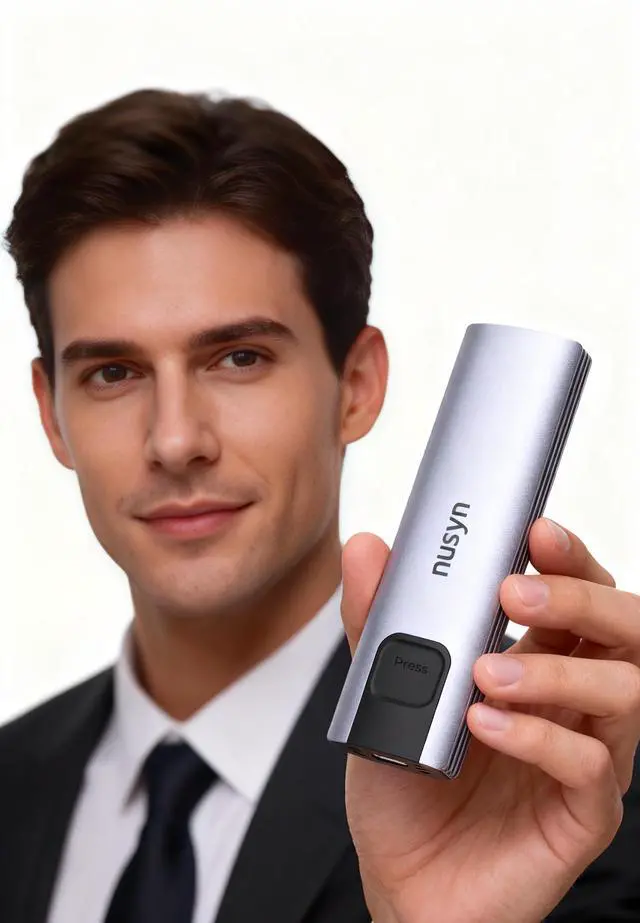


The Nusyn NSE20 is a compact USB-C M.2 SSD enclosure for users who want a simple way to turn an NVMe or SATA M.2 drive into fast external storage, with up to 10Gbps transfer support, tool-free installation, and broad compatibility across Windows, Mac, Linux, iOS, and Android.
| Attribute | Value |
|---|---|
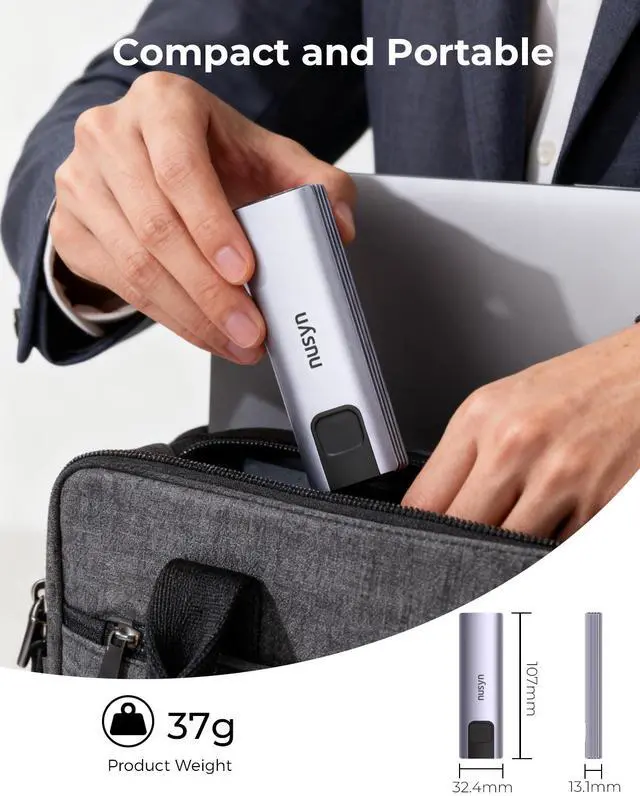
| Best For | Portable external storage and backups for M.2 2230/2242/2260/2280 NVMe or SATA SSDs; fast file transfers and portable workflows using USB 3.2 Gen 2 (up to 10Gbps), in a compact travel-friendly enclosure (4.2 x 1.28 x 0.52 in, 0.08 lb) |
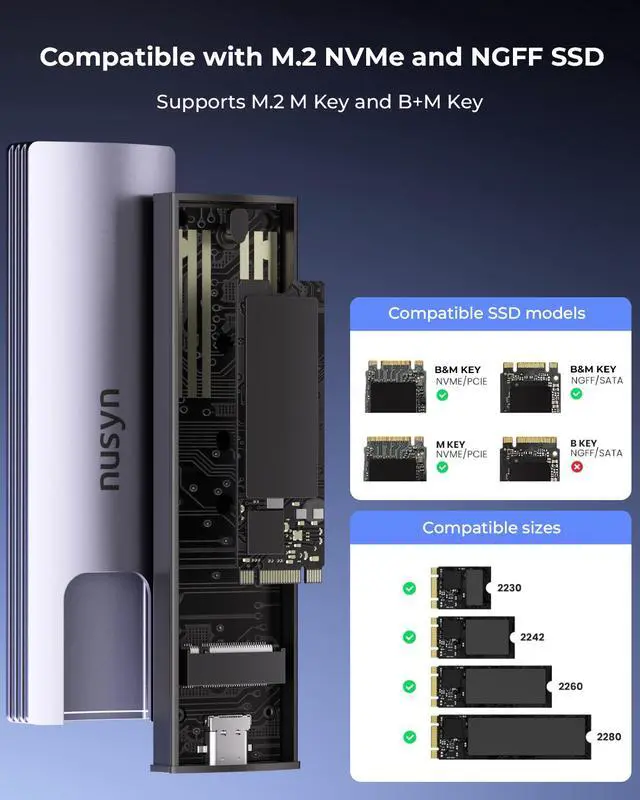
| Interface And Protocols | USB 3.2 Gen 2 host interface with up to 10Gbps throughput; dual-protocol support for NVMe and SATA M.2 drives in 2230/2242/2260/2280 form factors |
| Installation & Compatibility | Tool-free installation and plug-and-play operation with no drivers required; compatible with Windows, macOS, Linux, Android, and iOS |
| Physical Design & Cooling | Aluminum and plastic housing in silver, compact dimensions 4.2 x 1.28 x 0.52 in and product weight 0.08 lb; rugged construction for improved heat dissipation |
| Package Contents & Accessories | Includes the SSD enclosure and user manual; USB cable included for immediate connection |
| Model Identifiers | NUSYN brand, NSE20 series, model NSE20GRK (Manufacturer: NUSYN; Model Number: NSE20GRK) |
| Power & Requirements | No batteries required |
Q: Should I choose the Nusyn NSE20 or a cheaper NVMe-only M.2 enclosure?
A: Choose the Nusyn NSE20 if you want one enclosure that can accept either NVMe or SATA M.2 drives and multiple lengths from 2230 to 2280. That flexibility matters because many budget enclosures are NVMe-only, so they cannot reuse older M.2 SATA SSDs. A simpler NVMe-only enclosure can still make sense if you know you will only ever use NVMe and want to optimize for a narrower use case.
Q: Is a 10Gbps enclosure like the Nusyn NSE20 enough, or should I pay more for 20Gbps?
A: The Nusyn NSE20 is the better fit for everyday backup, file transfer, OS images, game storage, and general portable use. A 10Gbps USB enclosure typically tops out around the 1GB/s class with fast NVMe drives, which already exceeds SATA-based external storage. A 20Gbps enclosure is the better upgrade only if your computer has USB 3.2 Gen 2x2 support and you regularly move very large files or work directly from external NVMe storage, such as video editing workloads.
Q: For this enclosure, is an NVMe SSD worth it over a SATA M.2 SSD?
A: Yes, NVMe is the better match if you want the highest speed the Nusyn NSE20 can deliver. The enclosure supports both protocols, but SATA SSDs usually level off around the mid-500 MB/s range, while a good NVMe drive can get much closer to the practical ceiling of a 10Gbps USB enclosure. Choose SATA when you are reusing an older M.2 SATA drive or prioritizing lower cost over transfer speed.
Q: Is the Nusyn NSE20 a better choice for portability, or should I get a larger high-performance enclosure?
A: Choose the Nusyn NSE20 if portability and quick drive swaps matter more than chasing the top external SSD speeds. Its compact size, low weight, tool-free design, and broad OS support make it a practical travel enclosure. A larger 20Gbps, USB4, or Thunderbolt enclosure is the better fit when sustained performance is the priority and you are willing to accept higher cost, more heat, and a bulkier setup.
Q: Should I get the Nusyn NSE20 for a 2230 or 2242 SSD, or buy a size-specific enclosure?
A: The Nusyn NSE20 is the more versatile choice if you may reuse different SSD sizes over time. It supports 2230, 2242, 2260, and 2280, which is useful for users moving drives between handhelds, mini PCs, laptops, and desktops. A size-specific enclosure only makes more sense if you want the smallest possible physical package and know you will keep using one short-length SSD format.
Q: Will this enclosure work with both NVMe and SATA M.2 SSDs, or only one type?
A: Yes. This enclosure is designed for both NVMe and SATA M.2 SSDs, which is an important buying point because many competing enclosures are NVMe-only. It supports common M.2 sizes from 2230 to 2280. For buyers who are reusing older SATA M.2 drives, this is more flexible than an NVMe-only enclosure.
Q: Is this a good choice for travel, everyday work, and carrying files between devices?
A: Yes, for light mobile use it is a practical choice. The enclosure is small, tool-free, and bus-powered over USB-C, so it is easy to carry and quick to swap between laptops, desktops, tablets, and phones that support external storage. The main trade-off is that it is a 10Gbps enclosure, so it is best for portable storage, backups, and file transfer rather than the fastest possible external scratch-disk workflows.
Q: What is the main trade-off versus a faster Thunderbolt or USB4 enclosure?
A: The trade-off is speed versus cost and compatibility. A 10Gbps USB 3.2 Gen 2 enclosure like this is usually sufficient for general backups, office files, photo libraries, and portable storage, but it will not match the much higher real-world performance of Thunderbolt or USB4 enclosures. Buyers who need maximum external SSD speed for heavy video editing or sustained scratch-disk use may want a faster class of enclosure instead.
Q: Is this a better fit than an NVMe-only enclosure if I am not sure what SSD I have?
A: Usually yes. If you are unsure whether your M.2 drive is NVMe or SATA, a dual-protocol enclosure is the safer choice because it reduces the risk of buying an incompatible case. NVMe-only enclosures are common in retail listings and often cause confusion for buyers trying to reuse older or pulled M.2 SATA drives.
Q: Does tool-free installation meaningfully matter for normal buyers?
A: Yes, if you expect to reuse, test, clone, or swap SSDs more than once. Tool-free installation makes the enclosure more convenient for temporary drive access and frequent drive changes. If you plan to install one SSD and leave it there permanently, tool-free design is helpful but less important than protocol support, thermals, and interface speed.
Q: Who is this enclosure suitable for?
A: This enclosure is best for users who already have an M.2 SSD and want a simple external drive for file transfer, backups, or portable storage. Its main fit is convenience: it supports both NVMe and SATA M.2 drives, covers common lengths from 2230 to 2280, and uses a tool-free USB-C design. It is less suitable for buyers expecting the absolute fastest external SSD performance, because the enclosure is limited to USB 3.2 Gen 2 at 10Gbps.
Q: Is a 10Gbps enclosure worth buying for an NVMe SSD?
A: It can be worth buying if your priority is affordable, portable external storage rather than maximum speed. A 10Gbps USB enclosure is much slower than an internal NVMe slot and will cap transfer performance, but it is still fast enough for large file copies, backups, and general external SSD use. If your system and workflow need more than about 10Gbps-class USB performance, a 20Gbps or USB4 enclosure is the better fit.
Q: What is the main trade-off with this enclosure?
A: The main trade-off is flexibility versus peak performance. This model supports both NVMe and SATA M.2 SSDs and uses a tool-free design, which makes it broadly useful and easy to reuse with spare drives. The trade-off is that USB 3.2 Gen 2 tops out at 10Gbps, so fast NVMe drives will not run anywhere near their internal speeds.
Q: Is this a good choice if I am not sure whether my SSD is NVMe or SATA?
A: Yes, this is a safer choice than a single-protocol enclosure because it is specified to support both NVMe and SATA M.2 drives. That matters because one of the most common enclosure buying mistakes is choosing a case that supports only one protocol. You still need to confirm your SSD uses a supported M.2 size and that your host device has a compatible USB-C port.
Q: Is this a good enclosure for travel or everyday portable use?
A: Yes, it is a practical choice for portable use if you want a small enclosure for backup files, project files, or moving data between devices. The lightweight housing, tool-free installation, and broad OS compatibility make it convenient for travel. The trade-off is that portability does not guarantee the sustained speed or thermal headroom of larger, higher-end enclosures.