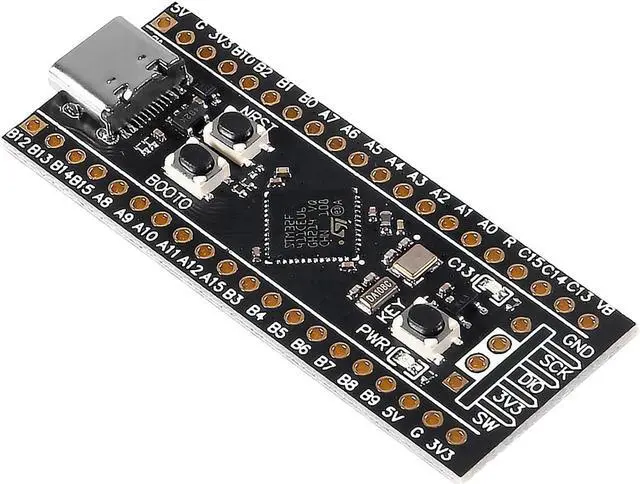
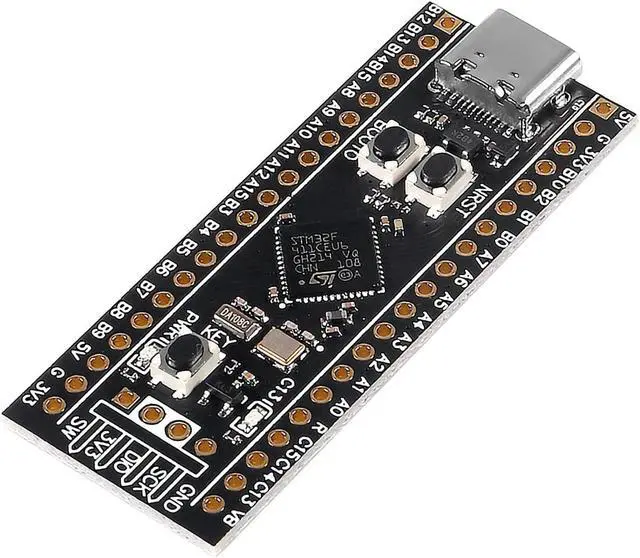
Memory:
512 Kbytes of Flash memory
128 Kbytes of SRAM
SPI Flash (Optional
Clock and power supply
3.3V-5V power input, 3.3V LDO maximum output current 100mA
USB C interface is used, and a diode is serial to prevent power backflow
25MHz 9PF high speed crystal oscillator
32.768K 6PF low speed crystal oscillator
Interface and Key
USART x 3, I2C x 3, SPI x 5,USBFS x 1
ADC x 1(10),I2S x 5,CRC x 1,TIM x 8
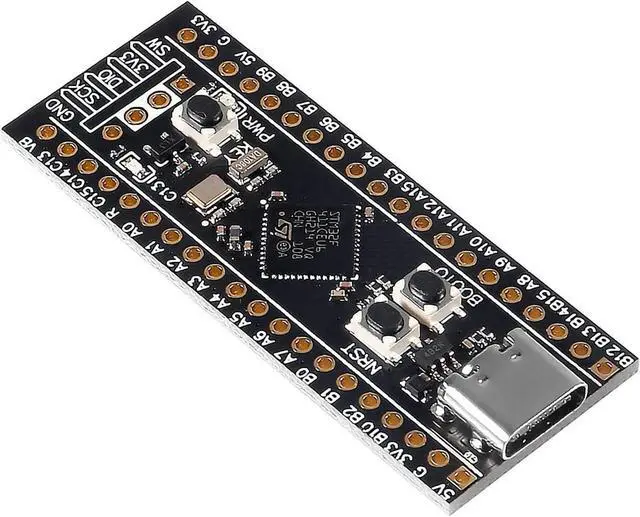
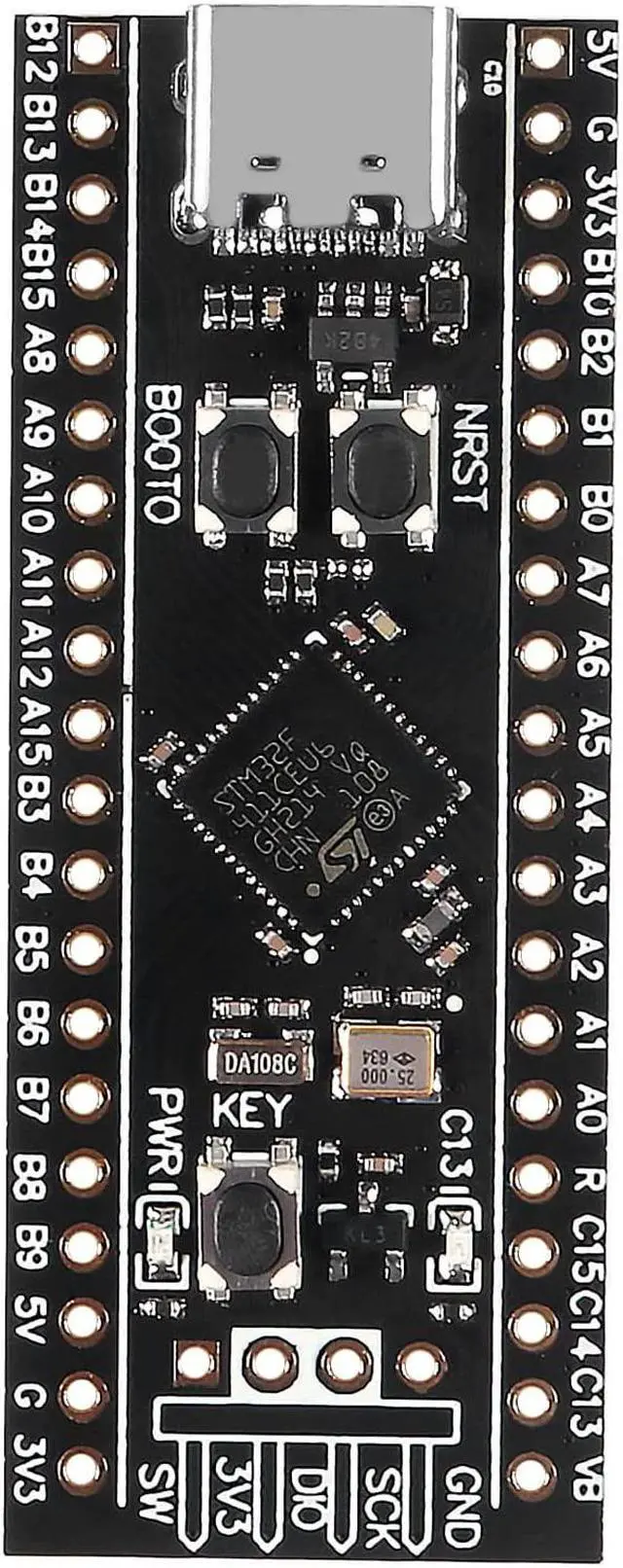
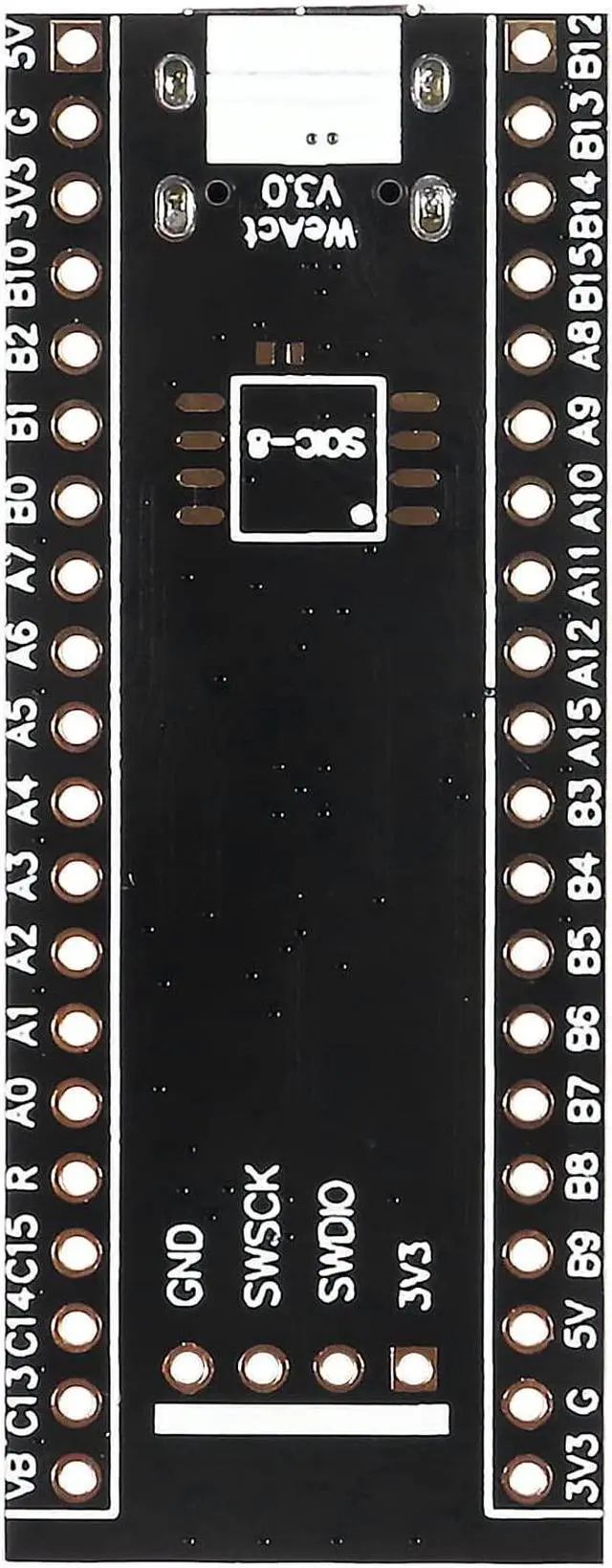
20 Pin 2.54mm pitch I/O interface x 2
4 Pin 2.54mm pitch SW debug interface x 1
USB C (Type C) interface x 1
User keys Key (PA0) x 1
Reset key NRST x 1
Boot0 key x 1
How to enter ISP (serial port /USB download)
Method 1:
Press Boot0 and NRST at the same time and release NRST. After 0.5s, release Boot0 and enter ISP mode
Method 2:
In the power off state, press Boot0, power on, wait for 0.5s, release to enter ISP mode
Serial port download: use USB to serial port to connect the core board PA9,PA10 can be, do not use USB port power supply
USB download: use the data cable to connect to the computer, if there is no identification problem,The chip can be properly heated (25°C+),then re-entering ISP mode
STM32CubeProg, Weact Studio Download Tool (see Github/WeActTC/MiniSTM32F4x1/Soft/)
No USB to serial port, no debugger, no computer driver, just a Type-C data line can complete the firmware download
1. Burn HID IAP firmware (the factory program brushes in by default, which is a special testversion)
2. Press the KEY KEY to power up or press the KEY to reset, LED C13 flashes, release the KEY to enter
3. Confirm APP firmware address is 0x8004000, interrupt address offset is 0x4000
4. Download it using
Github/WeActTC/MiniSTM32F4x1/Soft/WeAct_HID_FW_Bootloader/weact_hid_flash_xxx.exe
Package include:
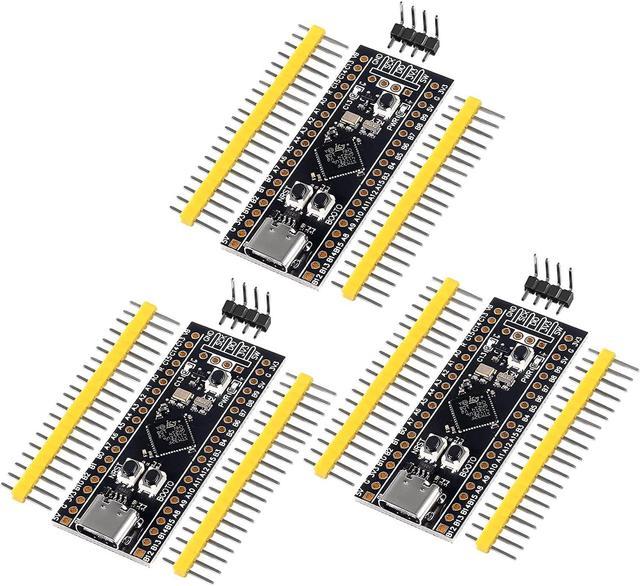
3 x STM32F411CEU6 Core Board
6 x 20 Pin 2.54mm pitch row Pin
3 x 4Pin 2.54mm pitch back bend row needle