


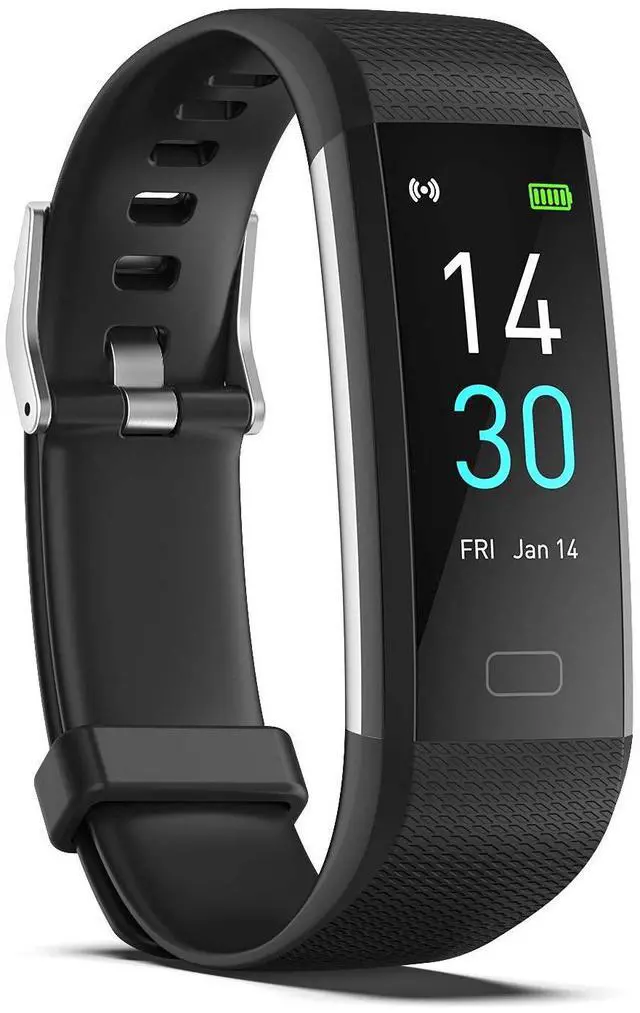
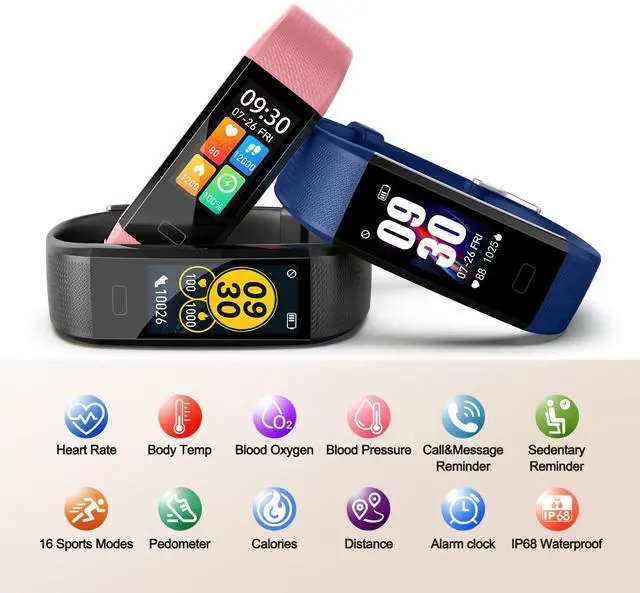


The Main Function
- Waterproof IP68
- Heart Rate Monitor
- Sleep Monitor
- Calorie Counter
- Step Counter
- 16 Sports Modes
- Remote Camera
- Call & Message Alert
- Connected GPS
Pre-use information
1. After receiving the tracker, please fully charge it. After making sure it is fully charged, press and hold the button on the smart tracker to turn it on. Generally it can be fully charged within 2 hours. The usage time is 5-7 days.
2. Time Setting: After successfully connecting the tracker to the Runmefit app via Bluetooth, the tracker will automatically sync with your phone's time.
3. If the tracker and app are unable to maintain a connection: Please refer to the FAQ in the Runmefit app.
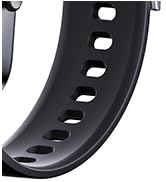
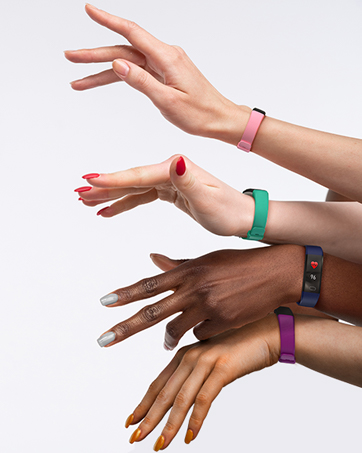
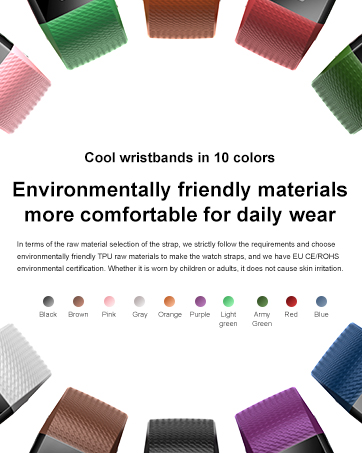
- ENGERWALL store sells fitness tracker replacement wristbands in other colors to make your smart bracelet look more like fashion accessories. (You can search for B0CMQBPHDD on .)
- If you have any questions about the product, please let us know through the way on the card. (Usually reply within 12 hours)
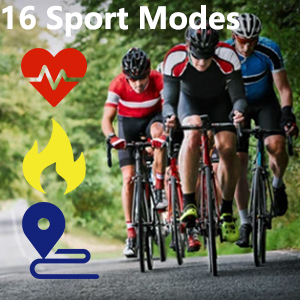
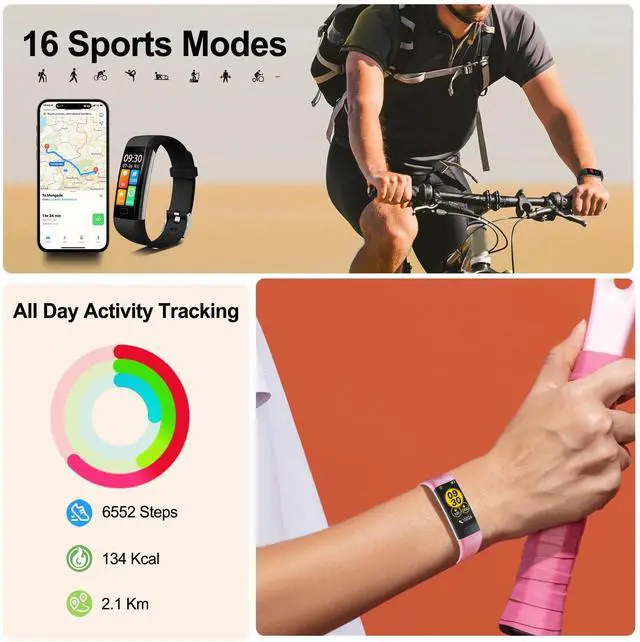
16 Sport Modes
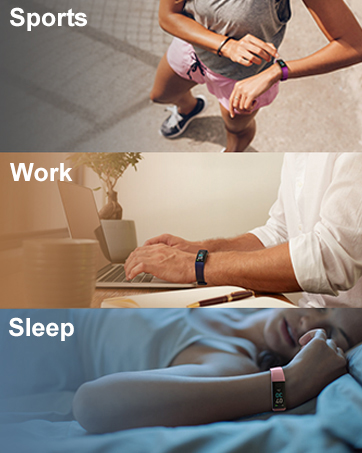
- With the Fitness Tracker, you can record your exercise data during exercise. For example: steps, calories, distance, heart rate, exercise time, etc. Let you exercise more scientifically.
- Note: There are 16 sport modes in the application RUNMIFIIT. The fitness tracker can store 4 exercise modes. You can save 4 commonly used sport to Fitness Tracker
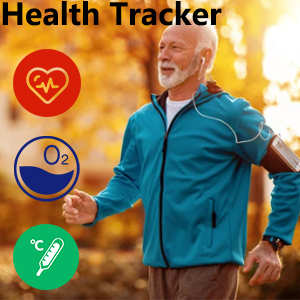
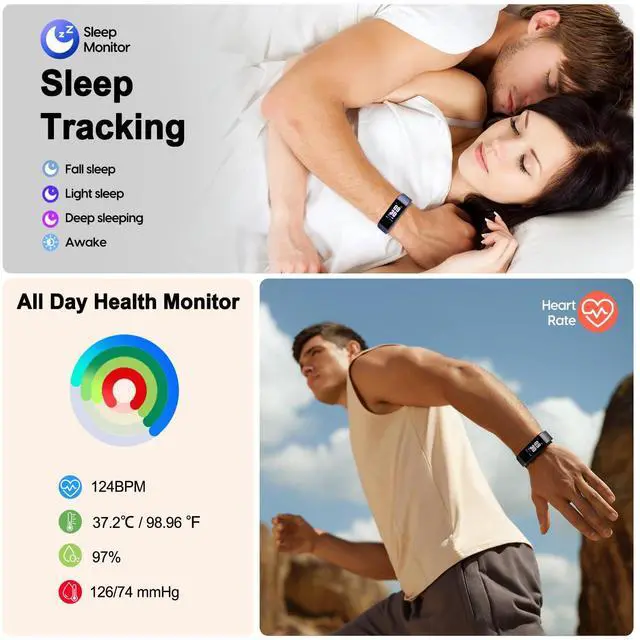
Heart Rate Monitor
- Track your 24-hour heart rate. One button to monitor current heart rate. Keep your data recorded on the app.For example: maximum, average, minimum heart rate value, heart rate value curve graph.
- New function: Smart Bracelet can detect body temperature, blood oxygen, blood pressure
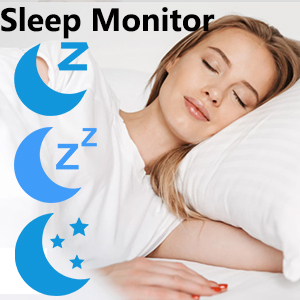
Sleep Monitor & Silent Vibration Alarm Clock
- This Activity Tracker can track your deep sleep/ light sleep/ awakening and analyze your sleep quality all day.
- You can also add up to 8 alarm clocks to wake you up by gentle vibration, no need to worry about disturbing people around you.

Call & Message Alert
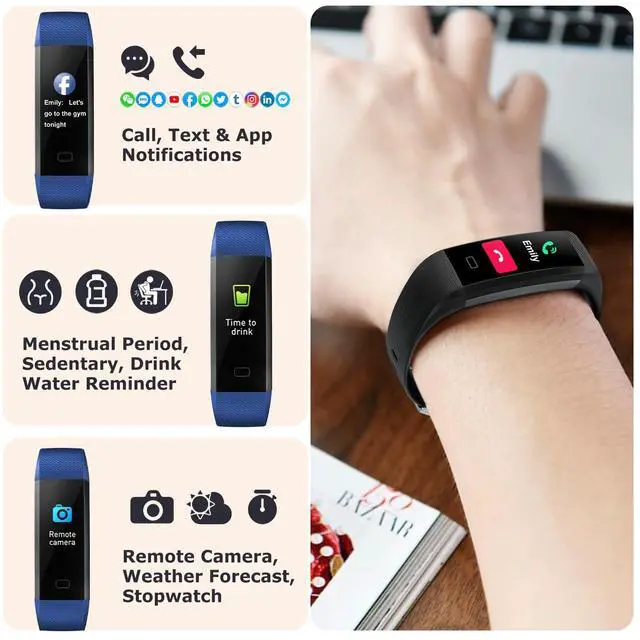
- The Fitness Tracker support message notification (SMS or SNS from Facebook, Linkedin, WhatsApp, Wechat, Twitter, Snapchat, Instagram, Messenger, QQ, Skype, Line and so on.)
- Please connect the fitness tracker with your phone in the app(RUNMEFIT), then turn on the message notification

Drink Water & Sedentary Reminder
Turn on the "Sedentary Reminder" or "Water Reminder" function in the APP. Sedentary will vibrate to remind you to move and remind you to drink water. Remember to stay active and help reduce stress, and set the time you need to relax.
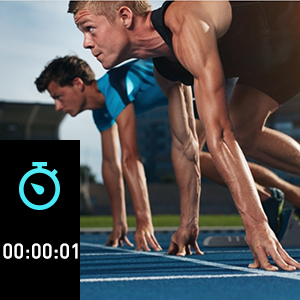
Stopwatch
You can set the stopwatch directly on the fitness watch. Assist you to exercise more scientifically.
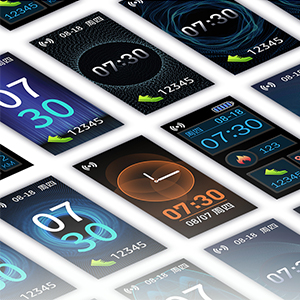
Customizable Watch Face
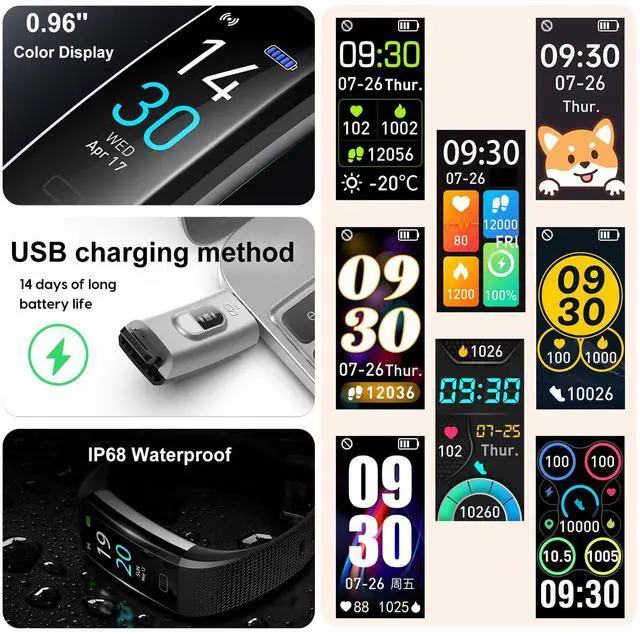
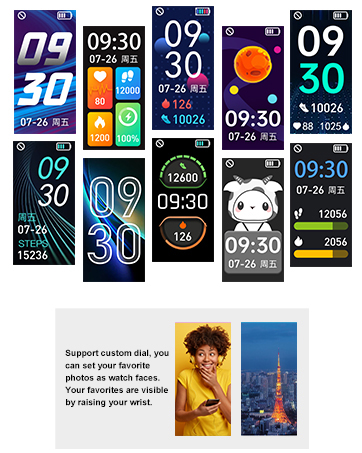
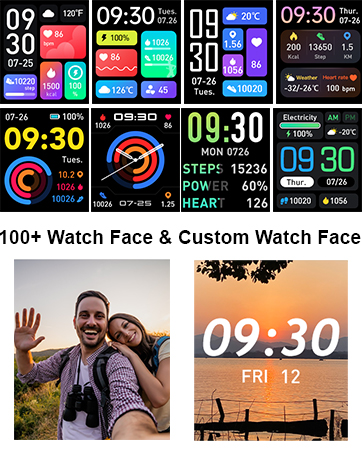
A variety of watch faces are available for you to choose from the Runmefit app. You can also choose your picture as the watch face, such as your selfie or photo of your kid, family, pet ,etc.
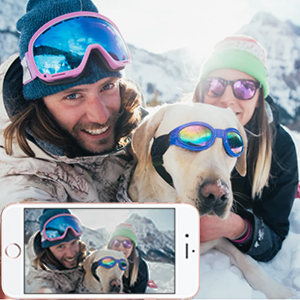
Remote Camera Control
Just enjoy the time together. This tracker can remote control your phone's camera to capture the cherished moments.
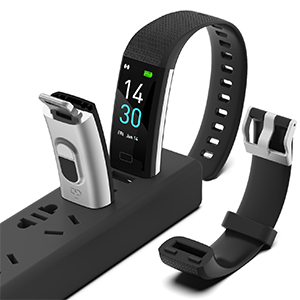
Super Long Battery Life
- Charging for 2 hours, you can enjoy up to 5-7 days of long battery life or 30 days of standby time.
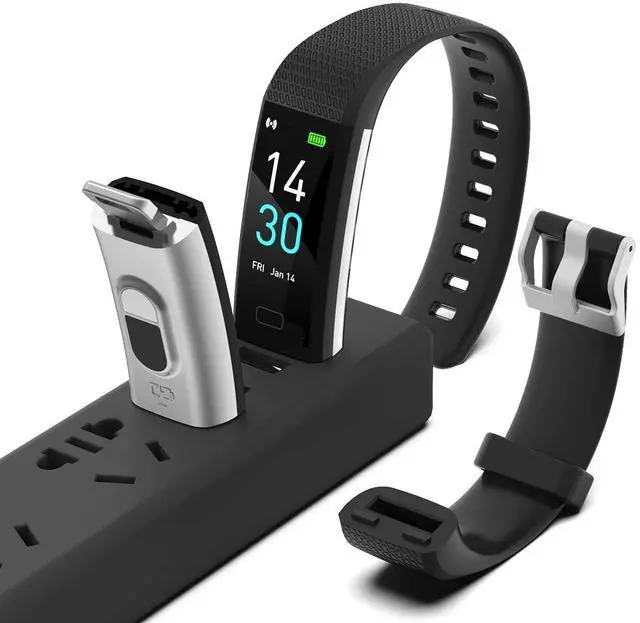
- It has a built-in USB charging port, so no additional cables are needed. Both computers and mobile phone chargers can charge this Fitness Tracker, which is more convenient.
- Note: Charging can only proceed if the tracker makes proper contact with the metal side of the power source.
FAQ Troubleshooting:
Q1: My fitness tracker won't charge?
A1: Please check the metal parts of the USB port on my phone charger and the metal parts of the USB port on the tracker. (The tracker will only charge if they are metal to metal.) Once charging begins, the tracker will vibrate and a charging symbol will appear on the screen.
Q2: Time display error/How to set the time?
A2: After pairing with the app, the fitness tracker automatically syncs the time and date with your phone. If the time is incorrect after the battery is low, recharge and reconnect to sync to the correct time.
Q3: Regarding step count accuracy.
A3: My fitness tracker has a built-in 3D sensor. Most fitness trackers on the market count steps based on hand movements while walking. Therefore, after walking for a while, the data may take some time to sync. You can check if your step count has increased after walking 100 steps to determine if the tracker is functioning properly. Distance data is calculated using an algorithm based on step count, height, and weight. There may be some error, but this is within the normal range.
Q4: My notification function isn't working.
A4: If notifications don't work, follow the app's prompts during the initial connection to grant the necessary permissions to your phone app. Ensure the app is running in the background even when the screen is off. If the issue persists, please let us know and we will help you.
Q5: Will my exercise data be permanently saved on the watch?
A5: The watch only stores up to 7 days of data. You need to sync your data with the app to permanently save it. (After connecting to the app, pull down the "Home" tab to complete the sync.)
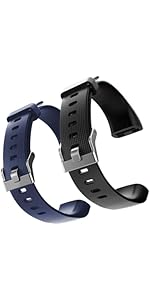 ENGERWALL Watch Band ONLY for Fitness Tracker S5, Replacement Bands Fit for R... | 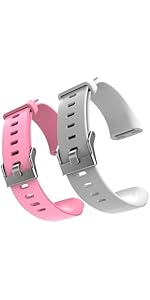 ENGERWALL Watch Band ONLY for Fitness Tracker S5, Replacement Bands Fit for R... | 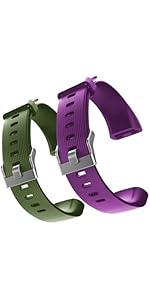 ENGERWALL Watch Band ONLY for Fitness Tracker S5, Replacement Bands Fit for R... | 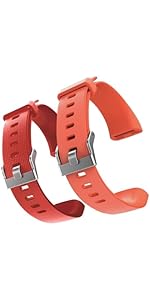 ENGERWALL Watch Band ONLY for Fitness Tracker S5, Replacement Bands Fit for R... | |
|---|---|---|---|---|
| Customer Reviews | — | — | — | — |
| Price | — | — | — | — |
| Replacement band colors | Black+Blue | Pink+Gray | Purple+Army Green | Red+Orange |
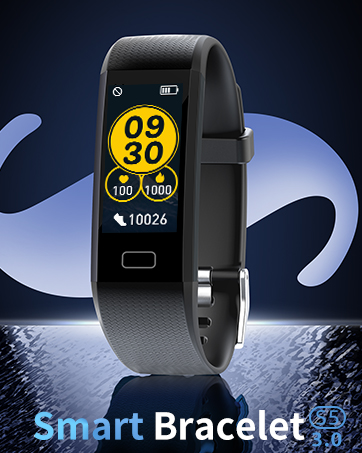
![Heart Rate Monitor[Screen Always-on]](http://c1.neweggimages.com/sellingpilot/modules/product/a-plus/270ada5c816bd3989acd1aeffef987ddfdb4ff2e93be47a8213f9a0377061d86.jpg)
![Fitness Tracker [Always-on] Heart Rate Monitor](http://c1.neweggimages.com/sellingpilot/modules/product/a-plus/82ba331510c0d3ed6b22fc516fd2493f5fb6db328e59807627cdd66f861d9497.jpg)
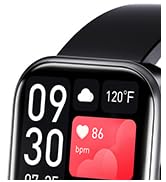
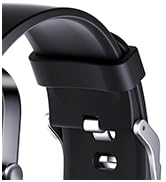
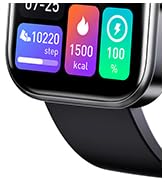
The Main Function
- Waterproof IP68
- Heart Rate Monitor
- Sleep Monitor
- Calorie Counter
- Step Counter
- 16 Sports Modes
- Remote Camera
- Call & Message Alert
- Connected GPS
Pre-use information
1. After receiving the tracker, please fully charge it. After making sure it is fully charged, press and hold the button on the smart tracker to turn it on. Generally it can be fully charged within 2 hours. The usage time is 5-7 days.
2. Time Setting: After successfully connecting the tracker to the Runmefit app via Bluetooth, the tracker will automatically sync with your phone's time.
3. If the tracker and app are unable to maintain a connection: Please refer to the FAQ in the Runmefit app.
- ENGERWALL store sells fitness tracker replacement wristbands in other colors to make your smart bracelet look more like fashion accessories. (You can search for B0CMQBPHDD on .)
- If you have any questions about the product, please let us know through the way on the card. (Usually reply within 12 hours)
16 Sport Modes
- With the Fitness Tracker, you can record your exercise data during exercise. For example: steps, calories, distance, heart rate, exercise time, etc. Let you exercise more scientifically.
- Note: There are 16 sport modes in the application RUNMIFIIT. The fitness tracker can store 4 exercise modes. You can save 4 commonly used sport to Fitness Tracker
Heart Rate Monitor
- Track your 24-hour heart rate. One button to monitor current heart rate. Keep your data recorded on the app.For example: maximum, average, minimum heart rate value, heart rate value curve graph.
- New function: Smart Bracelet can detect body temperature, blood oxygen, blood pressure
Sleep Monitor & Silent Vibration Alarm Clock
- This Activity Tracker can track your deep sleep/ light sleep/ awakening and analyze your sleep quality all day.
- You can also add up to 8 alarm clocks to wake you up by gentle vibration, no need to worry about disturbing people around you.
Call & Message Alert
- The Fitness Tracker support message notification (SMS or SNS from Facebook, Linkedin, WhatsApp, Wechat, Twitter, Snapchat, Instagram, Messenger, QQ, Skype, Line and so on.)
- Please connect the fitness tracker with your phone in the app(RUNMEFIT), then turn on the message notification
Drink Water & Sedentary Reminder
Turn on the "Sedentary Reminder" or "Water Reminder" function in the APP. Sedentary will vibrate to remind you to move and remind you to drink water. Remember to stay active and help reduce stress, and set the time you need to relax.
Stopwatch
You can set the stopwatch directly on the fitness watch. Assist you to exercise more scientifically.
Customizable Watch Face
A variety of watch faces are available for you to choose from the Runmefit app. You can also choose your picture as the watch face, such as your selfie or photo of your kid, family, pet ,etc.
Remote Camera Control
Just enjoy the time together. This tracker can remote control your phone's camera to capture the cherished moments.
Super Long Battery Life
- Charging for 2 hours, you can enjoy up to 5-7 days of long battery life or 30 days of standby time.
- It has a built-in USB charging port, so no additional cables are needed. Both computers and mobile phone chargers can charge this Fitness Tracker, which is more convenient.
- Note: Charging can only proceed if the tracker makes proper contact with the metal side of the power source.
FAQ Troubleshooting:
Q1: My fitness tracker won't charge?
A1: Please check the metal parts of the USB port on my phone charger and the metal parts of the USB port on the tracker. (The tracker will only charge if they are metal to metal.) Once charging begins, the tracker will vibrate and a charging symbol will appear on the screen.
Q2: Time display error/How to set the time?
A2: After pairing with the app, the fitness tracker automatically syncs the time and date with your phone. If the time is incorrect after the battery is low, recharge and reconnect to sync to the correct time.
Q3: Regarding step count accuracy.
A3: My fitness tracker has a built-in 3D sensor. Most fitness trackers on the market count steps based on hand movements while walking. Therefore, after walking for a while, the data may take some time to sync. You can check if your step count has increased after walking 100 steps to determine if the tracker is functioning properly. Distance data is calculated using an algorithm based on step count, height, and weight. There may be some error, but this is within the normal range.
Q4: My notification function isn't working.
A4: If notifications don't work, follow the app's prompts during the initial connection to grant the necessary permissions to your phone app. Ensure the app is running in the background even when the screen is off. If the issue persists, please let us know and we will help you.
Q5: Will my exercise data be permanently saved on the watch?
A5: The watch only stores up to 7 days of data. You need to sync your data with the app to permanently save it. (After connecting to the app, pull down the "Home" tab to complete the sync.)
ENGERWALL Watch Band ONLY for Fitness Tracker S5, Replacement Bands Fit for R... | ENGERWALL Watch Band ONLY for Fitness Tracker S5, Replacement Bands Fit for R... | ENGERWALL Watch Band ONLY for Fitness Tracker S5, Replacement Bands Fit for R... | ENGERWALL Watch Band ONLY for Fitness Tracker S5, Replacement Bands Fit for R... | |
|---|---|---|---|---|
| Customer Reviews | — | — | — | — |
| Price | — | — | — | — |
| Replacement band colors | Black+Blue | Pink+Gray | Purple+Army Green | Red+Orange |
ENGERWALL
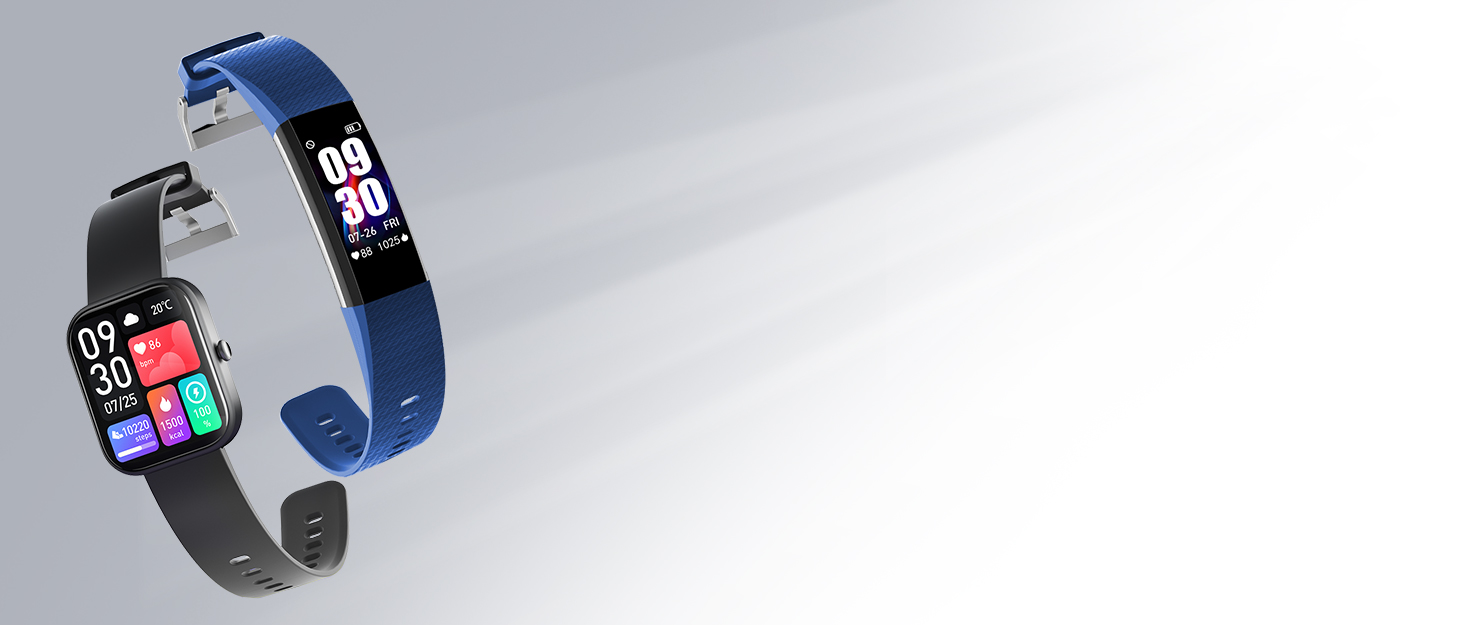
Fitness Tracker and Smart Watch
![Heart Rate Monitor[Screen Always-on]](//c1.neweggimages.com/sellingpilot/modules/product/a-plus/270ada5c816bd3989acd1aeffef987ddfdb4ff2e93be47a8213f9a0377061d86.jpg)
![Fitness Tracker [Always-on] Heart Rate Monitor](//c1.neweggimages.com/sellingpilot/modules/product/a-plus/82ba331510c0d3ed6b22fc516fd2493f5fb6db328e59807627cdd66f861d9497.jpg)
Newly Released Smart Watch
