
Your Browsing History


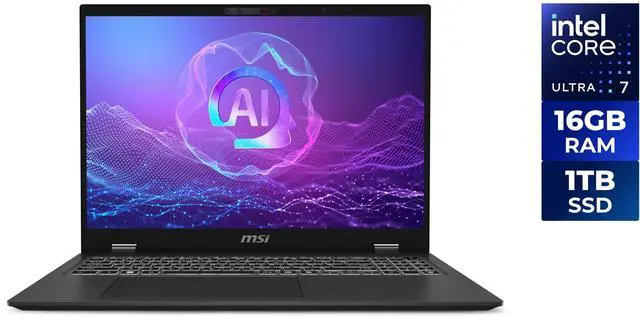
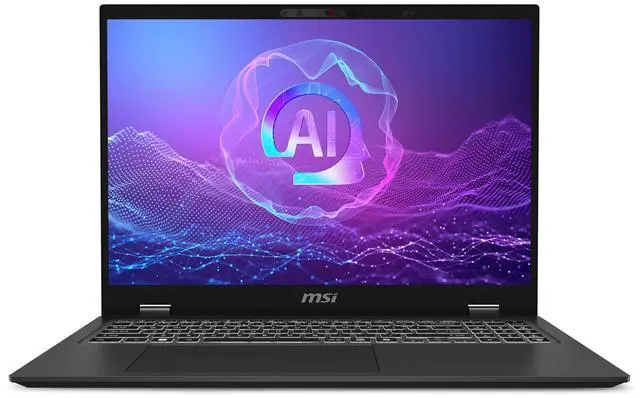
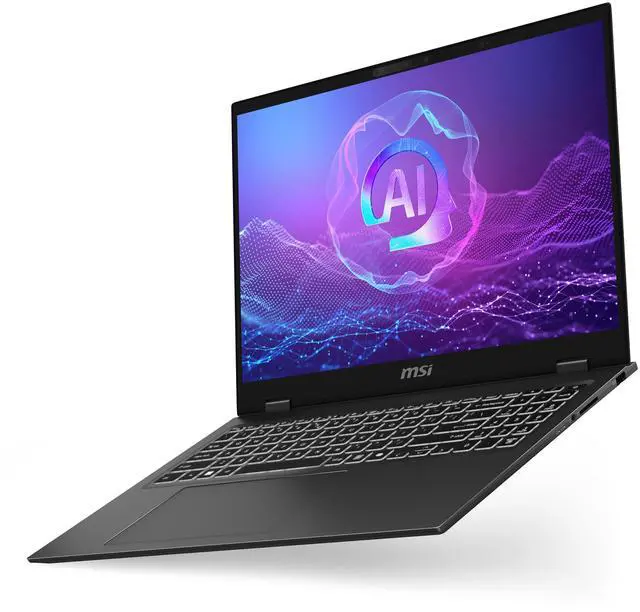
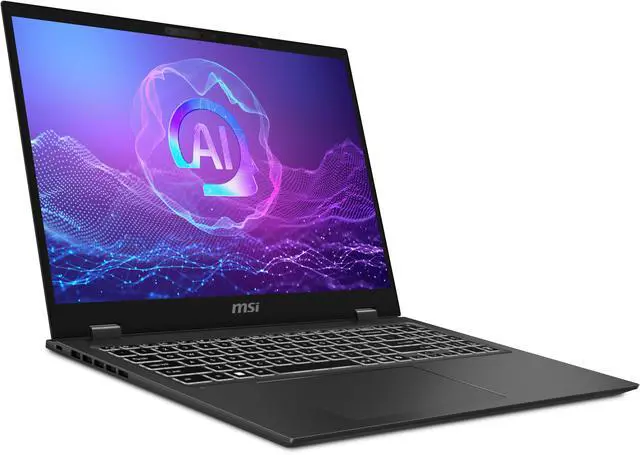
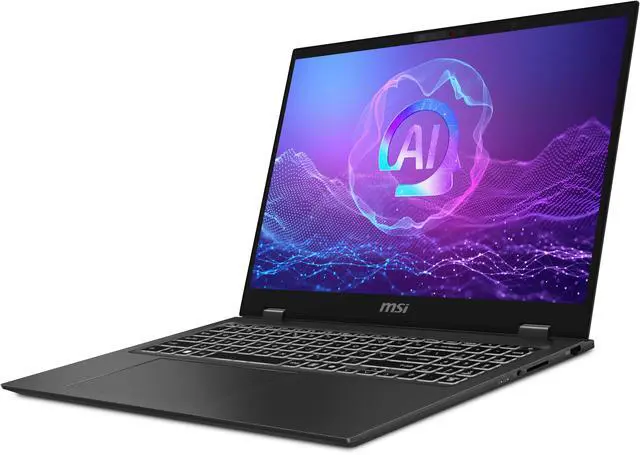
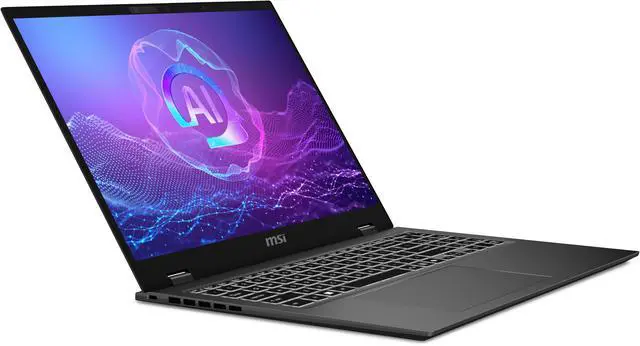
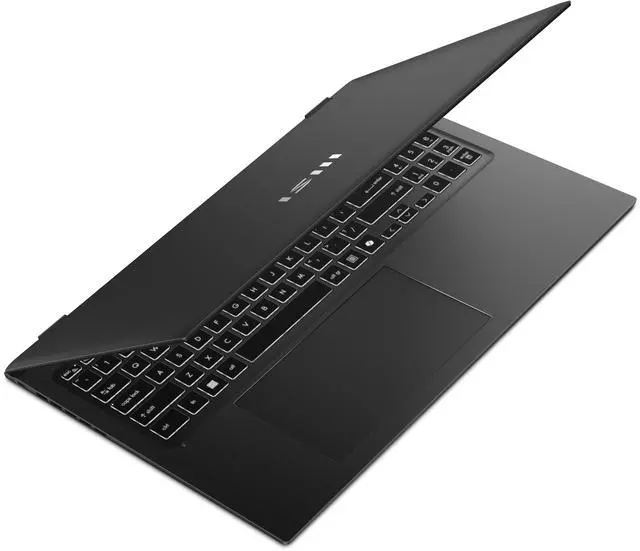
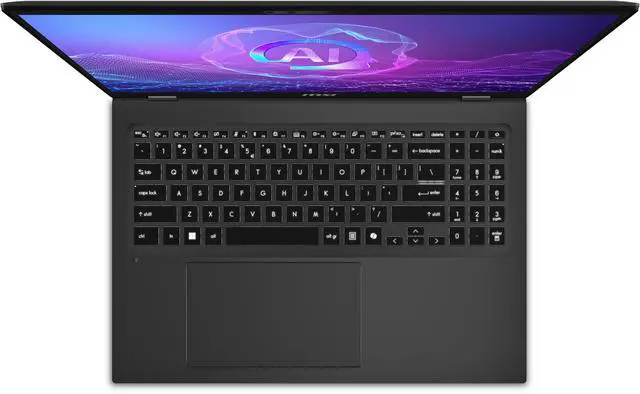
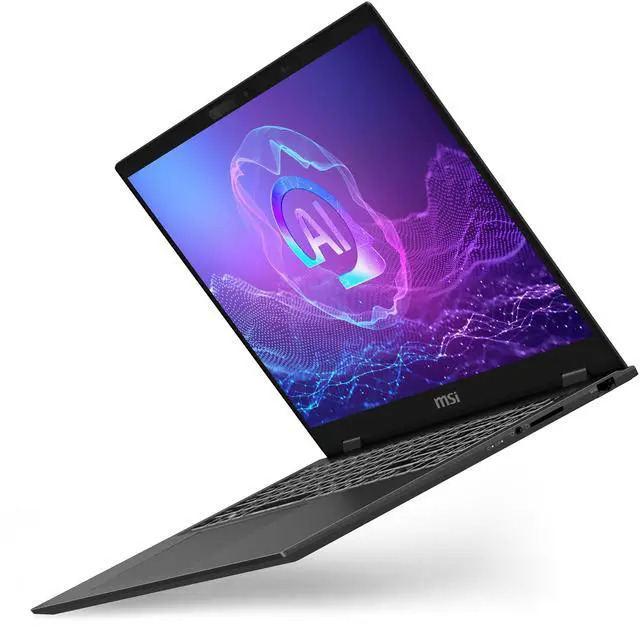
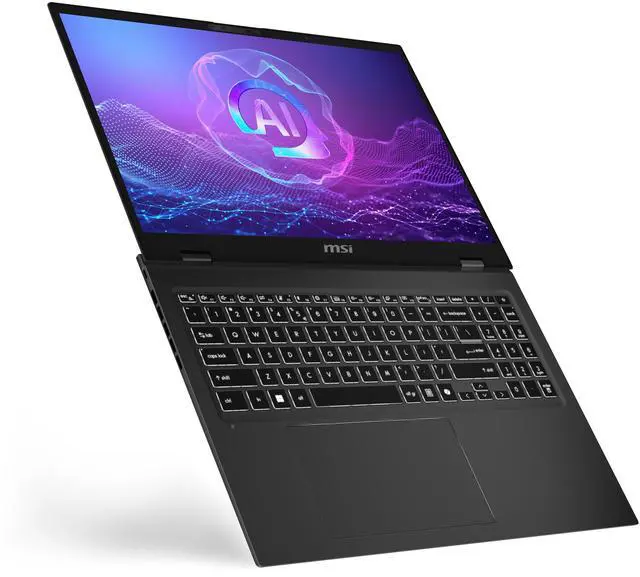
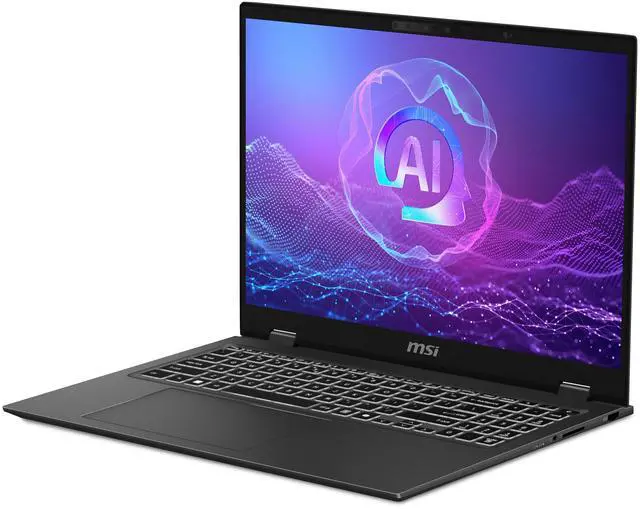
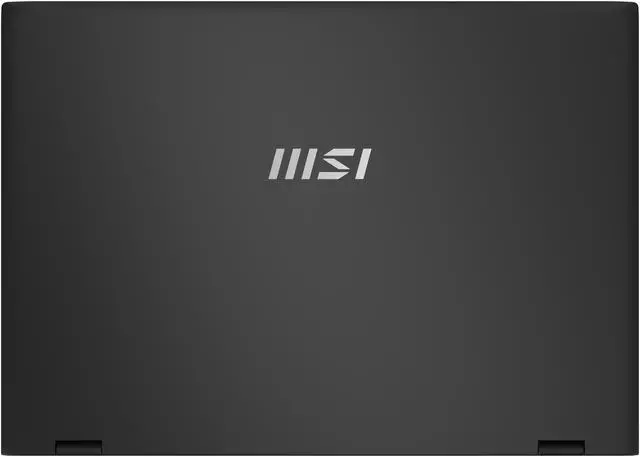



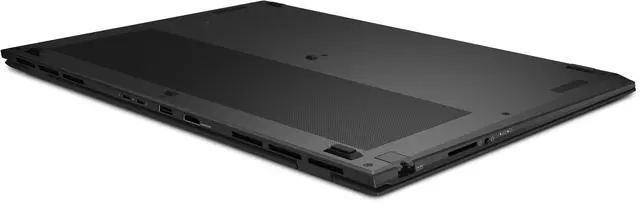
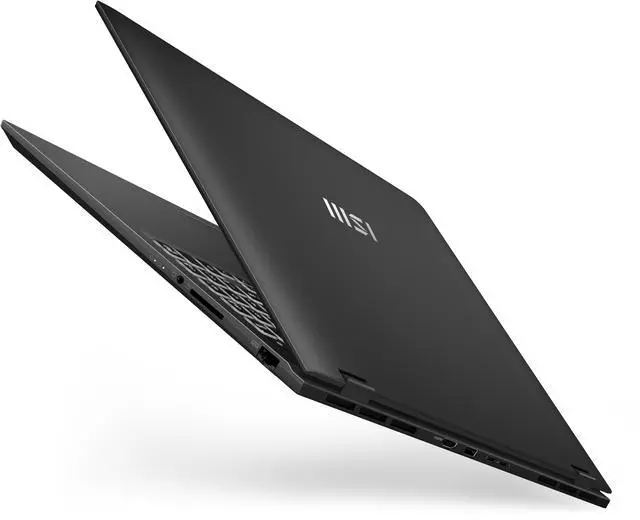
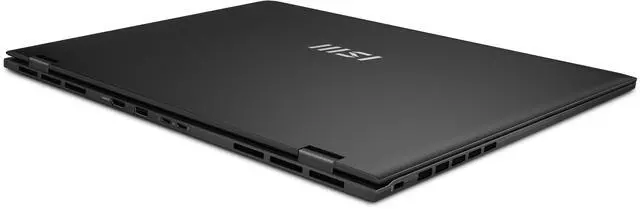
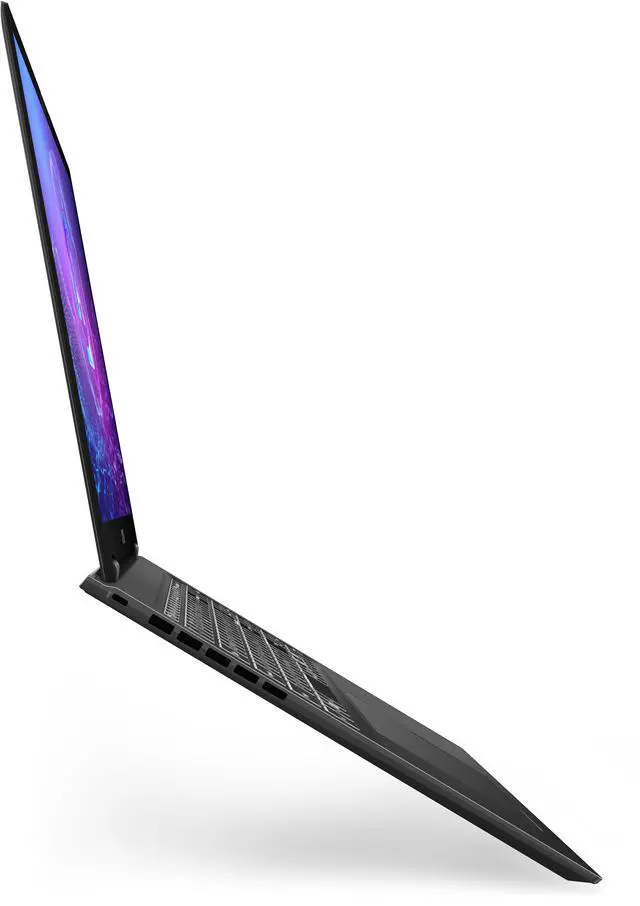
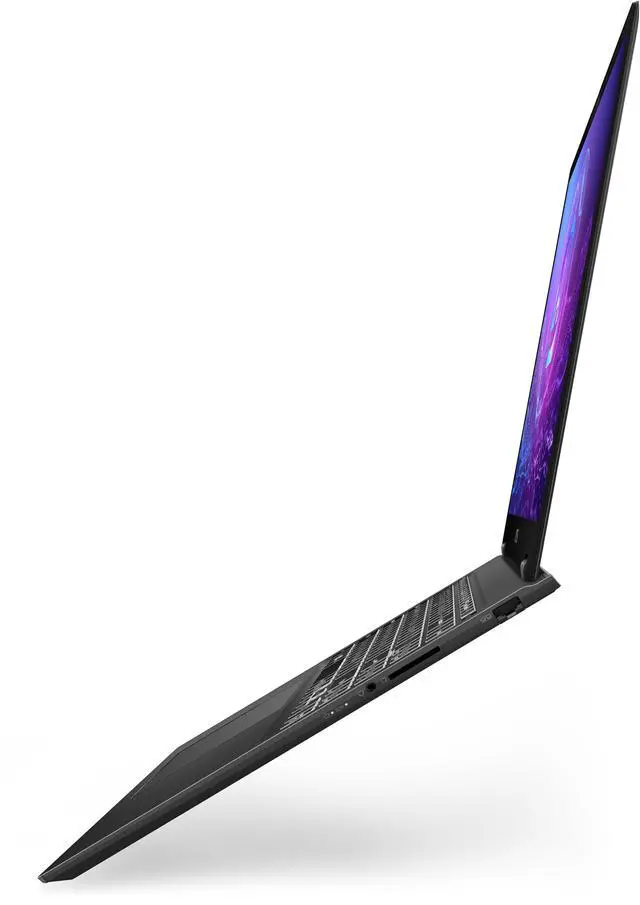


MSI Prestige 16.0" Intel Core Ultra 7 256V 16GB LPDDR5X Memory LPDDR5X-8533 1TB NVMe SSD Windows 11 Home Prestige 16 AI+ Evo B2VMG-059US
Free Intel AI Software w/ purchase, limited offer
- Intel Core Ultra 7 256V
- 16GB LPDDR5X Memory / 1TB NVMe SSD
- Intel Arc 140V
- Non-Touch Screen
- 3840 x 2400
- Windows 11 Home
+
+
Specs
Reviews
Learn more about the MSI Prestige 16 AI+ Evo B2VMG-059US
| Brand | MSI |
|---|---|
| Series | Prestige |
| Model | Prestige 16 AI+ Evo B2VMG-059US |
| Part Number | PRE16EVOB2059 |
| Color | Stellar Gray |
| AI Features | Copilot+ PC |
| Other Features | Fingerprint reader |
|---|
| Operating System | Windows 11 Home |
|---|
| CPU Type | Intel Core Ultra 7 (Series 2) |
|---|---|
| Processor Name | Intel Core Ultra 7 256V |
| CPU Code Name | Lunar Lake |
| Number of Cores | 8-core (4P+4LPE) Processor |
| CPU L3 Cache | 12 MB |
| Screen Size | 16.0" |
|---|---|
| Touchscreen | Non-Touch Screen |
| Wide Screen Support | Yes |
| Display Type | UHD+ |
| Resolution | 3840 x 2400 |
| Panel | OLED |
| Display Features | OLED, 100% DCI-P3 |
| GPU/VPU | Intel Arc 140V |
|---|---|
| Video Memory | Shared system memory |
| Graphic Type | Integrated Card |
| SSD | 1TB NVMe |
|---|
| Memory | 16GB LPDDR5X |
|---|---|
| Memory Speed | LPDDR5X-8533 |
| Optical Drive Type | No |
|---|
| LAN | 10/100/1000Mbps |
|---|---|
| WLAN | 802.11be Wireless LAN |
| WiFi Generation | Wi-Fi 7 |
| Bluetooth | Bluetooth 5.4 |
| USB | 1 x USB 3.2 Gen 2 Type-A |
|---|---|
| Thunderbolt | 2 x Thunderbolt 4 / USB4 |
| HDMI | 1 x HDMI 2.1 |
| Ethernet | 1 x RJ-45 (1Gbps) |
| Audio Ports | 1 x Headphone/Microphone Combo Jack |
| Speaker | 2x Speakers 2W |
|---|
| Touchpad | Silky Glass Multi Touch |
|---|---|
| Keyboard | White backlight keyboard with Finger print reader |
| Backlit Keyboard | Backlit |
| Webcam | FHD IR Webcam with Dual Mic with Privacy shutter Design |
| Card Reader | Full Size SD Card |
| Style | Thin and Light |
|---|---|
| Type | Work / Business |
| Usage | Business / Mainstream |
| AC Adapter/Charger | 100W [USB-C] |
|---|---|
| Battery | 4 cell (99.9Whr) Li-Polymer |
| Dimensions (W x D x H) | 14.11" x 10.02" x 0.75" |
|---|---|
| Weight | 3.31 lbs. |
| First Listed on Newegg | February 13, 2026 |
|---|
Warranty & Returns
Warranty, Returns, And Additional Information
Warranty
- Limited Warranty period (parts): 1 year
- Limited Warranty period (labor): 1 year
- Read full details
Return Policies
- Return for refund within: 15 days
- Return for replacement within: 15 days
- This item is covered by Newegg.ca's 15-Day Return Policy.
- Read full return policy for details.
Manufacturer Contact Info
- Manufacturer Product Page
- Manufacturer Website
- Support Phone: 1-888-447-6564
- Support Website
- View other products from MSI
LOADING...
Learn about this product
The MSI Prestige 16 AI+ Evo B2VMG-059US is a 16-inch thin-and-light Windows 11 laptop built for professionals who want a sharp 3840x2400 OLED display, Intel Core Ultra 7 performance, and modern connectivity in a portable design.
Recommended For
- Mobile professionals who spend most of the day in documents, browser tabs, video calls, and cloud apps, and want a thin 16-inch laptop with a high-resolution OLED screen instead of a heavier workstation.
- Writers, consultants, and remote workers who want a larger-screen travel laptop for long work sessions, quiet everyday use, and all-day unplugged productivity in realistic office workloads.
- Users doing color-sensitive office and light creative work—such as presentation design, photo selection, content review, and marketing assets—who benefit more from an accurate wide-gamut OLED display than from dedicated graphics.
- Buyers who want modern connectivity and security features for business travel—such as Thunderbolt 4, Wi‑Fi 7, fingerprint login, and an IR webcam—without stepping up to a bulkier performance laptop.
Real-World Use Scenarios
- Working remotely with large spreadsheets, browser tabs, video meetings, and Office apps at the same time is a natural fit; users should expect smooth everyday business multitasking, a sharp large-screen workspace, and easy dock-style connectivity through Thunderbolt 4 and HDMI.
- Photo review, color-sensitive content work, and 4K media previewing are realistic use cases; the OLED panel is commonly positioned and reviewed as a strong point, so users can expect crisp text, vivid color, and a better experience for Lightroom-style edits or checking creative assets than on a typical office LCD.
- Frequent travel between meetings, client sites, or campus is a practical scenario; users should get a thin 16-inch laptop that is easier to carry than most workstation-class models, with battery life aimed at mobile productivity, though high-resolution OLED use will usually reduce runtime versus lighter web-and-office workloads.
- Video calls, online presentations, and hybrid-team collaboration are everyday scenarios this model is built around; users can expect a more polished work-from-anywhere setup thanks to the high-resolution webcam, fingerprint sign-in, and a full set of ports that reduces reliance on adapters.
- Light creative work and occasional GPU-assisted tasks such as casual video edits, presentation graphics, or light 1080p gaming are reasonable, but users should not expect workstation or gaming-laptop results; integrated Arc graphics are better suited to moderate acceleration than sustained heavy 3D or AAA gaming.
- Handling photos or camera footage directly from an SD card while traveling is a practical edge case where this laptop is more convenient than many thin-and-light rivals; users can preview, sort, and do first-pass edits without immediately reaching for a dongle.
Spec Summary
| Attribute | Value |
|---|---|
| Best For | Business and professional users who need a 16" UHD+ OLED (3840 x 2400) AI-capable laptop for productivity and creative work |
| Processor And Core Count | Intel Core Ultra 7 256V (Meteor Lake) mobile processor; listed processor speed 2.2 GHz with a maximum of 4.8 GHz; processor count 1 |
| GPU And VRAM | Intel Arc graphics listed as the system GPU (graphic type indicated as dedicated card) |
| Display Spec | 16" UHD+ OLED panel (3840 x 2400 native resolution), 100% DCI‑P3 color, non-touch with a matte screen finish |
| Memory Configuration | 16 GB DDR5 8533 memory soldered to the system board (no user-accessible memory slots; maximum 16 GB) |
| Storage And Expansion | 1 TB NVMe SSD installed (flash SSD); system notes two M.2 2280 PCIe 4.0 x4 slots for storage expansion |
| High Speed I O | 2x Thunderbolt 4 / USB4, 1x USB 3.2 Gen2 Type‑A, 1x HDMI 2.1, full-size SD card reader, and a combo headphone/microphone jack |
| Wired And Wireless Networking | 802.11be (Wi‑Fi 7) wireless and Bluetooth 5.4; Gigabit Ethernet via RJ‑45 (1 Gbps) |
| Battery And Power | 4‑cell lithium polymer battery (listed 99.9 Wh) with a 100W USB‑C AC adapter; battery installed/included |
| Webcam And Privacy | Front FHD IR 5MP webcam with built‑in microphone and IR support for face recognition plus a fingerprint reader on the keyboard for biometric login |
| Keyboard And Control | White backlit keyboard with fingerprint reader and silky glass multi-touch touchpad |
| Audio Setup | Built‑in stereo speakers (2x 2W) and integrated microphone with a headphone/microphone combo output |
| Portability | Thin-and-light Stellar Gray chassis; dimensions 14.11 x 10.02 x 0.75 inches and item weight ~3.31 lb (manufacturer lists a 3–3.9 lb range) |
| External Display And Docking Fit | Supports up to 3 external monitors; provides 2 Thunderbolt 4 ports plus HDMI 2.1 for external displays and docking |
| Model Identifiers | MSI Prestige series — Prestige 16 AI+ Evo B2VMG-059US (Part Number Prestige 16 AI+ Evo B2VMG-059US); external model PRE16EVOB2059 / Model Name Prestige 16 AI+ Evo B2VMG-059US; version targeted for US |
Reference Q&A
Q: Should I choose the MSI Prestige 16 AI+ Evo or a Ryzen AI 16-inch alternative like the ASUS Zenbook S 16?
A: Choose the MSI Prestige 16 AI+ Evo if you want a business-leaning 16-inch laptop with a sharper 3840 x 2400 OLED panel, Thunderbolt 4, HDMI 2.1, full-size SD card, RJ-45 Ethernet, and Intel Evo / Copilot+ positioning in a 3.31 lb chassis. Choose a Ryzen AI alternative like the Zenbook S 16 if you value a thinner design and a smoother 120 Hz OLED experience. Across reviews and community comparisons, the MSI model is the more connectivity-focused and office-oriented option, while Ryzen AI rivals are more often chosen for display fluidity and stronger sustained multicore performance.
Q: Is the MSI Prestige 16 AI+ Evo a better buy than the older Meteor Lake Prestige 16 AI Evo?
A: The AI+ Evo is the better choice if battery life, lower everyday power use, and newer platform features matter more than peak multicore throughput. This model uses Intel Core Ultra 7 256V from the Lunar Lake family, which is positioned around high efficiency with integrated Arc 140V graphics and Copilot+ support. Older Meteor Lake Prestige 16 models can still make sense if discounted and if your workloads benefit from more CPU cores, but the AI+ Evo is the clearer upgrade for mobile productivity, quiet everyday use, and longer unplugged sessions.
Q: Should I buy this Core Ultra 7 256V model or move up to a higher Prestige 16 configuration?
A: Buy this Core Ultra 7 256V version if your priority is a balanced thin-and-light work laptop for web apps, office work, remote meetings, photo review, and light creative use. Move up only if you specifically need more memory or more sustained CPU headroom. The main trade-off is that this B2VMG-059US configuration has 16GB of onboard memory with no upgrade path, so a higher-tier configuration is the safer choice for heavier multitasking, larger creative projects, or longer ownership with more demanding software.
Q: Is the MSI Prestige 16 AI+ Evo better for portability or should I choose a performance-first 16-inch laptop?
A: Choose the Prestige 16 AI+ Evo if you want portability, battery-focused efficiency, and a high-resolution OLED display in a relatively light 16-inch chassis. Choose a performance-first 16-inch laptop if your work includes sustained rendering, compiling, or GPU-heavy creative tasks. The Prestige line is positioned as thin-and-light productivity hardware, and external testing around Lunar Lake shows its strength is efficient day-to-day performance rather than maximum multicore output.
Q: Is this a good travel work laptop for someone who mainly uses email, documents, web apps, and video meetings?
A: Yes, it fits that use case well. The 16-inch MSI Prestige 16 AI+ Evo is a thin-and-light business laptop with a high-resolution OLED display, a 100W USB-C charger, an FHD IR 5MP webcam, fingerprint reader, Thunderbolt 4, HDMI, Wi-Fi 7, and a full-size SD card slot. Those features line up with the repeated retail buying questions around portability, work use, webcam quality, and charging convenience. The main trade-off is that it prioritizes premium display and mobility over upgrade flexibility and gaming-class graphics.
Q: Is 16GB RAM enough, and can the memory be upgraded later?
A: For office work, meetings, browsing, and general professional use, 16GB is typically enough. For heavier multitasking, large creative projects, or longer-term headroom, the limitation matters more because this MSI model has 16GB onboard memory and no RAM slots, so memory is not upgradeable. That is one of the most repeated decision questions on competing retail Q&A pages, and it is a real trade-off here.
Q: Is the storage upgradeable even though the RAM is not?
A: Yes. The MSI specification says the memory is soldered and not upgradeable, but storage is more flexible: it lists one installed NVMe SSD and two M.2 2280 PCIe 4.0 x4 slots. That makes this a better fit for buyers who may need more storage later but can live with fixed 16GB memory.
Q: Is this good for note-taking and handwritten input?
A: No, not if handwritten input is important. This MSI configuration has a non-touch 16-inch OLED display, so it is better suited to typing, spreadsheet work, presentations, meetings, and media viewing than pen-based note-taking. Buyers deciding between clamshell productivity laptops and 2-in-1 models often ask this question on retail Q&A pages, and the answer here is straightforward: choose this model for keyboard-first work, not stylus use.
Q: Who is this laptop best for, and who should choose something else?
A: This model is best for professionals who want a large sharp OLED screen, strong everyday productivity features, modern connectivity, and a relatively portable 16-inch design. It is a good fit for office work, remote meetings, web-based workflows, and content viewing. Buyers who should look elsewhere are those who need touch or pen input, upgradeable RAM, or stronger graphics for heavier gaming or demanding creator workloads.
Q: Is the MSI Prestige 16 AI+ Evo a good fit for office work, travel, and general professional use?
A: Yes, if your priority is a thin 16-inch work laptop with a high-resolution OLED display, modern connectivity, and portable weight. Based on the product specs, it fits productivity, web work, documents, video calls, and travel well. The main trade-offs are fixed 16GB memory, no touch input, and a focus on business/productivity rather than gaming or heavy upgradeability.
Q: What are the main trade-offs before buying this MSI Prestige 16 configuration?
A: The biggest trade-offs are memory and upgrade limits. This model has 16GB soldered RAM with no memory slots, so RAM cannot be expanded later. It also uses integrated Intel Arc graphics rather than a higher-power discrete GPU, which is better for efficiency than gaming-class performance. The OLED 3840 x 2400 display is a strength for image quality, but it can be more important than necessary if you mainly want battery life and basic office use.
Q: Is this a good choice if I want a large-screen laptop but do not want a gaming laptop?
A: Yes. This configuration makes more sense for buyers who want a 16-inch screen for multitasking, spreadsheets, reading, and media work without the size, heat, and battery trade-offs that usually come with gaming laptops. Its specs point to a productivity-first design: Intel Core Ultra 7, integrated Intel Arc graphics, OLED display, Thunderbolt 4, HDMI 2.1, and a relatively light chassis for a 16-inch model.
Q: Is the MSI Prestige 16 AI+ Evo worth buying if battery life is a top priority?
A: It can be a reasonable option, but it is not the safest buy if battery life is your single most important criterion. Reddit discussions around the Prestige 16 line repeatedly focus on battery-life expectations versus real-world results. This configuration should be more efficiency-oriented than RTX-equipped Prestige variants, but the 4K-class OLED panel can still be a battery trade-off compared with lower-resolution alternatives.