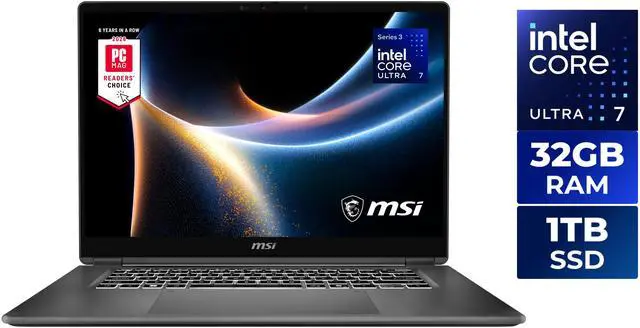
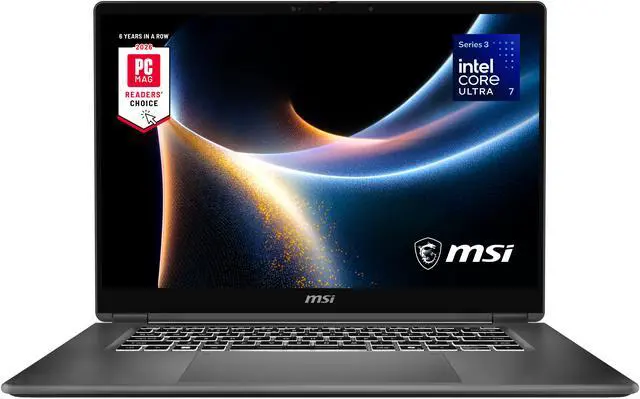
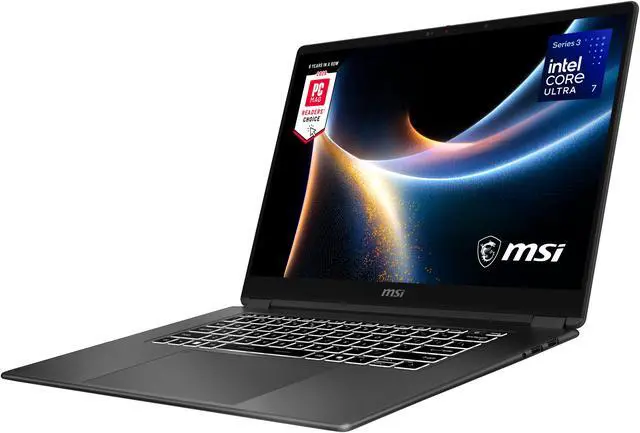
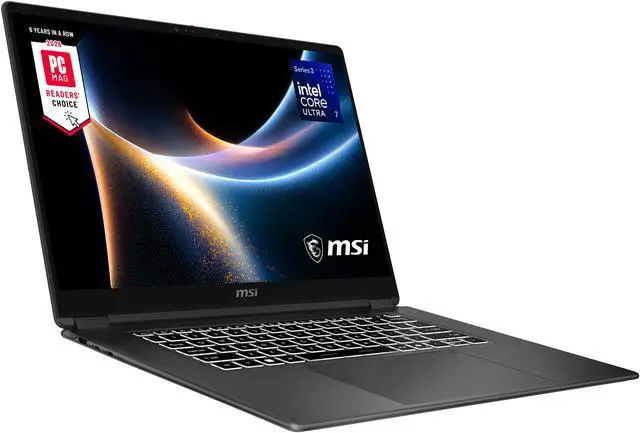
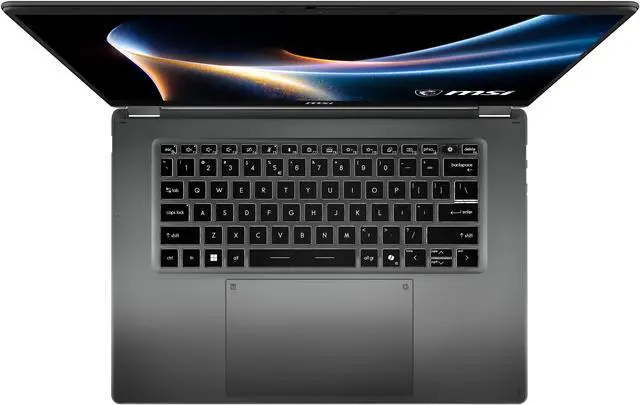
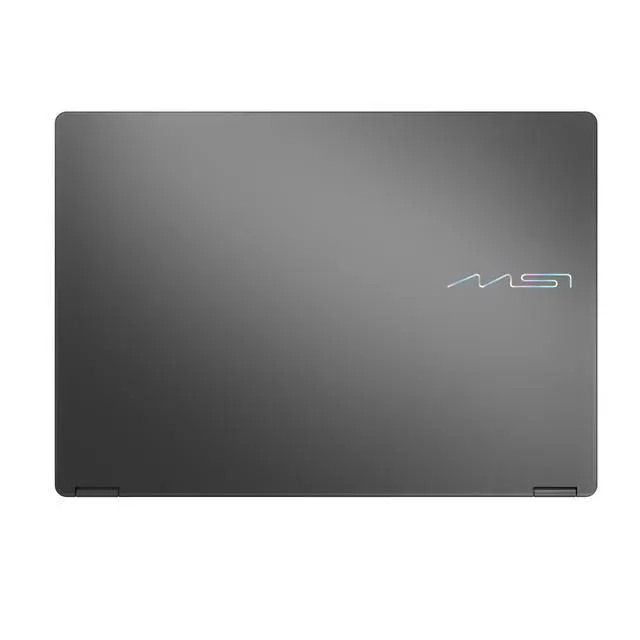
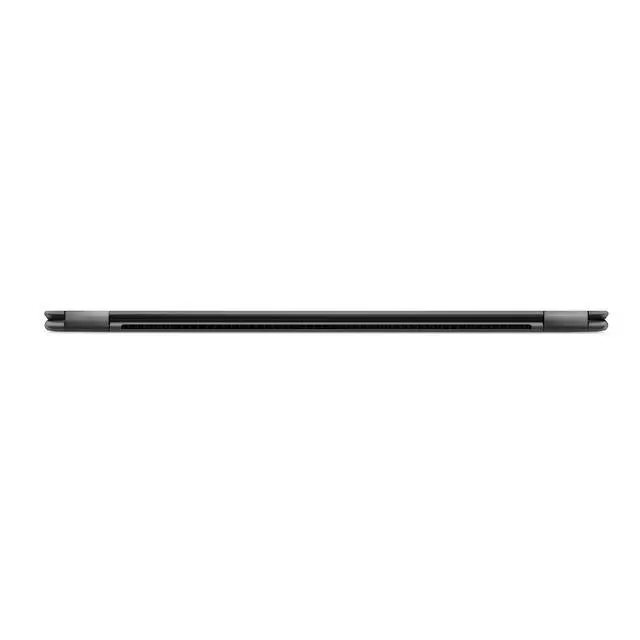
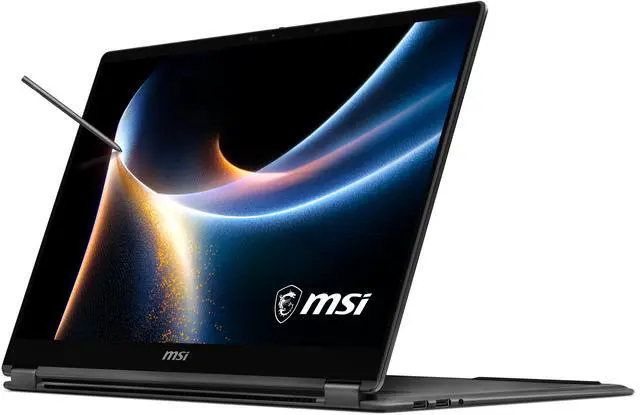
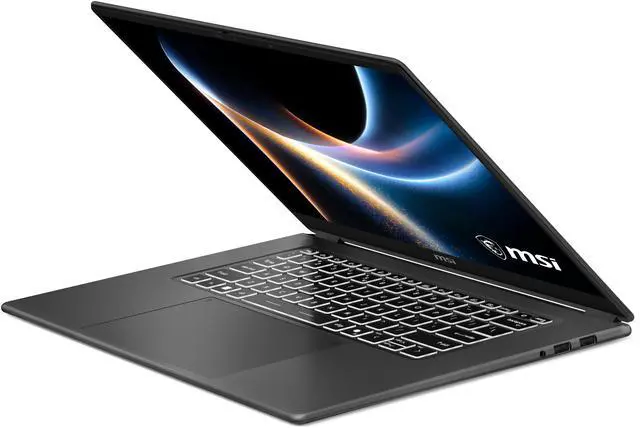
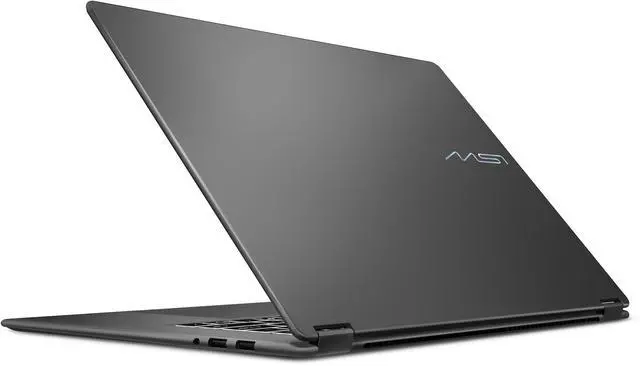
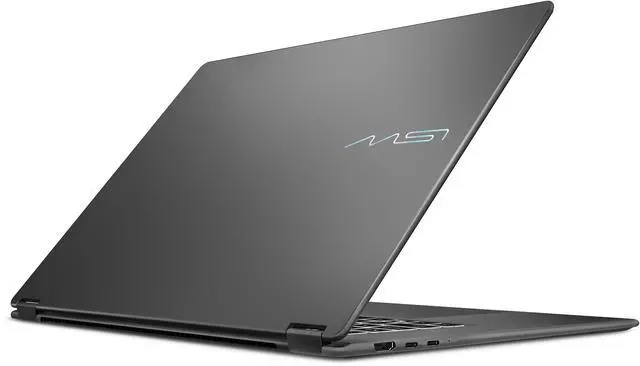
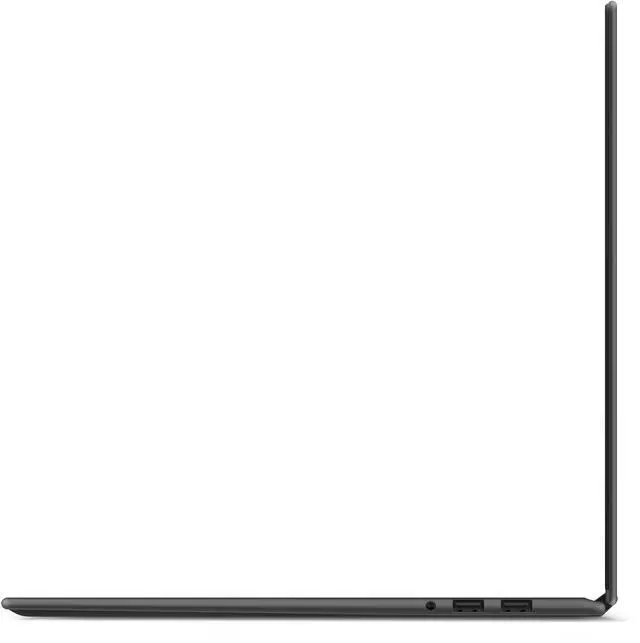
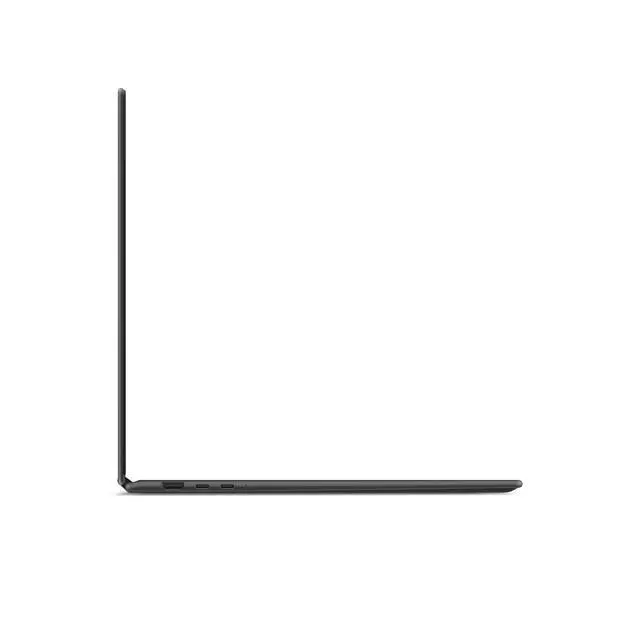
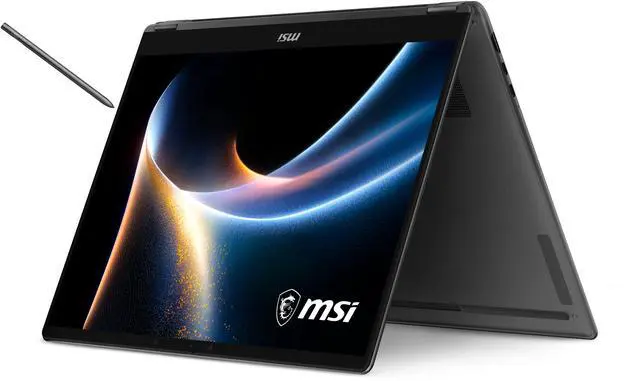
The MSI Prestige 16 Flip AI+ is a 16-inch 2-in-1 OLED Copilot+ laptop built for professionals, students, and creators who want a thin, premium system with a high-resolution touch display, long battery life, pen support, and modern connectivity for productivity-first work.
Recommended For
- Mobile professionals who spend full days in meetings, travel between offices, or work away from a desk and want one device for laptop, tent, and tablet use. The 360-degree design, pen support, slim 16-inch chassis, and business-focused positioning fit presentation-heavy and on-the-go workflows.
- Users who split time between office apps, web research, video calls, and light creative work such as photo touch-ups, document markup, and content review. Reviews point to strong everyday responsiveness, a high-quality OLED touch display, and enough headroom for light editing rather than workstation-class rendering.
- Note-takers, presenters, and users who regularly annotate PDFs, sketch ideas, or brainstorm directly on screen. MSI explicitly positions the included Nano Pen for note-taking and annotation, and the convertible form factor makes that workflow more natural than on a standard clamshell.
- Buyers who want a large-screen 2-in-1 for productivity first, but still care about display quality for media, reading, and color-sensitive everyday work. Multiple sources highlight the 16-inch 2.8K 120Hz OLED panel as a standout feature.
- People who prefer quieter thin-and-light laptops for libraries, shared offices, or client-facing spaces. Review coverage repeatedly emphasizes MSI's efficiency-focused tuning and relatively quiet operation in balanced use.
Real-World Use Scenarios
- For hybrid office work and travel, this 16-inch 2-in-1 is best suited to users who spend the day in email, documents, browser tabs, video calls, and presentations; the likely experience is a quiet, easy-to-carry laptop that can last through long work sessions without needing frequent charging.
- For meetings, client presentations, and handwritten note-taking, users can flip the system into tent or tablet mode and use the included pen; the likely outcome is a more natural setup for marking up slides, sketching ideas, or signing documents than a standard clamshell laptop.
- For photo work, design review, and media-heavy multitasking, the laptop fits users who want a large, high-resolution OLED screen for color-sensitive viewing and side-by-side windows; the likely experience is sharper visuals and more comfortable workspace than typical 14-inch productivity laptops.
- For students, consultants, and analysts who keep many apps open at once, this model is a practical fit for research, spreadsheets, note apps, messaging, and cloud tools running together; the likely outcome is smooth day-to-day multitasking without needing to micromanage open tabs or background apps.
- For light creative work such as photo editing, short-form video edits, and content prep, the likely experience is that it handles mainstream creator tasks well, but it is better suited to productivity and moderate editing than to GPU-heavy 3D work or high-end gaming.
Spec Summary
| Attribute | Value |
|---|
| Best For | Business, students and entertainment — a 2-in-1 16" 2.8K OLED touchscreen with AI-ready Intel Core Ultra CPU for productivity, multimedia and light content tasks |
|---|
| Processor And Core Count | Intel Core Ultra 7 355 (Series 3) — 16-core (4P+8E+4LPE), base ~2.3 GHz and boost up to ~4.7 GHz |
|---|
| GPU And VRAM | Intel Arc integrated graphics using shared system memory |
|---|
| Display Spec | 16.0" 2.8K (2880 x 1800) OLED touchscreen, 120 Hz refresh, matte finish |
|---|
| Memory Configuration | 32 GB LPDDR5x 8533 (onboard) |
|---|
| Storage And Expansion | 1 TB NVMe M.2 SSD |
|---|
| High Speed I O | 2x Thunderbolt 4, 2x USB 3.2 Gen 2 Type-A, 1x HDMI 2.1, 1x headphone/microphone combo jack |
|---|
| Battery And Power | 81 Whr 4-cell lithium polymer battery with fast charging support; 65 W AC adapter included |
|---|
| Wired And Wireless Networking | Wi‑Fi 7 (802.11be) and Bluetooth 6.0 |
|---|
| Webcam And Privacy | Front IR FHD webcam (1080p@30fps) with privacy shutter and built-in microphone; supports face recognition |
|---|
| Keyboard And Control | White backlit keyboard with fingerprint reader, Action Touchpad (larger surface) and touch-screen input; includes MSI Nano Pen |
|---|
| Audio Setup | 4 × 2W speakers and built-in microphone with 3.5mm combo headphone/mic jack |
|---|
| Portability | 14.08 x 10.01 x 0.55 inches, ~3.53 lbs, thin-and-light chassis |
|---|
| External Display And Docking Fit | External displays and docking supported via 2x Thunderbolt 4 and HDMI 2.1 |
|---|
| Operating System | Windows 11 Home |
|---|
| Model Identifiers | MSI Prestige 16 Flip AI+ C3MTG-058US (Model Number PRE16FLIPC3058), 2026 model |
|---|
Reference Q&A
Q: Should I buy the MSI Prestige 16 Flip AI+ or Dell XPS 16 for work and light creative use?
A: Choose the MSI Prestige 16 Flip AI+ if you want a lighter 16-inch system with a 360-degree touchscreen, pen support, strong port selection, and long battery life for productivity on the go. Choose the Dell XPS 16 if your priority is higher sustained performance in a larger premium chassis and you do not need convertible use. Reviews show the MSI is slim and versatile, while the XPS 16 tends to pull ahead in sustained CPU-heavy workloads; Dell also starts notably heavier at about 4.7 to 4.8 pounds, versus roughly 3.5 to 3.6 pounds for the MSI.
Q: Is the Core Ultra 7 355 version of the MSI Prestige 16 Flip AI+ enough, or should I move up to the X7 or X9 version?
A: The Core Ultra 7 355 version is the better fit if your workload is mainly office apps, web, video calls, note-taking, and general multitasking, especially if you value battery life and a quieter system. Move up to the X7 358H or X9 388H version if you expect heavier photo editing, code builds, sustained exports, or better integrated GPU performance. MSI's own lineup shows the 355 is a lower-core option, and review data indicates the higher X7 and X9 configurations deliver a clear step up in CPU and graphics performance for not much more money in some U.S. listings.
Q: Is the MSI Prestige 16 Flip AI+ a better choice than the non-Flip Prestige 16 AI+?
A: Buy the Prestige 16 Flip AI+ if you specifically want a 2-in-1 form factor, touchscreen input, and pen support for handwriting, annotation, or presentation use. Buy the standard Prestige 16 AI+ if you prefer a traditional clamshell and do not need tablet-style flexibility. The two models share the same general family positioning around thin-and-light productivity, but the Flip version is the more practical choice for users who will actually use touch and stylus features.
Q: Should I choose the MSI Prestige 16 Flip AI+ or Asus Zenbook S 16 if portability matters most?
A: Choose the MSI Prestige 16 Flip AI+ if you want portability plus convertible flexibility, touch, pen support, and a business-focused port mix. Choose the Asus Zenbook S 16 if you want a thin 16-inch OLED laptop but do not need a 2-in-1 hinge. Both target premium portable 16-inch use, but the MSI stands out more clearly for users who will use tablet mode, annotation, or tent mode in daily work.
Q: Is the MSI Prestige 16 Flip AI+ a real upgrade over the older Prestige 16 AI Evo?
A: It is an upgrade if your priority is the newer platform, OLED display, touchscreen convertible design, Wi‑Fi 7, and AI PC features. The older Prestige 16 AI Evo can still make sense if you care more about value or stronger sustained performance per dollar in older discounted configurations. Review coverage on the newer Prestige 16 family points to a meaningful design and display refresh, but also notes that some older models can remain competitive on raw sustained performance depending on configuration.
Q: Is this a good laptop for travel and daily work?
A: Yes, it fits travel-oriented office work well. The main reasons are its thin-and-light 16-inch design, 32GB RAM, 1TB SSD, touchscreen 2-in-1 form factor, and strong port mix with Thunderbolt 4, HDMI, and USB-A. The trade-off is that it is still a 16-inch laptop, so it is more desk-bag portable than ultra-compact. It makes the most sense for buyers who want a larger OLED workspace without moving to a heavier workstation-class machine.
Q: Is it good for note-taking, meetings, and office work?
A: Yes. This model is well suited to meetings and office productivity because it combines a 2-in-1 touchscreen, included pen support, 32GB memory, and a business-focused webcam setup with IR camera and privacy shutter. It is a better fit for handwriting, document markup, video calls, and multitasking than a standard clamshell laptop. The main limitation is that its value comes from productivity and flexibility, not from high-end graphics performance.
Q: Who is this laptop best for?
A: It is best for buyers who want one laptop for work, meetings, media, and pen input, especially professionals, students, and frequent travelers who prefer a large 16-inch display. It is a strong match for spreadsheet work, research, presentations, web apps, writing, note-taking, and light creative tasks. It is less ideal for buyers who mainly want maximum gaming performance or upgradeable memory, since the graphics are integrated and the 32GB memory is onboard.
Q: Can it handle casual gaming, or is it mainly a work laptop?
A: It is mainly a work and productivity laptop, but it should handle casual or lighter gaming better than older integrated-graphics laptops. Its Intel Arc integrated graphics are suitable for everyday graphics tasks and some games at reduced settings, but buyers who care about demanding AAA gaming should still look for a laptop with dedicated graphics. In short: good for office work first, light gaming second.
Q: What are the main trade-offs versus similar 16-inch alternatives like Yoga or Zenbook models?
A: The MSI stands out if you specifically want a 16-inch convertible with OLED, pen support, 32GB RAM, modern wireless, and business-style features in one package. The trade-offs are the usual ones for this class: a 16-inch 2-in-1 is less compact than a 14-inch model, integrated graphics limit gaming and heavier creator workloads, and some competing 16-inch laptops may be lighter or cheaper if you do not need the full flip-and-pen design. Choose this MSI when touchscreen flexibility and large-screen productivity matter more than lowest price or maximum GPU power.
Q: Is the MSI Prestige 16 Flip AI+ a good fit for work, study, and travel?
A: Yes, it fits mobile productivity well if you want a large-screen 2-in-1 that stays relatively light. The 16-inch 2.8K OLED touchscreen, 32GB RAM, 1TB SSD, pen support, and 3.53 lb aluminum chassis make it well suited to office work, research, note-taking, and frequent travel. The main trade-off is that this is a thin business laptop with integrated Intel Arc graphics, so it is better for productivity than for demanding gaming or heavy GPU creation work.
Q: Is it a good laptop for handwritten notes and tablet-style use?
A: Yes, if pen input is a priority. This model has a 360-degree convertible design, touchscreen support, and includes the MSI Nano Pen, so it is more suitable for note-taking, annotation, and presentation use than a standard clamshell laptop. The trade-off is size: at 16 inches, it is more versatile than compact, so it is less convenient for handheld tablet use than a smaller 13- or 14-inch convertible.
Q: What are the main trade-offs of buying this model instead of a gaming or creator laptop?
A: The main trade-off is graphics power. This configuration uses integrated Intel Arc graphics, so it is a better choice for business tasks, media consumption, and everyday creative work than for AAA gaming, 3D workloads, or sustained GPU-heavy editing. In return, you get a thinner chassis, lower weight, touchscreen flexibility, and a more work-focused feature set.
Q: Is the 16-inch OLED screen a reason to choose this laptop?
A: Yes, if display quality matters more than maximum portability. The 2880 x 1800 OLED panel with 120Hz refresh rate is a strong fit for reading, multitasking, presentations, streaming, and color-rich content. The trade-off is that a 16-inch convertible is still larger to carry and use in tablet mode than smaller 2-in-1 alternatives.