






What are the dangers of an overheating laptop?
Once the CPU and/or GPU exceed a certain temperature, the computer starts performing worse, which leads to slowness, low FPS and even shut-downs. Continuous overheating can also permanently damage your laptop.
How much of a temperature drop can I expect using this product?
This greatly depends on each specific laptop model, ambient temperature the types of tasks being performed. Based on our own internal tests as well as customer feedback, it usually ranges between 5 °C and 20 °C.
My laptop has rear exhausts, can I use this product?
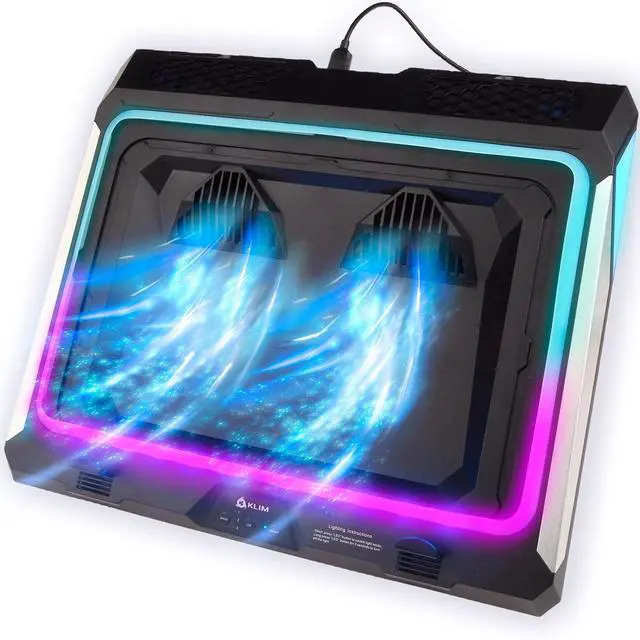
Yes! Just make sure you glue the included deflectors at the back to prevent hot air from entering the cooler again.
How does the extra USB port work?
Connect one end of the cable to one of the ports in the laptop cooler and the other one to your computer. Use the extra port in the laptop cooler to connect other devices (mouse, keyboard, etc.).
What laptop sizes are compatible?
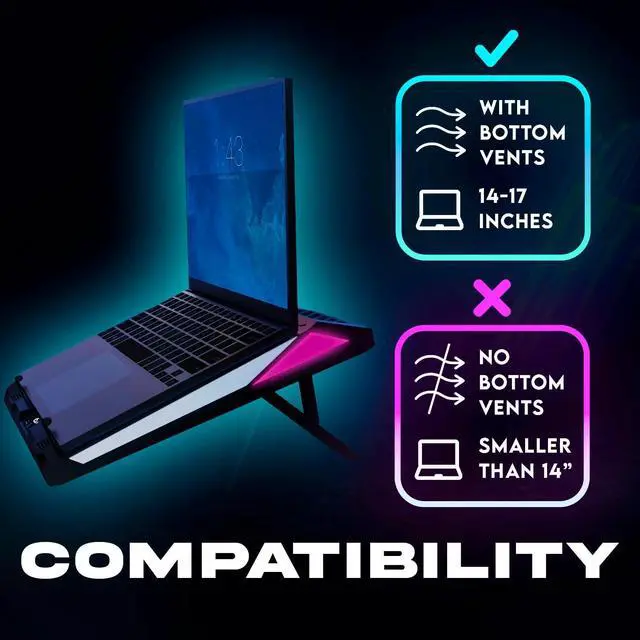
This laptop cooler works with laptops between 15.6 and 17.3 inches. IMPORTANT: make sure that your laptop has vents at the bottom.
IMPORTANT NOTICE BEFORE BUYING
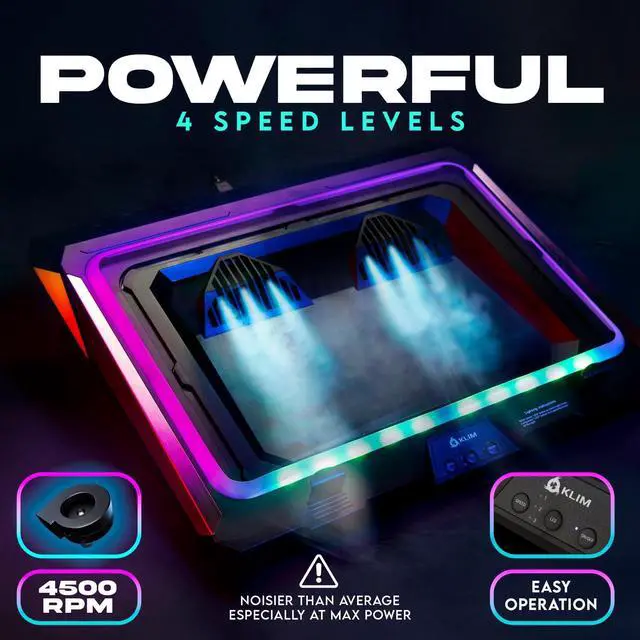
This cooler contains one of the most powerful fans on the market which also means it’s noisy, especially at high speeds. Please keep this in mind if you are sensitive to noise or do not use headphones.


What are the dangers of an overheating laptop?
Once the CPU and/or GPU exceed a certain temperature, the computer starts performing worse, which leads to slowness, low FPS and even shut-downs. Continuous overheating can also permanently damage your laptop.
How much of a temperature drop can I expect using this product?
This greatly depends on each specific laptop model, ambient temperature the types of tasks being performed. Based on our own internal tests as well as customer feedback, it usually ranges between 5 °C and 20 °C.
My laptop has rear exhausts, can I use this product?
Yes! Just make sure you glue the included deflectors at the back to prevent hot air from entering the cooler again.
How does the extra USB port work?
Connect one end of the cable to one of the ports in the laptop cooler and the other one to your computer. Use the extra port in the laptop cooler to connect other devices (mouse, keyboard, etc.).
What laptop sizes are compatible?
This laptop cooler works with laptops between 15.6 and 17.3 inches. IMPORTANT: make sure that your laptop has vents at the bottom.
IMPORTANT NOTICE BEFORE BUYING
This cooler contains one of the most powerful fans on the market which also means it’s noisy, especially at high speeds. Please keep this in mind if you are sensitive to noise or do not use headphones.