


Best Sellers





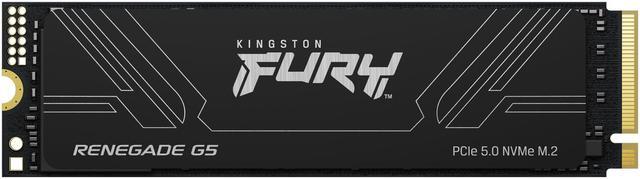
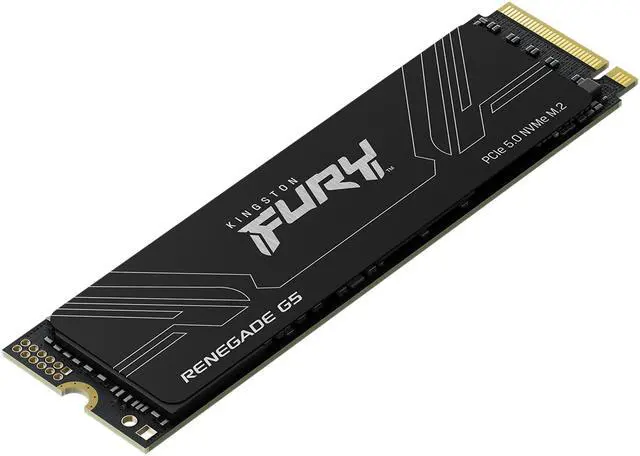
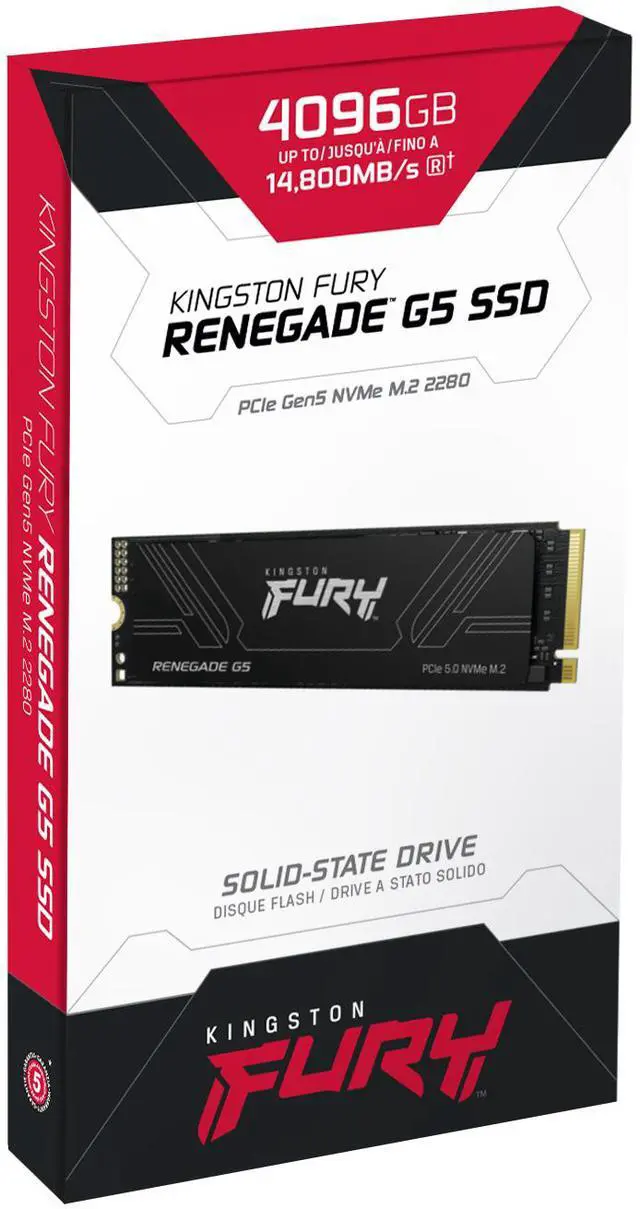


Kingston FURY Renegade G5 M.2 2280 2TB PCI-Express 5.0 x4 3D NAND Internal Solid State Drive (SSD) SFYR2S/2T0 (GEN 5 SSD)
- M.2 2280
- 2TB
- PCI-Express 5.0 x4
- (GEN 5 SSD)
+
+
Overview
Specs
Reviews (1)
2048GB KINGSTON FURY RENEGADE G5 PCIE 5.0 M. 2 NVME SSD
Warranty & Returns
Warranty, Returns, And Additional Information
Warranty
- Limited Warranty period (parts): 3 years
- Limited Warranty period (labor): 3 years
- Read full details
Return Policies
- Return for refund within: 30 days
- Return for replacement within: 30 days
- This item is covered by Newegg.ca's Standard Return Policy.
- Read full return policy for details.
Manufacturer Contact Info
- Manufacturer Product Page
- Manufacturer Website
- Support Phone: 1-877-546-4786
- Support Website
- View other products from Kingston Technology Corp.
LOADING...
LOADING...
The Kingston FURY Renegade G5 is a 2TB M.2 2280 PCIe 5.0 x4 NVMe 2.0 internal SSD for gamers and PC enthusiasts seeking next-generation storage performance in a compatible system.
Recommended For
- Video editors and other creators moving large media files or active project folders who have a PCIe 5.0-capable system and want high sequential transfer performance.
- PC builders choosing a PCIe 5.0 system drive for a compatible desktop who want a fast 2TB NVMe drive for demanding applications and frequent large-file work.
- Users loading large local AI models or other data-heavy applications who value fast storage access and have software and hardware that can take advantage of it.
- Enthusiast gamers building around PCIe 5.0 who want high-end storage performance for game installs, loading, and asset-related workloads—not a drive to increase game frame rates.
Real-World Use Scenarios
- In a PCIe 5.0 gaming PC, use the 2TB drive for a game library and frequent installs or updates; storage-focused testing found it handles game loading, installation, and save operations well, though actual loading-time gains depend on the game and system.
- When editing video or photo projects with large source files, use the drive for project media and working files; its strong sequential performance can make large file transfers quicker, while editing and rendering speed still depends on the rest of the system.
- For moving large folders—such as game captures, media assets, or project archives—between fast NVMe drives, the G5 can reduce waiting during transfers; results also depend on the source drive and file mix.
- As the primary drive in a high-end desktop, it can handle Windows, applications, and games smoothly; everyday responsiveness may feel similar to a top PCIe 4.0 SSD, so the Gen5 advantage is more apparent during demanding storage tasks.
- For a workstation handling data-heavy creative projects, use the G5 as fast local storage for large datasets and frequently accessed files; it is positioned for high-intensity video editing and professional applications, but workloads must support fast storage to benefit.
Spec Summary
| Attribute | Value |
|---|---|
| Best For | Consumer gaming systems that need an internal NVMe SSD |
| Capacity | 2 TB (2,000 GB) |
| Interface And Form Factor | M.2 2280, PCIe 5.0 x4 with NVMe 2.0; 3D NAND |
| Read Write Performance | Sequential read up to 14,700 MB/s and sequential write up to 1,400 MB/s; random read and write up to 2,200,000 IOPS each |
| Thermal Design | No heatsink included; advanced thermal design is listed |
| Compatible Devices | Desktop and laptop computers |
| Model Identifiers | Kingston FURY Renegade G5, model SFYR2S/2T0 |
Reference Q&A
Q: Kingston FURY Renegade G5 2TB or Samsung 9100 Pro 2TB?
A: Both are high-end PCIe 5.0 M.2 SSDs. In StorageReview’s testing, the Renegade G5 delivered performance close to the Samsung 9100 Pro in sequential transfers, while results varied by benchmark. Choose the Kingston if it is competitively priced or you prefer its 2TB specifications; compare current prices and warranty details before choosing between them.
Q: Should I upgrade from a PCIe 4.0 SSD to the Renegade G5 for gaming?
A: The Renegade G5 is the better fit if you have a PCIe 5.0-capable system and want faster storage throughput. In StorageReview’s 3DMark Storage test, it scored higher than the PCIe 4.0 Samsung 990 Pro and WD SN850X. That benchmark advantage does not guarantee a similarly large change in game load times, so a PCIe 4.0 SSD may remain a practical choice if gaming is your main use and it already meets your capacity needs.
Q: Renegade G5 or the older PCIe 4.0 FURY Renegade?
A: Choose the Renegade G5 for a PCIe 5.0 system and demanding file-transfer or content-creation workloads: it supports PCIe 5.0 x4 and the 2TB model is rated for up to 14,700 MB/s reads and 14,000 MB/s writes. The older PCIe 4.0 Renegade is a sensible alternative if your system is limited to PCIe 4.0 or you find it at a lower price; the G5’s interface does not make a PCIe 4.0 slot run at Gen 5 speeds.
Q: Does the 2TB Renegade G5 need a separate heatsink compared with a heatsink-equipped SSD?
A: This 2TB model does not include a heatsink. It can still suit a build whose motherboard provides an M.2 heatsink: Tom’s Hardware describes the drive as relatively cool-running and notes that many newer motherboards include a heatsink for the primary M.2 slot. If your system has no M.2 heatsink, check the motherboard and case cooling requirements before choosing this bare-drive version.
Q: What kind of system do I need to get this SSD’s top speeds?
A: For its advertised PCIe 5.0 x4 performance, use it in a compatible PCIe 5.0 M.2 NVMe slot. Check your motherboard or computer specifications for M.2 2280 support and the slot’s PCIe generation; a different slot may limit performance.
Q: Does this SSD include a heatsink?
A: No. This 2TB model is listed without a heatsink. Check whether your system has a suitable M.2 heatsink or cooling solution before installation, especially if you expect sustained, demanding workloads.
Q: Who is this SSD best suited for?
A: It is suited to desktop or notebook users who need 2TB of internal storage and can use PCIe 5.0 NVMe performance—for example, people working with large files or running demanding applications. For everyday tasks or workloads that do not benefit from high sequential transfer speeds, its Gen5 capability may be more than needed.
Q: Is this a good choice for gaming?
A: It can suit a gaming PC with a compatible PCIe 5.0 M.2 slot, particularly when you also want fast storage for large files and applications. Its advertised sequential speeds are up to 14,700 MB/s read and 14,000 MB/s write; actual performance depends on the system and workload, so those figures alone do not guarantee shorter game load times.
Q: Is the Renegade G5 worth it for gaming or everyday PC use?
A: Usually only if you specifically want PCIe 5.0 performance and your system supports it. Reddit commenters say a good PCIe 4.0 SSD is already sufficient for gaming and everyday responsiveness, so consider a Gen 4 drive if it costs less. The G5’s advertised sequential speeds may matter more for workloads that move large files than for routine use.
Q: Does the Renegade G5 need a separate heatsink?
A: This 2TB model is listed without a heatsink. A Reddit discussion about the G5 says a motherboard’s M.2 heatsink or a passive aftermarket heatsink is generally suitable; cooling may matter more during sustained heavy workloads. Check what your motherboard includes and whether it fits your build.
Q: Is the Renegade G5 a good choice for video editing?
A: It may suit a system used for video editing, especially when the workflow regularly transfers or works with large files. A Reddit build discussion specifically considers a Gen 5 SSD for editing, while noting that advertised sequential speeds do not necessarily reflect real-world performance. For lighter editing, the added Gen 5 speed may not justify a price premium.