






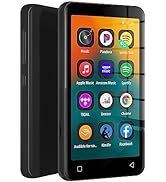
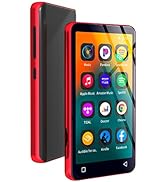
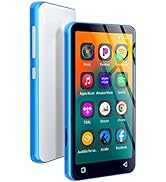
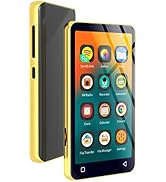
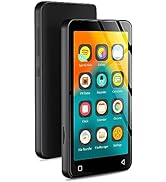
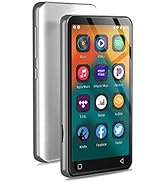
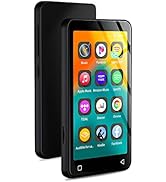
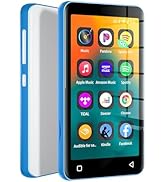
80GB MP3 Player with Bluetooth and WiFi,4" Music Player Touch Screen with Spotify, Android Streaming MP3 Player with Audible
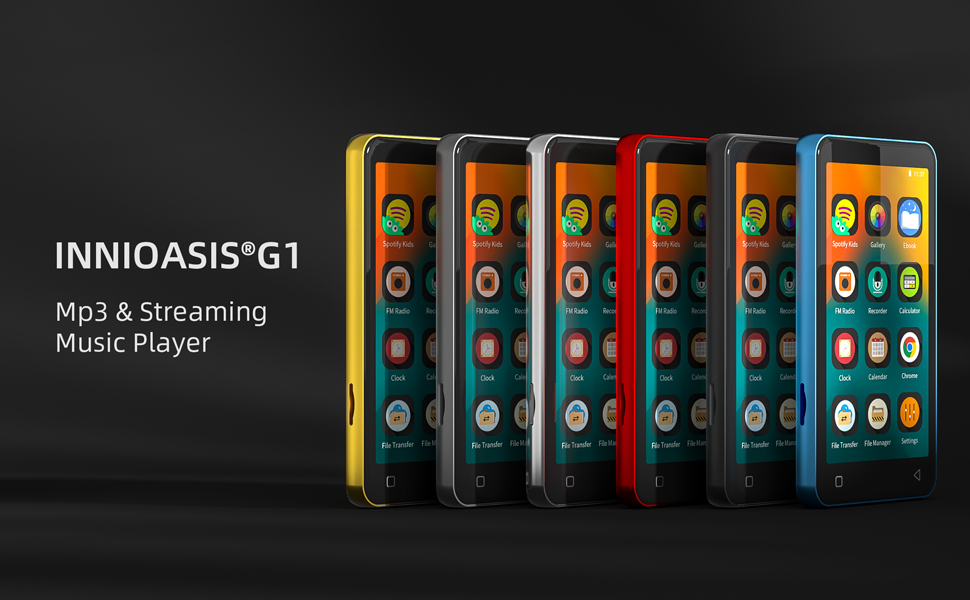
innioasis G1 is a more pure digital audio player (DAP). It focuses on music, audiobooks and e-books. Therefore, it does not allow downloading and installing additional applications. That means no phones call, no message, no game, not even video social media. Also, you can uninstall pre-installed apps that are not used frequently to create a more personalized player.
How to update pre-installed apps?
Typically, when a newer version of a preinstalled app is available, you'll receive an update notification. Then, you can update by the following 2 methods:
1) Manual APK Update: Please go to the official website of the application or the authoritative APK website to download the latest APK file, store it in the player, and then click it to install.Recommended APK sites: APKPure, APKMirror
2) Manual Firmware Update: Download the latest firmware and flashing tools that we regularly release, and update according to the tutorial.
(For more detailed steps, please refer to the file of FAQ (PDF) in Product guides and documents.)
What's in the box:
- Mp3 player x 1
- 64GB TF card x1
- USB-C cable x 1
- Wired headphones x 1
- User manual x 1
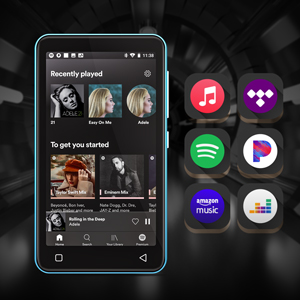
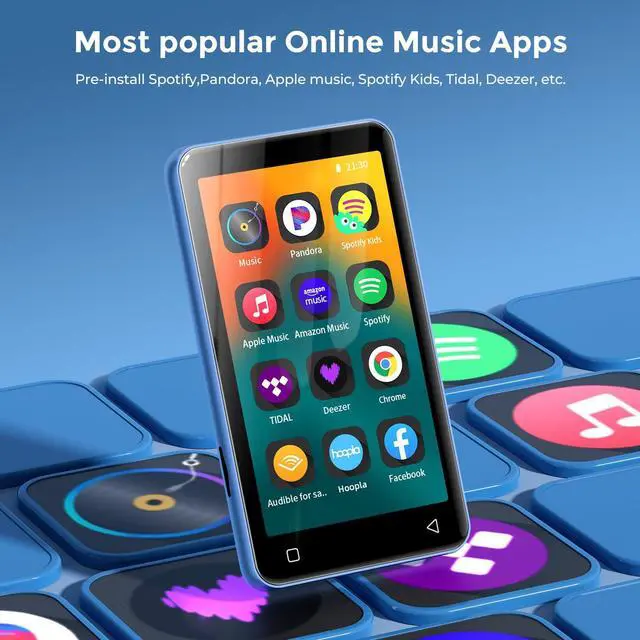
Most Popular Online Music Apps
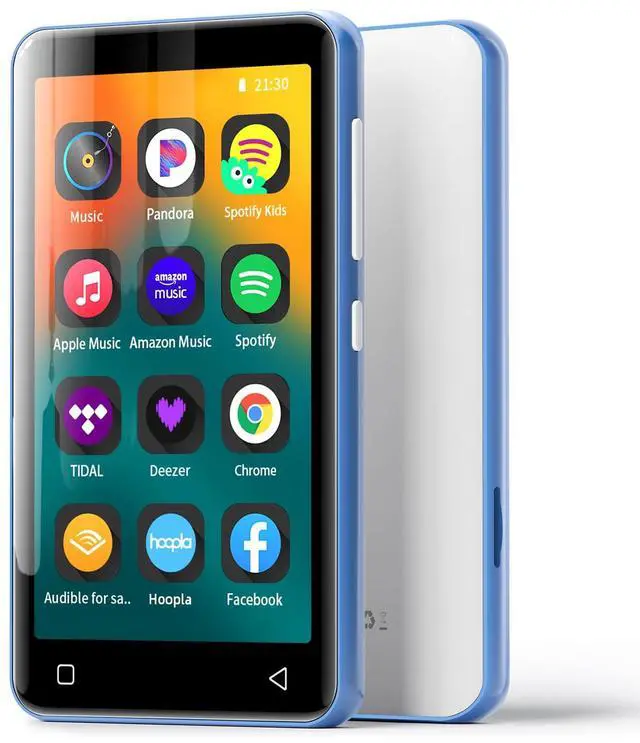
G1 digital music player is committed to becoming a model of the perfect combination of local music and streaming music. It is pre-installed with many popular online music apps to meet the different requirements of music lovers, such as Spotify, Pandora, Tidal, Deezer, etc.
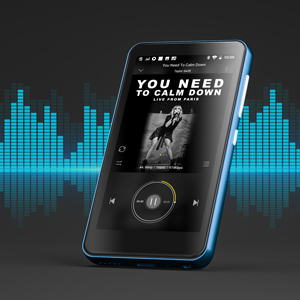
HiFi Lossless Sound
G1 Bluetooth music player has a built-in HiFi module and supports the playing of most lossless audio files, including MP3, WAV, FLAC, APE, OGG, M4A, AAC, WMA, MP2, etc. This means it can bring you the ultimate musical enjoyment.
Tips: Hi-Res music not supported.
Powerful Local Music App
In addition to being compatible with many music formats, G1 mp3 music player also offers:
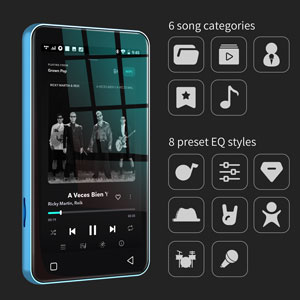
- 6 song categories: title, folder, artist, album, genre, artist+album
- 8 preset EQ styles: pop, blues, classic, jazz, rock, dance, metal, voice and 10 customizable EQ band
- 4 kinds of play sequences: shuffle, list loop, loop single, sequential play
- Search and quickly locate target songs and add them to playlists in batches
- More other settings, such as sleep timer, custom EQ, download cover and lyrics, etc.
MP3 Player with Bluetooth and WiFi, 4" Full Touch Screen Android Streaming MP4 Music Player with Speaker
Excellent Viewing Experience
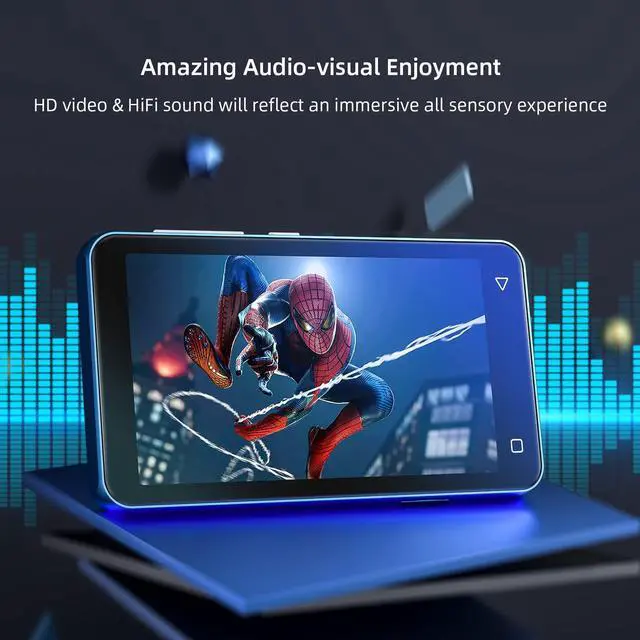
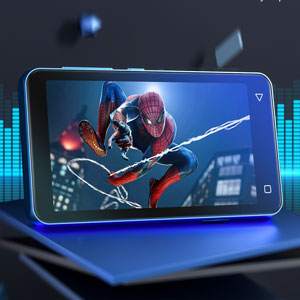
innioasis G1 is a MP3 player, as well as a decent MP4 player. Its 4-inch full-touch LCD screen and perfect support for high-definition video playback will bring you an excellent viewing and operating experience. Compatible video formats include: AVI, MKV, MP4, MPEG, MOV, VOB, WMV, WEBM, DIVX, F4V, FLV, XviD, 3GP, etc.
Up to 1TB Expandable Storage
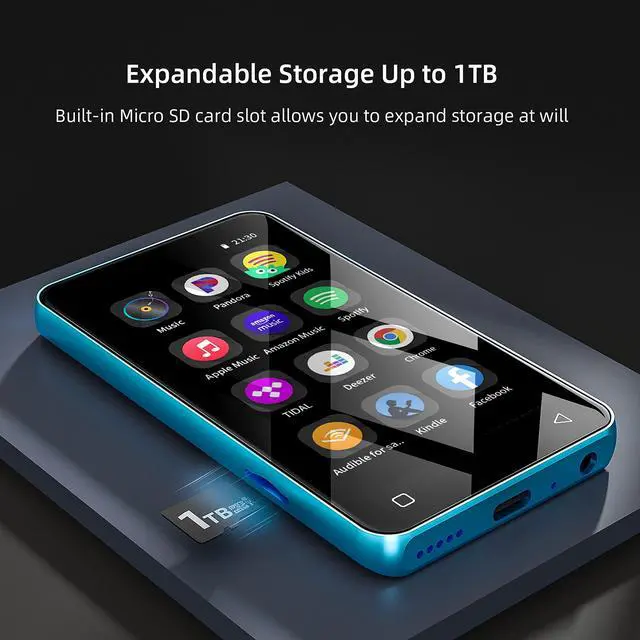
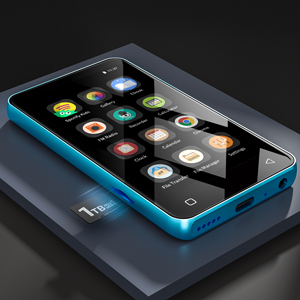
G1 mp3 player with Bluetooth has built-in 2G RAM and 80GB storage (16GB ROM + 64GB TF card) .
Whats more It allows to expand up to 1TB external storage through Micro SD card slot.(Compatible with Micro SD, Micro SDHC, Micro SDXC. ) Thats means there's no practical limit to how much music you can have on tap.
High-speed Wired/Wireless Transfer
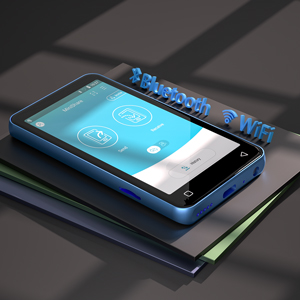
Not only can you use a USB-C cable to connect your computer to upload music to G1 digital mp3 player, but you can also use the provided file transfer app to quickly transfer music, video, and pictures between G1 and your smartphone. Strongly recommended for Android phones.
Tip: IOS phones cannot upload music to the player via file transfer.
MP3 Player with Bluetooth,Pre-Installed Spotify,Audible, Music,Spotify Kids
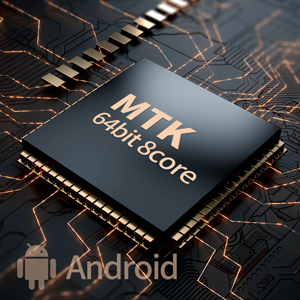
Fast Response and Smooth Running
G1 streaming music player adopts 64-bit 8-core MTK chip + Android OS, which can handle multi-threaded tasks and resource-intensive applications at the same time, ensuring fast response speed and smooth operation of the device, especially suitable for online music applications.
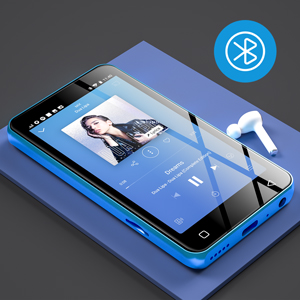
Wider and Stable Bluetooth
As a Bluetooth MP3 player, G1 adopts the Bluetooth 4.2 solution, which not only has more stable pairing and connection, but also is downward or upward compatible with lower or higher versions of Bluetooth devices, such as 4.0 or 5.0, etc. So it can work well with your headphones, speakers, car audio.
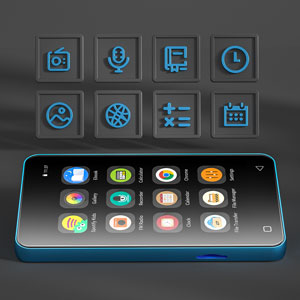
More Useful Applets
For the convenience of daily life, G1 walkman mp3 player also provides many useful small applications, including FM radio, Recorder, E-book, Clock, Gallery, Browser, calculator, calendar, etc. They can always give you very timely help when you need it.
How to ensure connect to WIFI successfully ?
Make sure your target WiFi is not an outdoor public WiFi. Additionally, ensure that your WiFi router is not set to restrict by MAC address and is using an open DHCP allocation mode.
How to connect to Bluetooth headphones or speakers?
Bluetooth headphones or speaker not found in the player's Bluetooth list.Turn off Bluetooth, then turn it back on to allow the device to search for available nearby devices. If it still doesn’t appear, restore the device to factory settings
How to transfer file from your computer to computer?
Via USB-A to USB-C cables to connect your G1 player and PC firstly. Please check if a Driver or Disk named G1 shows in the device and driver list of your computer. If the two steps don’t work,Please try to install the MTP Driver into your PC.
How to recover deleted pre-installed apps?
Please reset the mp3 to factory setting to recapture the app. The detail steps as: Setting ? System?Reset options?Erase all data(factory reset)

80GB MP3 Player with Bluetooth and WiFi,4" Music Player Touch Screen with Spotify, Android Streaming MP3 Player with Audible
innioasis G1 is a more pure digital audio player (DAP). It focuses on music, audiobooks and e-books. Therefore, it does not allow downloading and installing additional applications. That means no phones call, no message, no game, not even video social media. Also, you can uninstall pre-installed apps that are not used frequently to create a more personalized player.
How to update pre-installed apps?
Typically, when a newer version of a preinstalled app is available, you'll receive an update notification. Then, you can update by the following 2 methods:
1) Manual APK Update: Please go to the official website of the application or the authoritative APK website to download the latest APK file, store it in the player, and then click it to install.Recommended APK sites: APKPure, APKMirror
2) Manual Firmware Update: Download the latest firmware and flashing tools that we regularly release, and update according to the tutorial.
(For more detailed steps, please refer to the file of FAQ (PDF) in Product guides and documents.)
What's in the box:
- Mp3 player x 1
- 64GB TF card x1
- USB-C cable x 1
- Wired headphones x 1
- User manual x 1
Most Popular Online Music Apps
G1 digital music player is committed to becoming a model of the perfect combination of local music and streaming music. It is pre-installed with many popular online music apps to meet the different requirements of music lovers, such as Spotify, Pandora, Tidal, Deezer, etc.
HiFi Lossless Sound
G1 Bluetooth music player has a built-in HiFi module and supports the playing of most lossless audio files, including MP3, WAV, FLAC, APE, OGG, M4A, AAC, WMA, MP2, etc. This means it can bring you the ultimate musical enjoyment.
Tips: Hi-Res music not supported.
Powerful Local Music App
In addition to being compatible with many music formats, G1 mp3 music player also offers:
- 6 song categories: title, folder, artist, album, genre, artist+album
- 8 preset EQ styles: pop, blues, classic, jazz, rock, dance, metal, voice and 10 customizable EQ band
- 4 kinds of play sequences: shuffle, list loop, loop single, sequential play
- Search and quickly locate target songs and add them to playlists in batches
- More other settings, such as sleep timer, custom EQ, download cover and lyrics, etc.
MP3 Player with Bluetooth and WiFi, 4" Full Touch Screen Android Streaming MP4 Music Player with Speaker
Excellent Viewing Experience
innioasis G1 is a MP3 player, as well as a decent MP4 player. Its 4-inch full-touch LCD screen and perfect support for high-definition video playback will bring you an excellent viewing and operating experience. Compatible video formats include: AVI, MKV, MP4, MPEG, MOV, VOB, WMV, WEBM, DIVX, F4V, FLV, XviD, 3GP, etc.
Up to 1TB Expandable Storage
G1 mp3 player with Bluetooth has built-in 2G RAM and 80GB storage (16GB ROM + 64GB TF card) .
Whats more It allows to expand up to 1TB external storage through Micro SD card slot.(Compatible with Micro SD, Micro SDHC, Micro SDXC. ) Thats means there's no practical limit to how much music you can have on tap.
High-speed Wired/Wireless Transfer
Not only can you use a USB-C cable to connect your computer to upload music to G1 digital mp3 player, but you can also use the provided file transfer app to quickly transfer music, video, and pictures between G1 and your smartphone. Strongly recommended for Android phones.
Tip: IOS phones cannot upload music to the player via file transfer.
MP3 Player with Bluetooth,Pre-Installed Spotify,Audible, Music,Spotify Kids
Fast Response and Smooth Running
G1 streaming music player adopts 64-bit 8-core MTK chip + Android OS, which can handle multi-threaded tasks and resource-intensive applications at the same time, ensuring fast response speed and smooth operation of the device, especially suitable for online music applications.
Wider and Stable Bluetooth
As a Bluetooth MP3 player, G1 adopts the Bluetooth 4.2 solution, which not only has more stable pairing and connection, but also is downward or upward compatible with lower or higher versions of Bluetooth devices, such as 4.0 or 5.0, etc. So it can work well with your headphones, speakers, car audio.
More Useful Applets
For the convenience of daily life, G1 walkman mp3 player also provides many useful small applications, including FM radio, Recorder, E-book, Clock, Gallery, Browser, calculator, calendar, etc. They can always give you very timely help when you need it.
How to ensure connect to WIFI successfully ?
Make sure your target WiFi is not an outdoor public WiFi. Additionally, ensure that your WiFi router is not set to restrict by MAC address and is using an open DHCP allocation mode.
How to connect to Bluetooth headphones or speakers?
Bluetooth headphones or speaker not found in the player's Bluetooth list.Turn off Bluetooth, then turn it back on to allow the device to search for available nearby devices. If it still doesn’t appear, restore the device to factory settings
How to transfer file from your computer to computer?
Via USB-A to USB-C cables to connect your G1 player and PC firstly. Please check if a Driver or Disk named G1 shows in the device and driver list of your computer. If the two steps don’t work,Please try to install the MTP Driver into your PC.
How to recover deleted pre-installed apps?
Please reset the mp3 to factory setting to recapture the app. The detail steps as: Setting ? System?Reset options?Erase all data(factory reset)
MP3 Player with WiFi spotify
Amazing sound, huge storage and Quick Response touch screen,Easy to use.
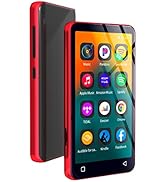
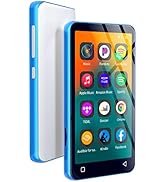
80GB MP3 player with Spotify
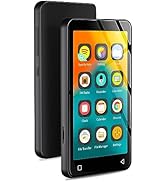
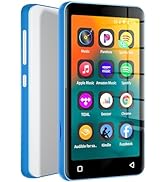
16GB MP3 player with Spotify
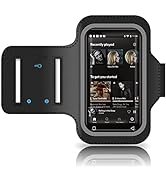
All-round protection for MP3
