


shippingWe‘re shipping as usual! The Canada Post strike only affects certain remote deliveries and PO Boxes. Details
shipping Holiday Shipping Details & Extended Holiday Returns
  • $156.78
  • Free 30-day Returns
  • Ships from China.
    Price alert
    NAS Builder
    Shop it at NeweggBusiness.

    Meet Your Seller

    ICY DOCK MB021VP-B | U.2 NVMe PCIe 4.0 SSD Tray-less Enclosure for 3.5" Drive Bay with SlimSAS (No Tri-mode Suport) | flexiDOCK Series

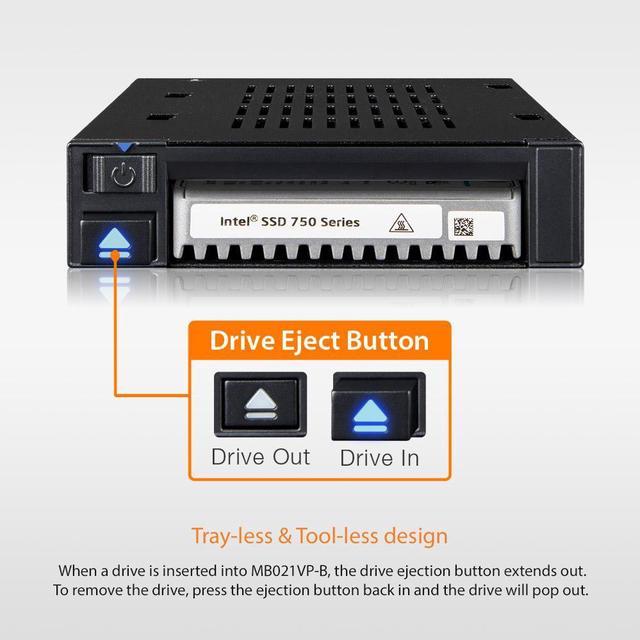
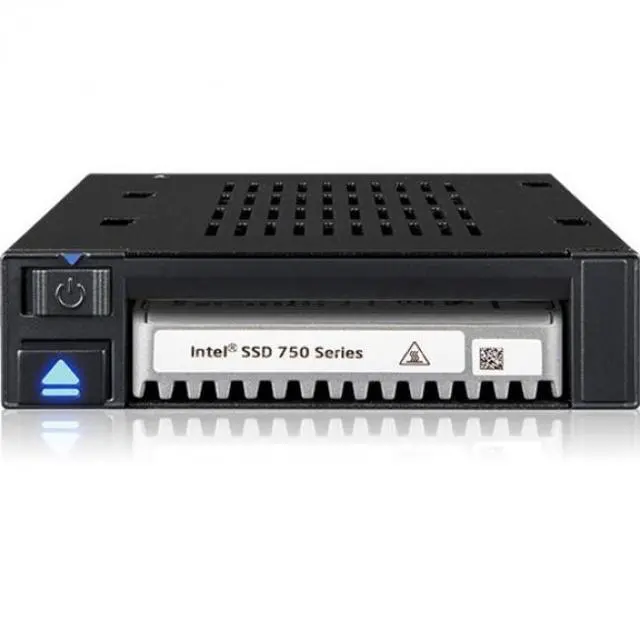
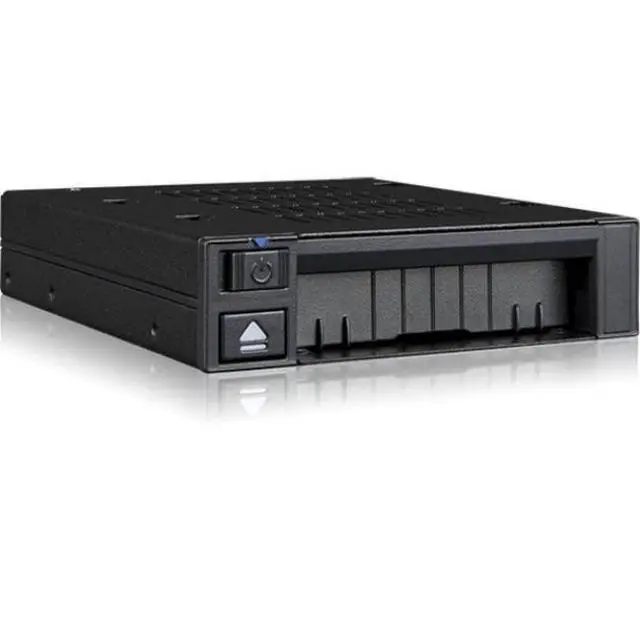
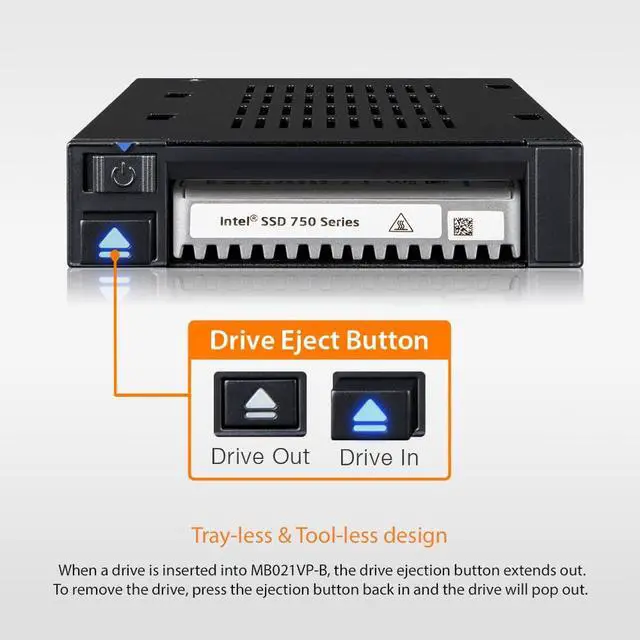
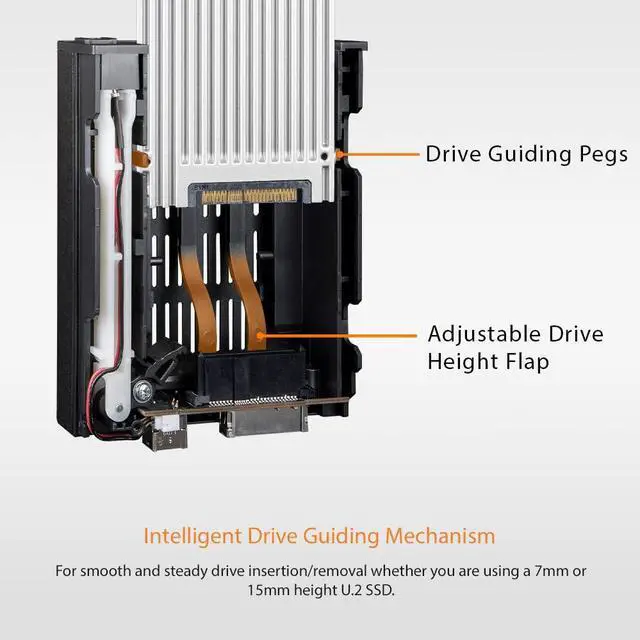
    • Effortless Installation: The ICY DOCK MB021VP-B features a tray-less design, allowing for quick and easy installation of your U.2 NVMe PCIe 4.0 SSD without the need for tools or screws.
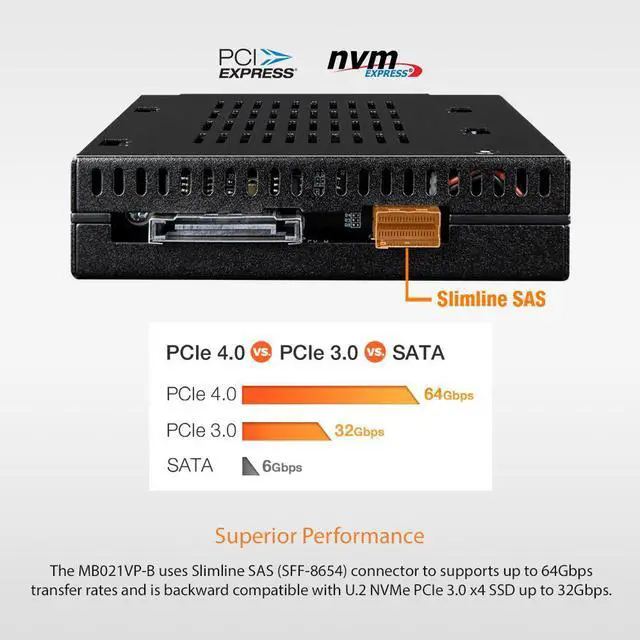
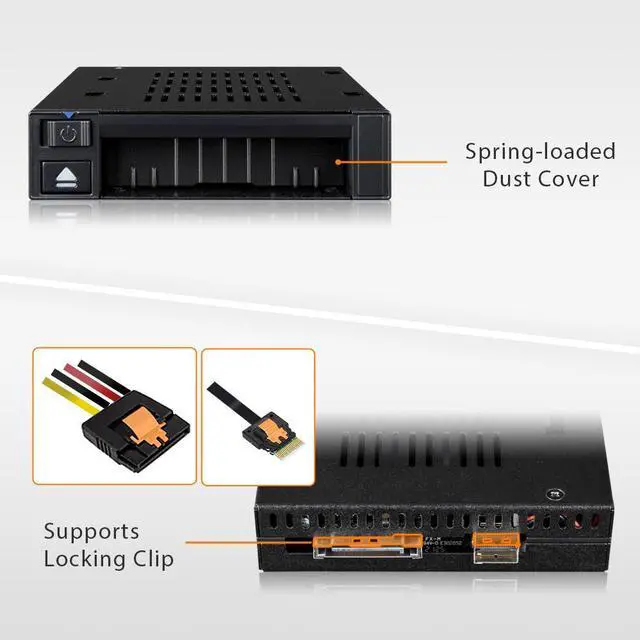
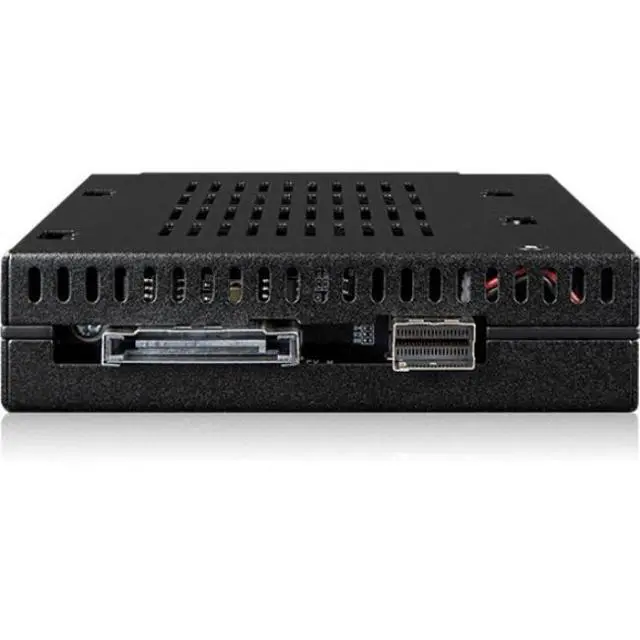
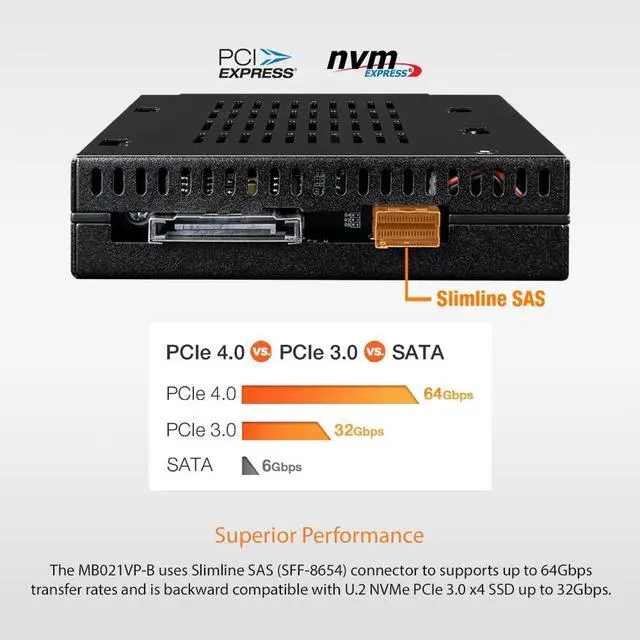
    • Uses 1x Slimline SAS 4i (SFF-8654) connector, pin-out defined by SFF-9402 Rev 1.1
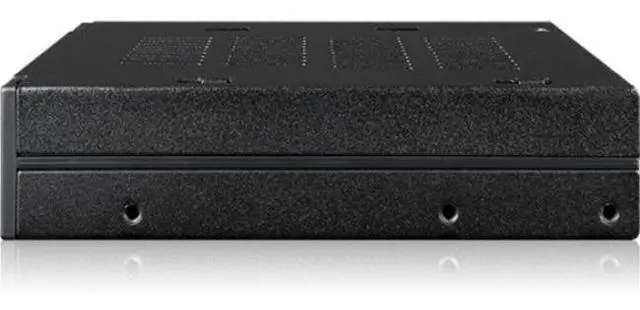
    • Enhanced Compatibility: This enclosure is designed to fit into any standard 3.5" drive bay, making it an ideal choice for upgrading existing systems with the latest SSD technology.
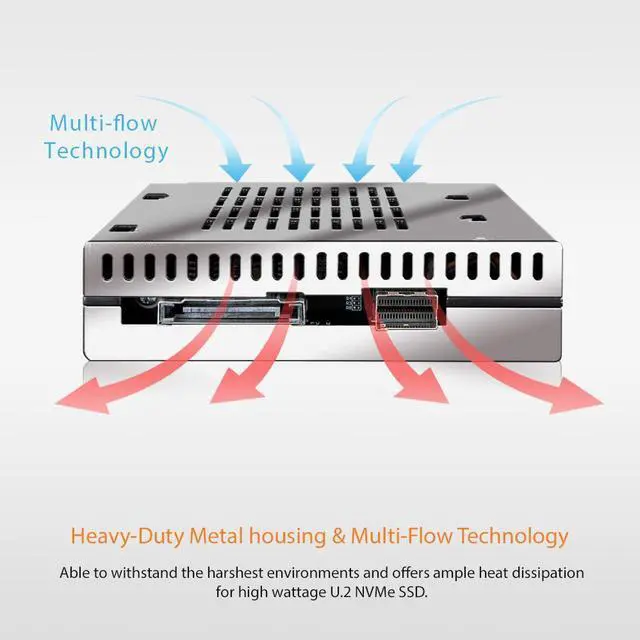
    • Superior Build Quality: Constructed from a combination of aluminum and plastic, the ICY DOCK MB021VP-B offers robust durability while maintaining a lightweight profile, ensuring long-term reliability.
    • High-Speed Data Transfer: With its PCIe 4.0 external interface, this enclosure ensures rapid data transfer rates, maximizing the performance of your U.2 NVMe SSD for demanding applications.
    • Single SSD Support: Designed to support a single SSD, this enclosure is perfect for users seeking to enhance their storage capabilities without the complexity o
    +
    +
    Overview
    Specs
    Reviews
    image for this item
    image for this item
    image for this item
    image for this item
    image for this item
    image for this item

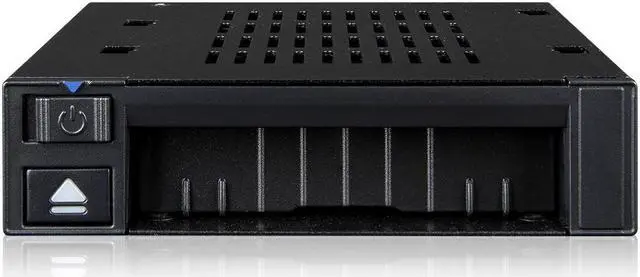
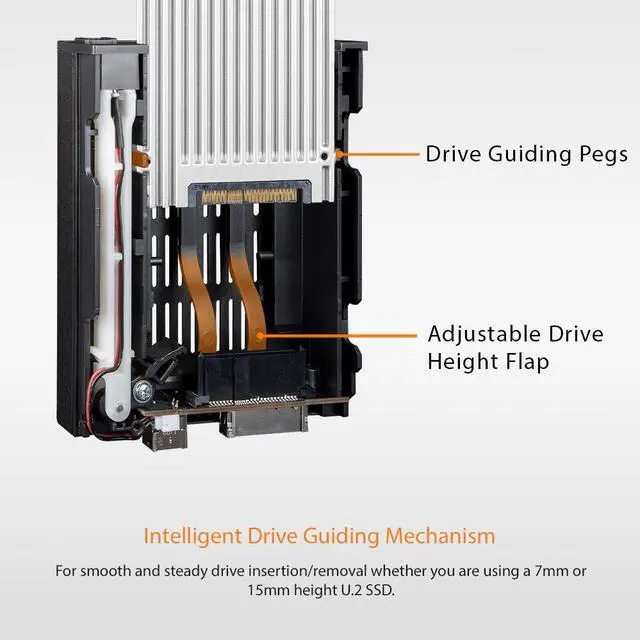
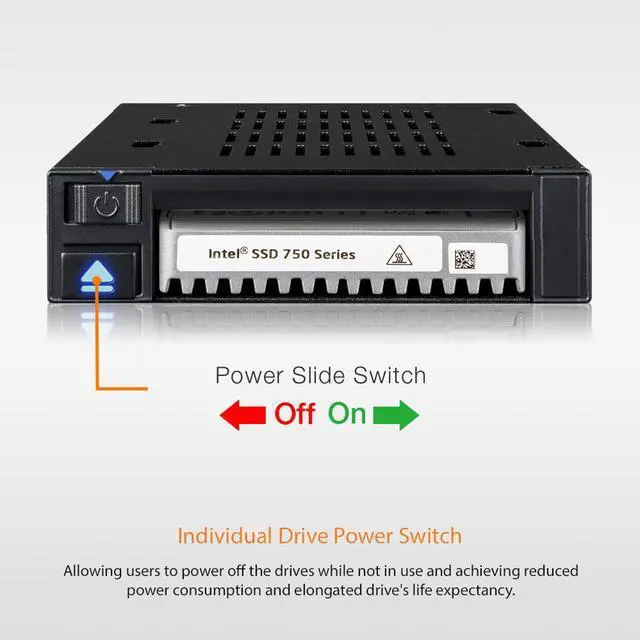
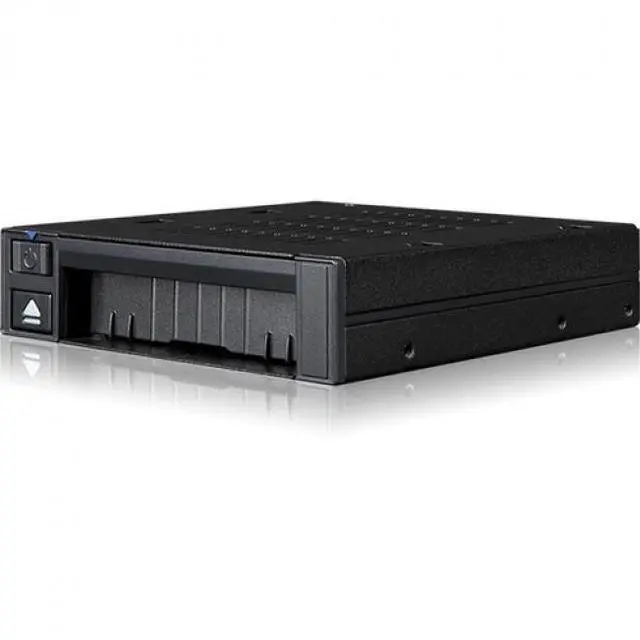
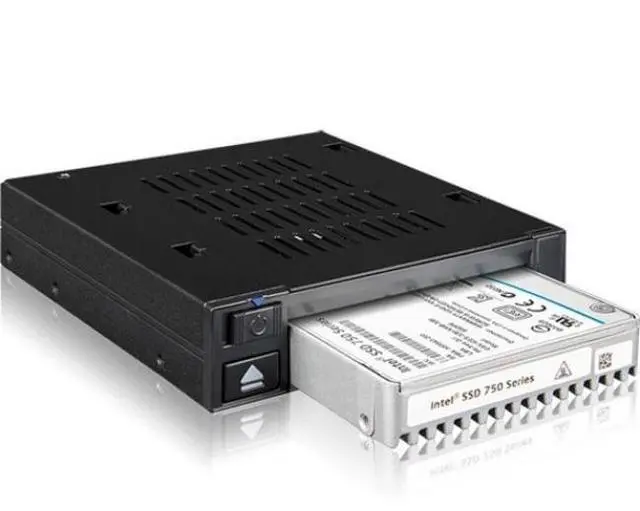
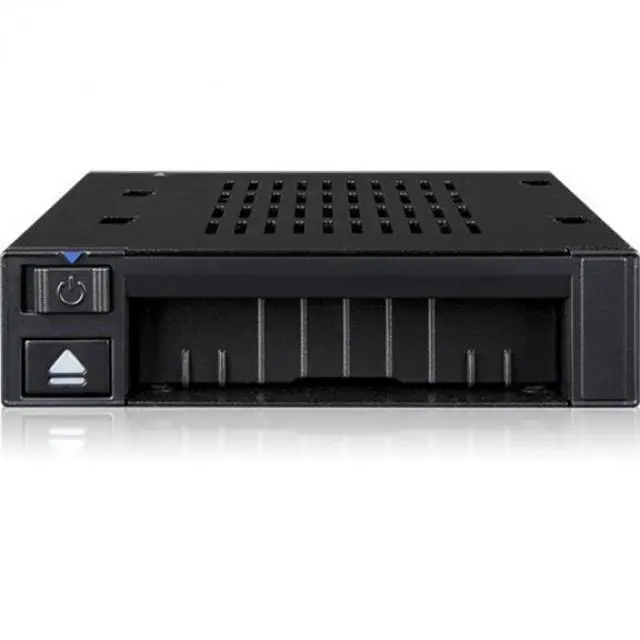
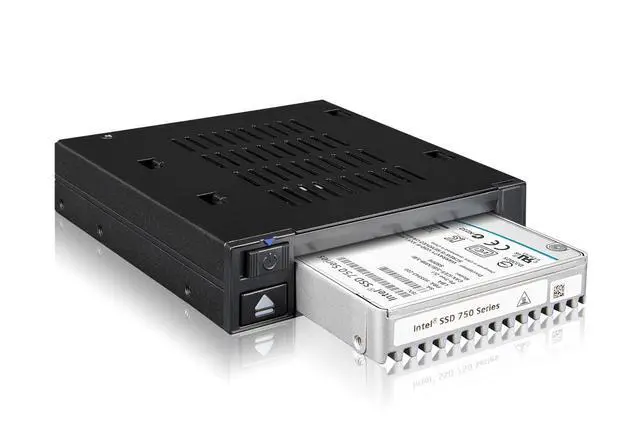
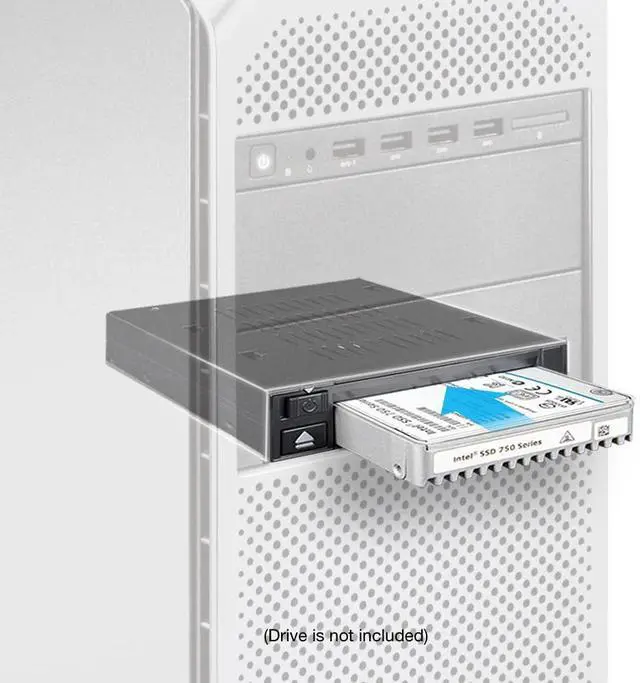
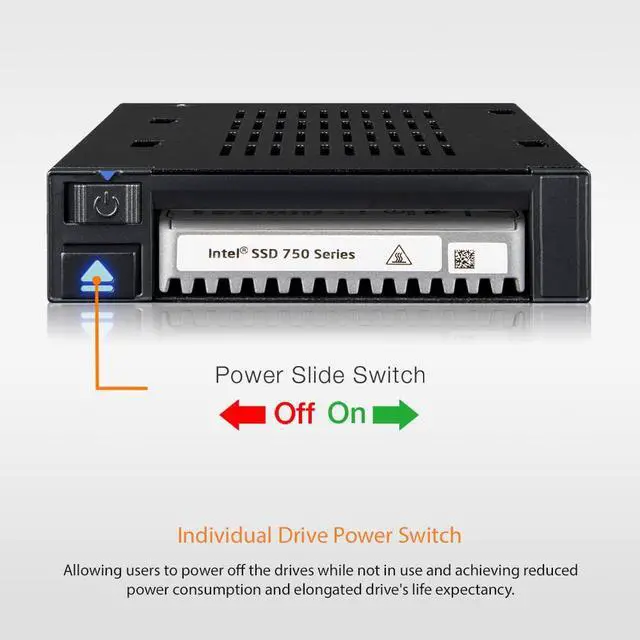
    The flexiDOCK MB021VP-B is a compact U.2 NVMe PCIe 3.0/4.0 SSD mobile rack enclosure supporting up to 64Gbps data transfer speeds through a Slimline SAS (SFF-8654) connection. It fits into a computer cases external 3.5" drive bay (floppy bay) and allows tray-less & door-less drive installation and removal. Users can access their enterprise U.2 SSD without opening the computer case or using any tools or screws. Simply insert a U.2 SSD and switch on the drive power, you are all set to go.

    Warranty & Returns

    Warranty, Returns, And Additional Information

    Warranty

    • Please contact the Seller directly for warranty information. Warranty information may also be found on the Manufacturer's website.
    • CONTACT

    Return Policies

    Manufacturer Contact Info

    LOADING...