





We are a young team, and we want to change the world; Your trust can help us accelerate the pace of innovation.
A team that strives for almost perfect product details strives to provide you with a highly cost-effective product experience.
This is what we are doing. We find happiness for this.
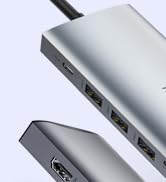

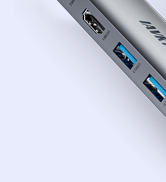
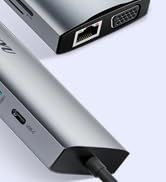
Laptop Docking Stations
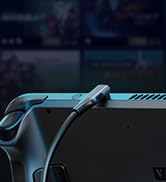
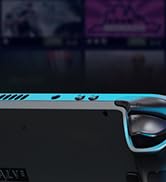
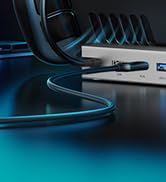
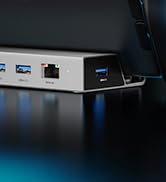
Steam Deck Dock(7-in-1)
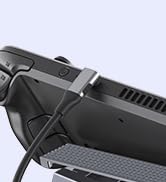

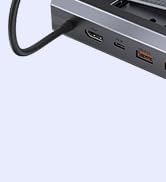
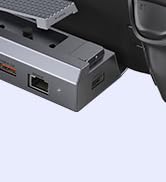
Steam Deck Dock
15-in-1 Multi-Functional Laptop Dock

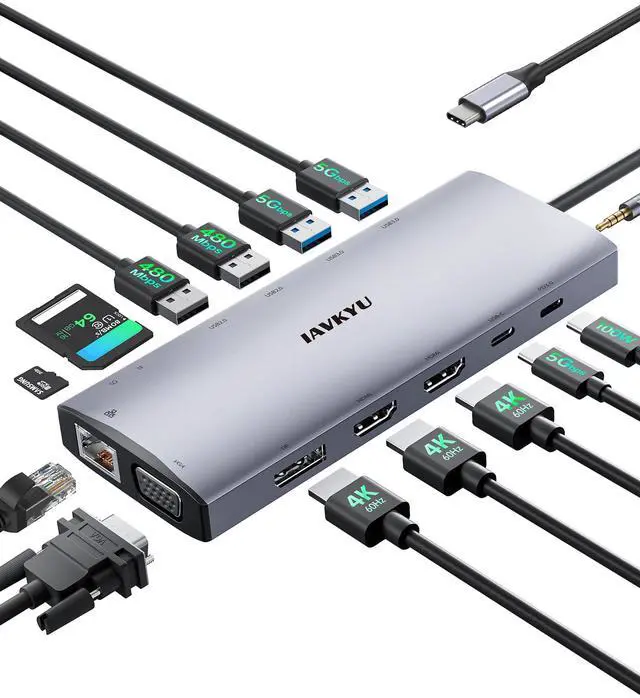
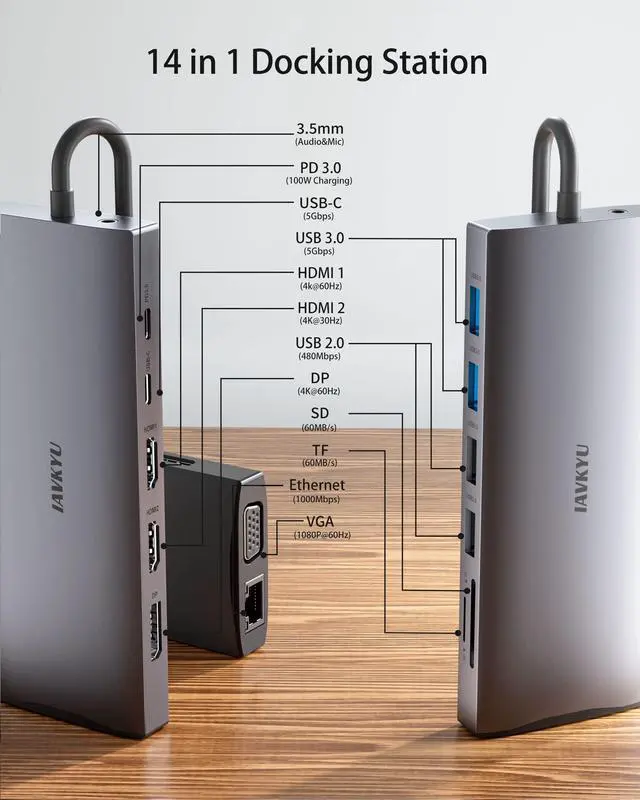
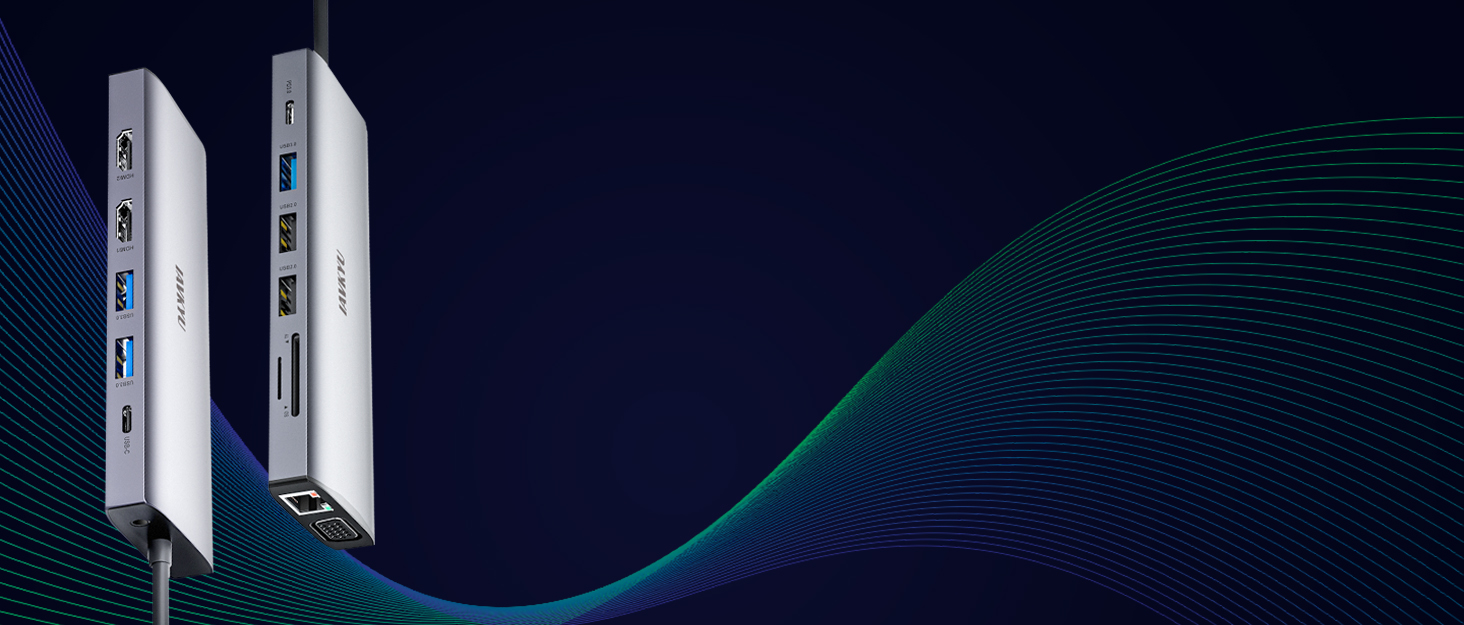
This 15-in-1 multi-functional laptop dock offers extensive connectivity options and triple screen expansion, making it an ideal solution for enhanced productivity and convenience. With features such as multiple video interfaces, high-speed data transfer, Gigabit Ethernet, versatile USB ports, PD charging, and SD/TF card reader, this dock provides seamless connectivity and efficient multitasking capabilities


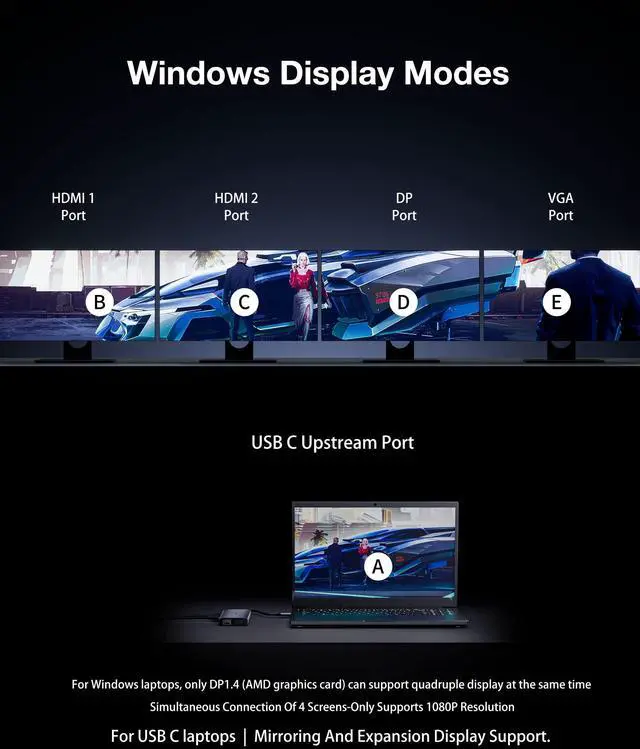
Windows OS supports multi-screen extension mode. The Laptop USB C Docking station has 4 video ports, including 2 HDMI, DP, and VGA, which are compatible with various displays. Multiple display interfaces can be freely combined, such as dual display, triple display, and quadruple display, to meet various office needs and enhance work efficiency. Note: To achieve four-screen display, your laptop needs to have DP 1.4 version (with an AMD graphics card). Otherwise, one of the screens will be black. If your laptop is DP 1.2 version, the overall resolution will be reduced, and four displays are not supported
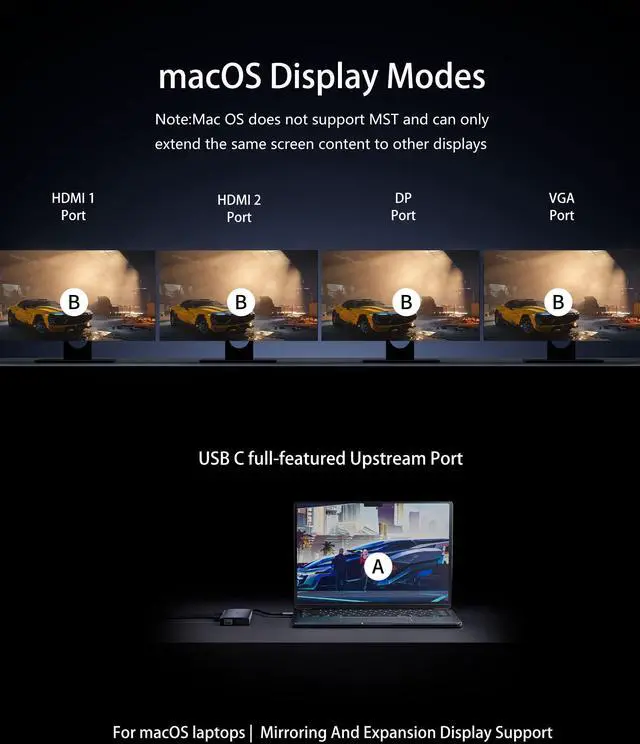
Note: MST (Multi-Stream Transport) allows multiple displays to be connected to a single DisplayPort or Thunderbolt port using daisy-chaining. However, macOS does not have native support for this feature

Efficient and versatile PD 100W charging for seamless device power management
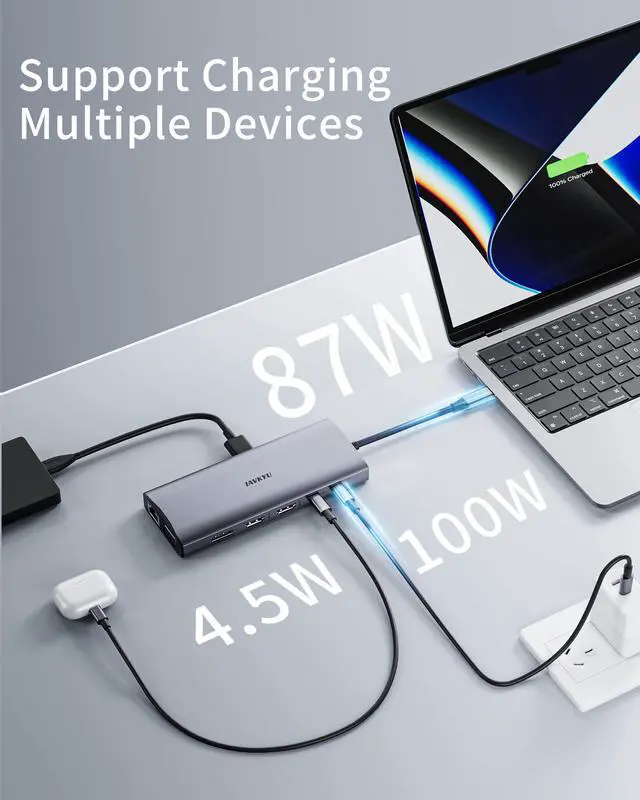
PD 3.0 100W charging interface, with its powerful 87W output, efficiently charges laptops, eliminating interruptions during work or entertainment and allowing you to focus on tasks or indulge freely. (It is recommended to use a 65W-100W power adapter for better results). It can also provide power to your external devices such as smartphones and smartwatches through the USB-A and USB-C data interfaces at a power of 4.5W, enhancing your charging experience

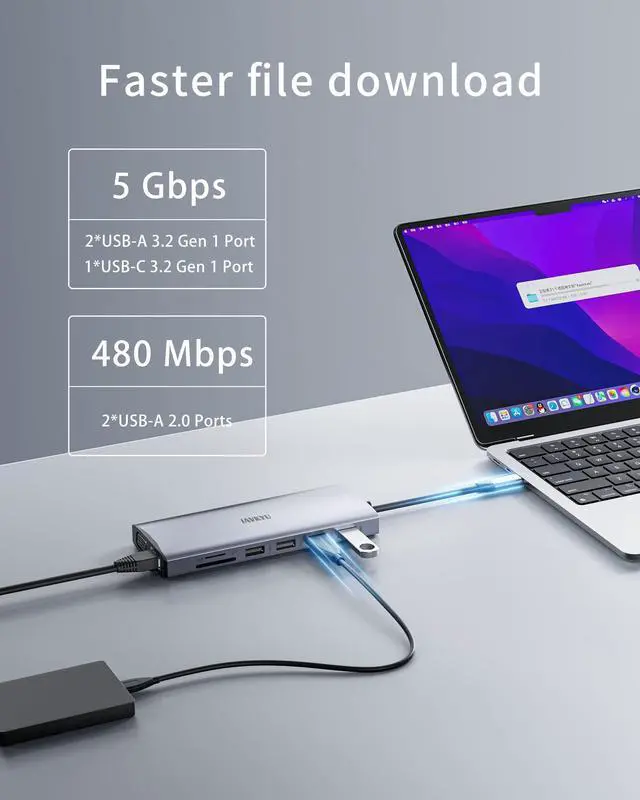
Data interface:3*USB-A 3.2 (10Gbps) supports connection to various USB devices, such as mice, keyboards, etc.
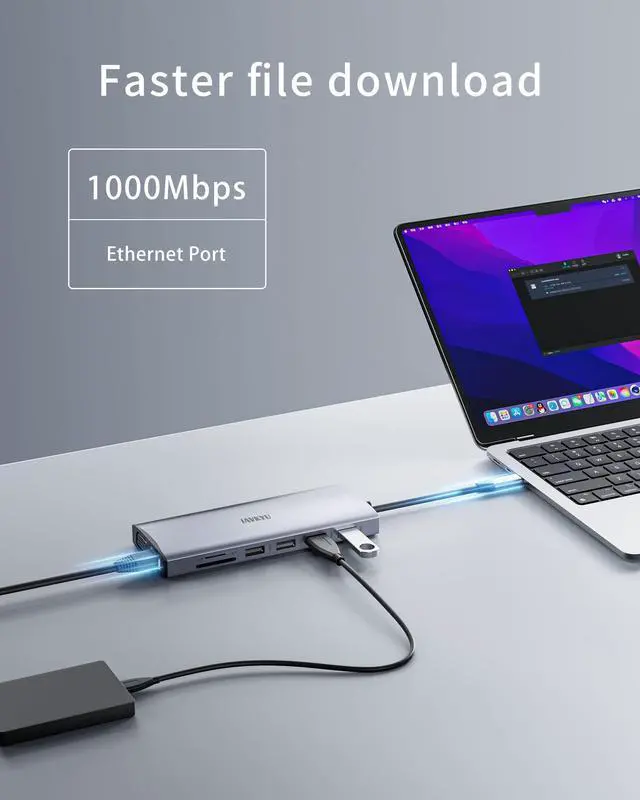
Network interface:Ethernet (1000Mbps) provides stable and high-speed wired network connection.
Power interface:USB-C PD (100W) enables fast and efficient power supply, allowing uninterrupted gaming.
SD/TF: The SD and TF card interfaces with a speed of 60MB/s are compatible with various sizes of memory cards used in digital cameras, allowing photographers and video editors to easily complete editing and storage tasks (it is not recommended to use both sizes simultaneously)

FQA
Is this USB-C docking station compatible with my laptop?
Only if your laptop's USB-C port supports charging, data transfer, and video output simultaneously, can you fully utilize the features of this USB-C docking station, for example, USB4, Thunderbolt 3/4, Type C 3.1/3.2 Gen 2 with Power Delivery & DisplayPort functions.
Why is there no video output?
1.Please make sure your host supports DisplayPort Alternate Mode (Alt Mode) video output functionality! 2.Please use the standard HDMI/DP cable. 3.Please check if the cables are well connected. 4.Please make sure to select the correct input source for your HDMI and DP monitor.
My docking station not charging my laptop?
1.Please check the specifications of your Laptop and identifywhich port has PD charging functionality if multiple USB-Cports are available. 2. Verify if your host system supports PD over USB-C. 3.Please noted some old models of computers have USB-C portbut do not support charging, only can be powered by its originalAC/DC power adapter.
How to Set Up Displays on Windows and Mac Operating Systems? Mac OS does not support extending multiple display scenes
Windows OSGuide:Right click desktop> Graphic Setting> Display> Extended Desktop //Mac OS Guide:Apple logo> System Preferences>Display>Mirror Display(Yes or Not) //NOTE:Mac OS only supports a single display (Mirror Mode) and does not support multiple displays (Extended Mode).
Is there advice on power connection and adapter usage?
1.It is recommended to connect to power during use, with a power input of 65-100W for optimal performance. 2.We do not recommend using any other adapters with the docking station as compatibility cannot be guaranteed------Please verify with us if you have any other concerns.
 2*HDMI+DP+VGA |  2*HDMI+VGA |  2*HDMI+DP |  2*HDMI+VGA |  2*HDMI+DP | |
|---|---|---|---|---|---|
| Customer Reviews | — | — | — | — | — |
| Price | — | — | — no data | — | — |
| Display Ports | 4 | 3 | 3 | 3 | 3 |
| Resolution (Max) | 4K@60Hz | 4K@60Hz | 8K@30Hz/4k@144Hz | 4K@60Hzv | 4K@60Hz |
| USB-C Power Deliver | 1 | 1 | 1 | 1 | 1 |
| USB-A Data Port | 4 | 5 | 5 | 5 | 5 |
| USB-A Transfer Speed (Max) | 5Gbps | 5Gbps | 5Gbps | 5Gbps | 5Gbps |
| USB-C Data Port | 1 | 1 | 1 | 1 | 1 |
| USB-C Transfer Speed (Max) | 5Gbps | 5Gbps | 5Gbps | 5Gbps | 5Gbps |
| SD/TF Card Reader | 2 | 2 | 2 | 2 | 2 |
| Enthernet | 1000Mbps | 1000Mbps | 1000Mbps | 1000Mbps | 1000Mbps |
| Audio | 1 | 1 | 1 | -- | 1 |
15-in-1 Multi-Functional Laptop Dock
This 15-in-1 multi-functional laptop dock offers extensive connectivity options and triple screen expansion, making it an ideal solution for enhanced productivity and convenience. With features such as multiple video interfaces, high-speed data transfer, Gigabit Ethernet, versatile USB ports, PD charging, and SD/TF card reader, this dock provides seamless connectivity and efficient multitasking capabilities
Windows OS supports multi-screen extension mode. The Laptop USB C Docking station has 4 video ports, including 2 HDMI, DP, and VGA, which are compatible with various displays. Multiple display interfaces can be freely combined, such as dual display, triple display, and quadruple display, to meet various office needs and enhance work efficiency. Note: To achieve four-screen display, your laptop needs to have DP 1.4 version (with an AMD graphics card). Otherwise, one of the screens will be black. If your laptop is DP 1.2 version, the overall resolution will be reduced, and four displays are not supported
Note: MST (Multi-Stream Transport) allows multiple displays to be connected to a single DisplayPort or Thunderbolt port using daisy-chaining. However, macOS does not have native support for this feature
Efficient and versatile PD 100W charging for seamless device power management
PD 3.0 100W charging interface, with its powerful 87W output, efficiently charges laptops, eliminating interruptions during work or entertainment and allowing you to focus on tasks or indulge freely. (It is recommended to use a 65W-100W power adapter for better results). It can also provide power to your external devices such as smartphones and smartwatches through the USB-A and USB-C data interfaces at a power of 4.5W, enhancing your charging experience
Data interface:3*USB-A 3.2 (10Gbps) supports connection to various USB devices, such as mice, keyboards, etc.
Network interface:Ethernet (1000Mbps) provides stable and high-speed wired network connection.
Power interface:USB-C PD (100W) enables fast and efficient power supply, allowing uninterrupted gaming.
SD/TF: The SD and TF card interfaces with a speed of 60MB/s are compatible with various sizes of memory cards used in digital cameras, allowing photographers and video editors to easily complete editing and storage tasks (it is not recommended to use both sizes simultaneously)
FQA
Is this USB-C docking station compatible with my laptop?
Only if your laptop's USB-C port supports charging, data transfer, and video output simultaneously, can you fully utilize the features of this USB-C docking station, for example, USB4, Thunderbolt 3/4, Type C 3.1/3.2 Gen 2 with Power Delivery & DisplayPort functions.
Why is there no video output?
1.Please make sure your host supports DisplayPort Alternate Mode (Alt Mode) video output functionality! 2.Please use the standard HDMI/DP cable. 3.Please check if the cables are well connected. 4.Please make sure to select the correct input source for your HDMI and DP monitor.
My docking station not charging my laptop?
1.Please check the specifications of your Laptop and identifywhich port has PD charging functionality if multiple USB-Cports are available. 2. Verify if your host system supports PD over USB-C. 3.Please noted some old models of computers have USB-C portbut do not support charging, only can be powered by its originalAC/DC power adapter.
How to Set Up Displays on Windows and Mac Operating Systems? Mac OS does not support extending multiple display scenes
Windows OSGuide:Right click desktop> Graphic Setting> Display> Extended Desktop //Mac OS Guide:Apple logo> System Preferences>Display>Mirror Display(Yes or Not) //NOTE:Mac OS only supports a single display (Mirror Mode) and does not support multiple displays (Extended Mode).
Is there advice on power connection and adapter usage?
1.It is recommended to connect to power during use, with a power input of 65-100W for optimal performance. 2.We do not recommend using any other adapters with the docking station as compatibility cannot be guaranteed------Please verify with us if you have any other concerns.
2*HDMI+DP+VGA | 2*HDMI+VGA | 2*HDMI+DP | 2*HDMI+VGA | 2*HDMI+DP | |
|---|---|---|---|---|---|
| Customer Reviews | — | — | — | — | — |
| Price | — | — | — no data | — | — |
| Display Ports | 4 | 3 | 3 | 3 | 3 |
| Resolution (Max) | 4K@60Hz | 4K@60Hz | 8K@30Hz/4k@144Hz | 4K@60Hzv | 4K@60Hz |
| USB-C Power Deliver | 1 | 1 | 1 | 1 | 1 |
| USB-A Data Port | 4 | 5 | 5 | 5 | 5 |
| USB-A Transfer Speed (Max) | 5Gbps | 5Gbps | 5Gbps | 5Gbps | 5Gbps |
| USB-C Data Port | 1 | 1 | 1 | 1 | 1 |
| USB-C Transfer Speed (Max) | 5Gbps | 5Gbps | 5Gbps | 5Gbps | 5Gbps |
| SD/TF Card Reader | 2 | 2 | 2 | 2 | 2 |
| Enthernet | 1000Mbps | 1000Mbps | 1000Mbps | 1000Mbps | 1000Mbps |
| Audio | 1 | 1 | 1 | -- | 1 |
We are a young team, and we want to change the world; Your trust can help us accelerate the pace of innovation.
A team that strives for almost perfect product details strives to provide you with a highly cost-effective product experience.
This is what we are doing. We find happiness for this.
Laptop Docking Stations
Steam Deck Dock(7-in-1)
Steam Deck Dock