


Shipped by Newegg



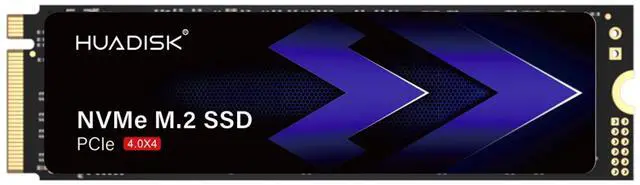
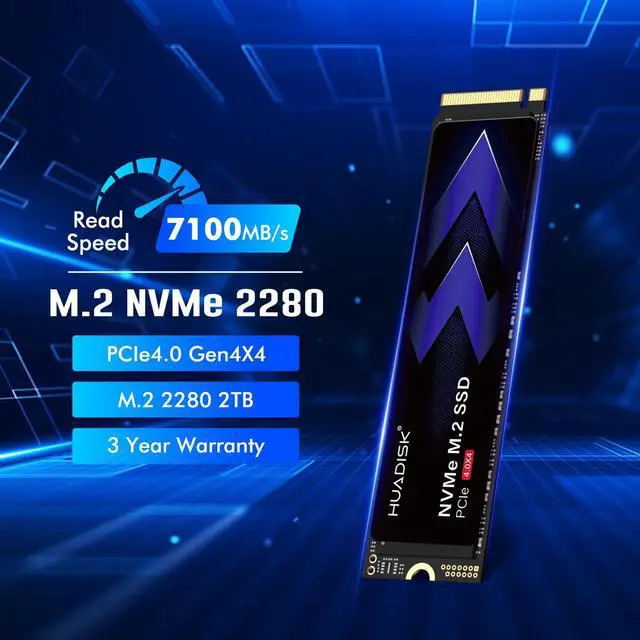
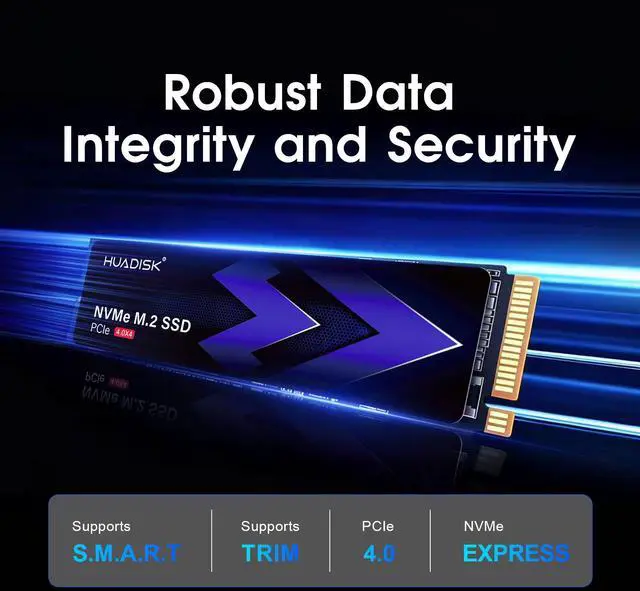
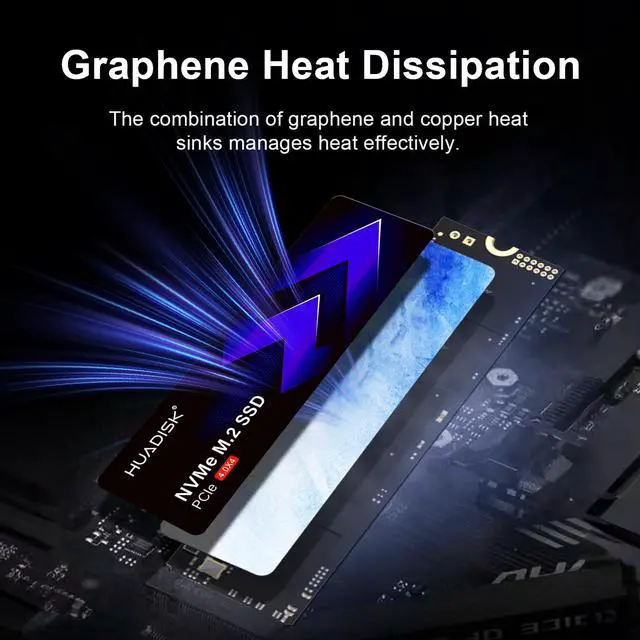
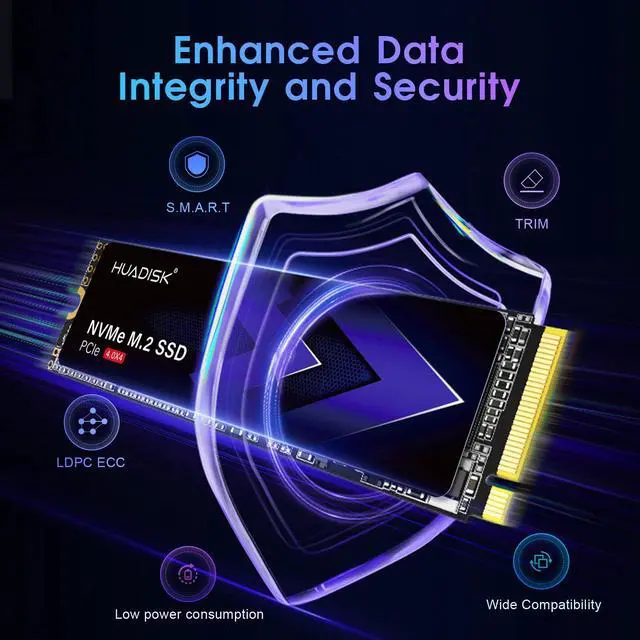
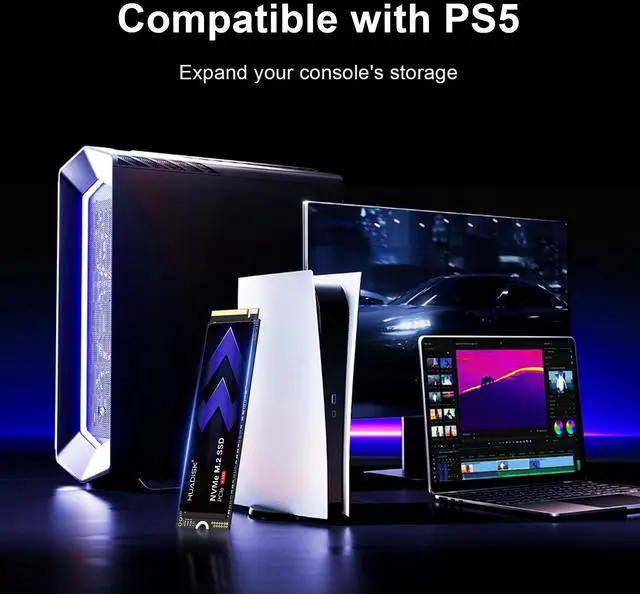


The HUADISK 2TB M.2 2280 PCIe 4.0 NVMe SSD is a high-speed internal drive for PC, laptop, and PS5 users who want fast game loads, quick boot times, and roomy everyday storage in a compact M.2 form factor.
| Attribute | Value |
|---|---|
| Best For | High-throughput PCIe 4.0 NVMe storage for PS5, desktop PCs and M.2-capable laptops; suited to gaming, quick boot times and storing large game or media libraries |
| Capacity | 2TB usable capacity |
| Interface And Form Factor | M.2 2280 form factor with PCIe 4.0 x4 interface using NVMe 1.4 protocol |
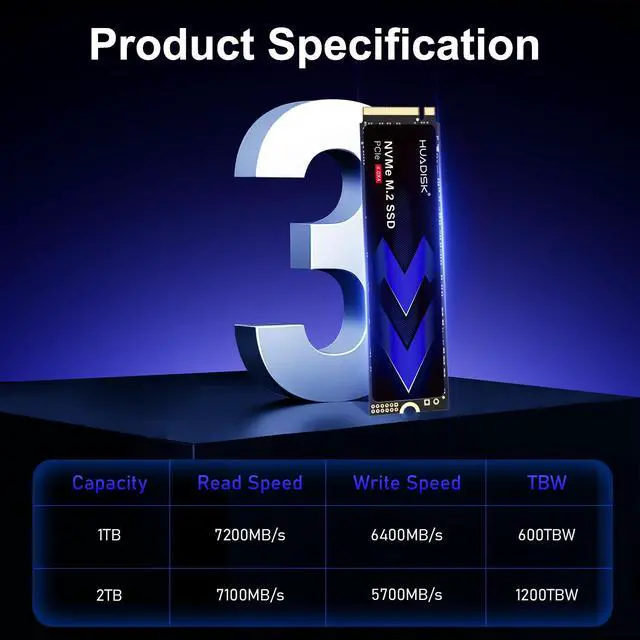
| Read Write Performance | Up to 7,100 MB/s sequential read and up to 5,700 MB/s sequential write; random performance up to 720,000 IOPS read and 800,000 IOPS write |
| Endurance And Reliability | Rated for 1,200 TBW and 1,000,000 hours MTBF |
| Power | Active power approximately 8.18W and idle approximately 0.66W |
| Physical Dimensions And Weight | M.2 2280 drive dimensions ~80.0 x 22.0 x 2.10 mm, weight 30 g |
| Environmental | Operating temperature 0°C to +70°C, storage -20°C to +75°C, operating humidity 5-95% |
| Compatibility & Installation | Internal M.2 installation; listed compatible with desktop systems and backward compatible with older PCIe generations; no heatsink included, making it suitable for tight-clearance or ultra-thin systems |
| Packaging And Model Identifiers | Brand HUADISK, model HYV2TBX4(GR); package quantity 1, unit count 1, package weight 0.1 lb, package dimensions 3.87 x 2.5 x 0.65 inches |
Q: Should I choose this HUADISK 2TB SSD or a WD Black SN850X 2TB for a gaming PC or PS5?
A: Choose the HUADISK 2TB if your priority is getting a PCIe 4.0 2TB drive with PS5-class rated read speed and a slim, no-heatsink M.2 2280 design that can fit laptops or compact builds. Choose the WD Black SN850X 2TB if you want a more established high-end option with broader third-party testing, higher official write performance, and a longer 5-year warranty. For PS5 specifically, the HUADISK meets Sony's recommended 5,500 MB/s read threshold on paper, but you still need an added heatsink because Sony requires effective cooling and limits total installed height.
Q: Is this HUADISK 2TB a better fit than a 1TB premium SSD?
A: Choose the HUADISK 2TB if you need more game or project storage and want to avoid filling a 1TB drive quickly. In normal gaming and everyday PC use, capacity often matters more than the small real-world difference between two fast PCIe 4.0 drives. A 1TB premium SSD is the better choice if you do heavy sustained writes, want a longer warranty from a top-tier brand, or prefer a drive with extensive benchmark coverage. For many buyers, 2TB is the more practical step up because it reduces storage management and usually gives stronger endurance than a 1TB model.
Q: Should I buy this HUADISK 2TB or move up to a Samsung 990 Pro or Crucial T500 2TB?
A: Choose the HUADISK 2TB if you want fast Gen4-level storage for gaming, boot drives, and general productivity without paying for the highest tier. Move up to a Samsung 990 Pro or Crucial T500 2TB if you want a drive with stronger official positioning, broader professional review coverage, and a 5-year warranty. The Samsung 990 Pro and Crucial T500 are also better documented choices for buyers who care about validated top-tier performance, especially for mixed workloads beyond gaming.
Q: Is this HUADISK 2TB worth buying over an older PCIe 3.0 NVMe SSD?
A: Choose the HUADISK 2TB over an older PCIe 3.0 NVMe SSD if you are upgrading for more capacity, higher peak transfer speeds, or PS5 compatibility. For large file transfers and newer platform support, a Gen4 drive like this makes more sense. Keep a good PCIe 3.0 SSD if your main use is game loading on PC and you already have enough storage, because many tests show only small load-time differences between fast PCIe 3.0 and PCIe 4.0 SSDs in current games.
Q: Is this HUADISK 2TB better for a thin laptop or should I choose a heatsink SSD for maximum performance?
A: Choose the HUADISK 2TB for thin laptops, compact desktops, or systems with limited SSD clearance because it ships without a heatsink and uses the standard slim M.2 2280 form factor. Choose a heatsink-equipped SSD if the drive will run inside a PS5 or in a high-performance desktop where sustained workloads and thermal headroom matter more than clearance. For PS5, a separate low-profile heatsink is still needed even if the base SSD is slim enough.
Q: Is this SSD a good fit for PS5 storage expansion?
A: Yes, it is broadly suitable for PS5 expansion because it matches the usual core requirements buyers ask about: M.2 2280 form factor, PCIe 4.0 x4 interface, 2TB capacity, and a claimed read speed of up to 7,100MB/s, which is above the commonly cited 5,500MB/s threshold. The main trade-off is that this HUADISK model does not include a heatsink, so PS5 buyers should plan to add a low-profile heatsink before installation.
Q: Will this SSD work in a laptop?
A: Usually yes, if the laptop supports an M.2 2280 NVMe drive. This HUADISK drive is a bare 2280 SSD without a preinstalled heatsink, which is often the safer physical choice for laptops with tight clearance. The trade-off is that laptop compatibility depends on the slot type, supported length, and whether the system accepts PCIe NVMe drives.
Q: Do I need to buy a heatsink with this SSD?
A: For a desktop motherboard with its own M.2 cooling, often no. For PS5, effectively yes. For many laptops, an added heatsink may not fit, so the bare-drive design is actually an advantage. The practical trade-off is simple: this model is more flexible across laptops and thin systems because it has no heatsink attached, but PS5 buyers should budget for a compatible low-profile heatsink.
Q: Who is this SSD best for?
A: It is best for buyers who want a fast 2TB PCIe 4.0 NVMe upgrade for a PC, laptop, or PS5 without paying extra for a preinstalled heatsink. It fits well as a primary boot drive or game/storage upgrade for general gaming, office work, and large file storage. It is less ideal for buyers who want a fully PS5-ready kit out of the box, because they will still need to add a heatsink.
Q: What is the main trade-off versus a similar SSD that includes a heatsink?
A: A heatsink-equipped alternative is more convenient for PS5 or hot-running desktop use, because cooling is already handled. This HUADISK model is more flexible for laptops and compact builds because it stays slim and avoids clearance problems. In short: a heatsink model is easier for PS5, while this bare model is usually easier for laptops.
Q: Is this HUADISK 2TB SSD a sensible buy for a PS5 upgrade?
A: Yes, it appears suitable for PS5 use on paper because it is an M.2 2280 PCIe 4.0 x4 NVMe drive rated up to 7100 MB/s read, which is above the commonly discussed PS5 speed target. The main trade-off is that this model is sold without a heatsink, so buyers should confirm their PS5 cooling and fit requirements before choosing it.
Q: Who is this SSD best suited for: desktop, laptop, or PS5 users?
A: This SSD is best suited for users who want a fast PCIe 4.0 upgrade in a desktop, laptop, or PS5 and specifically need the slim M.2 2280 form factor without a preinstalled heatsink. It makes the most sense for systems with limited clearance, but users planning sustained heavy writes or hot-running builds may prefer a drive or setup with more thermal headroom.
Q: Is this a good choice for everyday gaming and general PC use?
A: Yes, this looks like a reasonable fit for everyday gaming, boot-drive use, and general productivity if you want Gen4 NVMe speeds and 2TB capacity. Its listed performance is strong for consumer use, but because the product is a newer and lesser-known model, cautious buyers may weigh warranty length, support confidence, and independent validation against better-known alternatives.
Q: What are the main trade-offs of buying this HUADISK SSD instead of a more established SSD brand?
A: The likely advantage is price-to-spec value: 2TB capacity, PCIe 4.0 x4, and advertised 7100 MB/s-class reads in a slim drive. The trade-offs are lower brand familiarity, fewer community-tested results, a shorter three-year warranty than some premium rivals, and less confidence around long-term support or consistency until more independent user feedback exists.