


Shipped by Newegg



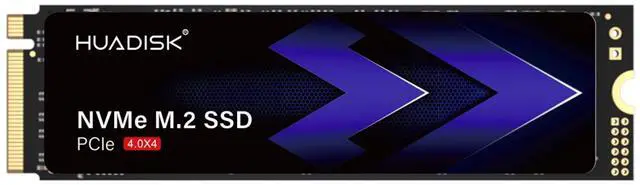
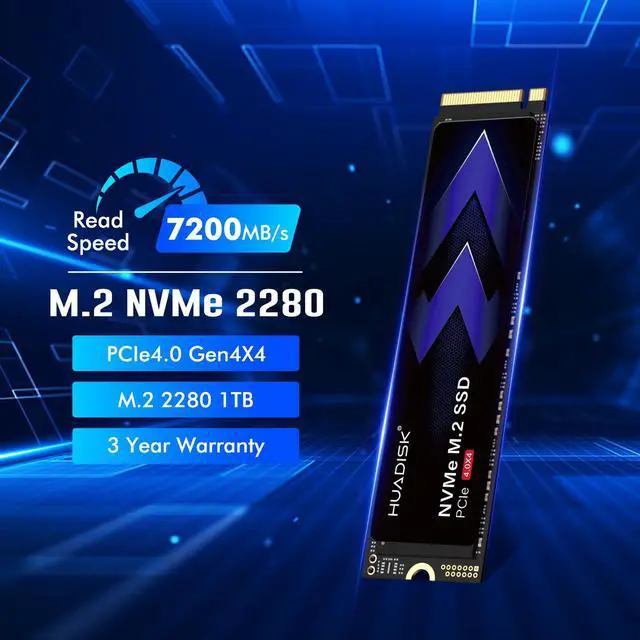
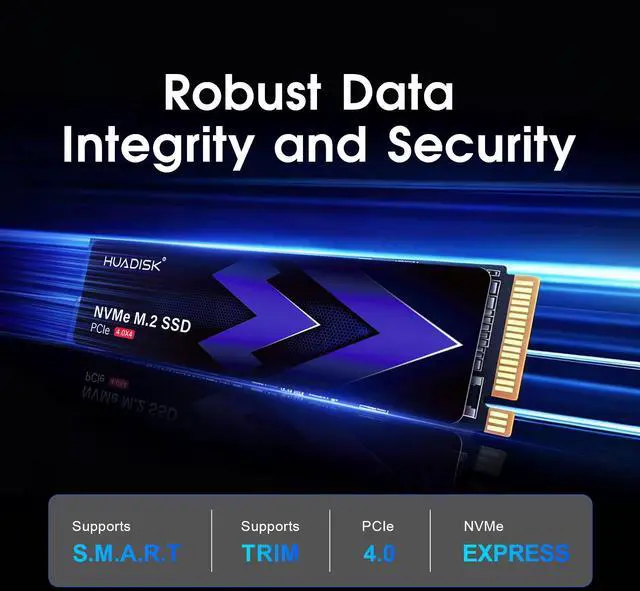
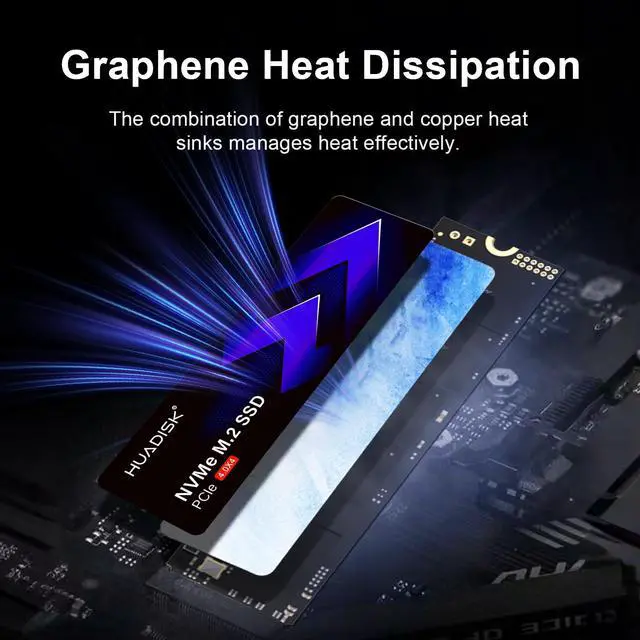
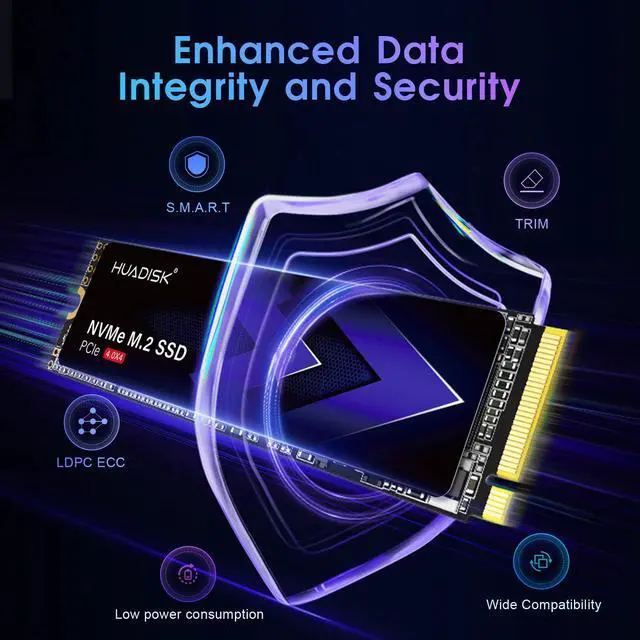
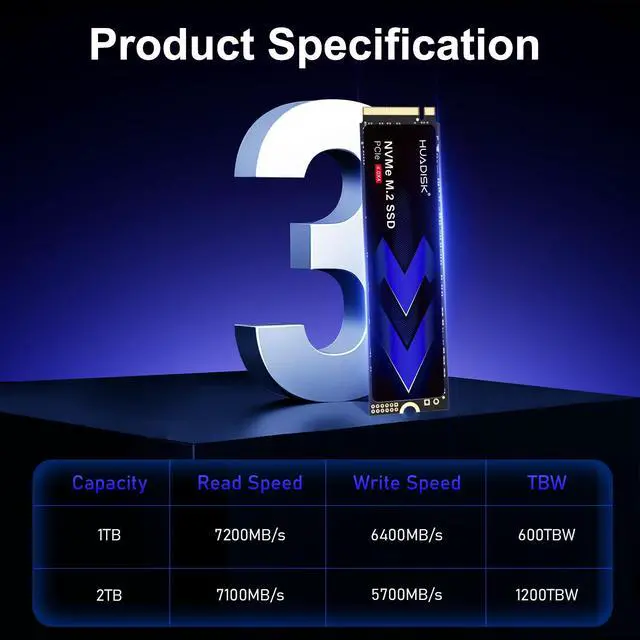


This internal solid state drive uses an M.2 2280 form factor, PCIe 4.0 x4 interface, and NVMe 1.4 protocol. It provides up to 7200 MB/s sequential read and up to 6400 MB/s sequential write performance, with 1TB of storage for consumer computing, gaming, large files, and professional workloads.
Performance
Specifications
Endurance and Operating Conditions
The HUADISK 1TB M.2 2280 PCIe 4.0 NVMe SSD is a high-speed internal drive built for gamers, PC upgraders, and laptop users who want up to 7,200 MB/s read performance, 1TB of storage, and a slim heatsink-free design that fits compact systems.
| Attribute | Value |
|---|---|
| Best For | Consumer desktops, laptops, and PS5 systems; installs in M.2 2280 internal slots and ships without a heatsink, suitable where M.2 clearance is limited |
| Capacity | 1 TB |
| Interface And Form Factor | M.2 2280 internal SSD with PCI-Express 4.0 x4 (NVMe 1.4) interface; backward compatible with earlier PCIe generations |
| Read Write Performance | Sequential read up to 7,200 MB/s and sequential write up to 6,400 MB/s; random 4KB up to 720,000 IOPS (read) and 800,000 IOPS (write) |
| Endurance And Reliability | 600 TBW (terabytes written) and MTBF 1,000,000 hours |
| Power And Operating Conditions | Active power 8.18 W; idle power 0.66 W; operating temperature 0°C to 70°C; storage temperature -20°C to 75°C; operating humidity 5–95% |
| Physical Dimensions And Weight | M.2 2280 module dimensions 80.0 × 22.0 × 2.10 mm; product weight 30 g; package dimensions 3.86 × 2.36 × 0.6 in; package weight 0.1 lb |
| Compatibility And Installation | Designed for internal M.2 installation; compatible devices listed as desktop systems |
| Additional Features | Backward compatible with earlier PCIe generations; ships without heatsink; no batteries required |
| Model Identifiers | Manufacturer HUADISK; model HYV1TBX4(GR) |
Q: Should I buy the HUADISK 1TB PCIe 4.0 SSD or a WD Black SN770 1TB?
A: Choose the HUADISK drive if you want a faster-spec Gen4 upgrade that also meets Sony's recommended 5,500 MB/s PS5 read target on paper. Its listed 7,200 MB/s read speed is higher than the SN770's official 5,150 MB/s rating. Choose the SN770 if you want a more established model with broader review coverage and a more proven real-world reputation. This is the practical trade-off: HUADISK offers stronger headline specs and PS5-fit positioning, while SN770 is the safer pick when buyer confidence and review history matter more than peak spec numbers.
Q: Is this HUADISK 1TB drive a better fit than a premium SSD like the Samsung 990 Pro 1TB?
A: Buy the Samsung 990 Pro if you want a premium-tier SSD with stronger official endurance support, a longer 5-year warranty, and much deeper third-party validation. Samsung rates the 1TB 990 Pro at up to 7,450/6,900 MB/s with 600 TBW and a 5-year limited warranty, which puts it in the same general speed class as HUADISK but with more established review backing. Buy the HUADISK instead when your goal is getting Gen4-class performance and PS5/PC compatibility at a lower-positioned tier, and you do not need flagship branding or the longer warranty.
Q: Should I choose this 1TB PCIe 4.0 SSD or a cheaper PCIe 3.0 or entry-level Gen4 SSD for gaming?
A: Choose the HUADISK drive if you want faster file transfer potential, stronger synthetic specs, or plan to use the SSD for PS5 expansion where Gen4 speed guidance matters. Choose a cheaper PCIe 3.0 or lower-tier Gen4 SSD if your main goal is game storage on PC and value matters more than peak throughput. Across gaming tests and buyer discussions, load-time differences between mainstream SSD tiers are usually much smaller than the gap in sequential speed numbers suggests, so the upgrade makes the most sense when you also care about installs, copies, content work, or PS5 compatibility.
Q: Is this HUADISK SSD a better choice for PS5, or should I get a model with a heatsink?
A: Choose this HUADISK model if you need a slim M.2 2280 drive for a laptop or compact PC build and prefer to add cooling separately only if needed. Choose a heatsink-equipped SSD if your main use is PS5 and you want a setup that aligns more closely with Sony's physical design guidance for thermal management. The HUADISK's listed 7,200 MB/s read speed clears Sony's recommended 5,500 MB/s threshold, but the product is sold without a heatsink, so the better choice depends on whether your priority is low-clearance fit or console-ready installation convenience.
Q: Should I pick this HUADISK drive for a thin laptop, or buy a DRAM-equipped performance SSD instead?
A: Pick the HUADISK drive when fit, low-profile installation, and mainstream Gen4 performance matter more than chasing the most validated high-end behavior under heavy sustained workloads. Pick a DRAM-equipped performance SSD if the drive will be your primary scratch disk for large transfers, repeated write-heavy work, or other sustained professional use where premium models are more consistently documented and reviewed. In current SSD buying guidance, modern DRAM-less or HMB-style designs can be very competitive for everyday use, but buyers still tend to prefer established DRAM-equipped models for heavier write-focused workloads.
Q: Will this SSD work in a PS5?
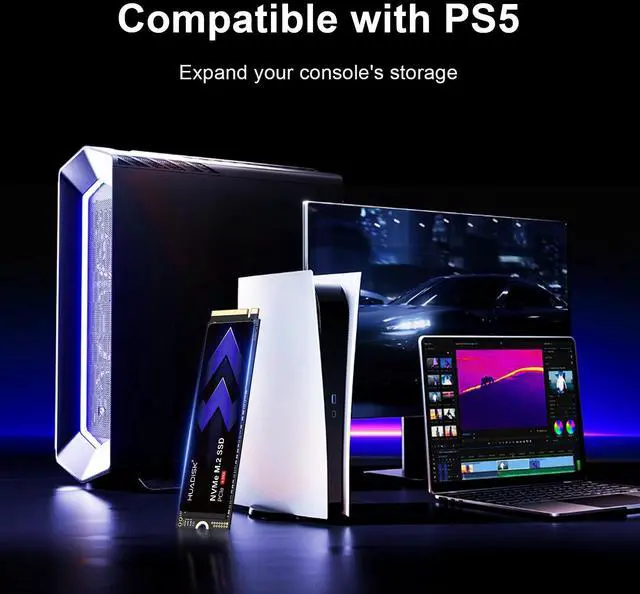
A: Yes, it is broadly suitable for PS5 use because it matches the key fit and speed points buyers usually ask about: M.2 2280 form factor, PCIe 4.0 x4 interface, and up to 7,200 MB/s read speed. The main trade-off is cooling: this HUADISK model does not include a heatsink, so PS5 buyers should plan to add a compatible heatsink before treating it as a console-first purchase.
Q: Is this a good SSD for a laptop upgrade?
A: Usually yes, if the laptop supports an M.2 2280 PCIe NVMe drive. A practical advantage of this model is that it ships without a heatsink, which makes it easier to fit into thin laptops where pre-attached heatsinks often cause clearance problems. The trade-off is that laptop compatibility still depends on your system having the right slot and physical space.
Q: Who is this SSD best for?
A: It is best for buyers who want a fast mainstream PCIe 4.0 NVMe upgrade for gaming, boot drives, everyday productivity, and large file transfers on a PC or laptop. It is a better fit for users who value high advertised sequential speed and standard M.2 2280 compatibility than for shoppers specifically looking for bundled extras such as a heatsink, cloning software, or a longer warranty.
Q: What are the trade-offs versus a PS5-focused SSD with a built-in heatsink?
A: The HUADISK drive offers similar headline read speed to many PS5-targeted Gen4 SSDs, but the trade-off is convenience. A PS5-focused model with an integrated heatsink is simpler for console buyers because cooling is already handled. HUADISK is more flexible for laptops and tighter builds because it has no heatsink attached, but PS5 users need to add one separately.
Q: Is this a better choice than a cheaper Gen3 NVMe SSD?
A: Yes, if your system supports PCIe 4.0 and you want faster game loads, file transfers, or scratch-disk performance. This HUADISK model is positioned as a higher-performance option with up to 7,200 MB/s read speed, while Gen3 drives are commonly ruled out for PS5 and generally deliver lower top-end throughput. If your laptop or desktop only supports Gen3, though, the extra speed headroom may not be fully usable.
Q: Is this HUADISK 1TB Gen4 NVMe SSD worth buying if I just need a fast everyday SSD?
A: It can make sense as a budget-focused PCIe 4.0 SSD if your priority is headline speed and basic compatibility with PC, laptops, or PS5. Based on the product data, it offers up to 7,200 MB/s read, 6,400 MB/s write, 600 TBW endurance, and a 3-year warranty. The main trade-off is brand confidence: Reddit discussion around lesser-known SSD brands, including HUADISK, repeatedly raises concerns about long-term consistency, changing components, and trust versus established SSD brands. It is a more reasonable buy for secondary storage or value-driven builds than for mission-critical data.
Q: Is this SSD a good fit for PS5 or a laptop upgrade?
A: Yes, if the device accepts an M.2 2280 PCIe 4.0 NVMe drive and you can manage thermals. The listed read speed of up to 7,200 MB/s is in the performance range people look for in PS5 expansion drives, and the no-heatsink design helps with tight laptop clearance. The trade-off is that a bare drive may run hotter than a model with an included heatsink, so PS5 buyers in particular should verify their cooling setup before choosing it.
Q: Who is this SSD most suitable for?
A: It is most suitable for mainstream users who want a 1TB PCIe 4.0 upgrade for boot drive use, game storage, or general productivity, and who are comfortable buying a lesser-known brand. Its specs are strong enough for everyday gaming and normal workstation tasks. It is less suitable for buyers who prioritize proven brand track record, extensive independent validation, or primary storage for critical work.
Q: What are the main trade-offs of choosing this HUADISK SSD over a more established brand?
A: The likely advantages are lower cost and competitive advertised PCIe 4.0 performance. The main trade-offs are weaker brand reputation, less community validation, and more buyer caution around authenticity, firmware quality, and component consistency. If you value predictable support history and stronger independent testing, an established SSD brand is the safer choice. If price matters most and the seller is trustworthy, this drive is easier to justify as a value pick.