
Your Browsing History
- Free 30-day Returns
$41.26
Ships from United States.

Meet Your Seller

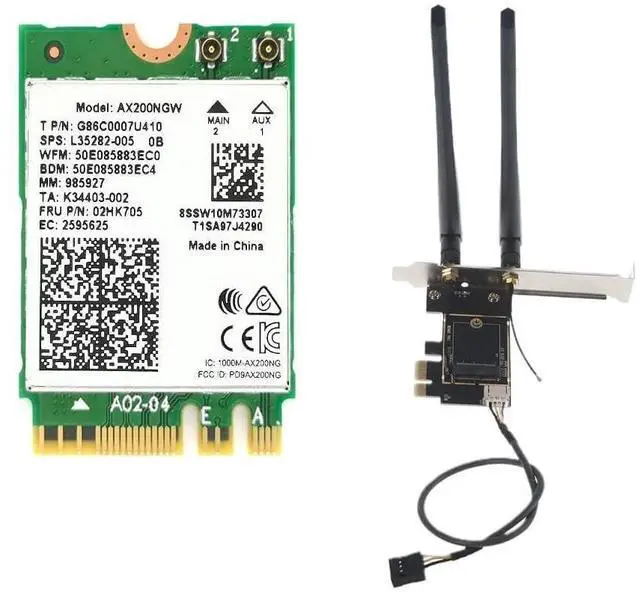
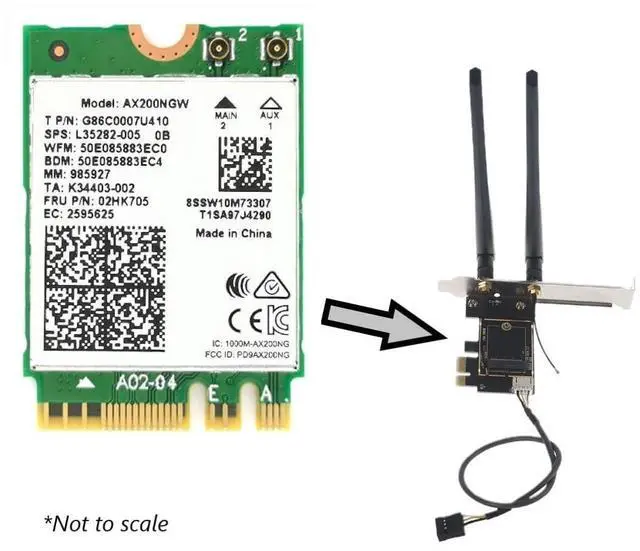
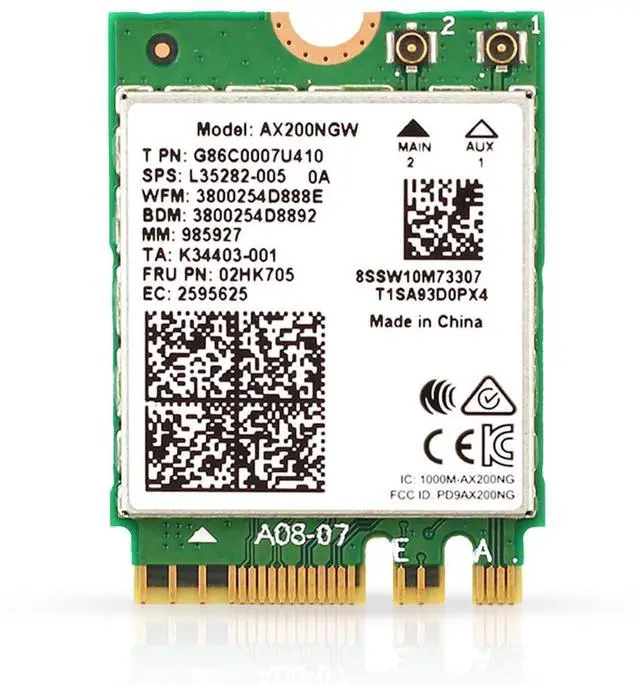

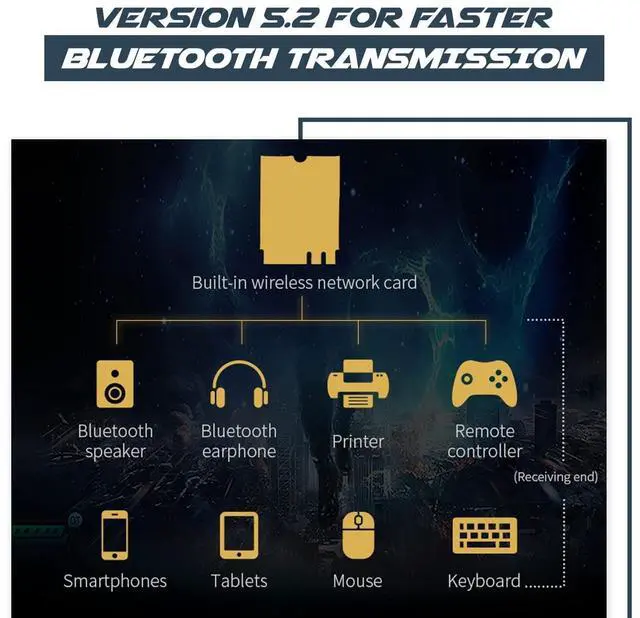


AX200 Desktop Wi-Fi Kit | 2.4 Gbps | Bluetooth 5.2 Support | PCIe x4 | Wi-Fi 6 Wireless-AX No vPro AX200NGW
- Improved security with WPA3 and simplified passwords for improved protection against wireless hacking
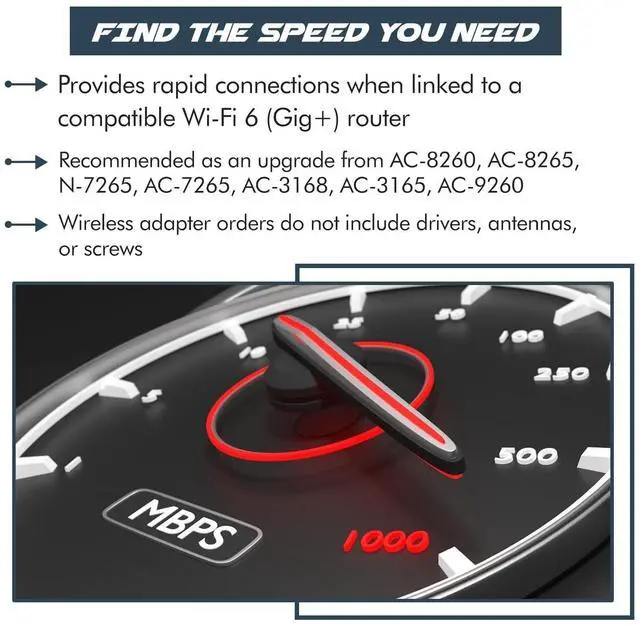
- Wi-Fi 6 is nearly 3X faster than standard AC 2x2 with 80 MHz channels, delivering 75% lower latency for more responsive gaming and seamless video conferencing
- Compatible with most Intel & AMD desktop systems running Linux or Windows 10/11 64-bit. PC must have available PCIe x1 / x 4 / x8 / x16
- Kit includes 1x AX200 wireless adapter and 1x Desktop Kit with Bluetooth cable. PC must have open USB header on motherboard for Bluetooth to function
+
+
Overview
Specs
Reviews
Features and Benefits:
Wi-Fi 6 is nearly 3X faster than standard AC 2x2 with 80 MHz channels, delivering 75% lower latency for more responsive gaming and seamless video conferencing Improved security with WPA3 and simplified passwords for improved protection against wireless hacking.
Kit Includes:
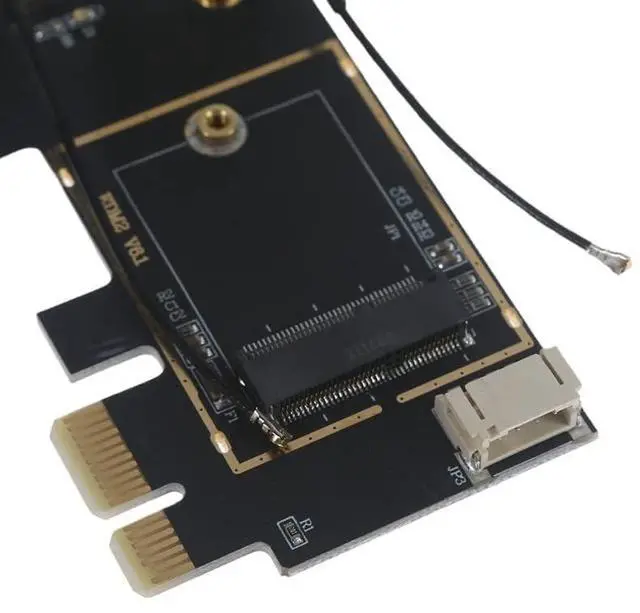
- 1x Laptop to Desktop (PCIe x1) Wi-Fi Card Converter for M.2 PCIe Network Cards with Bluetooth Support which includes:
- 1x Set of antennas and connecting wires
- 1x Set of standard desktop mounting bracket
- 1x Bluetooth cable (requires open USB pin set (header) on motherboard)
- 1x AX200 Wireless Adapter
Compatibility:
- Compatible with most systems running Linux or Windows 10/11 (64-bit)
- Motherboard must have available internal USB Pin connector (header) for Bluetooth cable
- PC must have available PCIe x1, x4, x8, or x16 [No support for M.2 CNVio / CNVio2]
- Ideal replacement / upgrade for models: AC-9260, AC-8260, AC-8265, N-7265, AC-7265, AC-3168, AC-3165
Installation:
- Gently insert your Wi-Fi card into the provided Adapter
- Gently attach the provided antenna connectors to your network card---be gentle! The connectors generally pop right on
- Install into an available PCIe slot
- Screw the provided antennas to the exterior of the desktop convertor
- ***Test your new Wi-Fi Card*** (You may need to download the drivers for your specific Wi-Fi card)
- Then, reattach your systems back cover and enjoy your upgraded Wi-Fi!
Warranty & Returns
Warranty, Returns, And Additional Information
Warranty
- Please contact the Seller directly for warranty information. Warranty information may also be found on the Manufacturer's website.
- CONTACT
Return Policies
- Return for refund within: 30 days
- Return for replacement within: 30 days
- This item is covered by HighZer0 Electronics Return Policy
Manufacturer Contact Info
- For a directory of all our manufacturers, please click below.
- Manufacturers Directory
LOADING...