


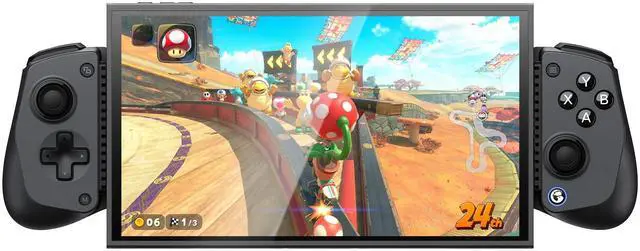
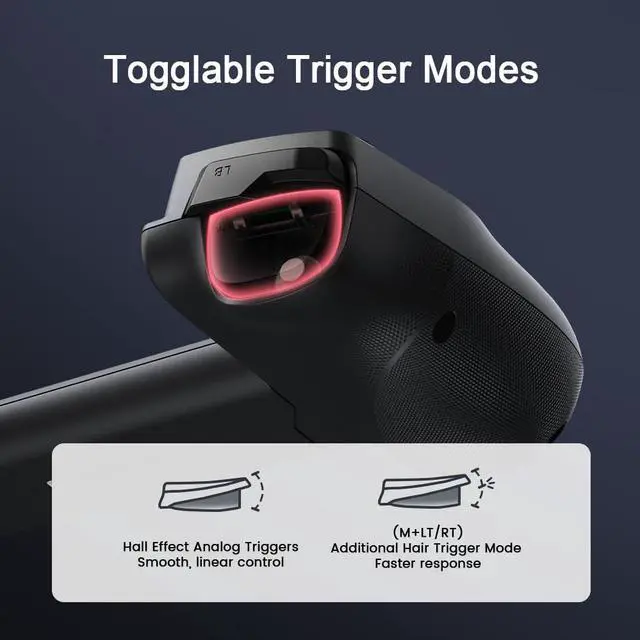
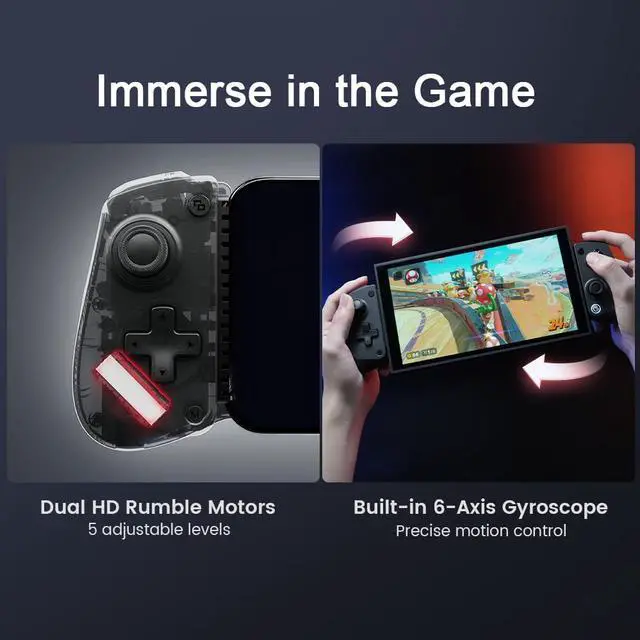
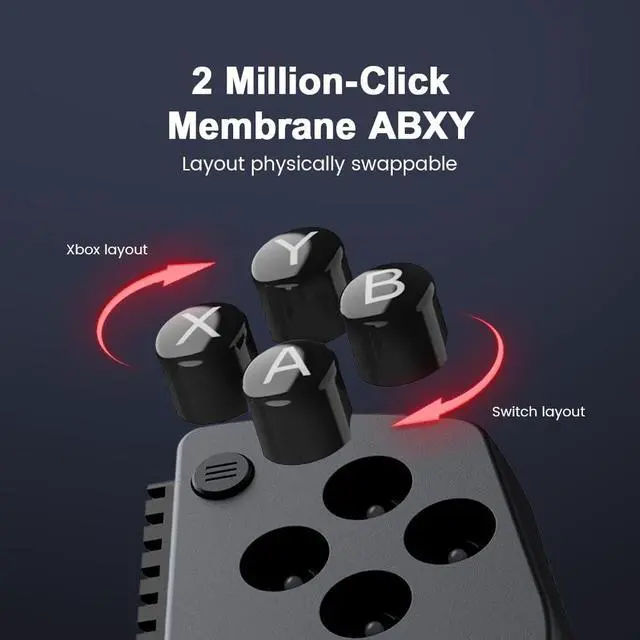


GameSir X5s Bluetooth Controller
Merchant VideoQ:How to fix the X5s left trigger issue?
A:1. Hold down the M button, then press any of the A/B/X/Y/LB/RB/LT/RT buttons to activate the Turbo function of that button. Repeat this operation to deactivate it.
2.Press and hold the M and Home buttons for 2 seconds to clear all Turbo settings.


GameSir Phone Controller
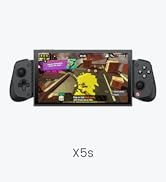
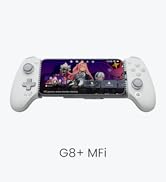
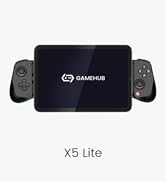
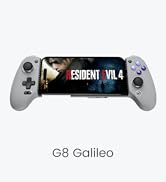
 GameSir X5S Bluetooth |  GameSir X5 Lite |  GameSir G8 Galileo |  GameSir X2s Bluetooth | |
|---|---|---|---|---|
Customer Reviews | — | — | — | — |
Price | — | — | — | — |
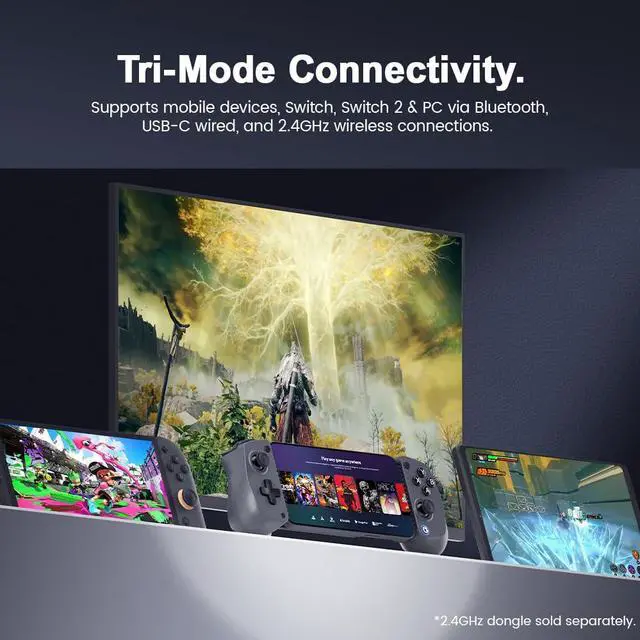
Platform | Switch 2/Switch/Android/iOS/PC | iPhone 15/16,iPad Mini,Android | iPhone 15/16, Android | Android/iOS/PC |
Connection Mode | Bluetooth | Type-C Port | Type-C Port | Bluetooth |
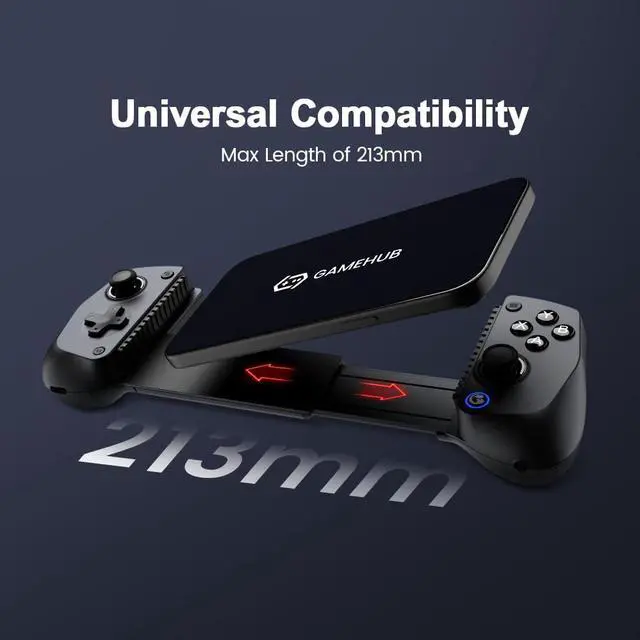
Maximum length of the device | 213mm / 8.39in | 213mm / 8.39in | 185mm / 7.28in | 168mm / 6.61in |
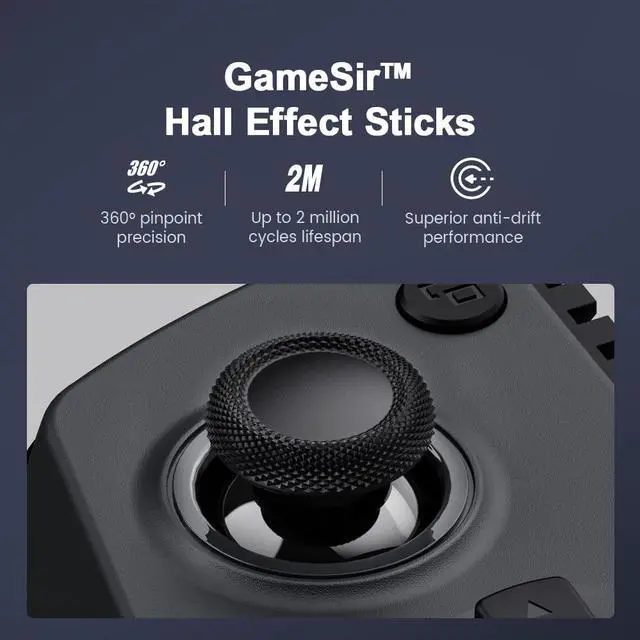
Button Type | Membrane & Hall-Effect | Membrane & Hall-Effect | Membrane & Hall-Effect | Tactile Switch & Hall-Effect |
Hall linear trigger | ? | ? | ? | ? |
Back Buttons | ? | ? | ? | ? |
Six-axis gyroscope | ? | ? | ? | ? |
Silicone Pads | ? | ? | ? | ? |
GameSir APP | ? | ? | ? | ? |
Controller Weight | 170g / 6oz | 135.4g / 4.78oz | 249.2g / 8.79oz | 180g / 6.35oz |
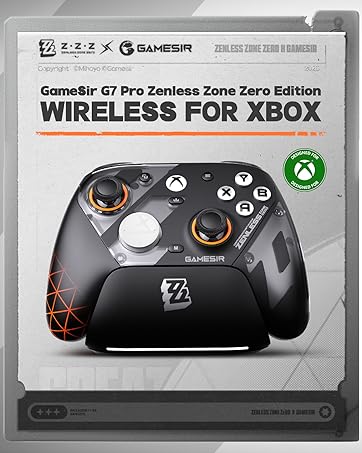


Xbox Controller
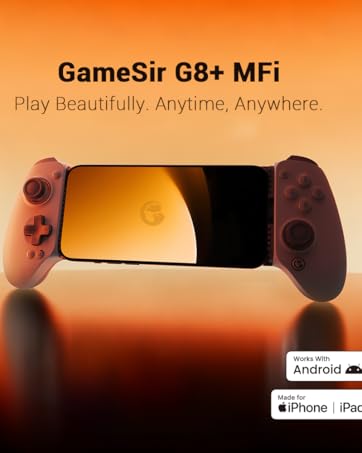
Phone Controller
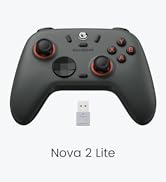
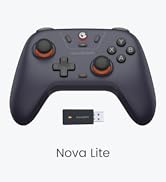
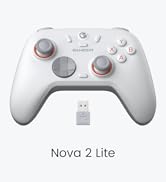
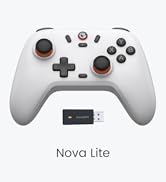
Nova 2 Lite & Nova Lite
PC Controllers
About GameSir
Providing high-tech gaming hardwares and immersive gaming experience for every gamer.
About Our Mission
Spare no effort in creating the first four-in-one unique mobile gaming ecosystem, integrating Content, Platform, Software and Terminals into the industry of mobile games.
About After-service?
12-month Replacement Service, If you have any problem of the product, please send message via to us, we will reply you in 24 h. If it's provlem of the product, we will give you solution to solve it.

Xbox Controller
Phone Controller
Nova 2 Lite & Nova Lite
PC Controllers
About GameSir
Providing high-tech gaming hardwares and immersive gaming experience for every gamer.
About Our Mission
Spare no effort in creating the first four-in-one unique mobile gaming ecosystem, integrating Content, Platform, Software and Terminals into the industry of mobile games.
About After-service?
12-month Replacement Service, If you have any problem of the product, please send message via to us, we will reply you in 24 h. If it's provlem of the product, we will give you solution to solve it.
GameSir X5s Bluetooth Controller
Merchant VideoQ:How to fix the X5s left trigger issue?
A:1. Hold down the M button, then press any of the A/B/X/Y/LB/RB/LT/RT buttons to activate the Turbo function of that button. Repeat this operation to deactivate it.
2.Press and hold the M and Home buttons for 2 seconds to clear all Turbo settings.


GameSir Phone Controller
GameSir X5S Bluetooth | GameSir X5 Lite | GameSir G8 Galileo | GameSir X2s Bluetooth |
|---|---|---|---|
| Customer Reviews | |||
| — | — | — | — |
| Price | |||
| — | — | — | — |
| Platform | |||
| Switch 2/Switch/Android/iOS/PC | iPhone 15/16,iPad Mini,Android | iPhone 15/16, Android | Android/iOS/PC |
| Connection Mode | |||
| Bluetooth | Type-C Port | Type-C Port | Bluetooth |
| Maximum length of the device | |||
| 213mm / 8.39in | 213mm / 8.39in | 185mm / 7.28in | 168mm / 6.61in |
| Button Type | |||
| Membrane & Hall-Effect | Membrane & Hall-Effect | Membrane & Hall-Effect | Tactile Switch & Hall-Effect |
| Hall linear trigger | |||
| ? | ? | ? | ? |
| Back Buttons | |||
| ? | ? | ? | ? |
| Six-axis gyroscope | |||
| ? | ? | ? | ? |
| Silicone Pads | |||
| ? | ? | ? | ? |
| GameSir APP | |||
| ? | ? | ? | ? |
| Controller Weight | |||
| 170g / 6oz | 135.4g / 4.78oz | 249.2g / 8.79oz | 180g / 6.35oz |