


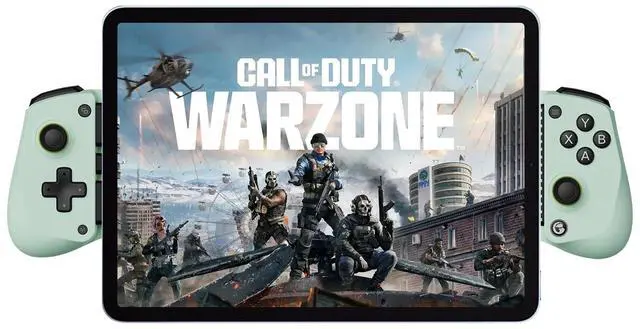
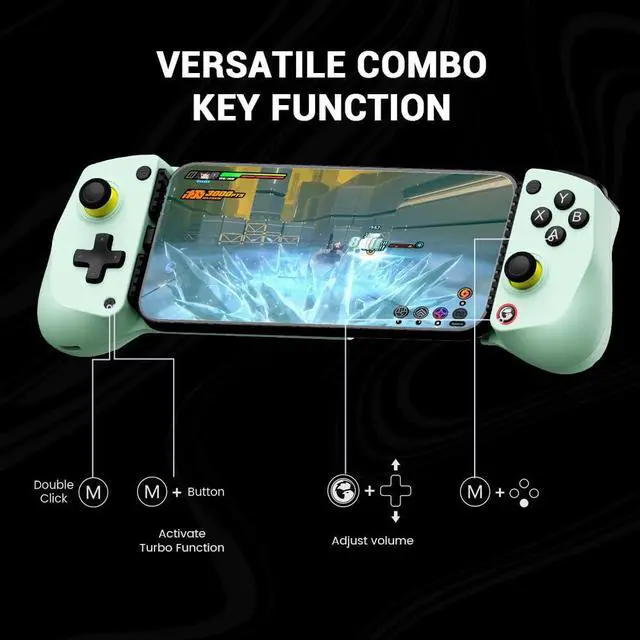
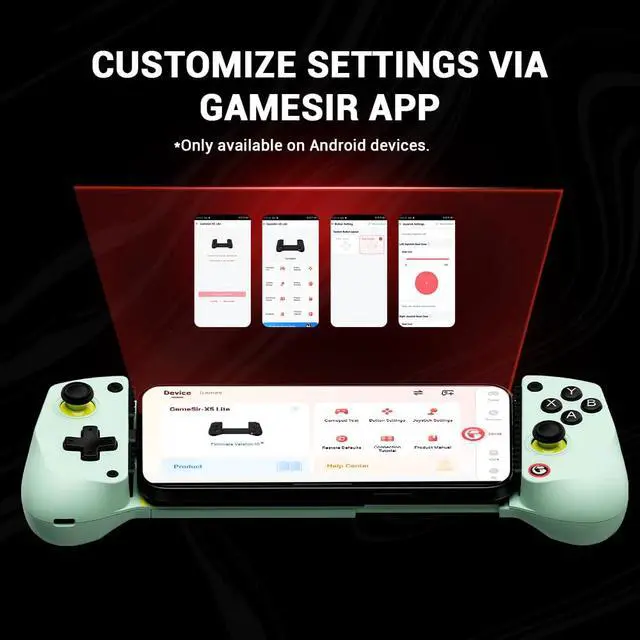


GameSir X5 Lite mobile gaming controller
Merchant Video
Q: GameSir X5 Lite can't connect to iPhone/iPad.
A: Ensure your ios device is updated to iOS 18 or above.Please switch to Switch mode by pressing View+ menu button for 2s first. The indicator light should switch from dark blue(Android HID mode) to Red (Switch mode).


Mobile Gaming Controller
 GameSir X5 Lite |  GameSir X2s Type-C |  GameSir X2s Bluetooth |
|---|---|---|
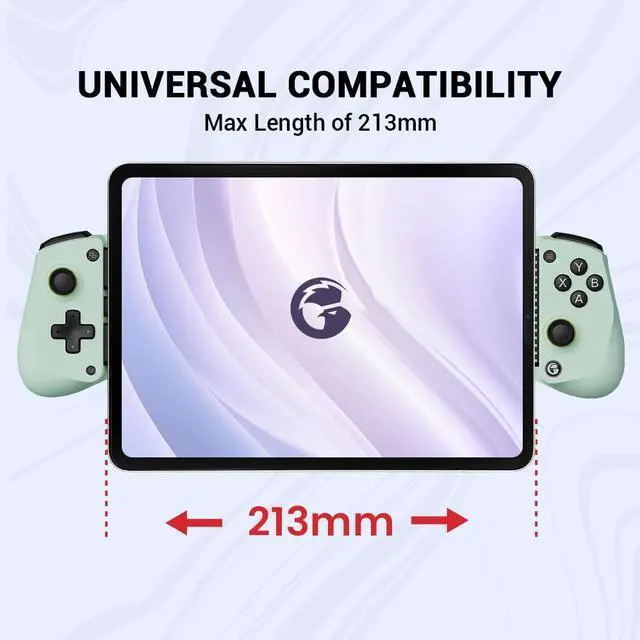
Platform iPhone 15/iPhone 16 Series, Android, iPad mini | Platform iPhone 15 /iPhone 16 Series, Android | Platform Android/iOS |
Connection Type-C Port | Connection Type-C Port | Connection Bluetooth |
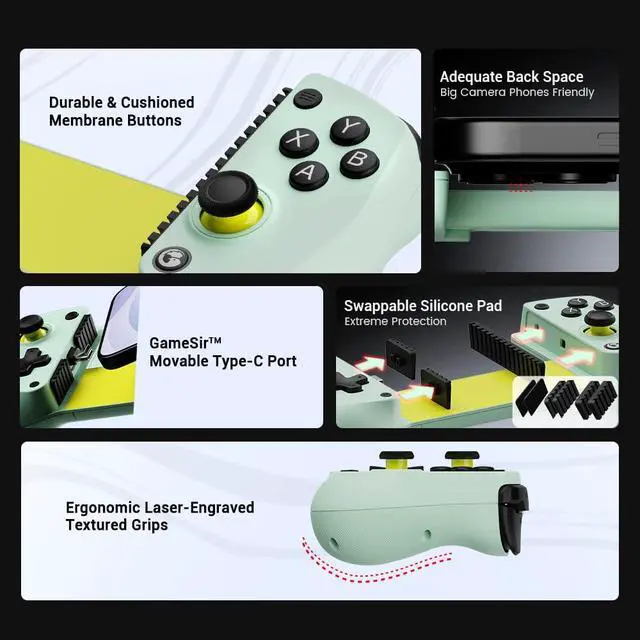
Joysticks/Buttnn Hall Effect Joysticks/Membrane | Joysticks/Buttnn Hall Effect Joysticks/Hall Effect Analog Triggers | Joysticks/Buttnn Hall Effect Joysticks/Hall Effect Analog Triggers |
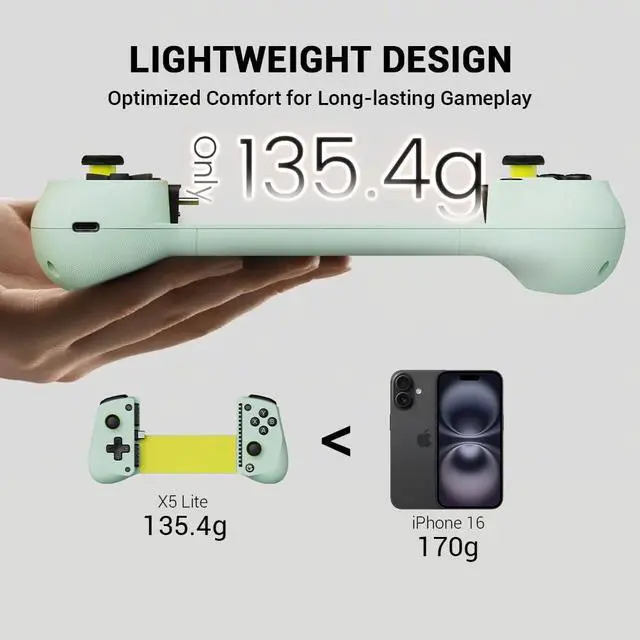
Weight 135.4g(0.29lbs) | Weight 171.6g(0.38lbs) | Weight 167g(0.37lbs) |
GameSir X5 Lite mobile gaming controller
Merchant Video
Q: GameSir X5 Lite can't connect to iPhone/iPad.
A: Ensure your ios device is updated to iOS 18 or above.Please switch to Switch mode by pressing View+ menu button for 2s first. The indicator light should switch from dark blue(Android HID mode) to Red (Switch mode).


