


Shipped by Newegg


Make informed decisions with expert advice. Learn More


We want to ensure your holiday shopping this year is hassle-free. That’s why we’re automatically extending our return policies on almost every product! For purchases placed between November 1st, 2026 and December 31, 2026 you will have until January 31, 2027 to return your product.
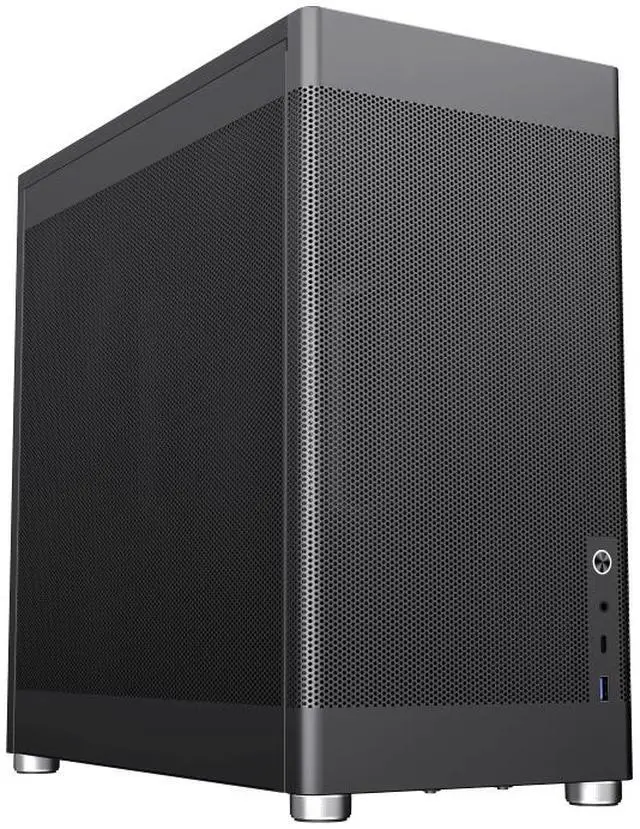
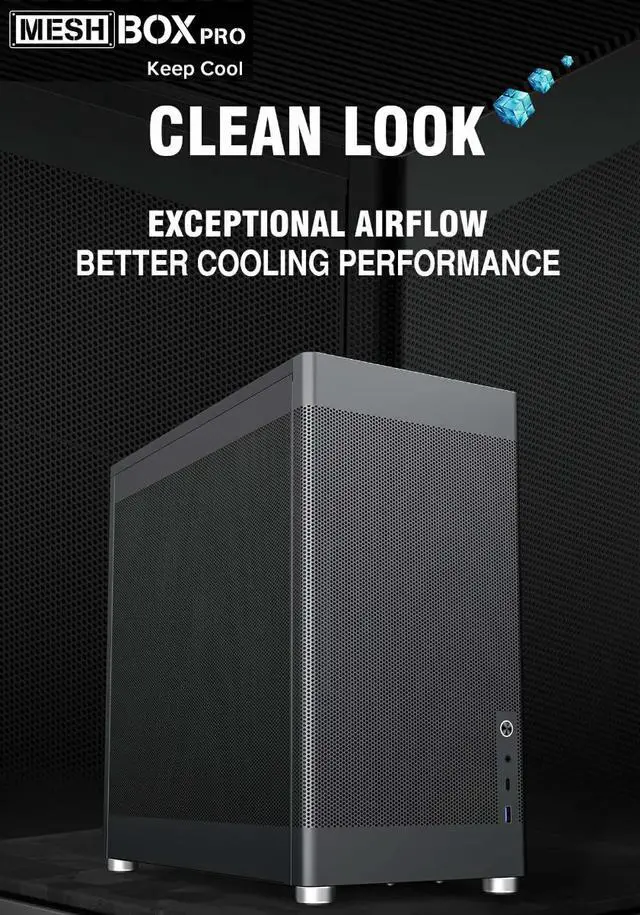
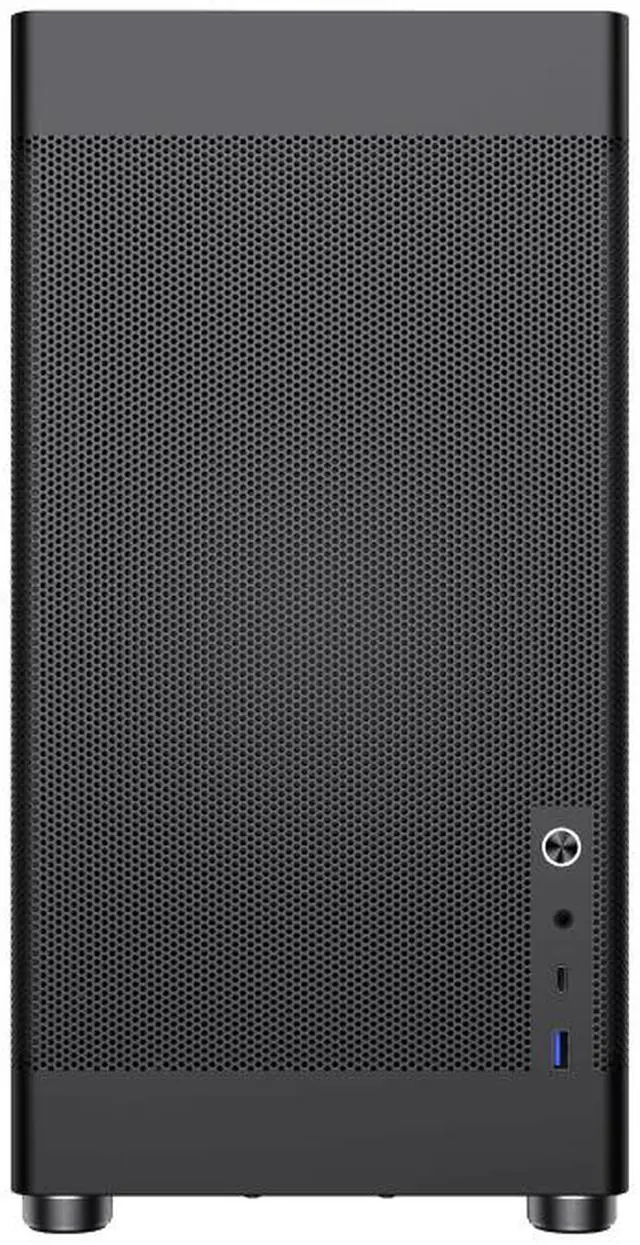
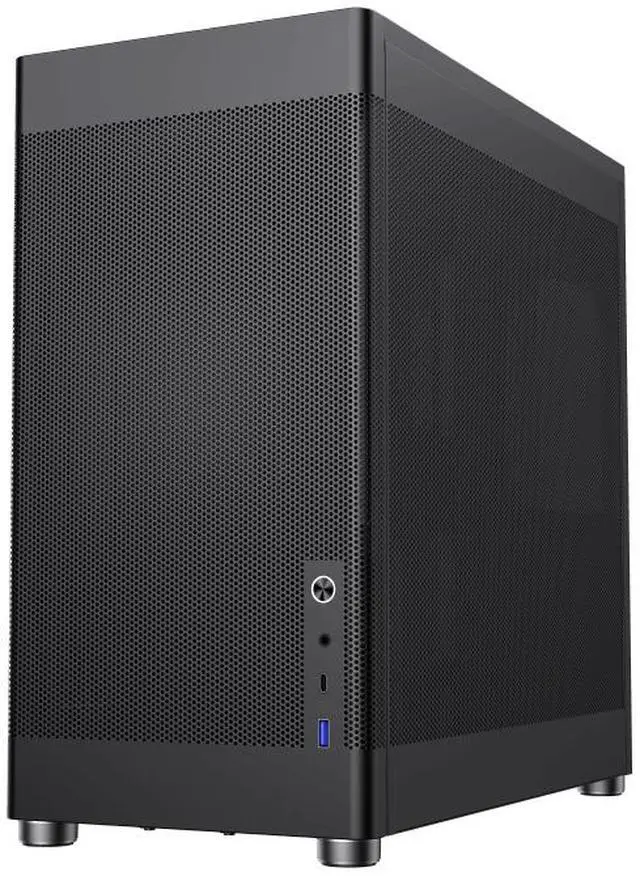
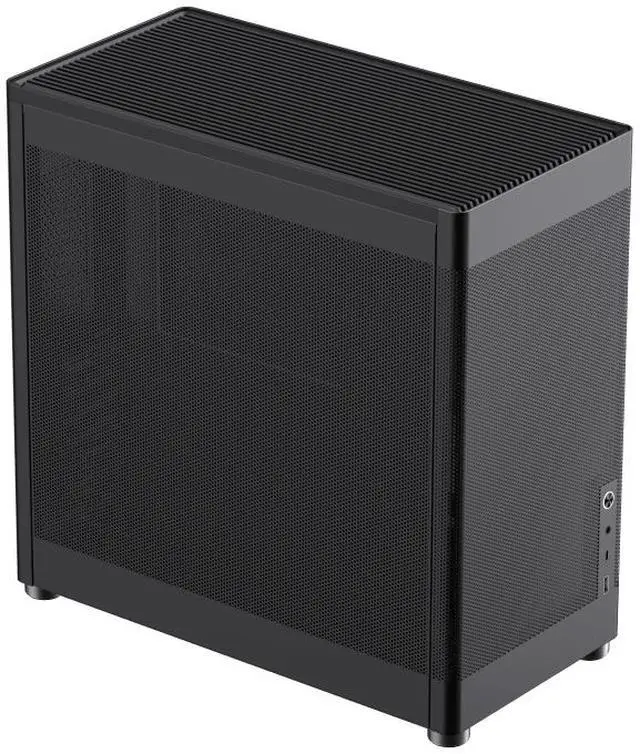
The GAMEMAX MeshBox PRO is a black mid-tower PC case for builders who want mesh airflow and room for mainstream gaming components, supporting ATX, Micro-ATX, DTX, and Mini-ITX motherboards, graphics cards up to 355 mm, and CPU coolers up to 168 mm.
Q: GAMEMAX MeshBox PRO or ASUS Prime AP201 for a compact ATX build?
A: Choose the MeshBox PRO if you need a full-size ATX motherboard: it supports ATX boards and GPUs up to 355 mm. Choose the ASUS Prime AP201 if a Micro-ATX or Mini-ITX board fits your build and you want support for a top-mounted radiator up to 360 mm; the AP201 does not support ATX motherboards. Both are compact, mesh-focused cases, and the MeshBox PRO does not include fans.
Q: What’s the difference between the GAMEMAX MeshBox PRO and the regular MeshBox?
A: The MeshBox PRO is the version to consider if you specifically want a mesh front panel. Community discussions describe the regular MeshBox as having a solid front, while reporting the same overall dimensions; confirm the exact listing and specifications because the models and listings may vary. Both are compact cases intended to support mainstream components.
Q: Should I choose the MeshBox PRO or a larger ATX tower for my first build?
A: Choose the MeshBox PRO if saving space while keeping an ATX motherboard is the priority and you are comfortable planning the assembly around a compact layout. Its dimensions are 401 × 204 × 386 mm, and community build reports describe fitting full-size ATX parts. A larger tower may be preferable if you want more room to work during assembly. The MeshBox PRO includes no fans, so budget for compatible fans separately.
Q: Does this case come with fans, or do I need to buy them separately?
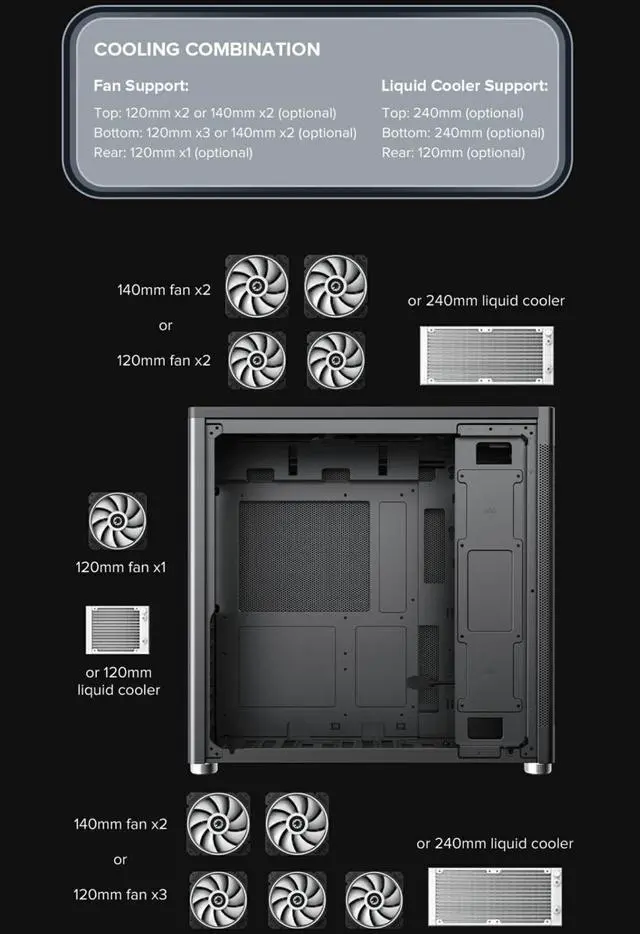
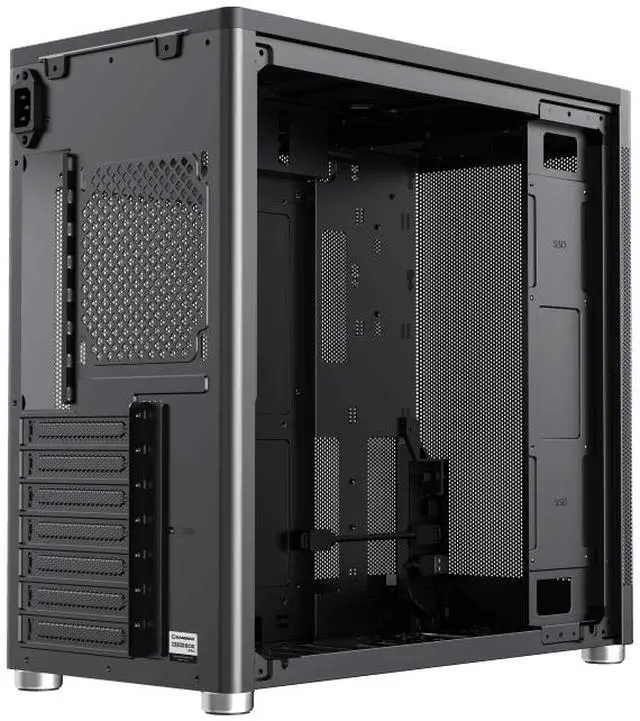
A: It comes with no pre-installed fans, so you’ll need to buy fans separately. The case supports up to six fans: two 120mm or 140mm at the top, one 120mm at the rear, and three 120mm or two 140mm at the bottom.
Q: Will my graphics card fit in this case?
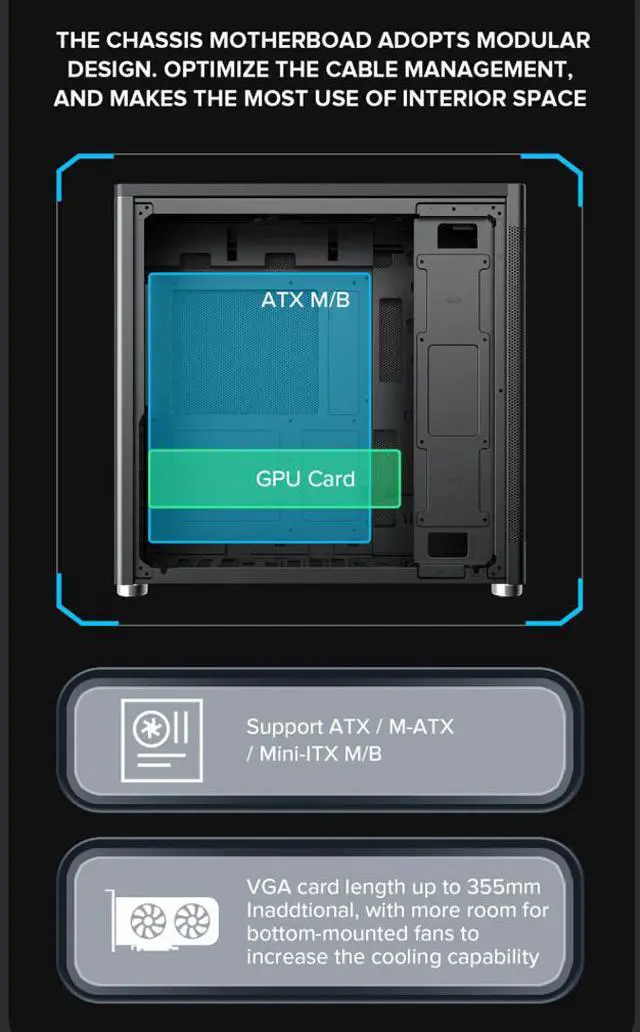
A: The case supports graphics cards up to 355mm long. Check your graphics card’s listed length against that limit before buying.
Q: Which motherboard sizes are compatible?
A: It supports ATX, Micro-ATX, DTX, and Mini-ITX motherboards.
Q: Can I install a liquid cooler, and what size CPU cooler fits?
A: The case supports a 240mm radiator at the top or bottom and air CPU coolers up to 168mm tall. Check your cooler’s dimensions and mounting requirements before purchase.
Q: Does the case include a power supply, or is it a complete PC?
A: No. This is a computer case, not a complete PC, and it does not include a power supply. You’ll need to provide the power supply and other computer components separately.
Q: Is the MeshBox PRO a good option for downsizing while keeping an ATX motherboard?
A: It may suit a more compact ATX build: the case supports ATX motherboards and measures 401 × 204 × 386 mm. Check each component’s clearance before buying; the listed maximum GPU length is 355 mm and maximum CPU cooler height is 168 mm.
Q: Is it a good choice if I want a case without a glass side panel?
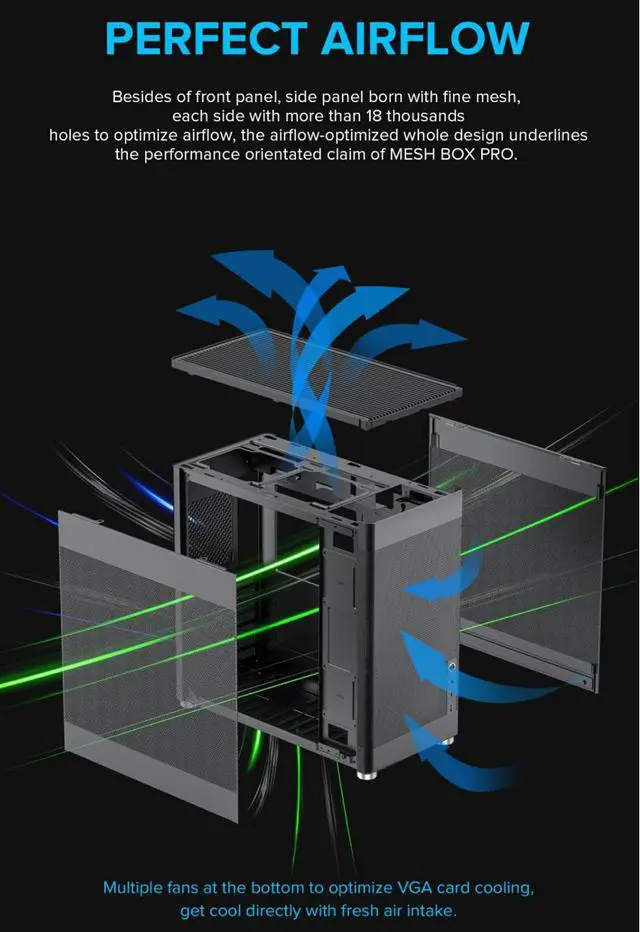
A: It is worth considering if you prefer a non-glass design: the MeshBox PRO uses metal mesh panels, including on the sides. Reddit users discussing cases without windows specifically included this model among their options.
Q: Will it fit a large graphics card and tower CPU cooler?
A: The stated limits are a 355 mm graphics card and a 168 mm CPU cooler. Compare those figures with your exact components, and verify clearances for your planned fan or radiator setup before purchasing.
Q: Is building in the MeshBox PRO straightforward?
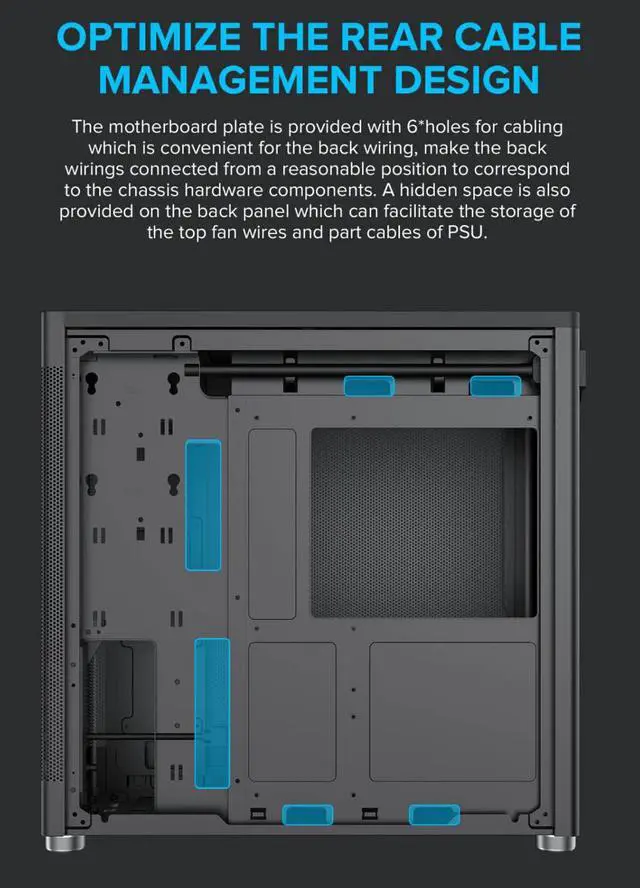
A: One owner’s build post mentions difficulty arranging cables neatly. Treat that as an individual experience, but plan your cable routing and component installation order; the case listing also says it has 20 mm of cable-management depth.