


Ships from China.


Meet Your Seller

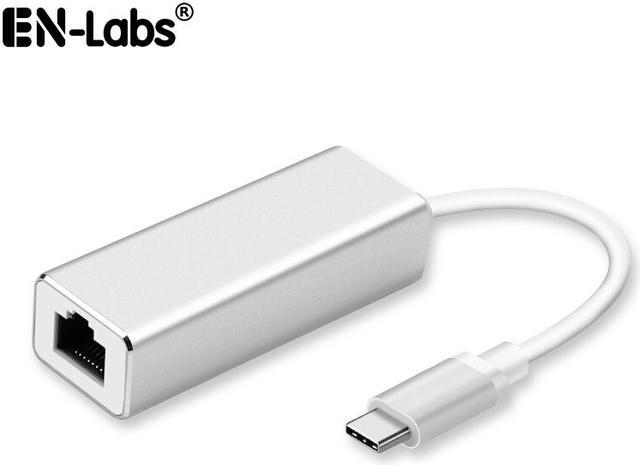
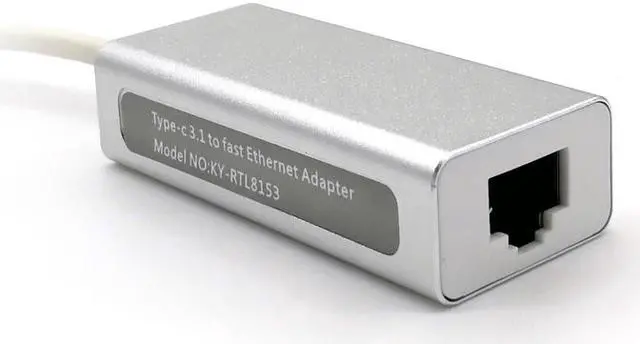
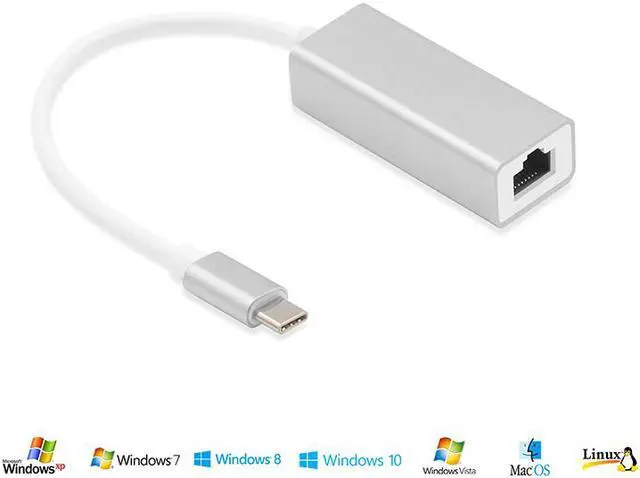
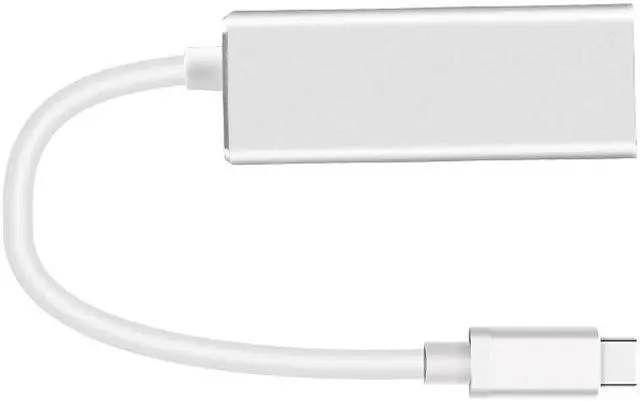
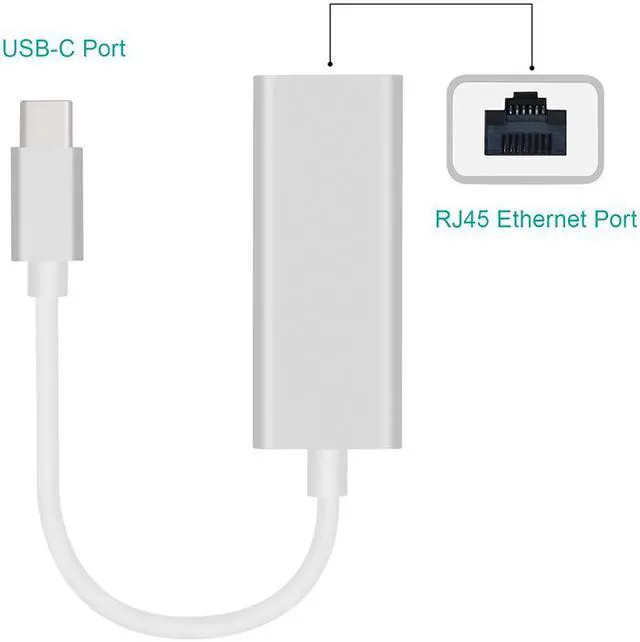
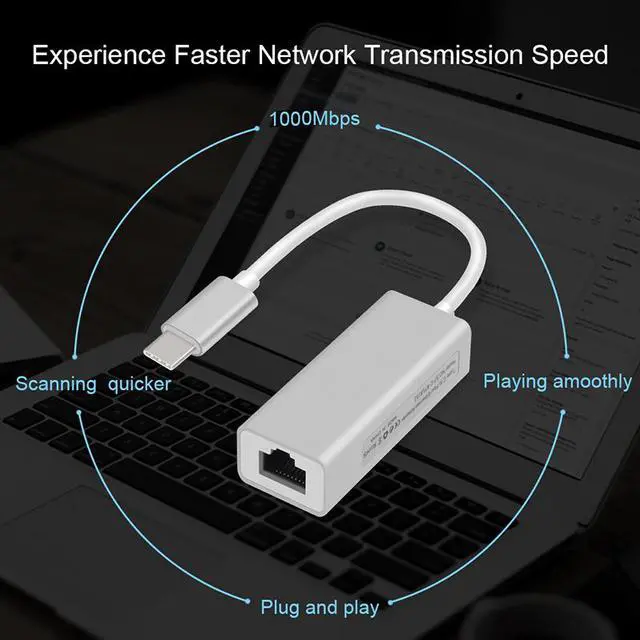


EnLabs USB-C Gigabit Network Adapter,USB 3.1 Type-C to 10/100/1000 Mbps RJ45 Ethernet LAN Network Wired Internet Converter(Realtek 8153 chipset),for Macbook, Chromebook, Windows 10
Limited time offer, ends 10/30 By EN Labs Marketplace
- Realtek 8153 Chipset USB Type-C to Gigabit Ethernet Adapter
- Full 10/100/1000 Mbps auto-sensing Fast Ethernet
- No driver requested for Win 10/Win 8 & Mac OS X 10.9 or newer
- USB 1000Mbps Ethernet Adapter for Windows and Mac OS
- Aluminum case
+
+
Overview
Specs
Reviews
Features
This USB-C to network adapter is a perfect accessory for adding a standard RJ45 port to your Ultrabook, notebook, or MacBook Air, providing a wireless alternative for connecting to the Internet in Wi-Fi dead zones and streaming large video files, or downloading a software upgrade through a wired home or office LAN.
This USB 3.1 Type-C network adapter enables you to connects a USB Type-C device (computer/tablet) to a router, modem, or network switch to deliver super-speed 10/100/1000 Mbps gigabit ethernet over USB 3.0 's 5Gbps bus, faster than most wireless connections.
Providing fast and stable Ethernet for gaming on PC and Laptop.
Building in qualified and stable Realtek 8153 chipset,ideal solution to fix the bad WiFi situation when you work at home or study at home.
Integrated fase ethernet MAC, phsical clip and transceiver in on chip Integrated 10/100/1000M transceiver, Switch 10Mbps, 100Mbps and 1000M network automatically.
Supports Wake-on-LAN and RealWoW! (Wake-on-LAN)Technology
Supports IEEE 802.3az (Energy Efficient Ethernet) IEEE 802.3, 802.3u and 802.3ab
Supports crossover detection and auto- correction
Systems Supported:
Driver free on Windows 10/8.1/8, Chrome OS. Driver needed on Windows 7/XP/Vista, Mac OS, and Linux.
For Windows 7 / Windows Vista/ Windows XP (32/64bit), OS X 10.5 & OS 10.6 or below, you may need to download driver from Realtek website
Important Notes:
Incompatible with Nintendo Switch, Nintendo Switch Lite, Wii and Wii U (not compatible with Wii Mini)
Does not support on ARM-based Windows, including Surface RT and Surface 2.
Reboot your PC after driver installation, then connect this USB Ethernet adapter to your computer and Ethernet.
Warranty & Returns
Warranty, Returns, And Additional Information
Warranty
- Please contact the Seller directly for warranty information. Warranty information may also be found on the Manufacturer's website.
- CONTACT
Return Policies
- Return for refund within: 30 days
- Return for replacement within: 30 days
- This item is covered by EN Labs Marketplace Return Policy
Manufacturer Contact Info
- For a directory of all our manufacturers, please click below.
- Manufacturers Directory
LOADING...