





1) The driver must be installed first then plug the wifi adapter into the USB port (If the CD can not be used please download the driver from EDUP site)
2) When using this product on a laptop please turn off the built-in Wi-Fi if your laptop has built-in Wi-Fi 3)The PC back USB port's compatibility and connection stability are better than the front USB So we suggest you inserting it on back USB port of your PC
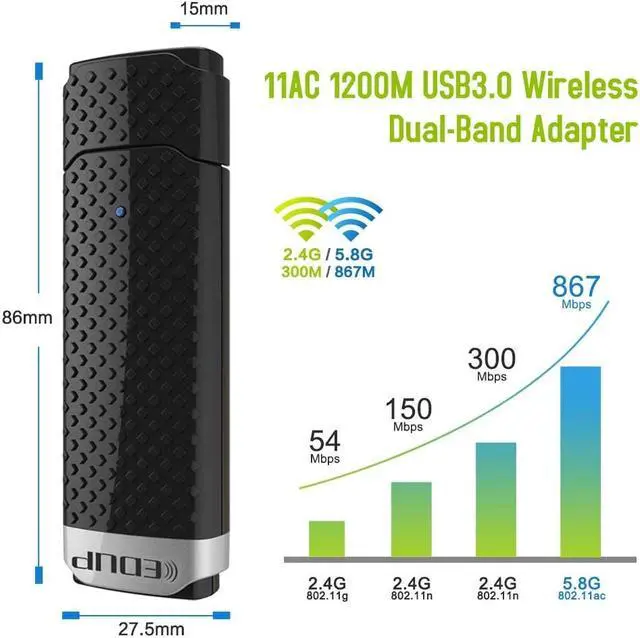
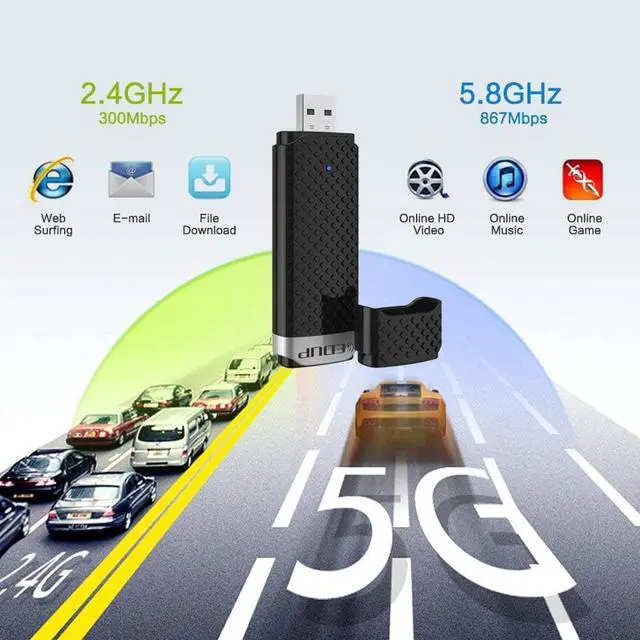
4) You can get extended Wi-Fi speed of 867Mbps(Max connection speed) on 5GHz WiFi band or 300Mbps(Min connection speed) on 2 4GHz
5) If you have any doubt Please contact us via messages we offer life-time Technical Support

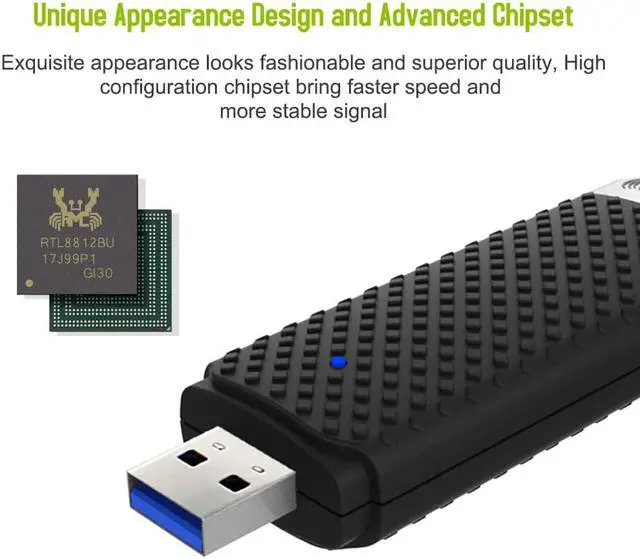
1) Chip 8812BU
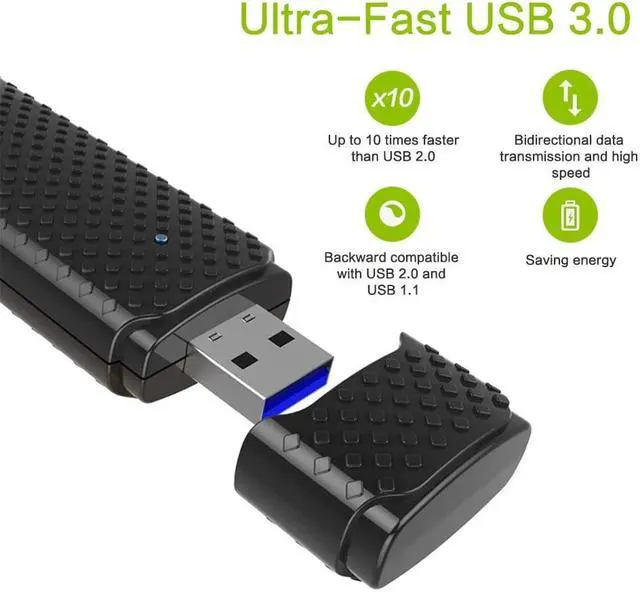
2) USB 3 0 port
3) Max Transmit Speed 5 8GHz/867Mbps or 2 4GHz/300Mbps
4)Supported OS Supported Win 10/8 1/7/XP/Mac OS 10 6-10 13
5)Wireless Standards: IEEE 802 11ac IEEE 802 11a IEEE 802 11n IEEE 802 11g IEEE 802 11b
6)Wireless Security WPA/WPA2/WPA-WPA2/802 1x and 64/128 bit WEP and WPS (PIN PBC)
7)Detect the network and change transmit speed automatically
8) Support WPS 2.0
9)Internal Omni-directional Antenna
10)Support 2 4G and 5G dual band
11)Support Wi-Fi Direct
12)Saving energy


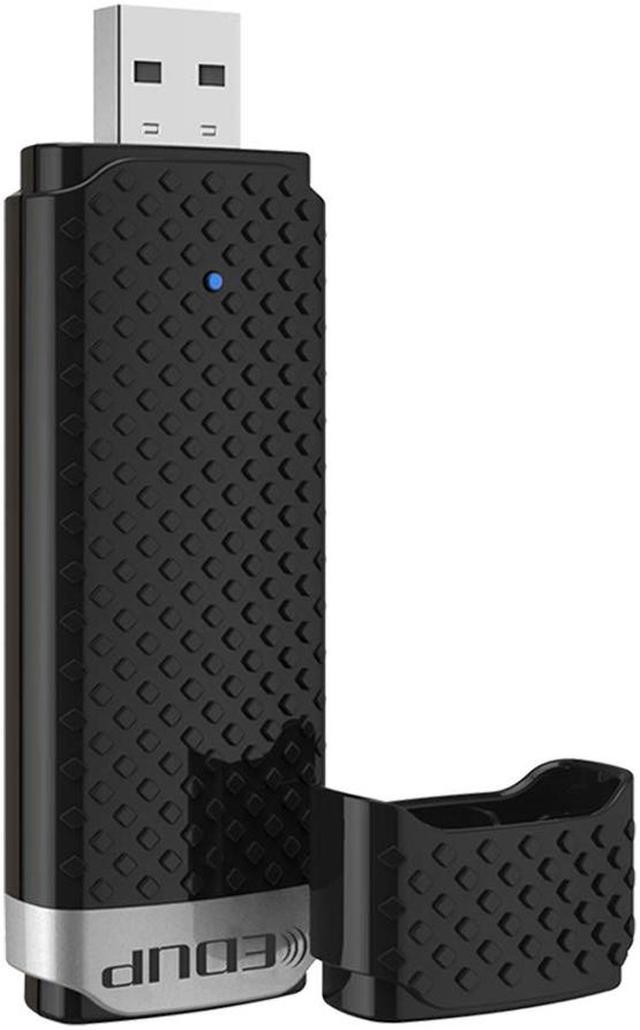
1 * EDUP USB 3.0 Wi-Fi Adapter
1 * CD driver
1 * User Manual