We‘re shipping as usual! The Canada Post strike only affects certain remote deliveries and PO Boxes.
  Holiday Shipping Details & Extended Holiday Returns

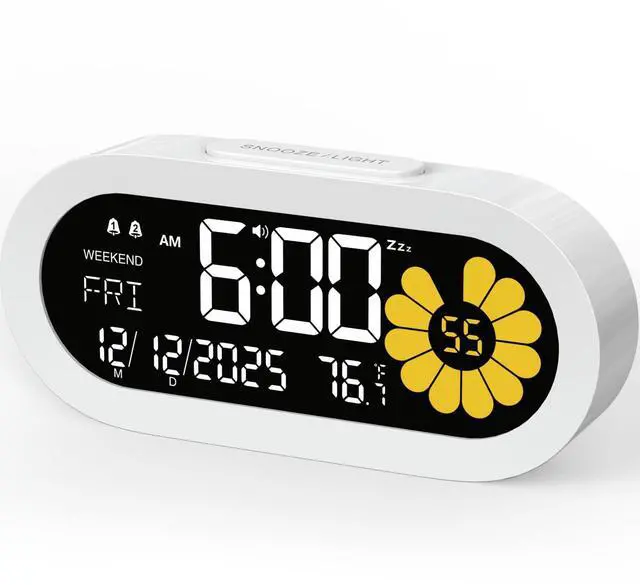
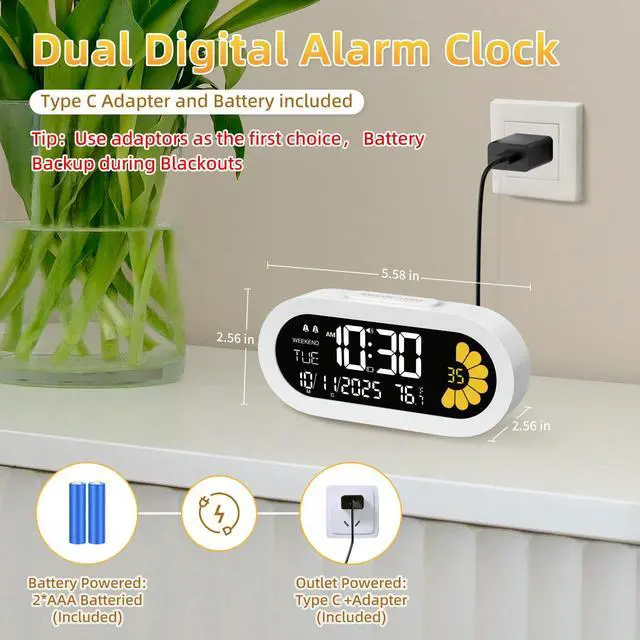
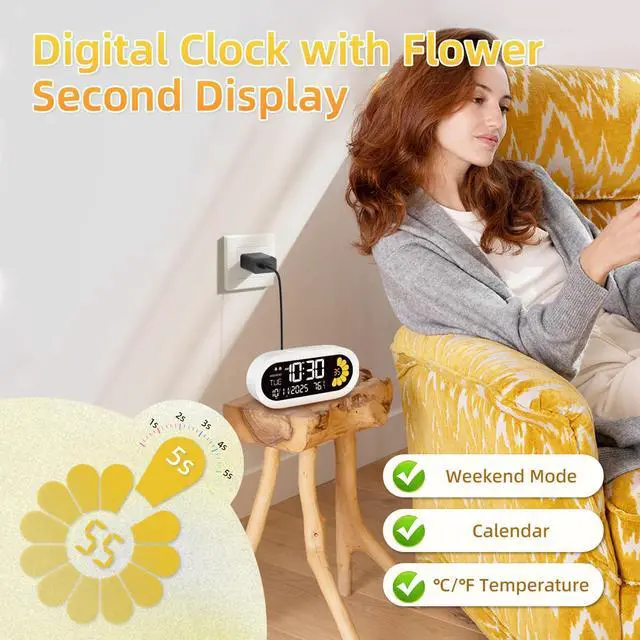
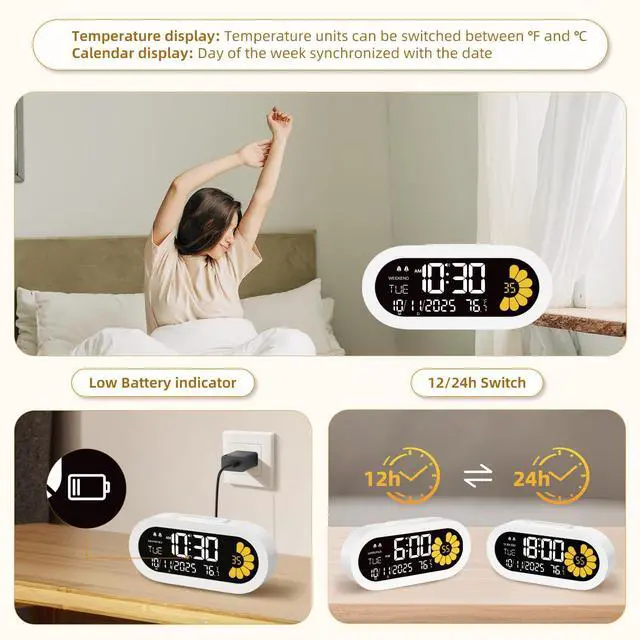



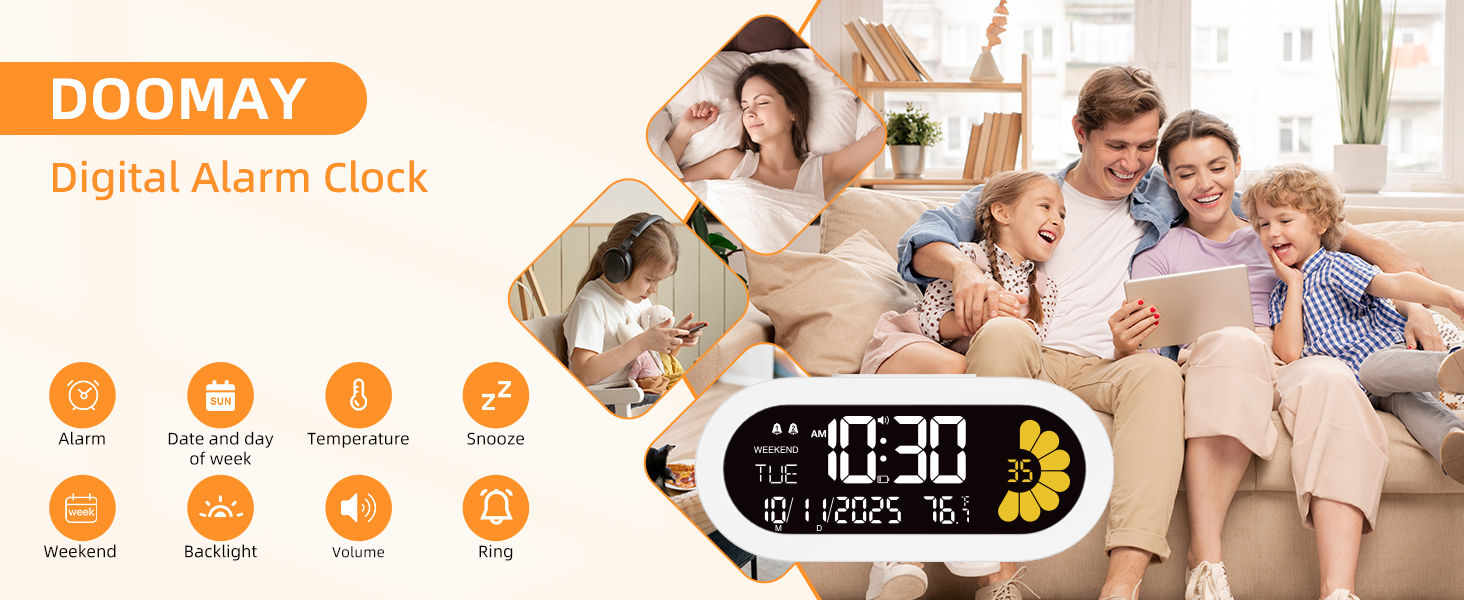
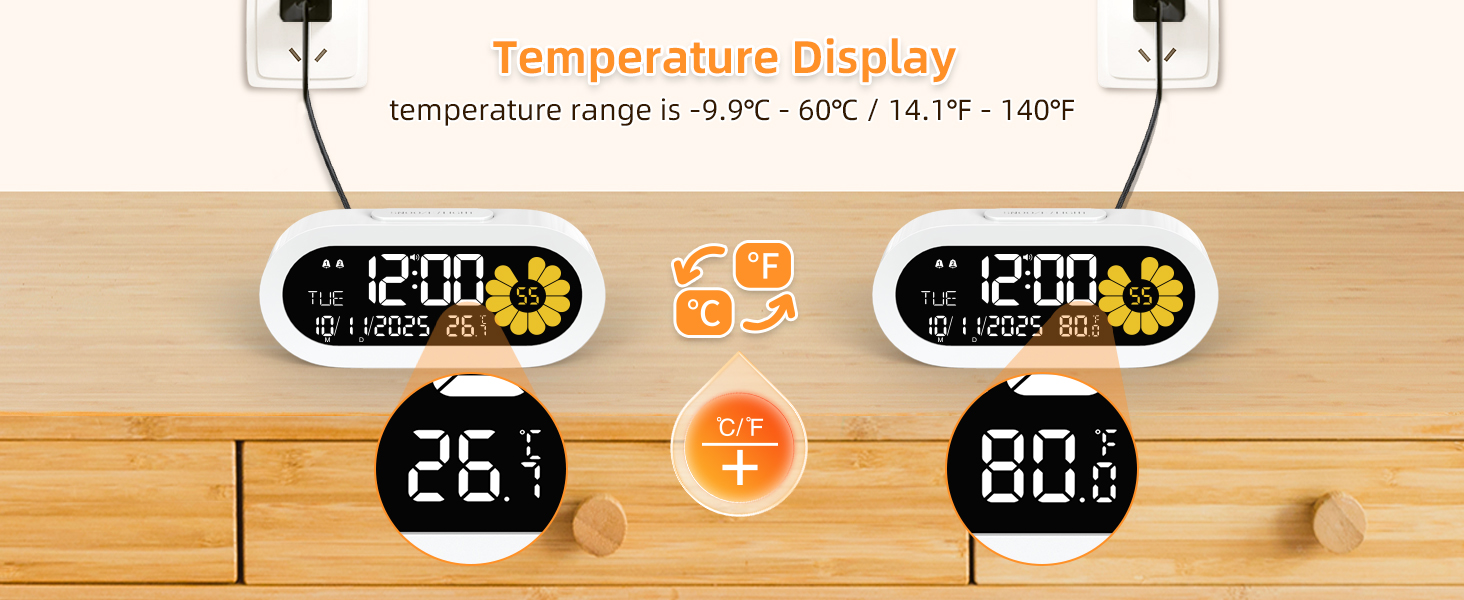
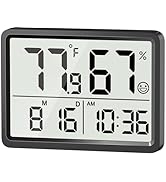
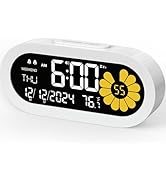
The simple design of the small Plug-in Alarm Clock is not only functional but also enhances the décor
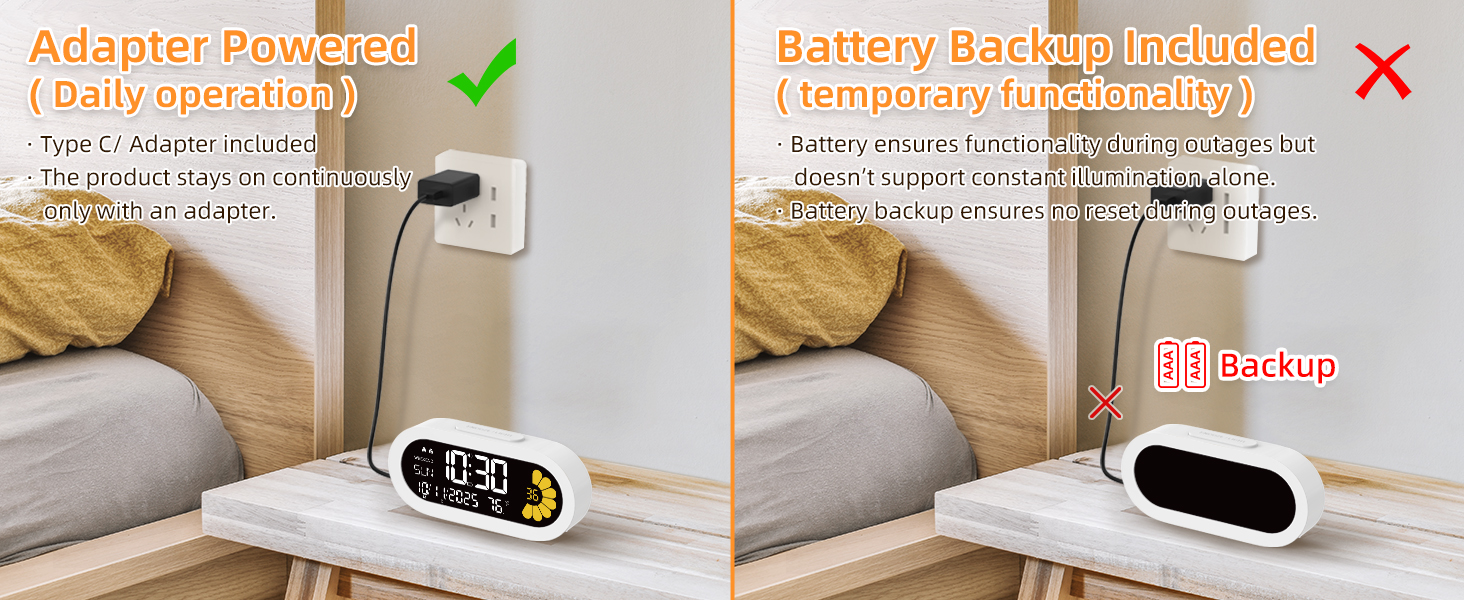
The clock is recommended to be used with an adapter; the battery is included as an extra for backup purposes.
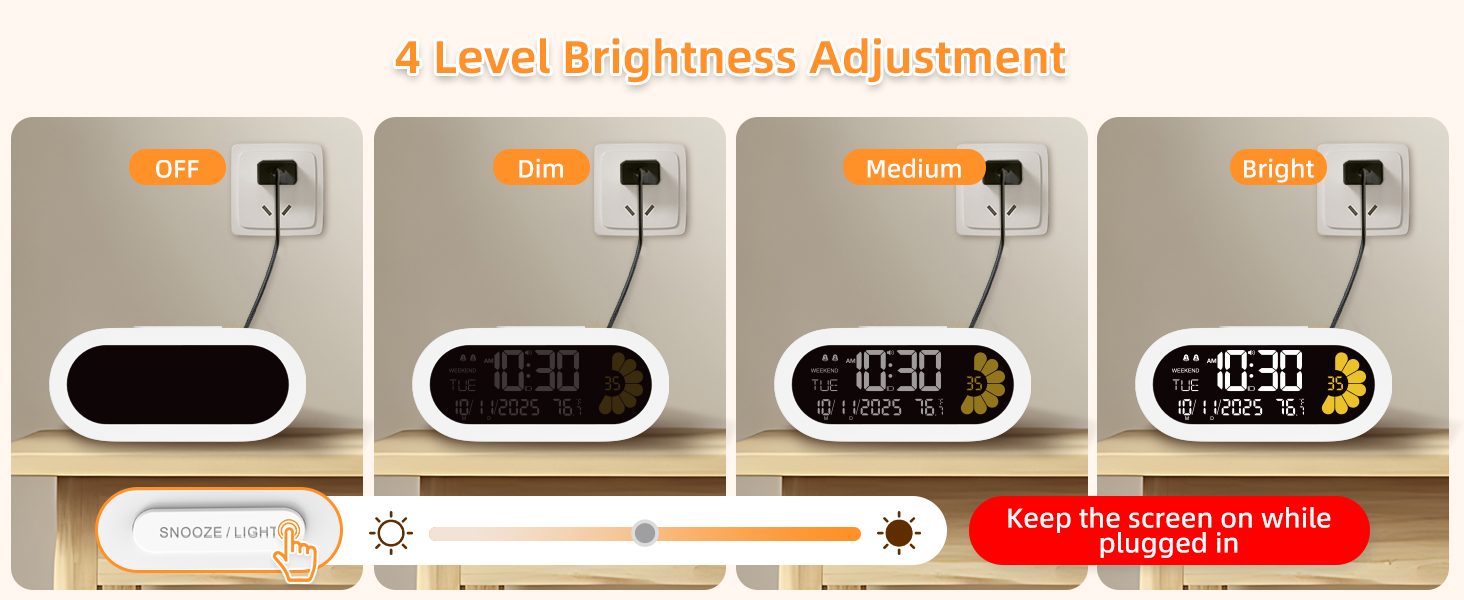
Light doesn't stay on.
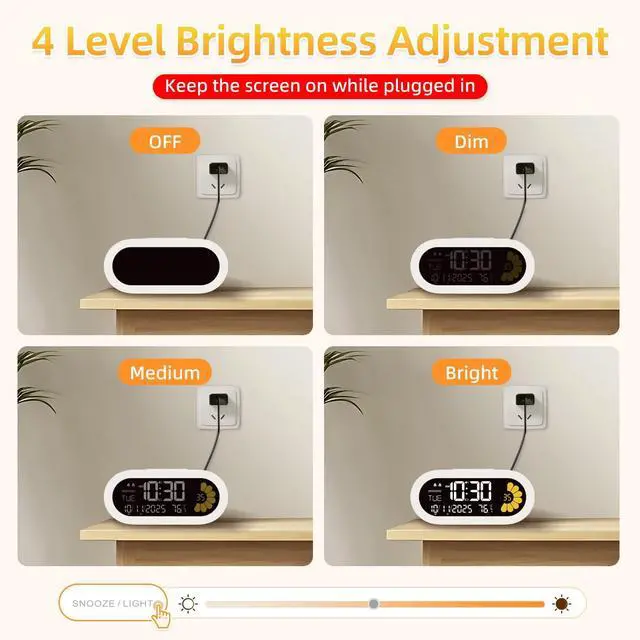
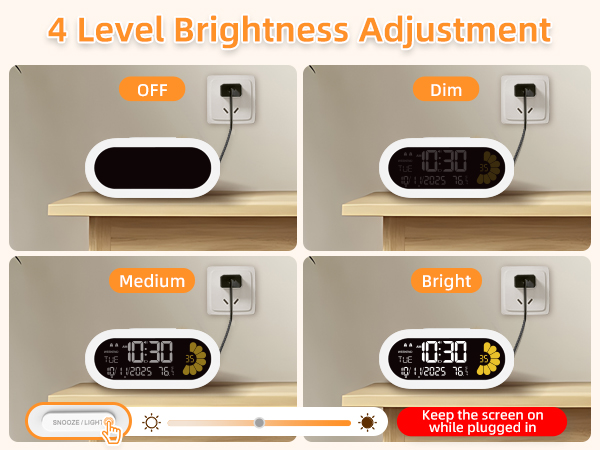
(1) The product stays on continuously only with an adapter.
(2) Battery ensures functionality during outages but doesn’t support constant illumination alone.
(3) Battery backup ensures no reset during outages.
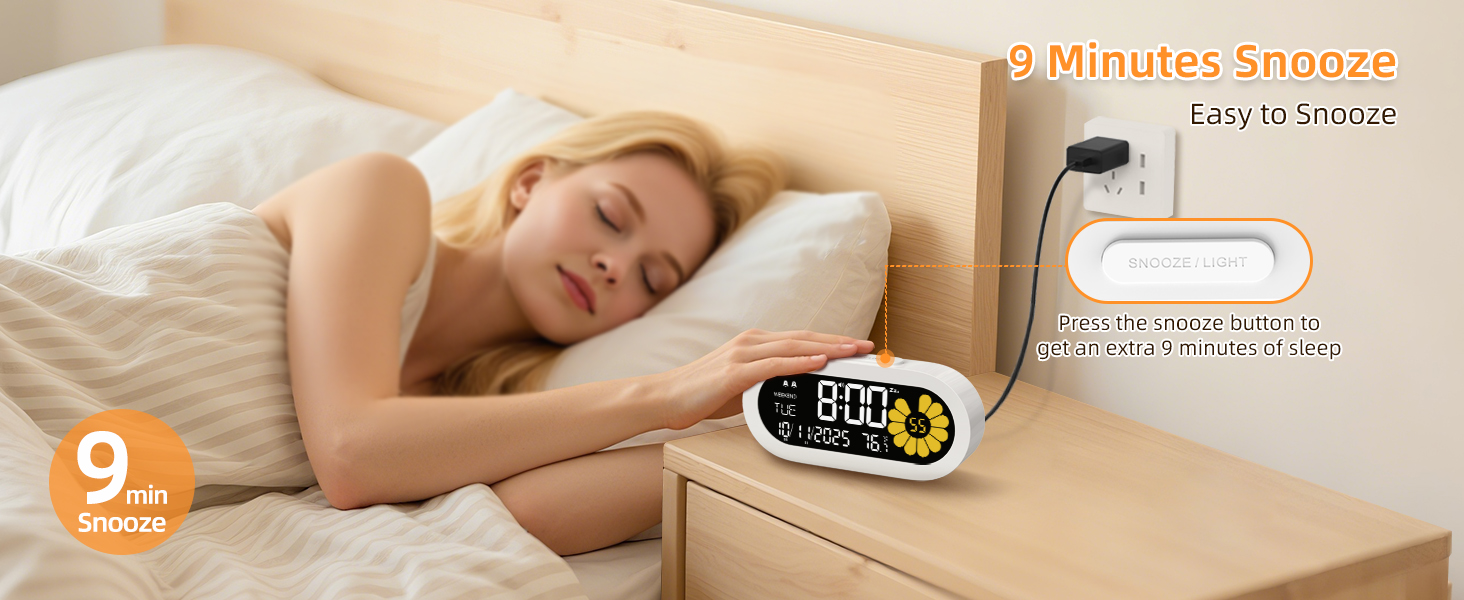
Why didn't my alarm go off?
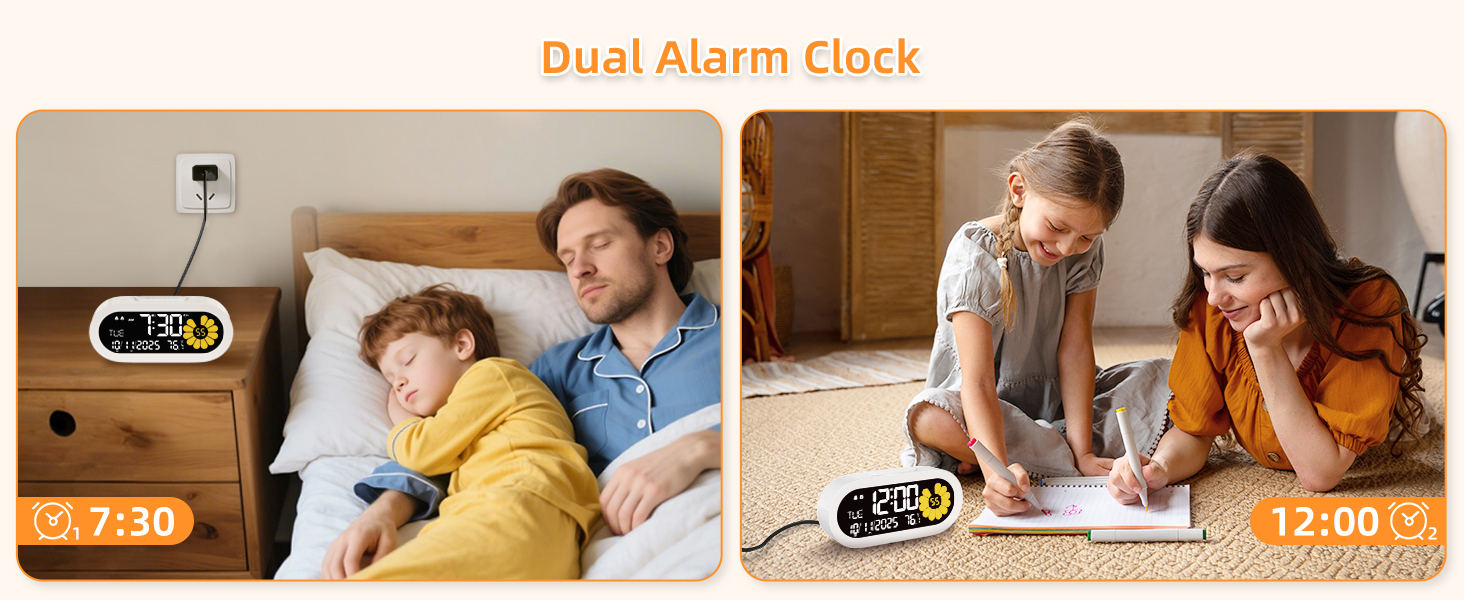
(1) Please ensure that the alarm indicator is on.
(2) Please ensure that the alarm is set correctly. (AM/PM error)
The time can not be set.
When we set each function, we need to release the function button, and press [+ ] or [ -] button to set them.
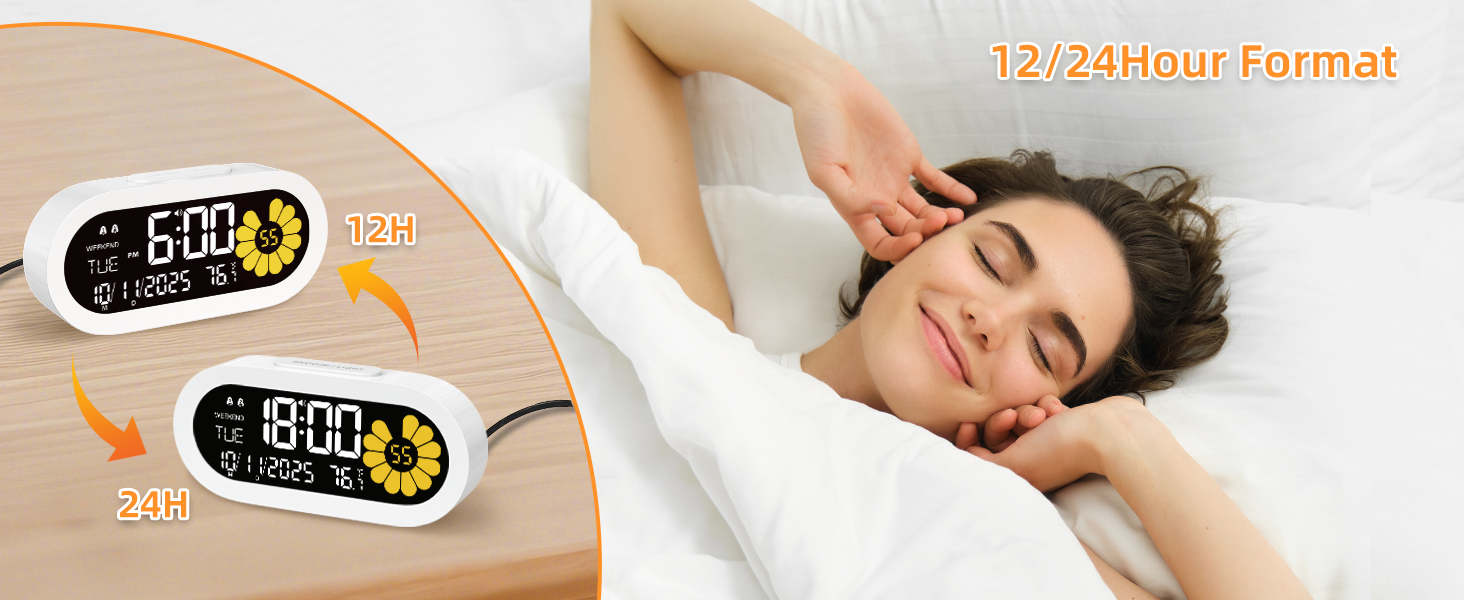
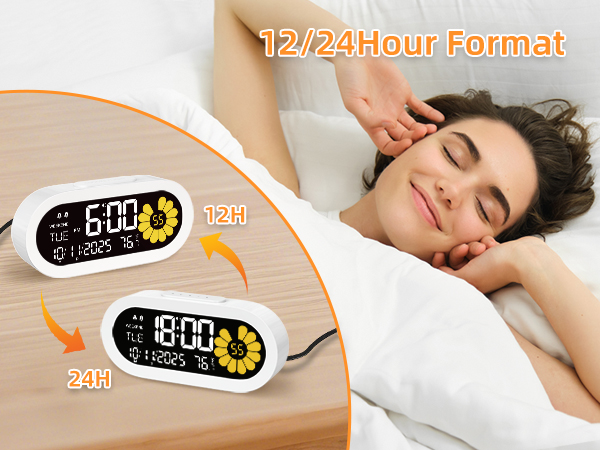
How to change 24Hr time to 12Hr time.
We could press "12/24 " button to switch the time format from 24Hr to 12Hr. If the 12Hr time format is selected, the AM/PM would show on the display. Same with the alarm time.
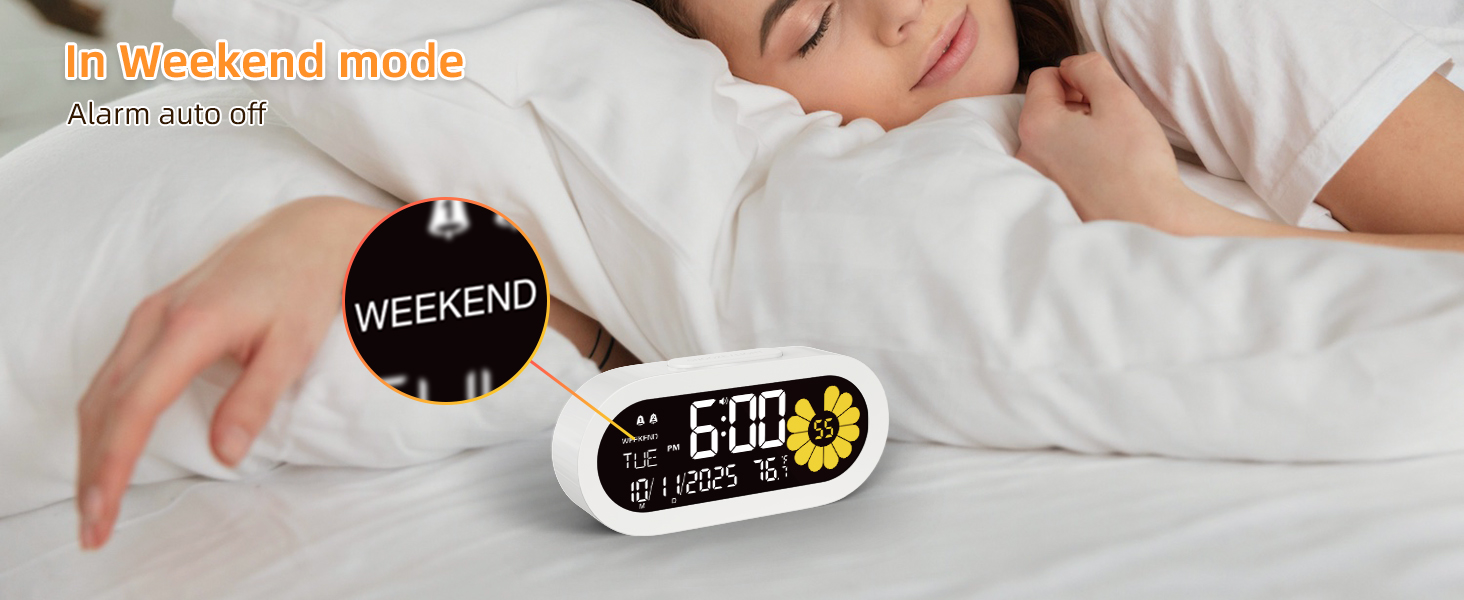
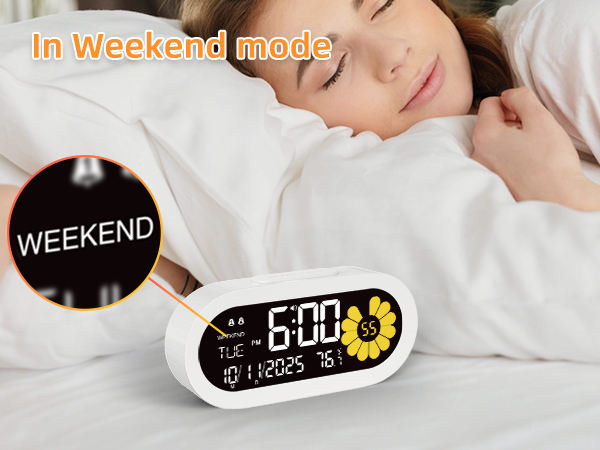
The WEEKEND mode can not be set. The "W " button do not work.
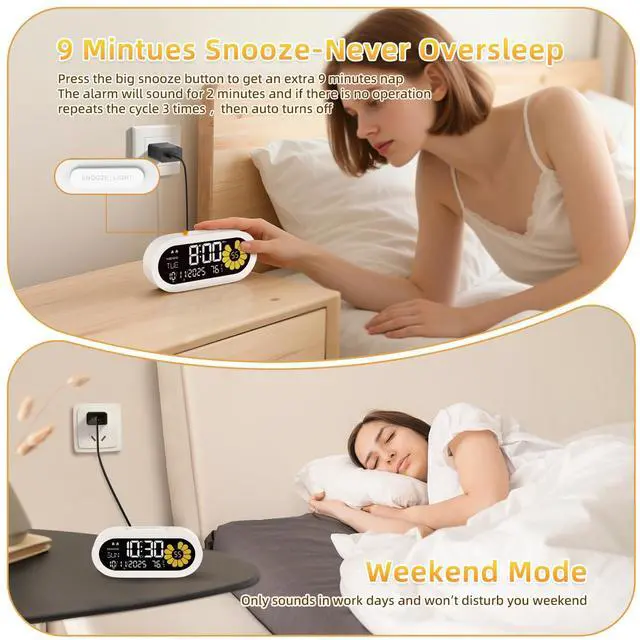
First, need to make sure the alarm is on. Then press " W" button to turn on or off the weekend mode. If the alarm is turn on, the alarm icon will display on the screen.


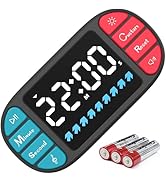
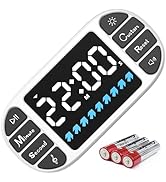
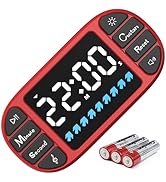
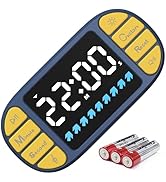
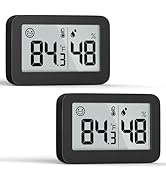
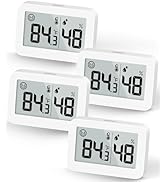
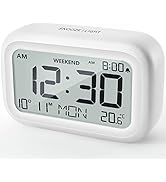
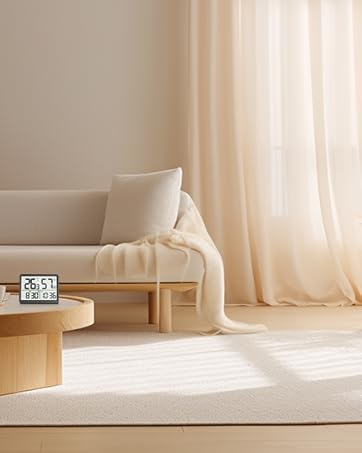
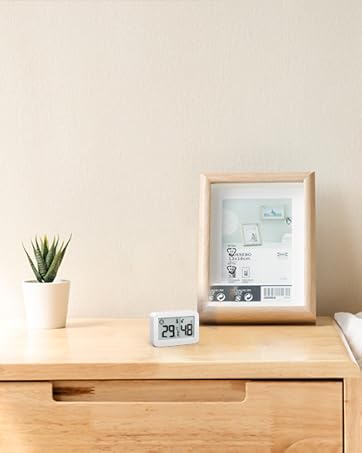
DOOMAY offers variety of novelty product for kitchen & home lover based on long scientific and rigorous market research, committed to creating better product to enrich your wonderful life experience.
Thermometer Series
New timer
Clock & Hygrometer
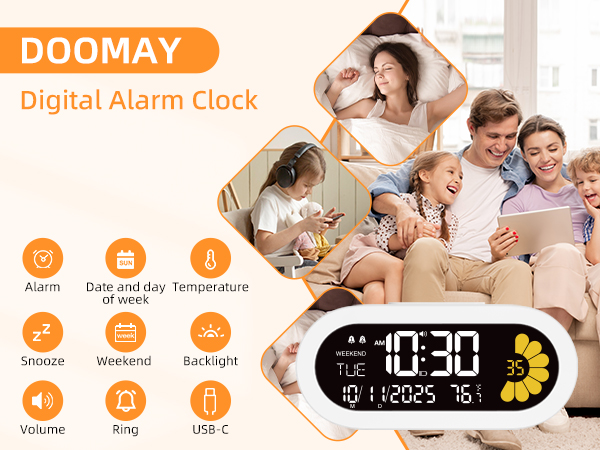
The simple design of the small Plug-in Alarm Clock is not only functional but also enhances the décor
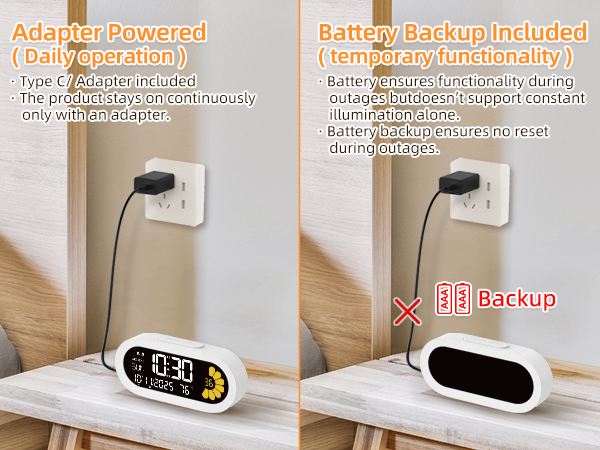
The clock is recommended to be used with an adapter; the battery is included as an extra for backup purposes.
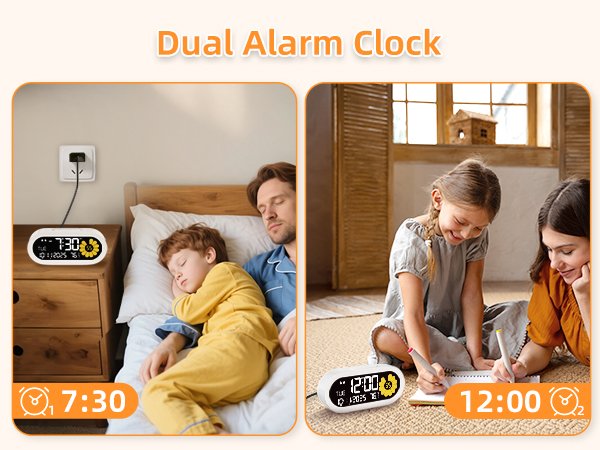
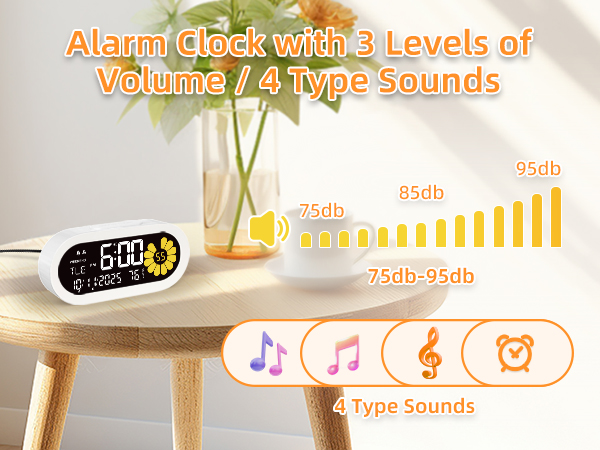
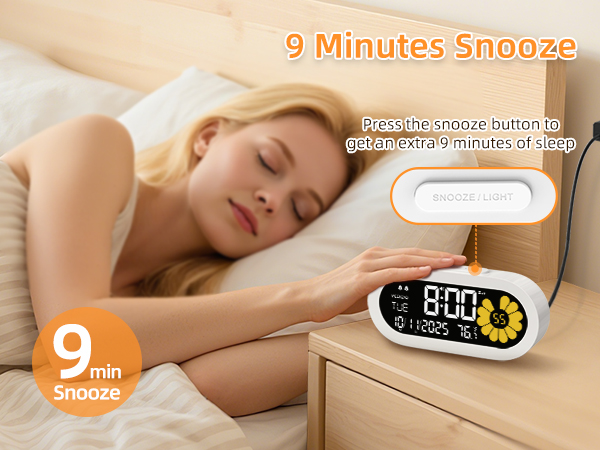
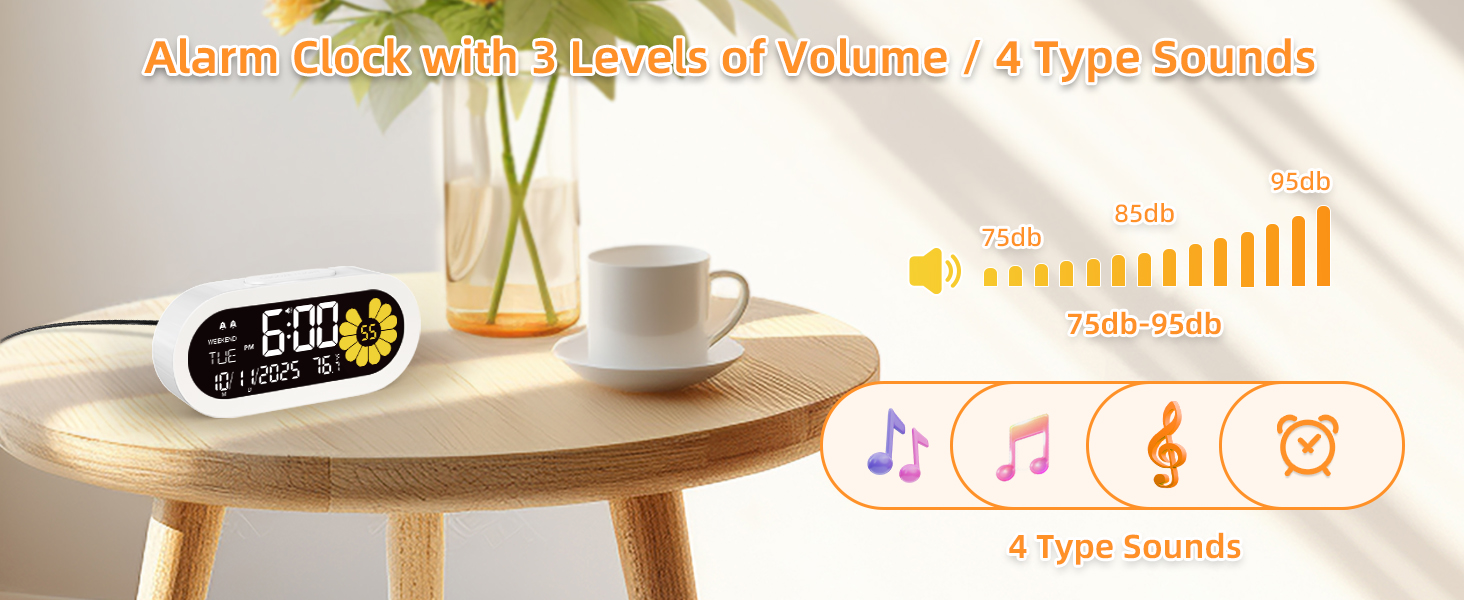
Alarm will sound for 2 min, if there is no operation
repeats the cycle 3 times , then auto turns off
Light doesn't stay on.
(1) The product stays on continuously only with an adapter.
(2) Battery ensures functionality during outages but doesn’t support constant illumination alone.
(3) Battery backup ensures no reset during outages.
Why didn't my alarm go off?
(1) Please ensure that the alarm indicator is on.
(2) Please ensure that the alarm is set correctly. (AM/PM error)
The time can not be set.
When we set each function, we need to release the function button, and press [+ ] or [ -] button to set them.
How to change 24Hr time to 12Hr time.
We could press "12/24 " button to switch the time format from 24Hr to 12Hr. If the 12Hr time format is selected, the AM/PM would show on the display. Same with the alarm time.
The WEEKEND mode can not be set. The "W " button do not work.
First, need to make sure the alarm is on. Then press " W" button to turn on or off the weekend mode. If the alarm is turn on, the alarm icon will display on the screen.