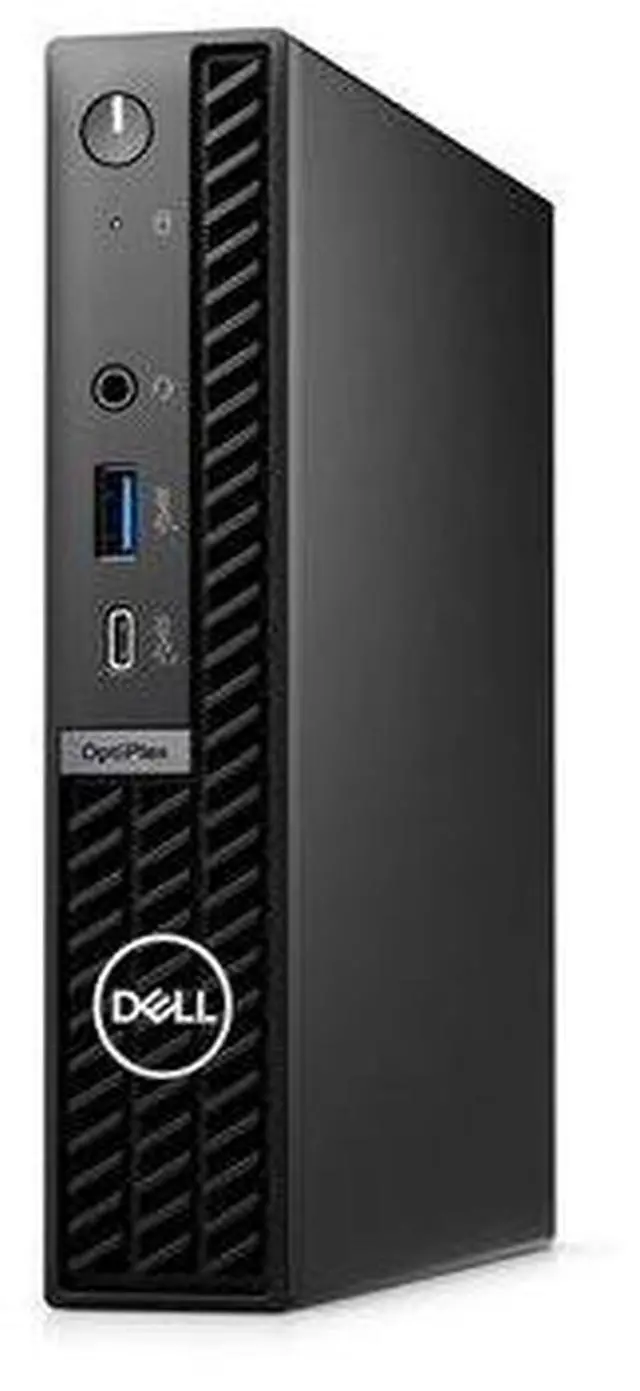
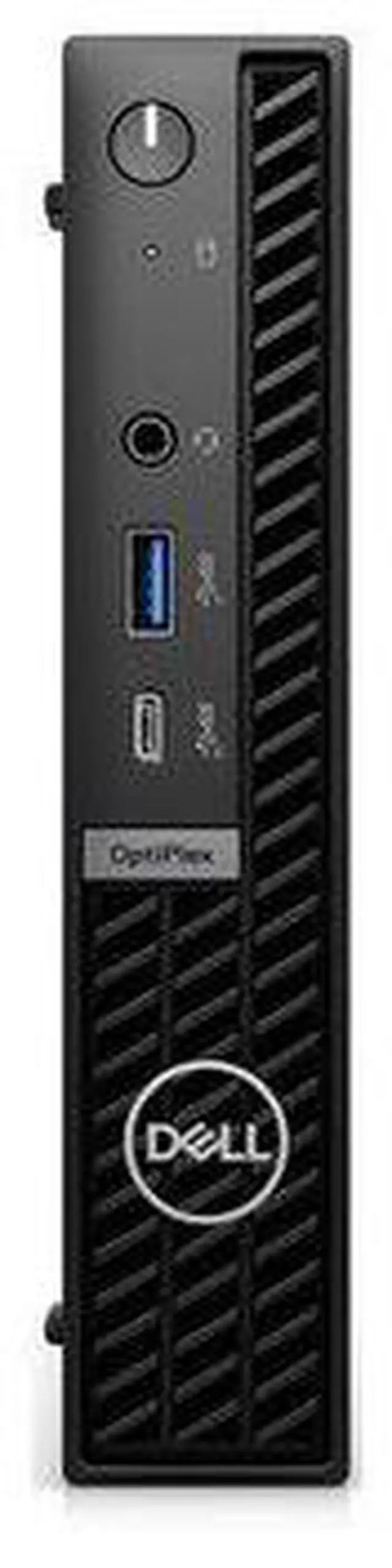
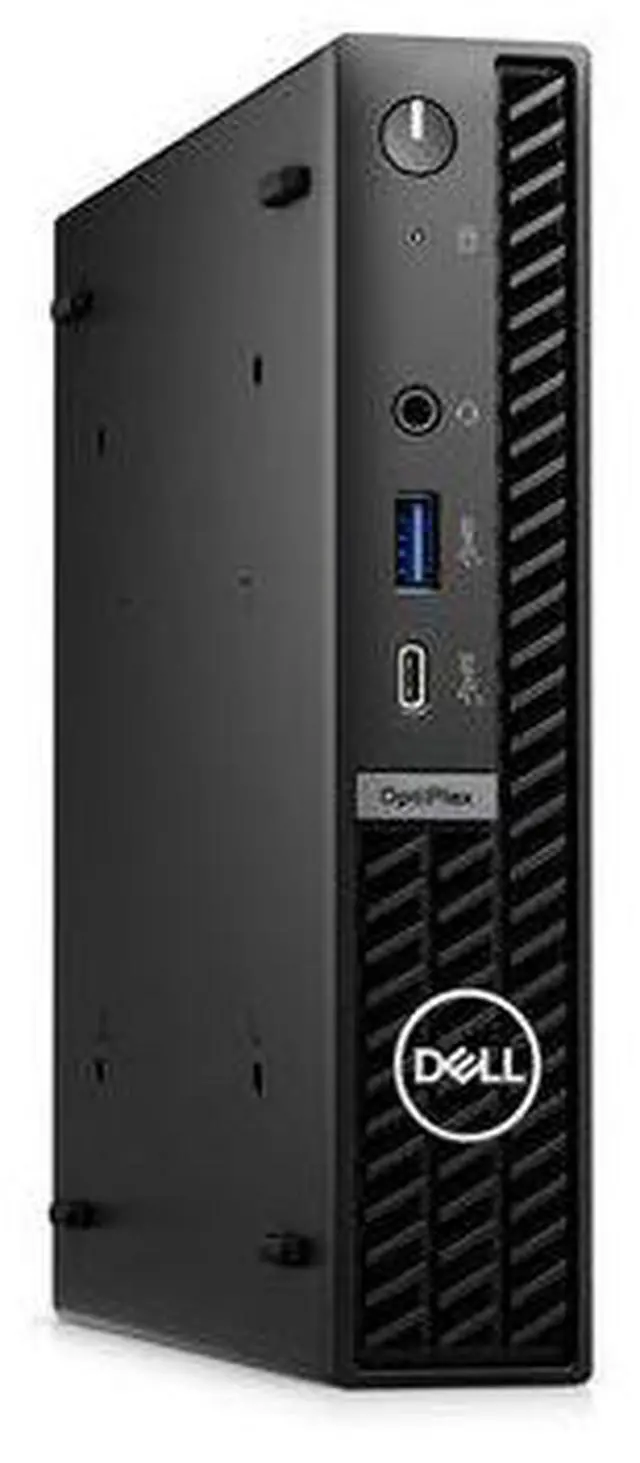
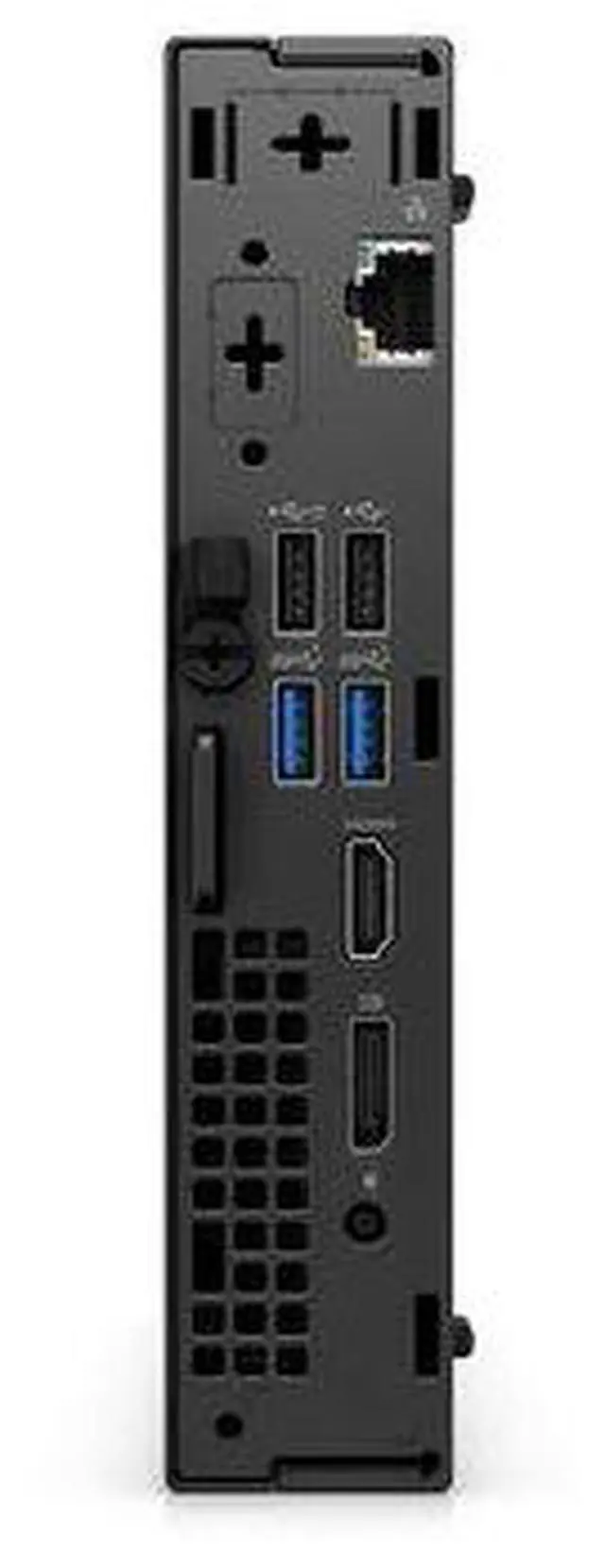
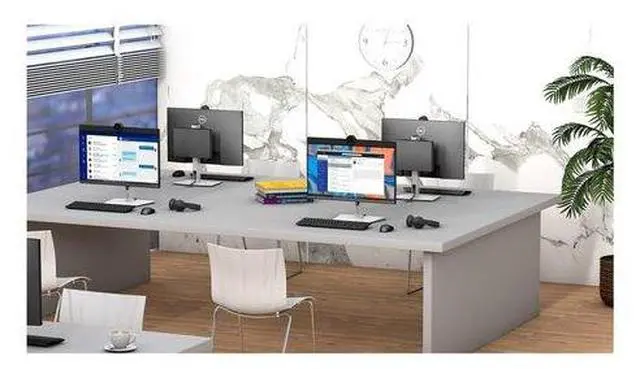
The Dell OptiPlex 7020 is designed for efficient use in a professional environment. This system combines robust processing power and essential connectivity features, making it suitable for a variety of tasks. The Core i5 processor ensures reliable performance, while the NVM Express (NVMe) SSD provides speedy access to data, enhancing overall productivity. The device operates efficiently in a temperature range from 10°C to 35°C, ensuring functionality in diverse work settings. Equipped with multiple interface options including USB 3.2 Gen 1 and DisplayPort 1.4 a, the Dell OptiPlex 7020 allows for seamless integration into most office setups.
Coupled with a trusted security design featuring a Kensington security slot and a chassis intrusion switch, it offers peace of mind for data protection. The inclusion of Intel UHD Graphics 770 supports basic graphics tasks, making this system suitable for both data management and multimedia applications.
Intelligence meets simplicity
Intelligent desktops for every workstyle
Find your OptiPlex in just two steps: Select your form factor, then choose the right features for the job.
Simplified management: New OptiPlex desktops with Intel® Core processors (14th gen) feature one BIOS for Micro Form Factors.
Which OptiPlex configuration is right for you?
With the most versatile mounting options from OptiPlex, the Micro Form Factor offers maximum productivity in an ultra-compact desktop. Flexible All-in-One solutions with the Micro All-in-One Stand and custom mounts keep your desk clutter-free without impacting performance.
Here are the key differences:
Micro Form Factor
Features up to Intel Core i7 processors, one native HDMI and one native DisplayPort, two M. 2 SSD slots, one of which supports Gen 4 speeds, and a single cable power solution through an optional rear USB-Type C with power-delivery.
Ultra compact with unbelievable power
High-speed productivity
Up to 64GB DDR5 memory means more multitasking capabilities and smoother transitions between applications. Improved thermals and acoustics keep your system cool and allow you to set the system in quiet mode while you work.
Supports 4 displays
iGFX support for up to 4 simultaneous displays with up to 4K resolution.
All-in-One Experience
Enjoy a modular All-in-One setup with your Micro Form Factor with upgradeable monitor and mounting options.
Look sleek, save space
Clean-desk solution: Enjoy minimal cables and easy management of device and monitor with optional Single Cable Type-C Power Delivery (PD) solution.
Compact design: Get maximum productivity with minimal footprint.
Convenient connection: Easily connect your OptiPlex with the native USB Type-C 3.2 Gen 2 (10Gb) on the front panel.
Take your pick: Choose from six custom mounting options to fit your workspace needs with the most flexible OptiPlex form factor. Pair with variety of power delivery 90W capable Dell HUB displays.
Enhancements that lead to advancements
One BIOS
The new OptiPlex desktops with Intel® Core processors (14th gen) feature one BIOS for Micro Form Factors.
Intel® Core processors (14th Gen)
Engineered to increase your productivity.
Dell Optimizer Built-in AI
Intuitive, personalized productivity.
Modern management and reliability
OptiPlex invests in reliable product experiences designed with quality-tested, sustainable components built to last and perform.
Modern device management
Protect endpoints, optimize the health & performance across devices, and enhance productivity
Single BIOS strategy: OptiPlex makes it easier for IT admins to manage numerous devices. OptiPlex offers one BIOS for Micro Form Factors.
Dell Manageability Solutions: Designed to allow IT admins to deploy drivers, configure BIOS, monitor devices, and manage updates - reliably and easily, all while integrating with existing endpoint management solutions. Dell offers the industrys first Binary Large Object (BLOB) package-based solution, for securely configuring & managing endpoints, using Microsoft Intune.
Dell Trusted Update Experience: All new offering simplifies the update experience for your fleet of devices. Dell package the latest BIOS, drivers, and firmware versions for the customers with Dell-exclusive capabilities.
Thin Client Solution
Pair the OptiPlex Micro Form Factor with Dell Hybrid Client or Windows 10 IoT Enterprise for a personalized thin client solution delivering confident access to your virtual workspaces. All powered by Cloud Client Workspace.
Dell Trusted Devices
Reduce the Attack Surface of Your Fleet with OptiPlex.
OptiPlex is a part of the industrys most secure commercial PC family from Dell, with built-in security features that keep you protected and give you visibility to threats for swift action. OptiPlex customers trust Dell's secure desktop solutions, featuring TPM 2.0, lockable cable covers and mounts, smart authentication options and chassis intrusion switches.
Be secure from first boot: Rigorous, state-of-the-art supply chain controls and Dell-unique Secured Component Verification reduce the risk of product tampering.
Stay protected from evolving threats: Only Dell offers off-host BIOS and firmware verification, providing greater security than other PCs. Comprehensive security support further minimizes the risk of attack in-use.
Early-alert threat detection: Indicators of Attack, an early-alert feature offered only by Dell, scans for behavior-based threats before they can do damage, e. g., BIOS attacks, chassis intrusion.
Safeguard user credentials: Dell's unique security chip offers an extra, hardware-based layer of security against credential theft.
Dell Optimizer
Personalized performance that automatically responds to your workstyle, with advanced privacy features and built-in AI that optimizes audio, connectivity, productivity and configurability, all in one software.
Advancing sustainability
Use of sustainable materials helps reduce the environmental impact of making and recycling them. OptiPlex desktops are made with up to 56.7 % recycled material. They are designed to meet the EPEAT Climate+ designation, ENERGY STAR and TCO certifications.
Accelerate business success with Copilot and Windows 11 Pro
Industry-leading AI. Powerful cybersecurity. Designed for business.
AI-powered multi-tasking mastery for a new way of working with Windows 11 Pro. With features like Copilot in Windows, get better answers, grow your skills, and effortlessly optimize workflows. Windows 11 Pro on Dell PCs come with the latest advances in security and AI delivered conveniently to your desktop. Benefit from AI-enhanced efficiency, performance, and security today, and innovate to take on new challenges tomorrow.
Ports & Slots
1x USB 3.2 Gen 2 (10 Gbps) Type-C® Port
3x USB 3.2 Gen 1 Port
2x USB 2.0 Port
1x HDMI
1x DisplayPort (DP) 1.4 a
1x RJ45 1Gbps Ethernet Port
1x Universal Audio Port
1x Kensington Security Cable Slot and Padlock Ring
Dimensions & Weight
Height: 182 mm ( 7.17" )
Width: 178 mm ( 7.01" )
Depth: 36 mm ( 1.42" )
Starting Weight: 1.09 kg ( 2.41 lbs. )