


Shipped by Newegg


Make informed decisions with expert advice. Learn More



We want to ensure your holiday shopping this year is hassle-free. That’s why we’re automatically extending our return policies on almost every product! For purchases placed between November 1st, 2026 and December 31, 2026 you will have until January 31, 2027 to return your product.
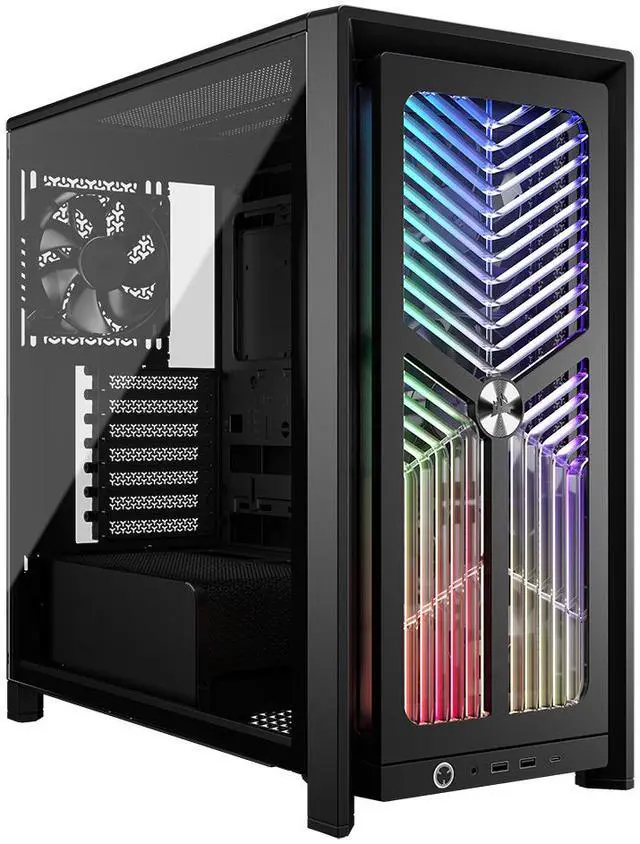
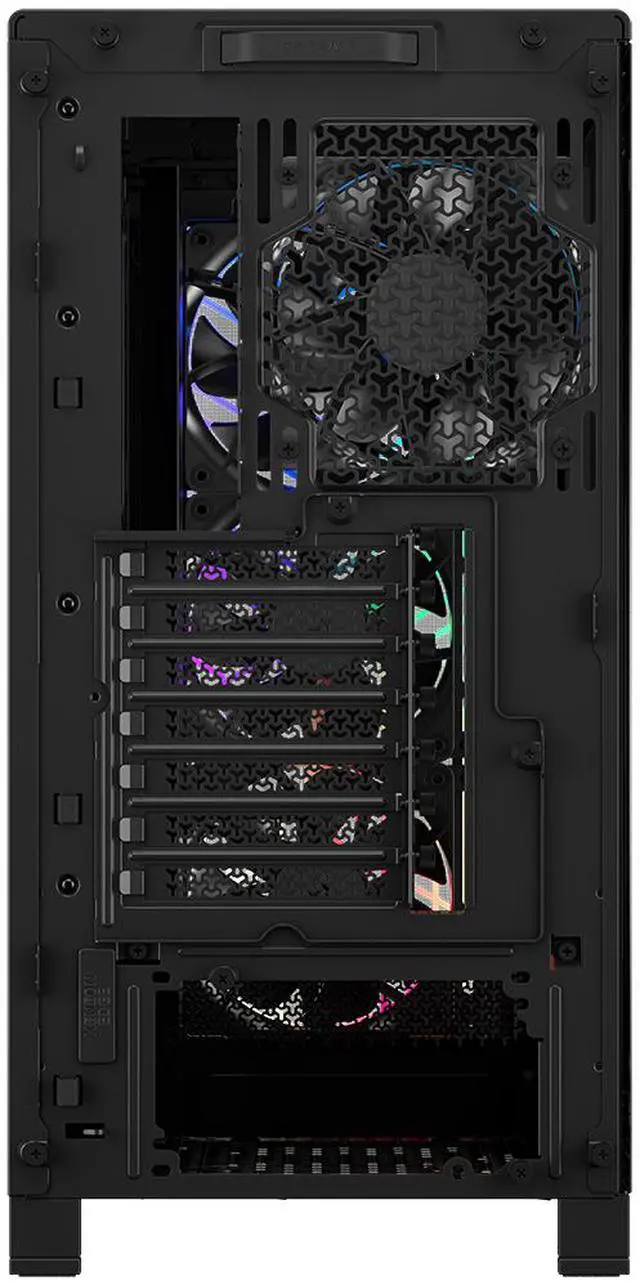
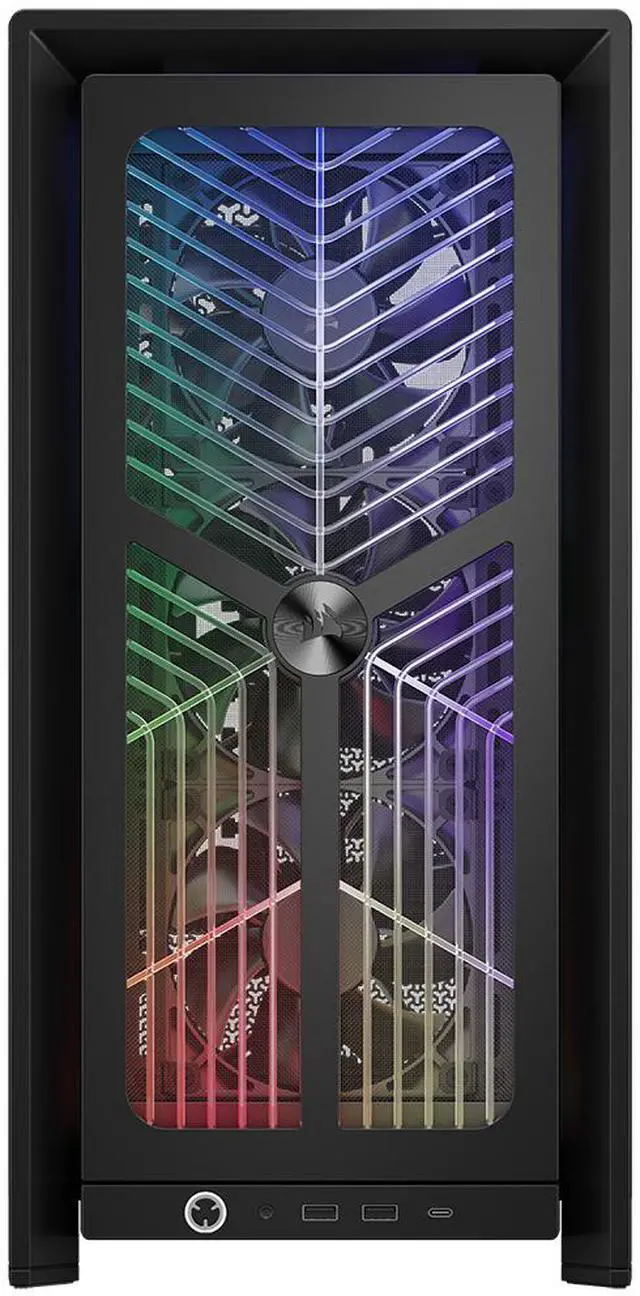
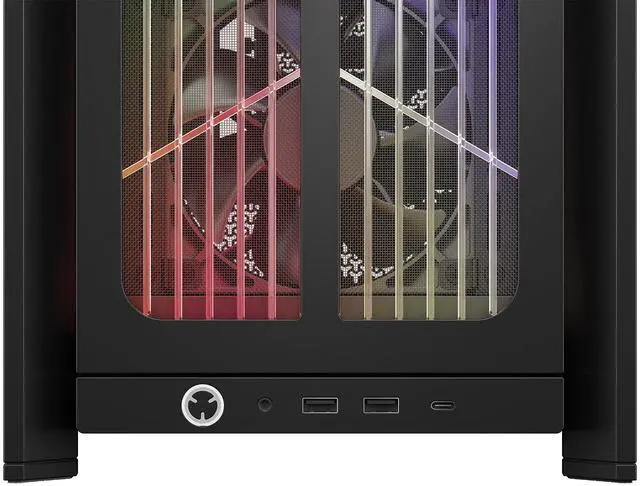
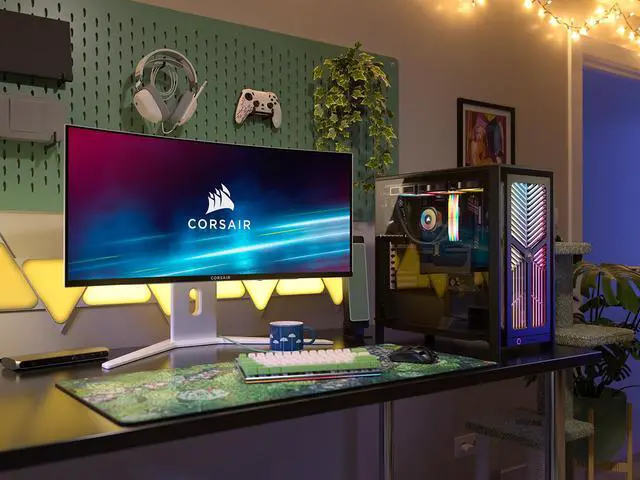
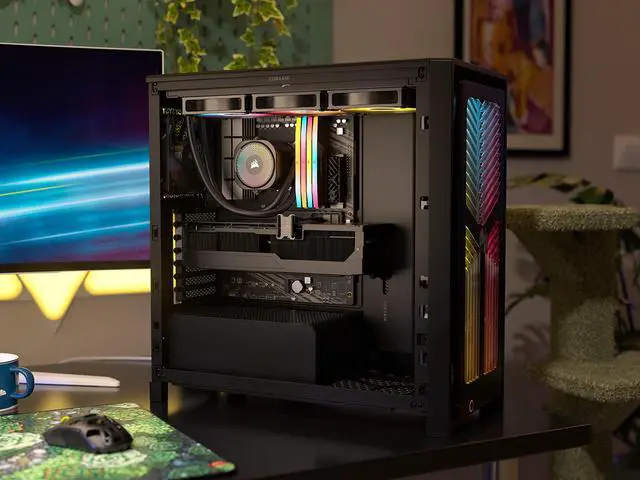
The CORSAIR FRAME 4000X RS is a mid-tower ATX PC case built for high-airflow gaming and enthusiast systems, ideal for builders who want strong stock cooling, RGB presentation, tempered-glass visibility, and room for large GPUs and dual 360mm radiators.
| Attribute | Value |
|---|---|
| Best For | Mid-tower ATX/E-ATX (up to 305 x 277 mm) builds that showcase hardware behind a tempered-glass side panel and need flexible air-cooling and multiple 360mm radiator mounting locations with RGB front lighting |
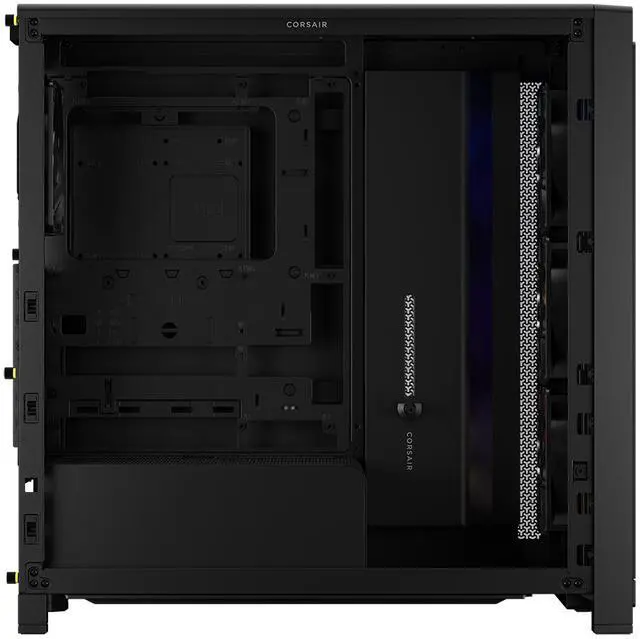
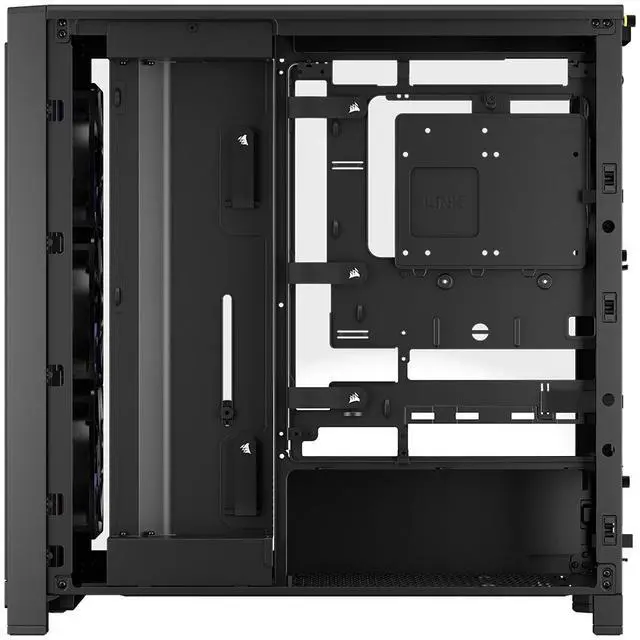
| Case Type & Compatibility | ATX Mid-Tower case compatible with Mini-ITX, Micro-ATX, ATX and E-ATX (305 x 277 mm); compatible with ASUS BTF, MSI Project Zero and Gigabyte Project Stealth project/motherboard formats |
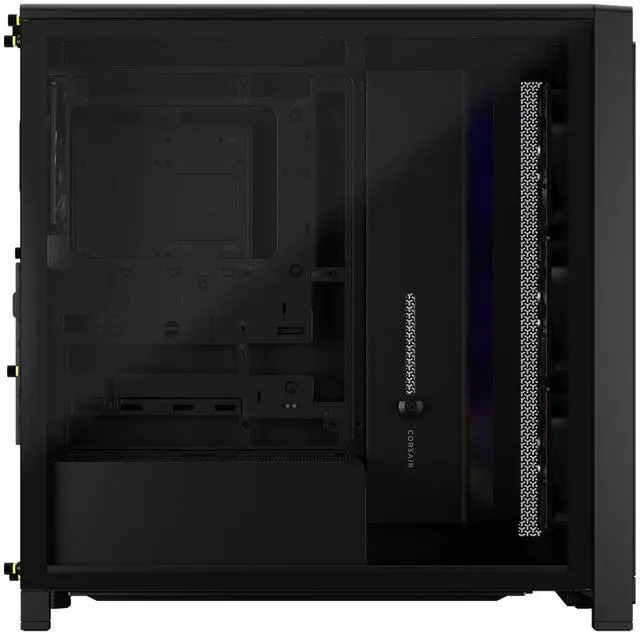
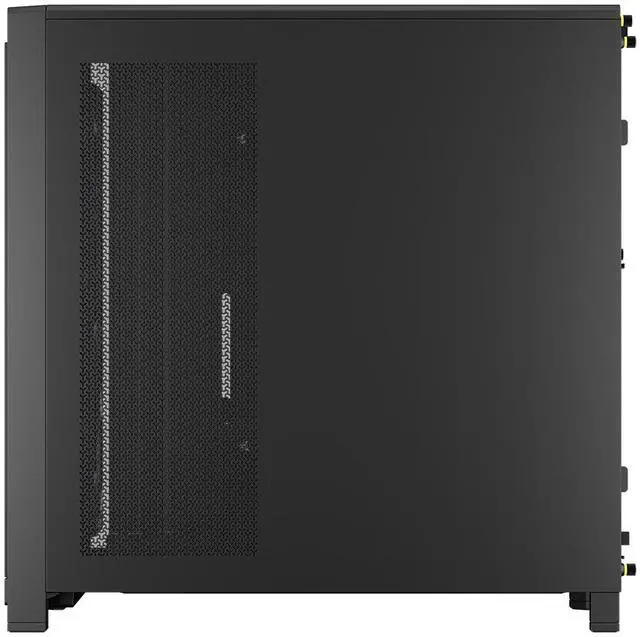
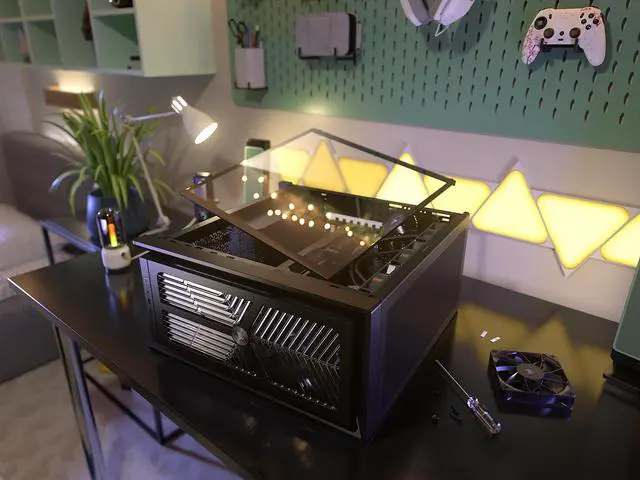
| Chassis & Materials | Steel chassis with tempered glass side panel and additional listed materials; bottom/front/side dust filters included for maintenance |
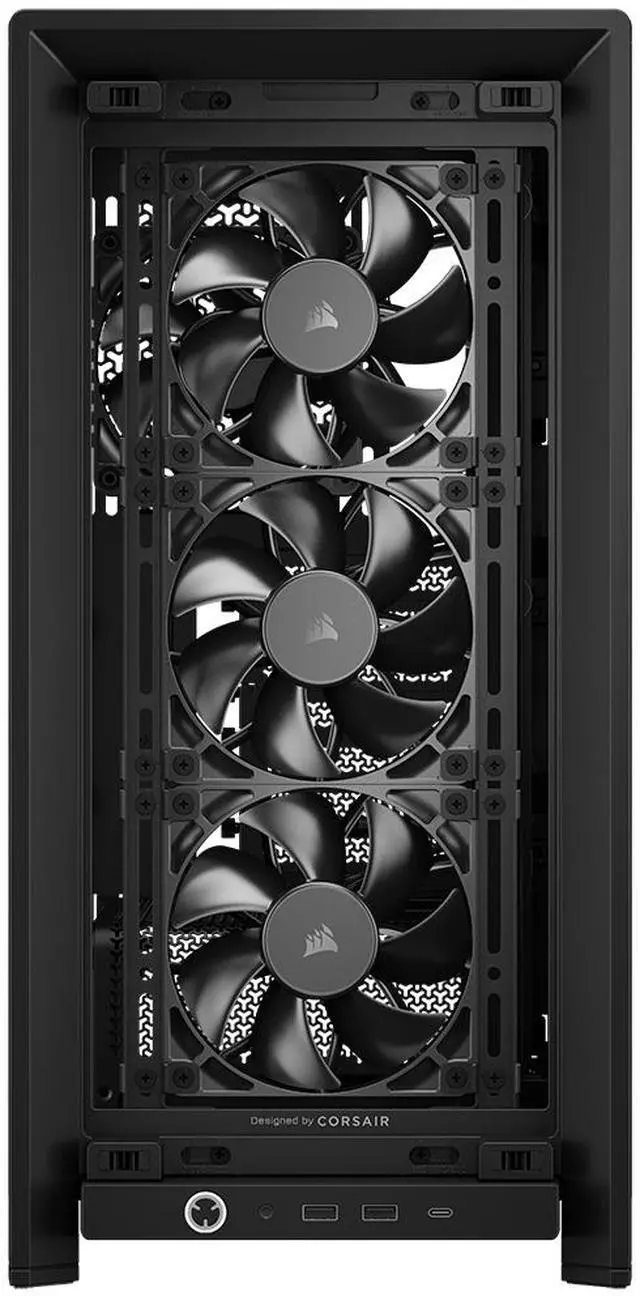
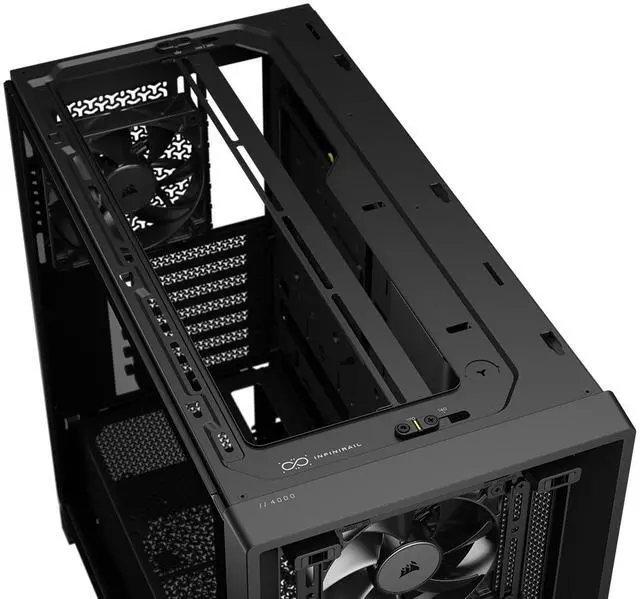
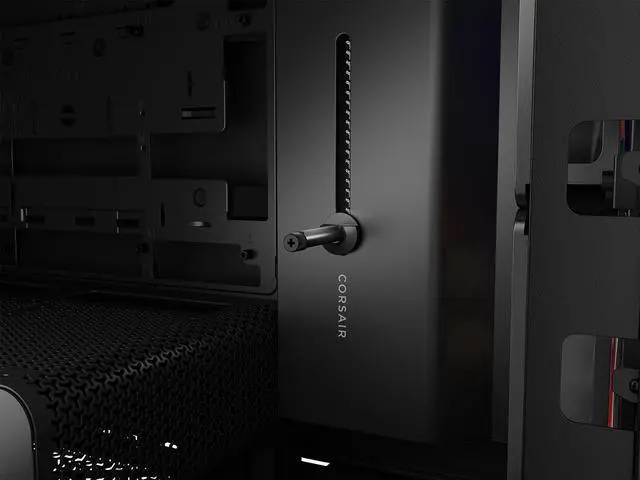
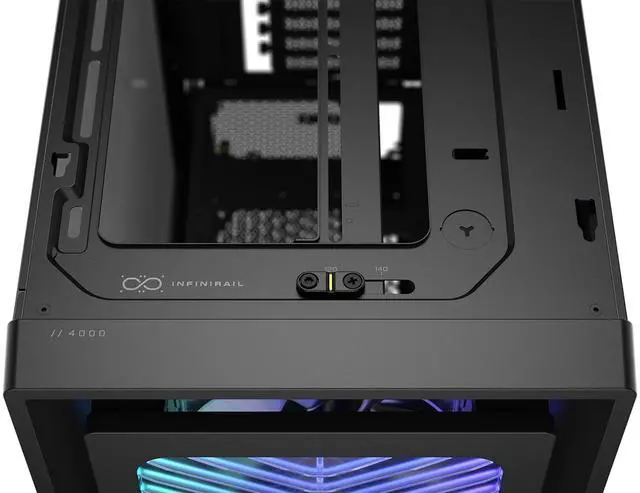
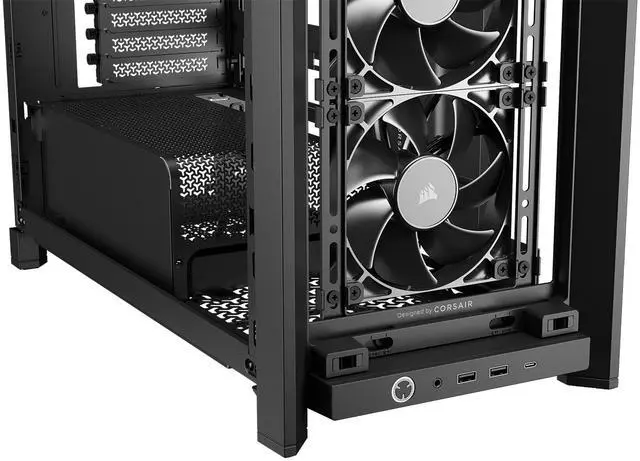
| Cooling Support & Included Fans | Air-cooled design with 4x CORSAIR RS120 PWM fans included (pre-installed) and support for additional fans via InfiniRail fan mount system and multiple mounting locations |
| Radiator Support And Fan Mounts | Supports 360mm/280mm/240mm radiators at front, top and side plus 120/140mm at rear; fan mounting positions include front, top, side, bottom, rear and PSU-shroud mounts as listed for flexible multi-radiator builds |
| Drive Bays & Storage | Supports 1 × 3.5" drive bay and 2 × 2.5" drive bays for HDD/SSD installation |
| Expansion & GPU Clearance | 7 expansion slots and GPU clearance up to 405 mm, with reverse-GPU anti-sag and reverse-connection motherboard support for modern GPU/motherboard orientations |
| PSU & Clearance | Bottom-mounted power supply support with maximum PSU length of 200 mm and integrated PSU shroud (shroud also supports fan mounting) |
| Dimensions & Weight | External dimensions 488 × 239 × 486 mm and unit weight 9.46 kg |
| Front I/O & Ports | Includes 2 × USB 3.0 ports for front-panel connectivity |
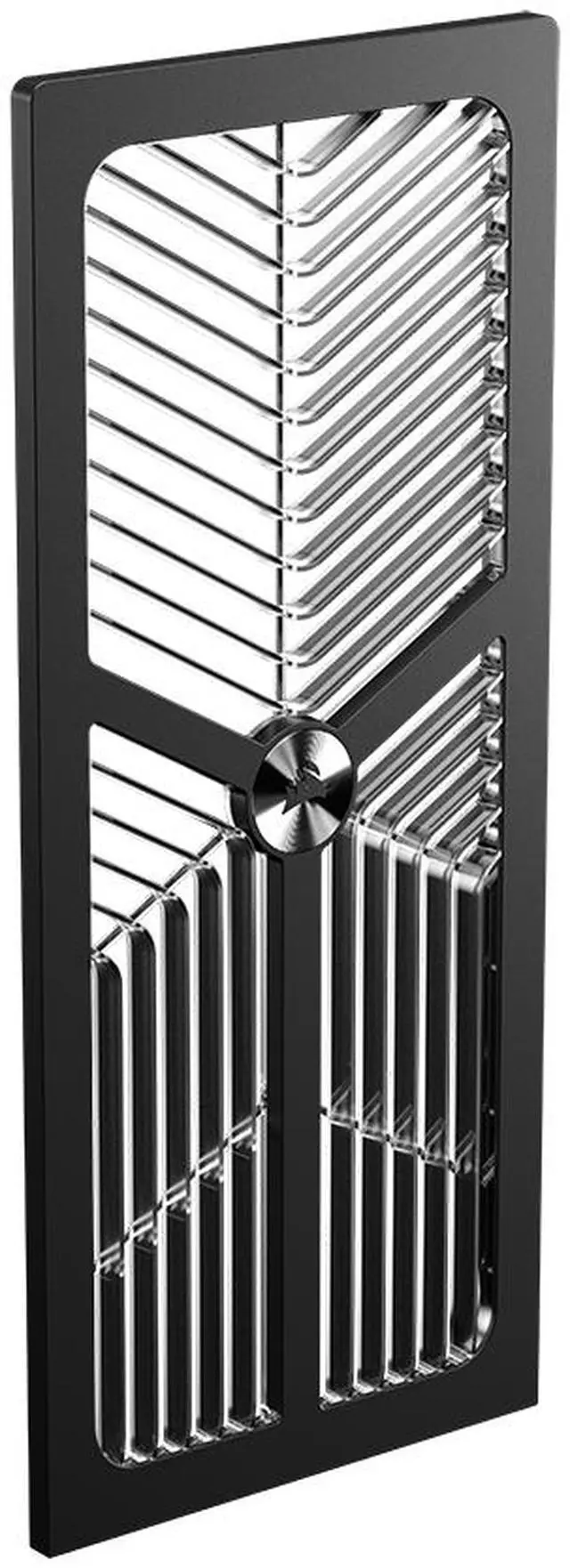
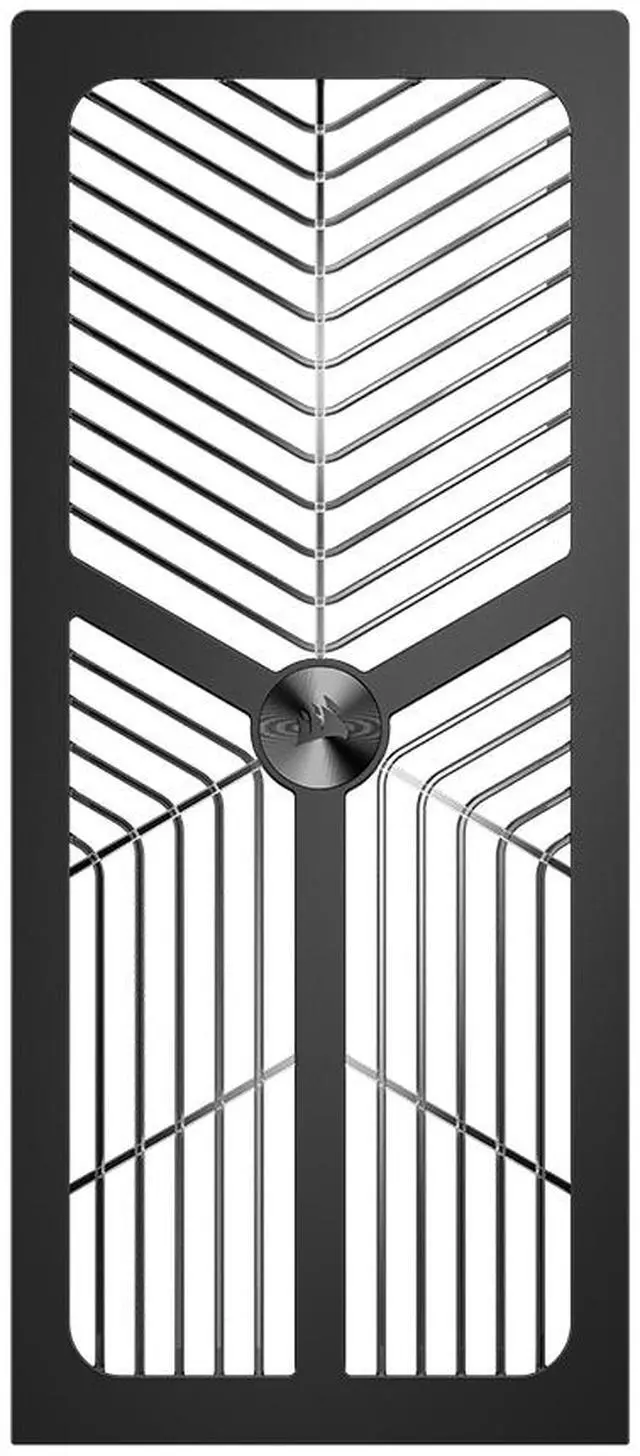
| Dust Filters & Maintenance | Removable dust filters on the bottom, front and side to reduce dust ingress and simplify cleaning |
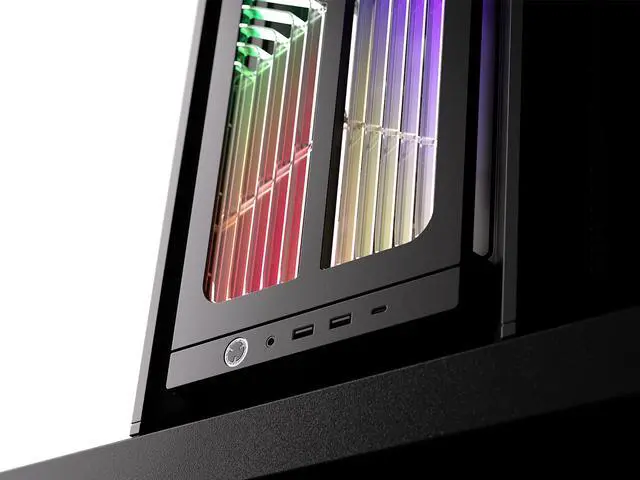
| Special Features | RGB-illuminated front panel and RGB lighting support; InfiniRail fan mounting system; built-in fans and dust filters; listed safety attestation and global shipping support |
| Model Identifiers | Corsair FRAME 4000X RS (CC-9011302-WW) mid-tower case by Corsair |
Q: Should I buy the CORSAIR FRAME 4000X RS or the FRAME 4000D WOOD RS?
A: Choose the FRAME 4000X RS if you want the same FRAME-series chassis features with a more lighting-focused look. CORSAIR positions the 4000X RS around its RGB Flow front panel with 64 built-in LEDs, while the 4000D WOOD RS is positioned as the more understated airflow-and-materials option with a real-wood front. Both share the same underlying FRAME 4000 platform, including support for dual 360mm radiators, reverse-connector motherboard support, modular parts, and four included RS120 fans, so the decision is mainly aesthetics and lighting style rather than core capability.
Q: Is the FRAME 4000X RS a better pick than the older Corsair 4000X RGB?
A: For most new builds, the FRAME 4000X RS is the more practical choice. The older 4000X RGB was known mainly for its glass-heavy presentation, while the newer FRAME platform adds a more airflow-oriented front design, modular replaceable parts, broader cooling flexibility, reverse-connector motherboard support, and newer builder-focused features such as a GPU anti-sag arm. If you want a modern showcase case that is easier to adapt over time, the FRAME 4000X RS is the better fit. The older 4000X RGB still makes sense if you specifically want that earlier glass-first design language.
Q: Should I get the FRAME 4000X RS or move up to a larger Corsair 5000-series case?
A: Choose the FRAME 4000X RS if you want a mid-tower that already supports high-end cooling, including up to 13x 120mm fan positions and dual 360mm radiators, without stepping up to a larger footprint. Move to a 5000-series case if your priority is extra internal working room for larger custom loops, more spacious cable-routing paths, or a less compact build process. In other words, the 4000X RS covers most performance-first ATX builds, while a 5000-series case is the better match when physical space and expansion headroom matter more than footprint.
Q: Is the FRAME 4000X RS worth choosing over the FRAME 4000D RS if I care about airflow and real-world thermals?
A: If airflow and thermal behavior are your main priorities, the FRAME 4000 platform is already well-positioned, and the safer value-oriented comparison point is usually the FRAME 4000D RS. Independent testing of the 4000D RS platform shows that Corsair's newer FRAME layout performs meaningfully better than the older 4000D Airflow generation in stock-like configurations. The 4000X RS makes more sense when you want that same modern chassis layout plus integrated front-panel RGB styling. So, pick the 4000X RS for a showcase build with airflow in mind; pick the 4000D RS if you want the simpler expression of the same platform.
Q: Is the FRAME 4000X RS better for a compact desk build or for a maximum-performance build?
A: The FRAME 4000X RS is better suited to a balanced performance-first mid-tower build than to a size-minimized build. Its footprint is still reasonable for a desktop case, but its main appeal is that it gives you large-case cooling features in a mid-tower format: broad fan placement options, dual 360mm radiator support, long-GPU clearance, and support for reverse-connector boards. If you are trying to minimize case size above all else, a smaller chassis category is the better comparison. If you want strong cooling capacity without moving into a larger tower, the FRAME 4000X RS is the stronger fit.
Q: Is the CORSAIR 4000X RS a good choice for a high-airflow gaming build without buying extra case fans right away?
A: Yes. It is a strong fit for buyers who want good stock airflow and RGB out of the box. The FRAME 4000X RS includes four RS120 PWM fans, which is more than older 4000-series Corsair cases commonly discussed on retail Q&A pages. That makes it a better starting point for gaming builds that use hot GPUs, especially if you want usable cooling on day one without immediately adding fans.
Q: Will it fit large modern parts like an RTX 4090-class GPU and a 360mm AIO?
A: Usually yes. The FRAME 4000X RS supports GPUs up to 405 mm and has 360 mm radiator support at the front, top, and side, with support for dual 360 mm radiators overall. That makes it more flexible than older 4000-series cases that retail Q&A threads often discuss with tighter GPU limits or more radiator-placement trade-offs. Buyers should still confirm the exact GPU length, radiator thickness, and motherboard/RAM clearance for their parts list.
Q: Who is this case most suitable for?
A: It is best for mainstream to high-performance builders who want a mid-tower with strong cooling flexibility, visible RGB, tempered-glass presentation, and support for newer reverse-connector motherboard layouts such as ASUS BTF and MSI Project Zero. It is less ideal for buyers who want a very small case or a minimal, no-glass design.
Q: What are the main trade-offs versus an older Corsair 4000X or 4000D Airflow?
A: The newer FRAME 4000X RS gives you more expansion headroom: four included PWM fans, support for up to 13 total 120 mm fans, larger GPU clearance, multiple 360 mm radiator positions, and compatibility with reverse-connector motherboards. The trade-off is that it is aimed at buyers who want a feature-rich showcase case, so it may be more than necessary for simpler builds that only need a basic mid-tower with standard cooling.
Q: Is this case a better buy than a cheaper mid-tower if I may upgrade later?
A: Yes, if future upgrade flexibility matters. The FRAME 4000X RS is better suited to staged builds because it starts with four PWM fans, supports large GPUs and multiple 360 mm radiator layouts, and uses a modular design with broad fan-mount flexibility. A cheaper case can still be the better value for a fixed, lower-power build, but it is more likely to need compromises or added parts later.
Q: Is the CORSAIR 4000X RS a good buy if I want strong airflow without adding fans right away?
A: Yes, if you want a mid-tower case that is usable out of the box. The 4000X RS includes four preinstalled RS120 PWM fans, dust filters, and broad radiator support, so it is better suited to an airflow-focused build than cases that require immediate fan upgrades. The main trade-off is that it is still a compact mid-tower, so very complex custom loops or unusually large parts need clearance checks.
Q: Who is the CORSAIR 4000X RS best suited for?
A: It is best suited for mainstream to high-end PC builders who want a showcase mid-tower with tempered glass, RGB lighting, modern airflow features, and support for reverse-connector motherboards such as ASUS BTF and MSI Project Zero. It makes the most sense for ATX-class gaming or creator builds that want clean cable routing and flexible cooling without moving to a much larger case.
Q: What are the main trade-offs of choosing the CORSAIR 4000X RS?
A: The main trade-off is that it prioritizes appearance and flexibility over maximum simplicity or minimum cost. You get RGB lighting, tempered glass, modular mounting, and wide cooling support, but storage capacity is modest at one 3.5-inch bay and two 2.5-inch bays, and buyers who do not care about RGB or display aesthetics may prefer a simpler airflow case. As with many mid-towers, you should still verify GPU, PSU, and radiator fit before buying.
Q: Is the CORSAIR 4000X RS a good fit for a high-power GPU build?
A: Usually yes. The case supports GPUs up to 405 mm, includes four fans, has bottom and front airflow options, and supports multiple 360 mm radiator positions, so it is appropriate for modern gaming builds with large graphics cards. It is a better fit if you want cooling flexibility in a mid-tower rather than the smallest possible footprint.
Q: Does the CORSAIR 4000X RS make sense if I care about low-maintenance cooling and dust control?
A: Yes, for most users. The included fan setup and built-in dust filters make it a practical choice for builders who want good airflow with less immediate tuning or extra purchases. It is not a specialized silence case, but it is well suited to users who want a balanced mix of cooling, filtration, and clean internal layout.