










Combo Up Savings Up To $2190+
The more you add, the more you'll save!
We want to ensure your holiday shopping this year is hassle-free. That’s why we’re automatically extending our return policies on almost every product! For purchases placed between November 1st, 2026 and December 31, 2026 you will have until January 31, 2027 to return your product.
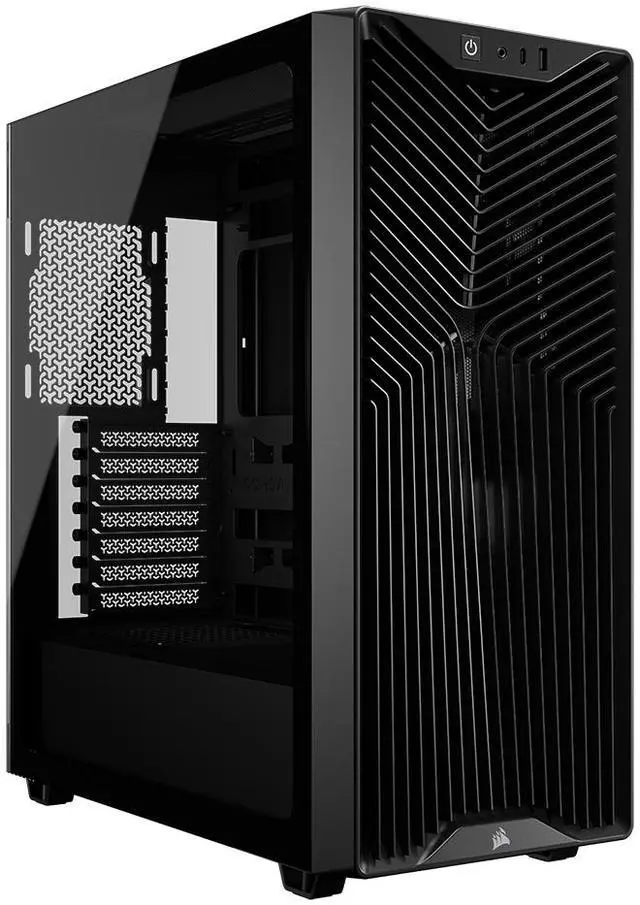
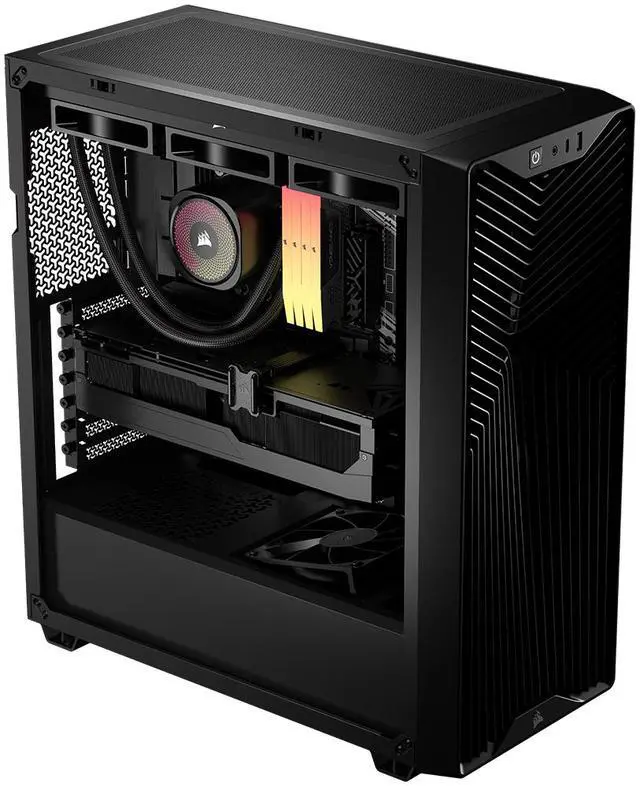
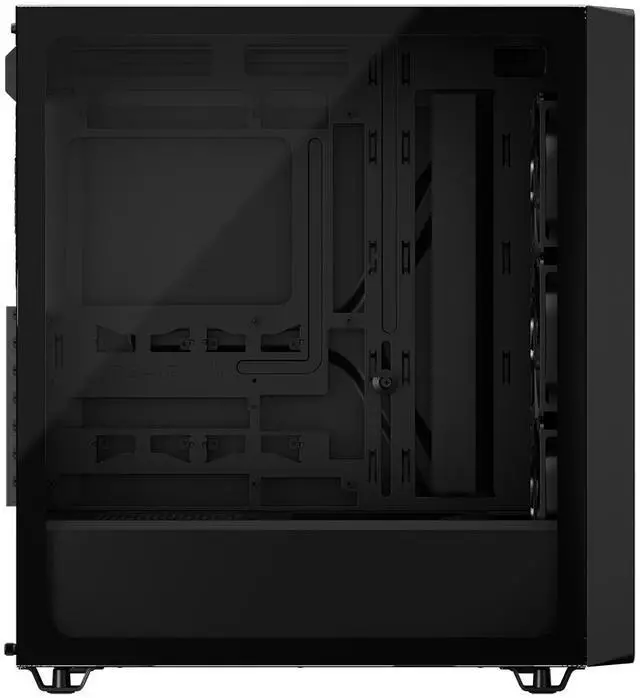
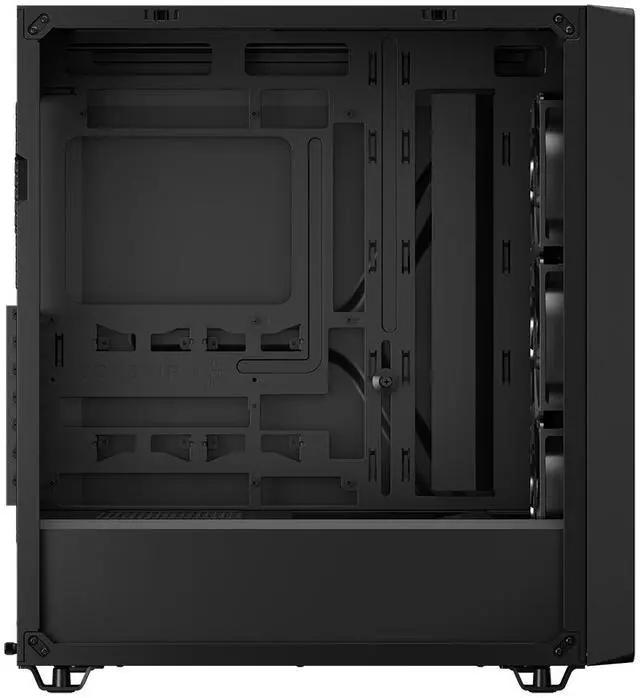
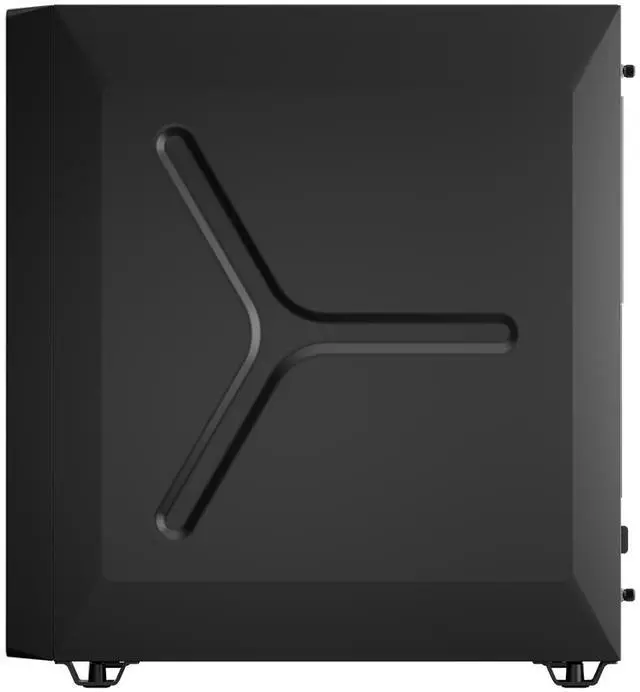
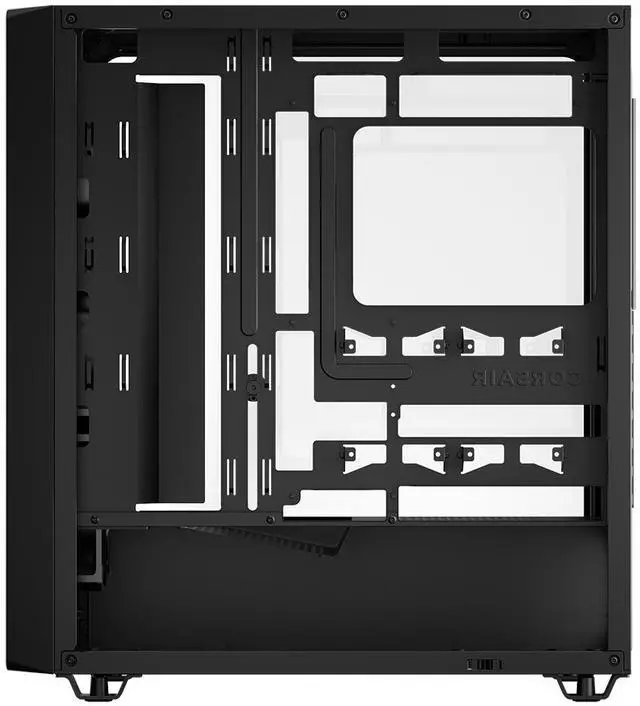
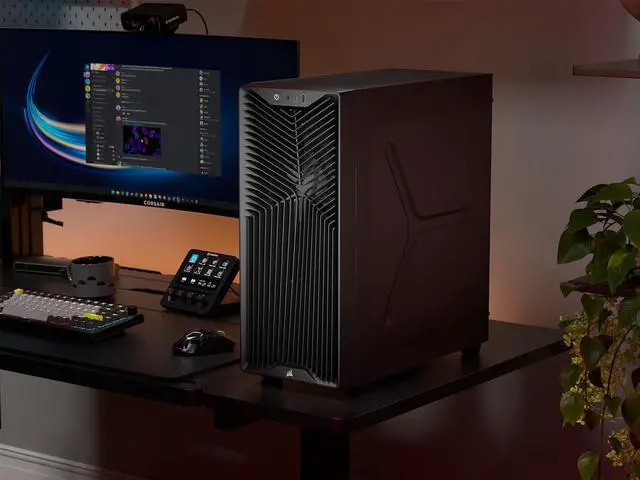
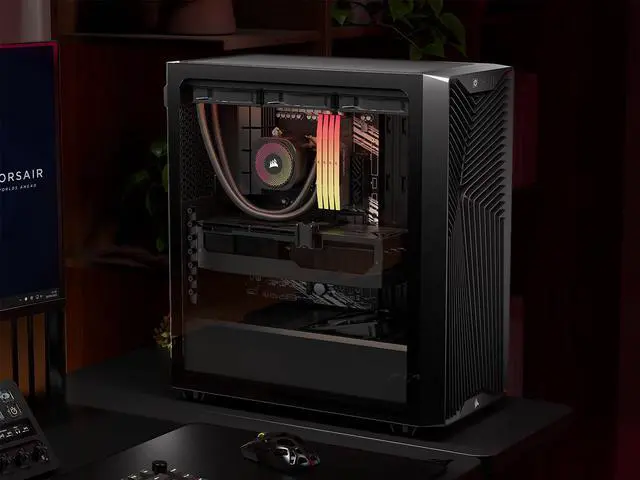
The CORSAIR 3200D RS is an ATX mid-tower PC case built for mainstream to high-performance desktop builds, with support for up to 9x 120mm fans, 360mm radiators, a 370mm GPU, and reverse-connection motherboards. It suits gamers and DIY builders who want strong cooling flexibility, clean cable routing, and modern front I/O including USB-C.
| Attribute | Value |
|---|---|
| Best For | Builders who want a black ATX mid-tower with room for long GPUs (up to 370 mm), support for large radiators (up to 360 mm), and a tempered glass side for visible builds |
| Case Type & Materials | ATX mid-tower case in black, constructed from steel and plastic with a tempered glass side panel |
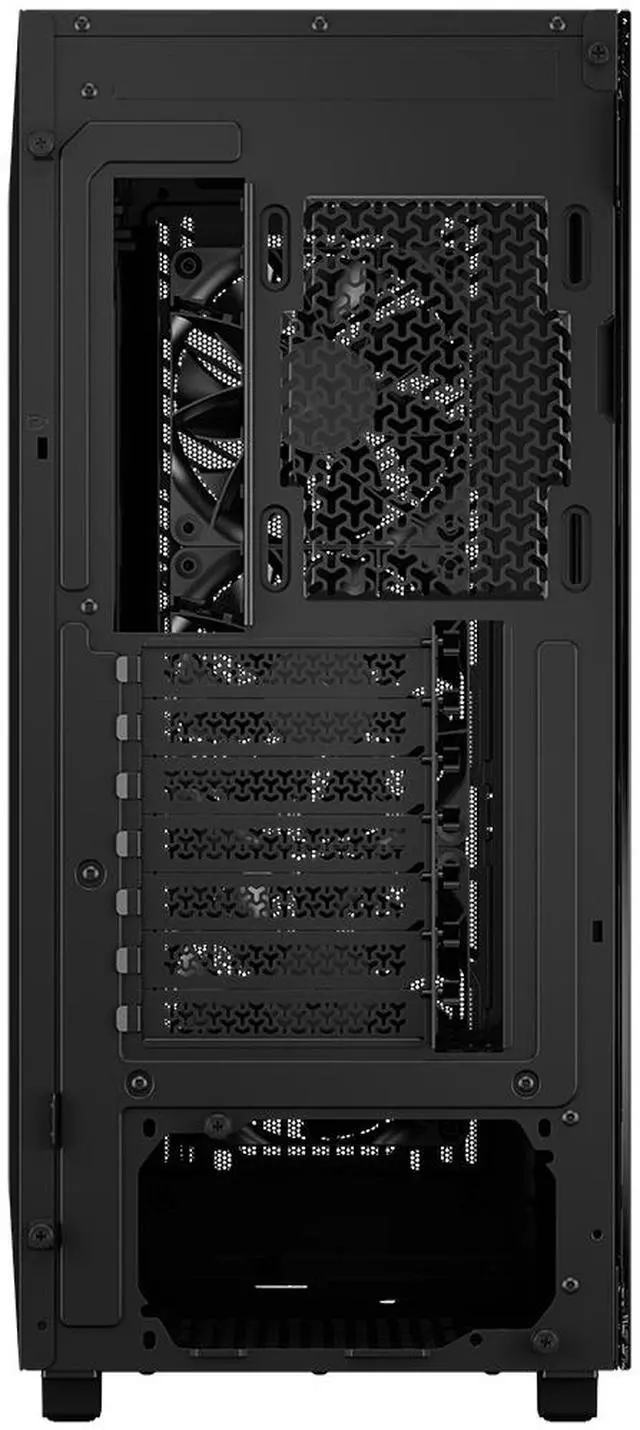
| Motherboard And Expansion | Supports ATX, Micro ATX, and Mini ITX motherboards with 7 horizontal expansion slots |
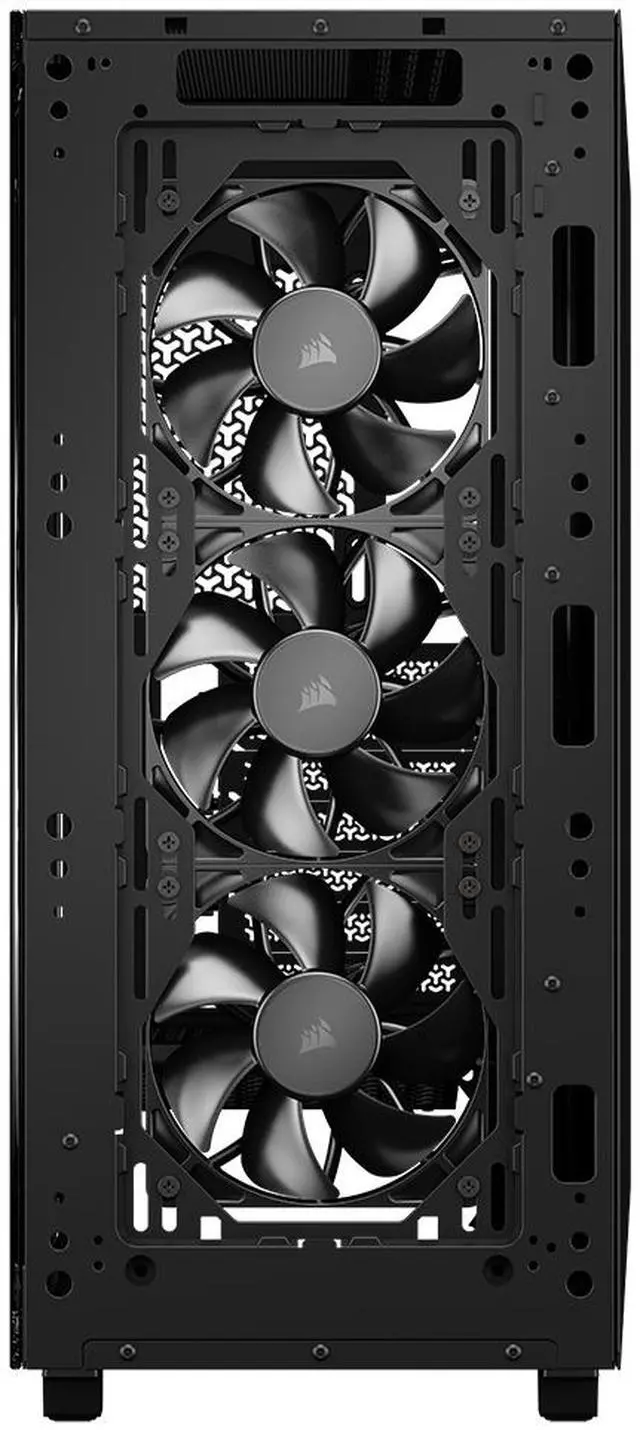
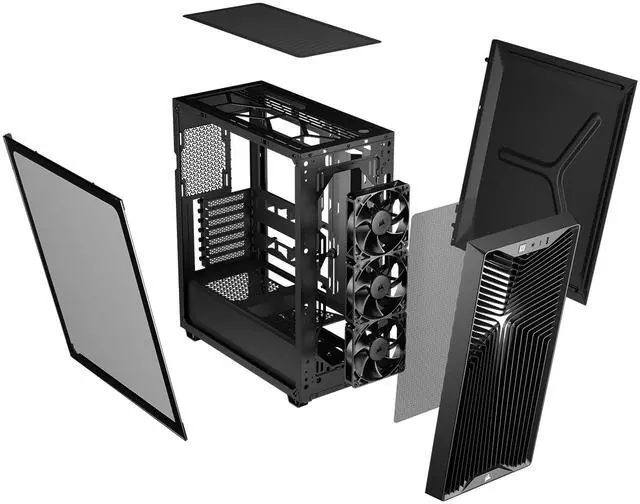
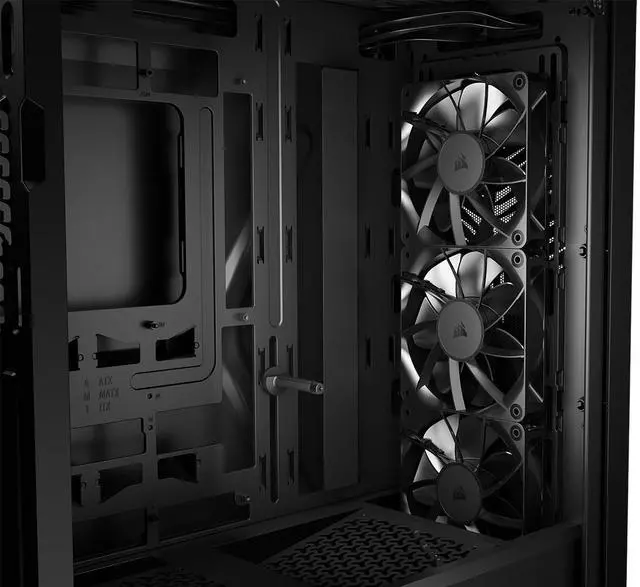
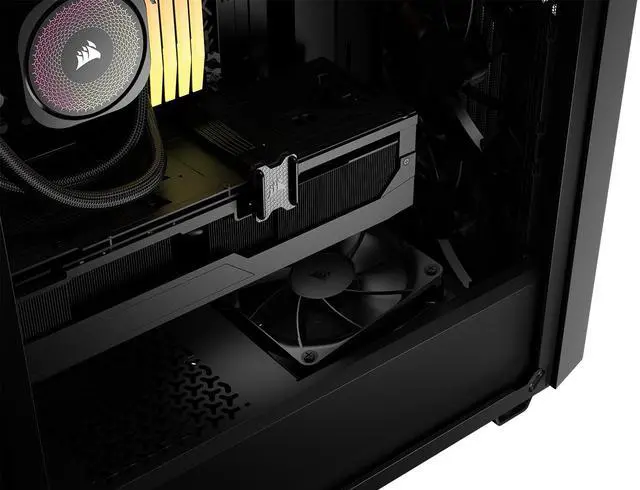
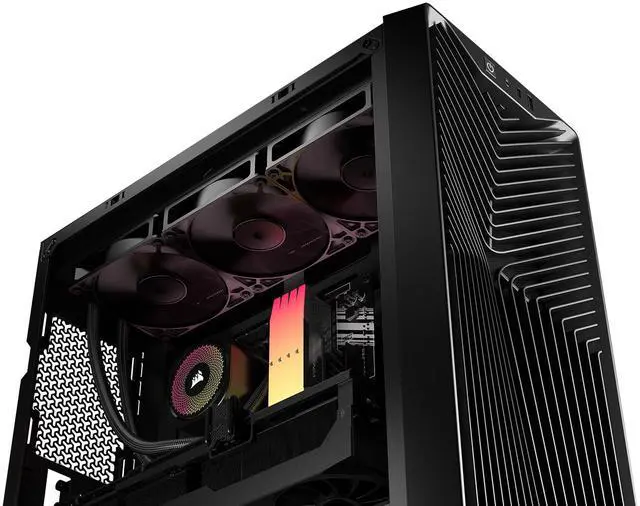
| Cooling And Fans | Air-cooled layout with mounts for front/top: up to 3x120 mm or 2x140 mm, rear: 1x120 mm, and PSU shroud: 2x120 mm; ships with 3x RS120 fans included and third-party attributes note ARGB lighting |
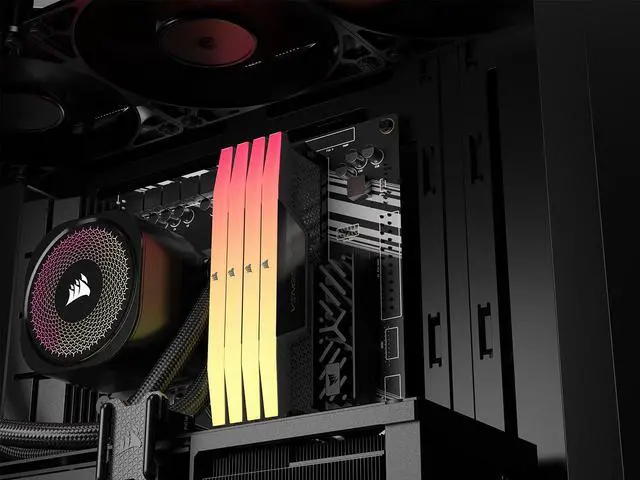
| Radiator Support & Liquid Cooling | Front or top support for radiators up to 360 mm (also compatible with 240 mm and 280 mm radiators) |
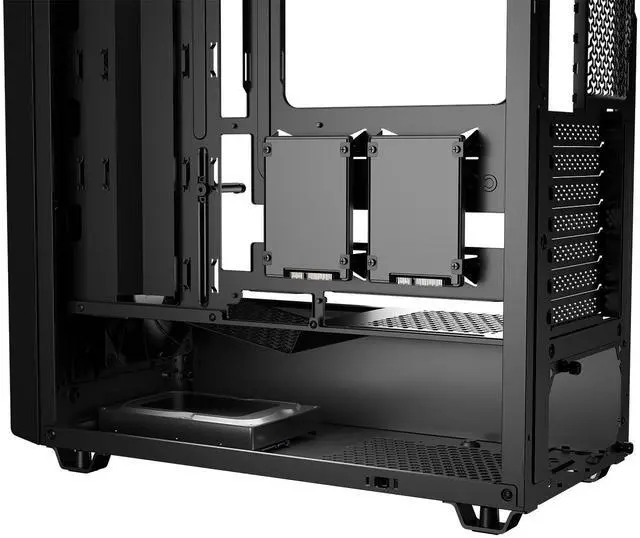
| Drive Bays & Storage | One internal 3.5-inch drive bay and two internal 2.5-inch drive bays |
| Clearance & Component Fit | GPU clearance up to 370 mm, CPU cooler height up to 165 mm, PSU length up to 180 mm |
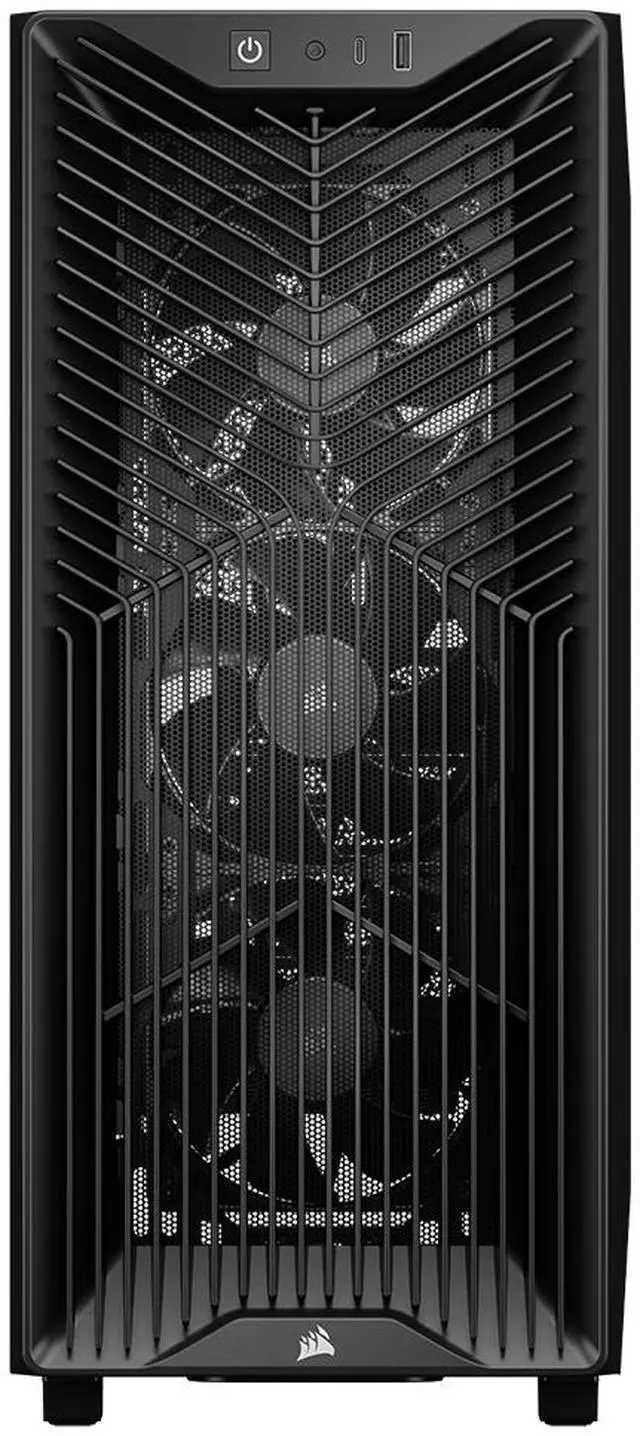
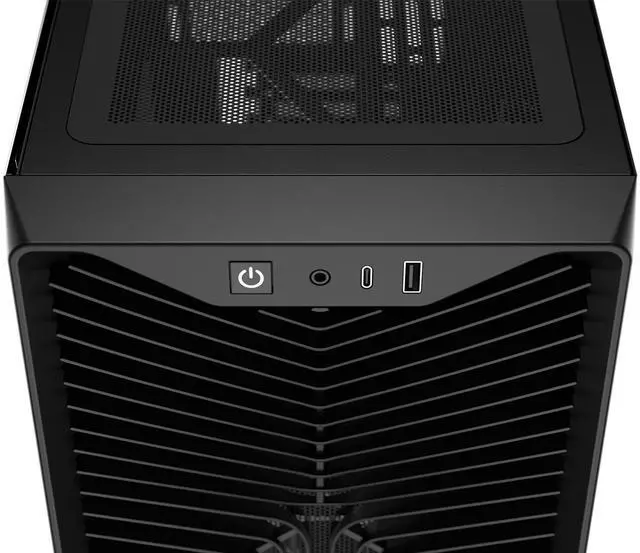
| Front I/O & Controls | Front I/O includes USB 3.2 Gen2 Type-C x1, USB 2.0 Type-A x1, headphone/microphone jack, plus power and reset buttons |
| Dust Filters & Maintenance | Removable dust filters on the front, top, and bottom |
| PSU And Mounting | Bottom-mounted power supply with a PSU shroud that supports two 120 mm fans |
| Weight And Dimensions | 458 x 219 x 495 mm; weight 6.9 kg |
| Special Features & Compatibility Notes | Includes a GPU anti-sag stabilization arm; item highlights list compatibility with ASUS BTF, MSI Project Zero, and Gigabyte Project Stealth; third-party attributes reference an advanced cooling system with ARGB lighting |
| Model Identifiers | Corsair 3200D RS — model/part CC-9011334-WW |
Q: Should I buy the Corsair 3200D RS or the Corsair 4000D Airflow?
A: Choose the Corsair 3200D RS if you want a newer budget-focused Corsair case with three included PWM fans, top or front 360mm radiator support, reverse-connector motherboard support, and an included GPU anti-sag arm. Choose the Corsair 4000D Airflow if you prefer an older, widely benchmarked airflow design with a long track record and you plan to customize fan placement yourself. In practice, the 3200D RS is the more complete out-of-box package, while the 4000D Airflow remains the safer pick for buyers who value established third-party thermal data and community familiarity.
Q: Is the Corsair 3200D RS worth it over the 3200D RS ARGB?
A: Buy the 3200D RS if you want the same chassis and cooling layout at the lower cost and you do not need integrated lighting. Buy the 3200D RS ARGB if you want the same case platform with preinstalled ARGB fans and a more lighting-focused build from day one. The core decision is not airflow or compatibility, because both versions share the same enclosure design; it is whether paying extra for included ARGB fans is more convenient than adding your own lighting later.
Q: Should I get the Corsair 3200D RS or the Corsair FRAME 4000D?
A: Choose the 3200D RS if you want a lower-cost airflow case with included fans and a straightforward parts list. Choose the FRAME 4000D if you want a larger, more modular Corsair platform and expect to build deeper into the Corsair ecosystem over time. Officially, Corsair positions the 3200D as the more accessible option, while the FRAME 4000D is the more expandable design. That makes the 3200D RS the better fit for value-focused mainstream builds, and the FRAME 4000D the better fit for buyers who prioritize modularity and future customization.
Q: Is the Corsair 3200D RS a better buy than a cheaper basic airflow case?
A: The 3200D RS is the better buy when you want a more complete feature set without stepping into a higher price tier. Compared with many entry-level airflow cases, it adds three included PWM fans, support for 360mm radiators at the top or front, reverse-connector motherboard compatibility, a GPU anti-sag arm, and USB-C on the front I/O. A cheaper case can still make sense for a simple air-cooled build, but the 3200D RS is easier to recommend when you want room for larger GPUs, cleaner cable routing, and fewer immediate upgrades.
Q: Is the CORSAIR 3200D RS a good choice for a high-airflow gaming build?
A: Yes. It is well suited for an airflow-focused gaming PC because it supports up to 9x 120mm fans or 4x 140mm fans, includes 3x RS120 fans, supports up to a 360mm radiator, and has 370 mm GPU clearance. It is a better fit for builders prioritizing cooling headroom and large modern GPUs than for buyers who need many drive bays or a compact footprint.
Q: Will this case fit a large GPU and a 360mm liquid cooler at the same time?
A: Usually yes, but buyers should check full component dimensions before purchase. The 3200D RS supports radiators up to 360mm and GPUs up to 370 mm with front fans installed, so it is designed for modern high-end parts. The main trade-off is that clearance becomes build-specific once you combine a long GPU, front-mounted radiator, thick fans, or unusual tubing layouts.
Q: Who is the CORSAIR 3200D RS most suitable for?
A: It is best for mainstream to enthusiast PC builders who want strong cooling support, clean cable management, and compatibility with current ATX, Micro-ATX, and Mini-ITX hardware. It is especially suitable for users planning a gaming or performance build with a large GPU, roof-mounted 360mm radiator, or reverse-connection motherboard. It is less suitable for storage-heavy builds because it only supports one 3.5-inch drive or two 2.5-inch SSDs.
Q: What are the main trade-offs versus a more showcase-style tempered-glass case?
A: The 3200D RS is the better choice if you care more about practical airflow, radiator support, and straightforward building features than about maximum visual presentation. Its trade-offs are simpler styling and less emphasis on panoramic glass presentation compared with showcase-style alternatives. In return, it offers broad fan support, a GPU anti-sag arm, front USB-C, and builder-friendly features that align with common retail buying concerns around airflow, space, and cable management.
Q: Does the CORSAIR 3200D RS have the modern front I/O and compatibility features most builders ask about?
A: Yes. It includes front USB Type-C and Type-A, supports ATX, Micro-ATX, and Mini-ITX motherboards, and is designed to support newer reverse-connection motherboard layouts. For most buyers, that makes it a safer long-term choice than older budget cases that still omit USB-C or have less flexible internal layouts.
Q: Is the Corsair 3200D RS worth buying over other budget ATX airflow cases?
A: It is a sensible buy if you want an ATX case with strong cooling support, USB-C on the front panel, and room for large GPUs without moving into a larger or more expensive chassis. The main trade-offs raised in Reddit and YouTube discussion are basic front I/O, limited drive capacity, and value competition from similarly priced airflow cases.
Q: Who is the Corsair 3200D RS best suited for?
A: It is best suited for mainstream gaming or general-purpose ATX builds that need good airflow, support for long modern GPUs, and flexibility for air cooling or a 360mm AIO. It is less suitable for storage-heavy builds because it supports only one 3.5-inch drive and two 2.5-inch drives.
Q: Is the Corsair 3200D RS a good choice for a first PC build?
A: Yes, for most first-time builders it is a practical choice because it uses a standard ATX layout, includes three 120mm fans, supports large components, and has a single-connector front-panel cable that simplifies setup. The main limitations for beginners are the minimal front USB selection and modest storage expansion.
Q: Is the Corsair 3200D RS good for high-airflow or liquid-cooled gaming builds?
A: Yes. It is well suited to airflow-focused gaming builds because it supports up to nine 120mm fans, front or top 360mm radiators, and includes an angled PSU-shroud fan position that can direct air toward the GPU. It is a better fit for cooling-focused builds than for compactness or high-drive-count builds.