



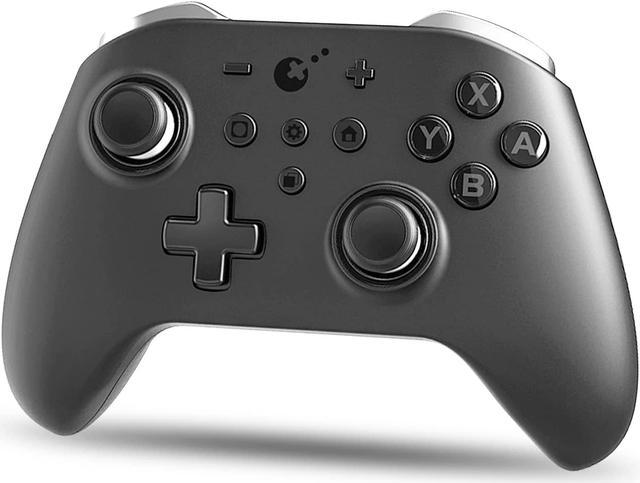
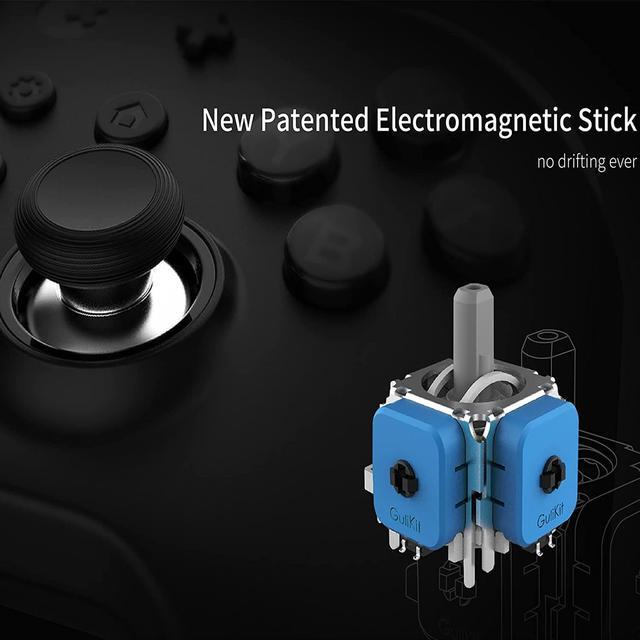
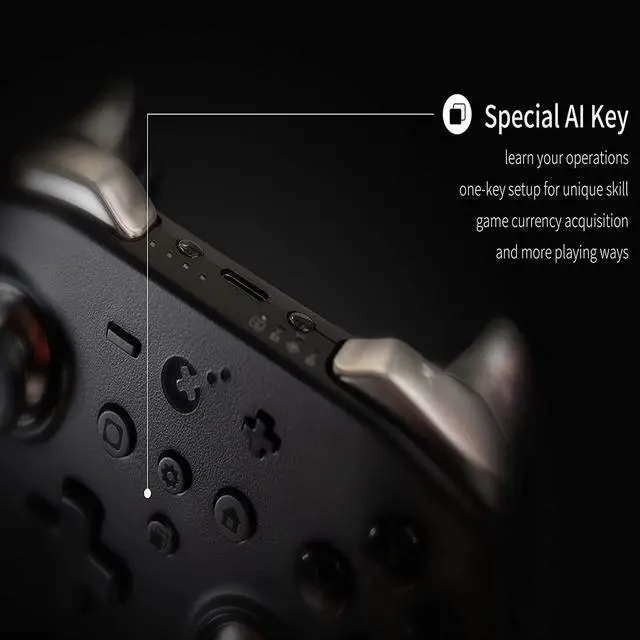
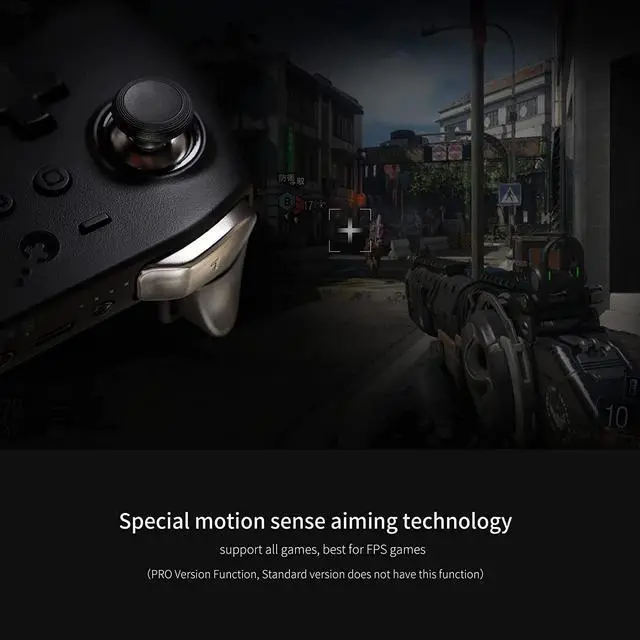


New Patented Electromagnetic Stick without any drift. Exclusive FPS mode, 100% No Dead Zone. Solving the general painpoint of joystick, and is comprehensively ahead of other mainstream gamepad.
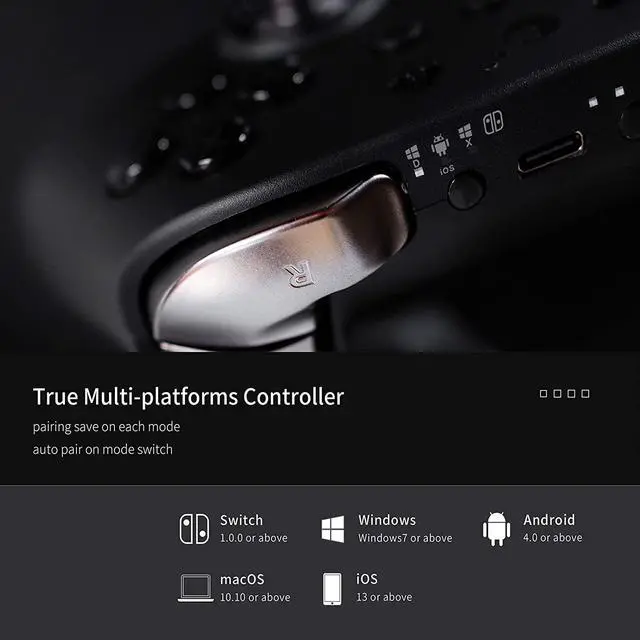
The best alternative switch controller compatible with Nintendo Switch/ Switch OLED, Windows PC, Android IOS and macOS.

CORN KingKong 2 PRO Controller is the first controller with electromagnetic joystick in the world to solve drifting completely.
CORN uses a new button technology which offers 50 million times of lifespan compared to only about 1 to 2 million times for other controllers with the old conductive rubber pad button technology. The stick uses permanent magnet materials and linear Hall technology to achieve precise positioning in games.

CORN KingKong 2 Pro Controller Firmware (continue to update):
1. Optimize the joystick's algorithm to have faster response.
2. Strengthen the triggers's tability.
3. Fine-tune the power management strategy.
This firmware update will improve the stick sensing test circularity. The average error will be max to 0.6%, usually 0.0%-0.2%. (Other brand is more than 10%)
Warm tip: The controller must be upgraded with both firmware V1.10 & V3.9 (or a higher version).

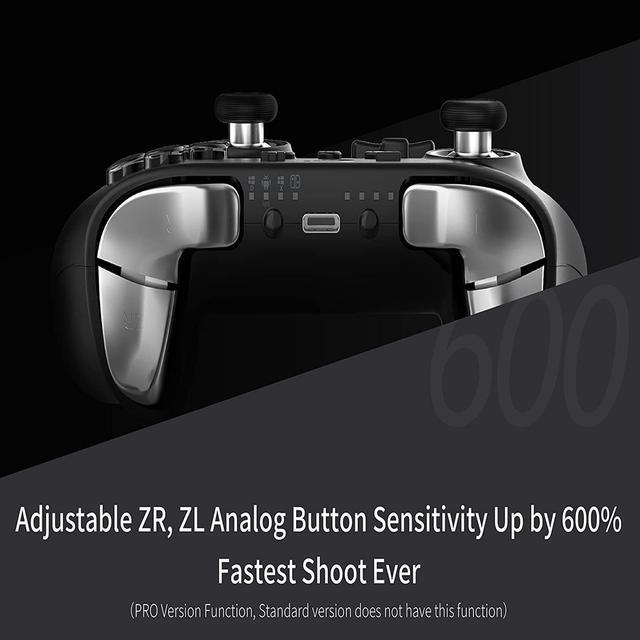
How to fix when ZR,ZL are not working well?
Just press the four buttons of L,R buttons, left of D-pad and A button at the same time to quickly calibrate the sticks ZR,ZL with a vibration to solve the most software issue.
Note: Please do not touch the sticks ZR,ZL during calibration.
Frequently-Asked Questions and Answers regarding CORN KingKong 2 Pro Controllers
Q: How to wake up Switch by King Kong 2 controller?
A: After pairing the controller with Switch, you can easily wake up Switch console from sleep mode by pressing the HOME button on King Kong 2. You may do the same way when Switch is on dock.
Q: How should I do when the buttons setting is messed up?
A: You can reset the controller by pressing the Gear and "-" buttons at the same time. Also you can reset it by turning it off and on again.
Q: The controller has power, but no any response on any buttons?
A: You can restart it by double clicks on mode button to turn it off and click again to turn it on. If you can not turn it off by double clicks on mode button, please press the button by a small pin or a toothpick inside the hole on the back side, your controller will be restarted.
Q: How to fix when ZR,ZL are not working well?
A: Just press the four buttons of L,R,left of D-pad and A at the same time to quickly calibrate the sticks ZR,ZL with a vibration to solve this issue. Note: Please do not touch the sticks ZR,ZL during calibration.
Q: Why the controller can not get connected to my PC with a Bluetooth adapter?
A: Please first get your computer shut down and then open it again.Be noted that it is not restart). Next make new connection to the controller. If it still does not work, please try to update the Bluetooth adapter driver.