




Your Wireless USB Headset Guide: Setup & Use
Before you begin, please ensure:
- Place the computer within 1m (3 ft) of the headphones.
- Ensure the headphones are sufficiently charged.
- Confirm the computer has an available USB port
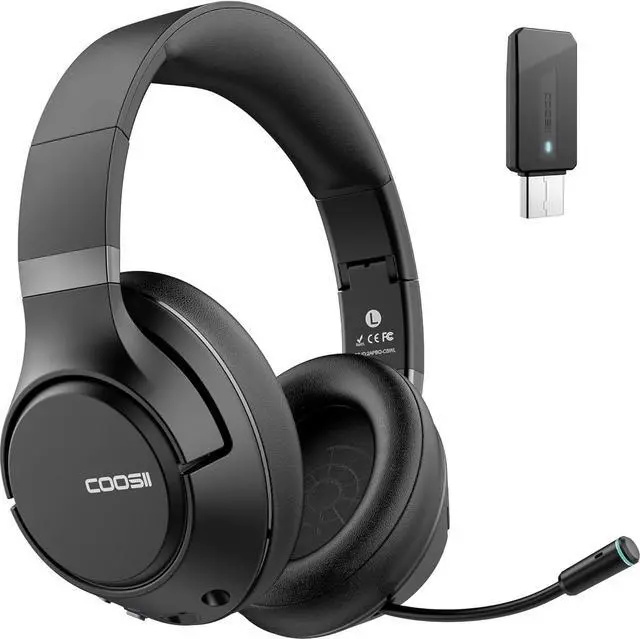
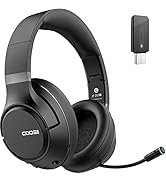
1. Insert the USB Dongle into your computer.
2. Press and hold the headphone's power button for 3 seconds until the red and blue lights flash alternately. You will hear "Power on."
3. Ensure the headphone is in Dongle mode.Note: Long-press the ” M " button for 3 seconds to switch between "Bluetooth mode" and "Dongle mode." You will hear the mode change.
4. The headphone and dongle will auto-connect within 3-10 seconds. You will hear "Connected."
Tips for a Stable Bluetooth Connection;:
1. When using Bluetooth headphones, try to keep them away from wireless devices such as Wi-Fi routers and microwave ovens.
2. Maintain an unobstructed path between connected devices, avoiding walls or large metal objects.
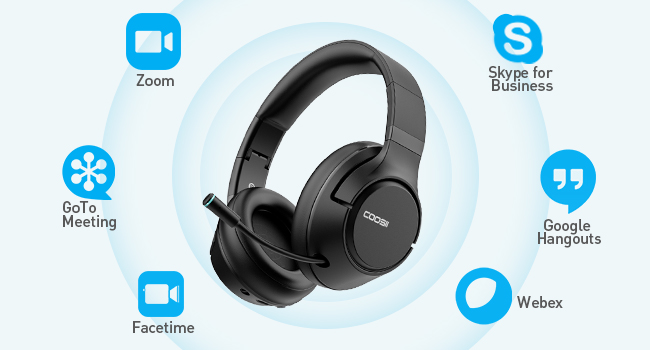
Total Compatibility:
Designed to work seamlessly with Zoom, Skype, Google Hangouts, FaceTime, WebEx, GoToMeeting, and other leading conferencing platforms.
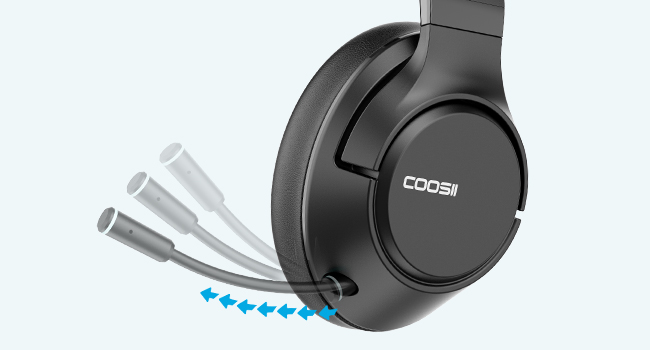
Retractable Boom Noise Cancelling Mic:
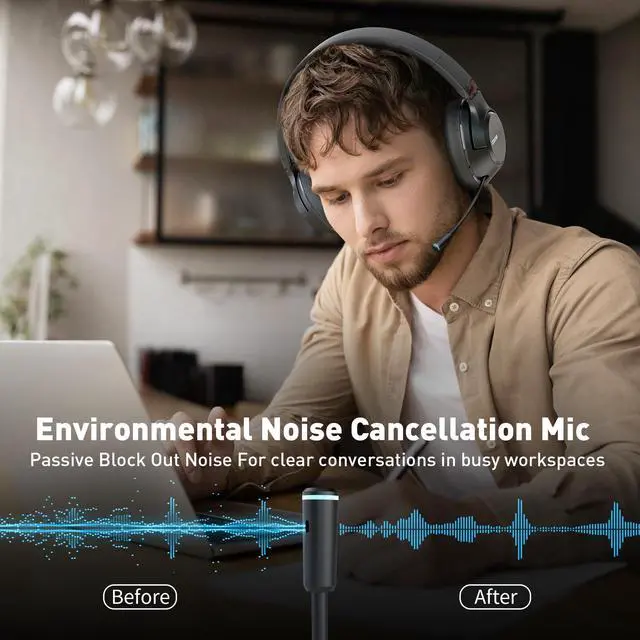
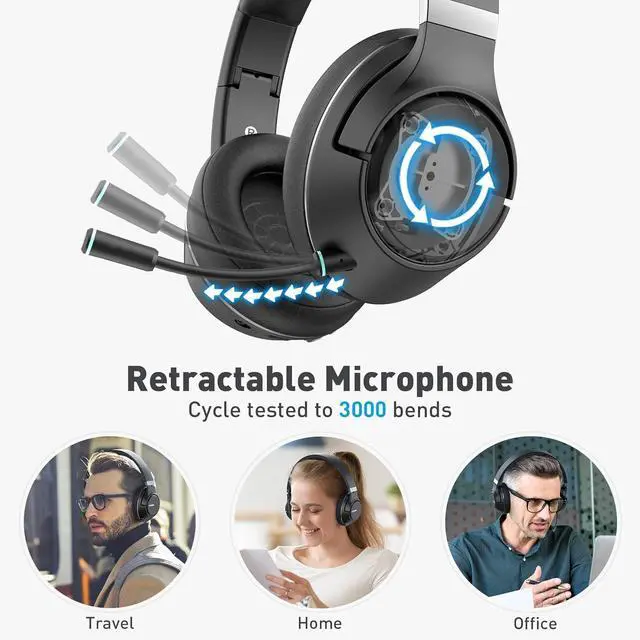
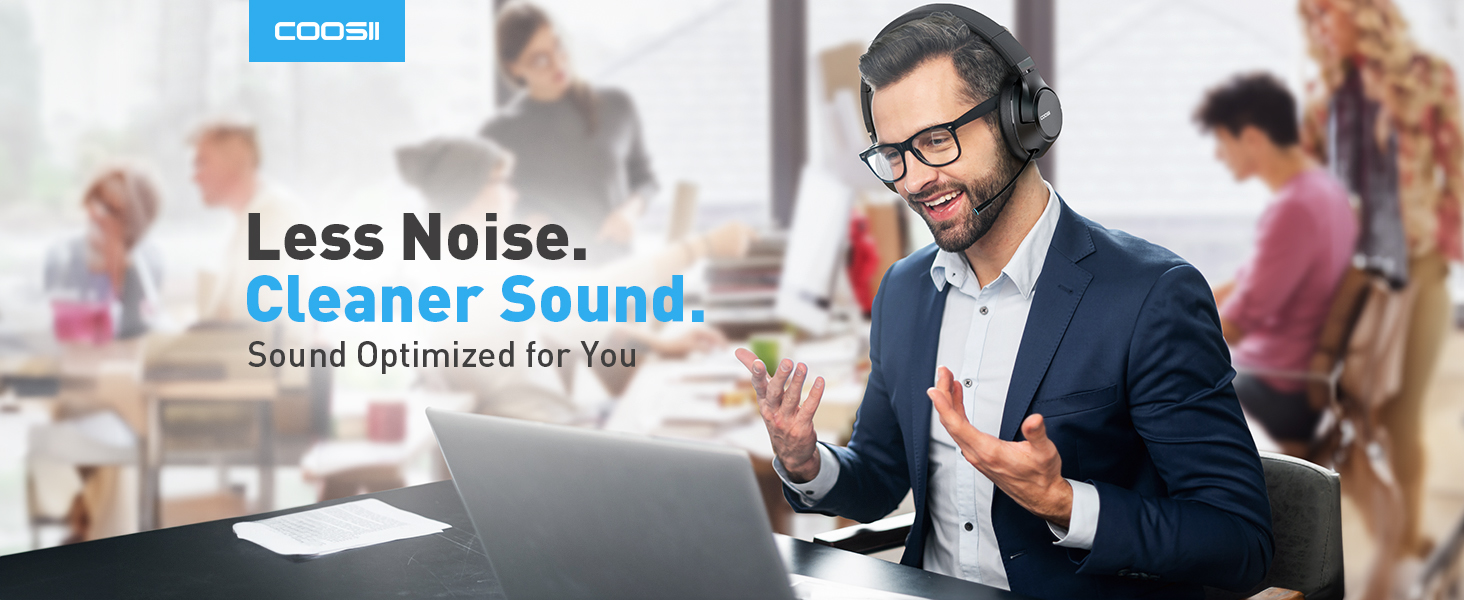
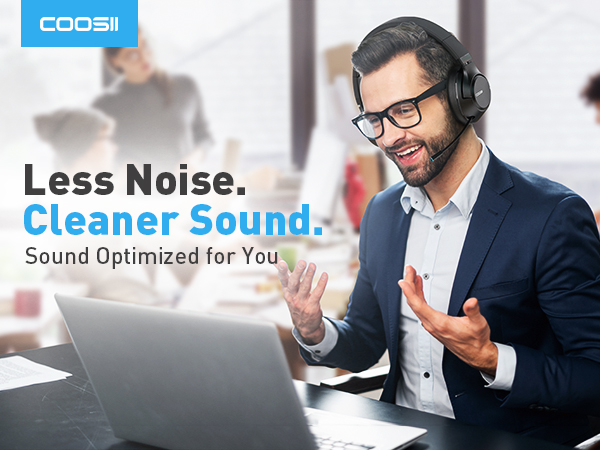
Extend and retract the boom microphone for on the go calls and discrete music listening. The surround noise cancellation microphone reduces ambient background noise for enhanced, receiving end, voice quality.
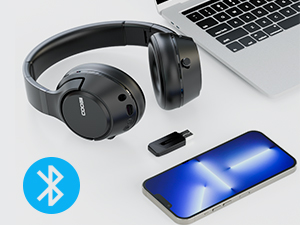
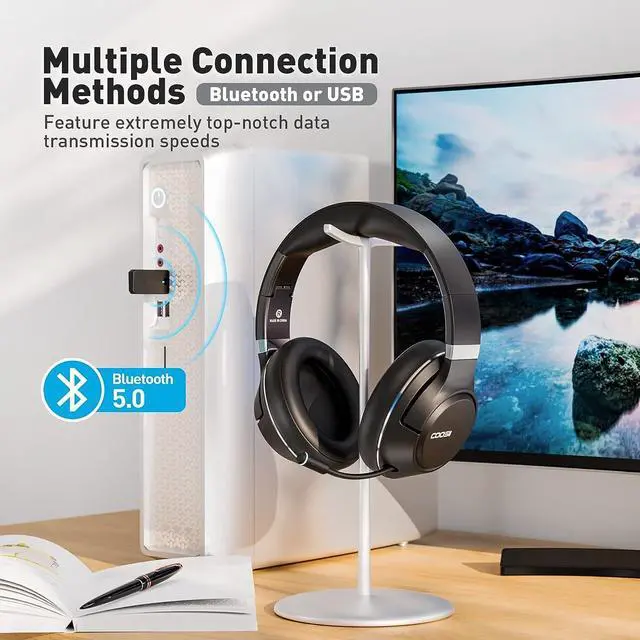
Multiple Connection Methods:
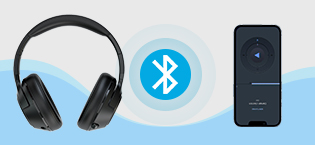
Connect to your computer, tablet, or smartphone via Bluetooth 5.0 or USB. Switch between USB Mode & Bluetooth Mode with a long press on the M button.
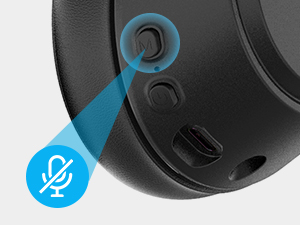
Smart Mute:
Simply click the M button to mute. Perfect for face-to-face talking or preventing meeting interruptions.
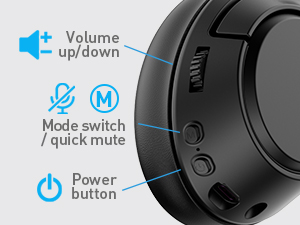
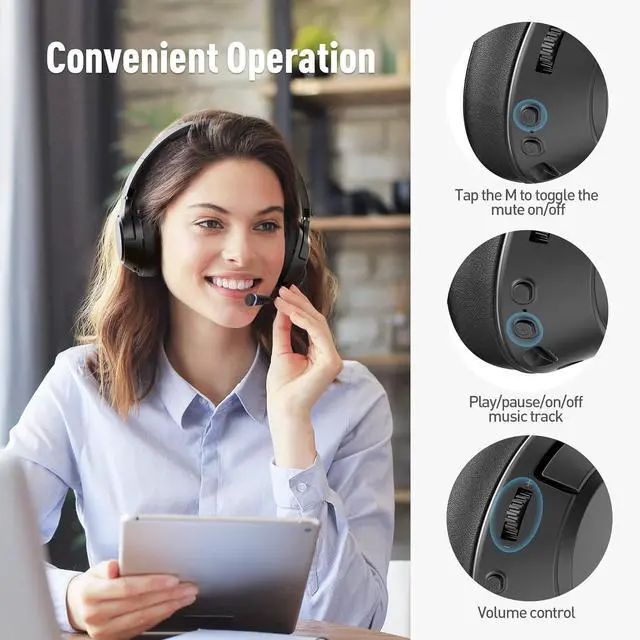
Convenient Operation:
Convenient controls on right ear cup:
*Volume scroll-wheel
*Mode/Mute button
*Button with multi-functions
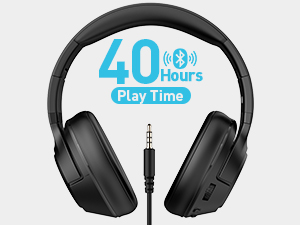
Wired/Wireless Enabled:
Up to 40 hours of playtime on one charge from the integrated 500mAh battery. Also, a 3.5mm audio jack is there for wired use when the battery is low.
What affects the battery life of Bluetooth headphones during different types of use?
After full charge, the battery life may be shorter at higher volumes, call mode, in cold conditions, or with weak Bluetooth signals. Capacity also naturally declines after hundreds of charge cycles
Can I use these headphones for phone calls?
Yes, you can. The headphones offer talk time and the necessary controls for answering and ending calls.
Are these headphones suitable for long working hours?
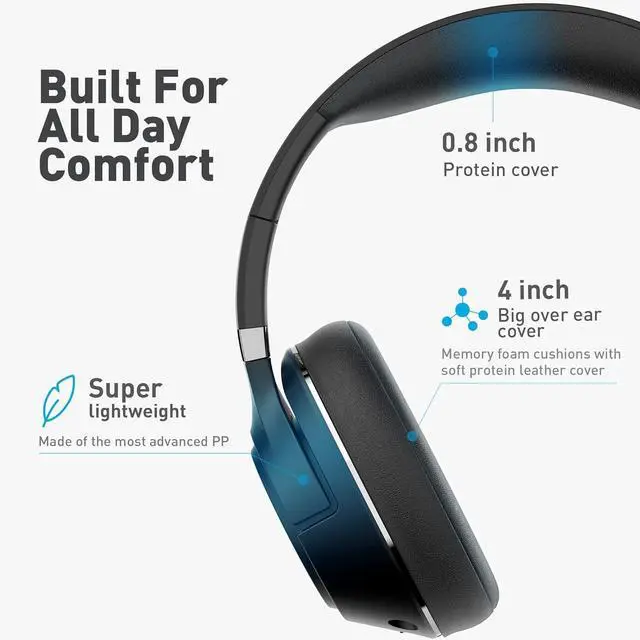
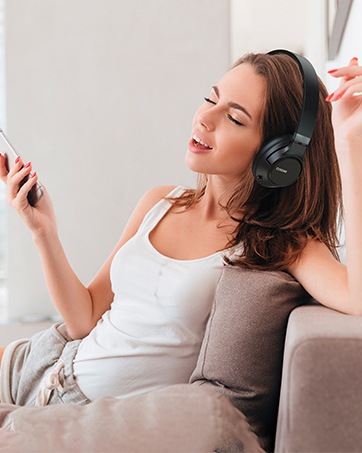
Absolutely, the comfortable ear cushions and lightweight design ensure comfort even during extended work sessions. The headband size is adjustable to ensure a comfortable fit for different users.
Are these headphones compatible with various devices?
Yes, they can be connected to computers, tablets, and smartphones via Bluetooth or USB.
What should I do if the headphones get damaged?
Rest assured, COOSII provides complete coverage for one year to ensure your peace of mind. This includes addressing any concerns related to manufacturing, delivery, or normal wear during the initial year after your purchase.

COOSII: A journey through sound. Born from a love for exceptional audio, our brand is dedicated to infusing the best audio technology into every product. We lead in blending style with professionalism, advocating for a life of taste and convenience. COOSII is the ultimate indulgence in music and calls, offering limitless possibilities for work and play.
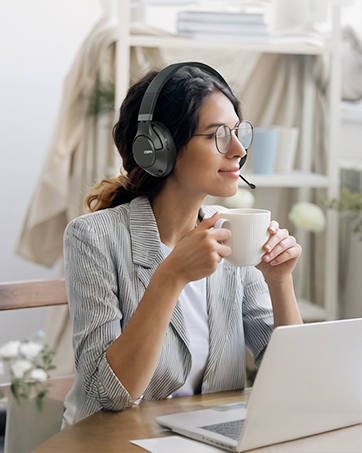
Efficiency with Wireless Ease
Seamless Device Switching
All-Day Comfort
Professional Style
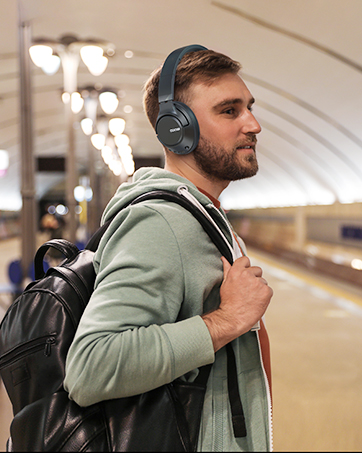
Travel-Friendly Over-ear Size
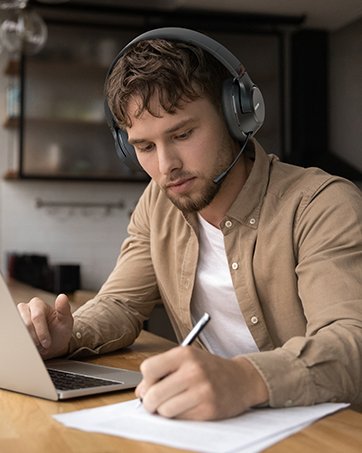
Stable Bluetooth Connection
Your Wireless USB Headset Guide: Setup & Use
Before you begin, please ensure:
- Place the computer within 1m (3 ft) of the headphones.
- Ensure the headphones are sufficiently charged.
- Confirm the computer has an available USB port
1. Insert the USB Dongle into your computer.
2. Press and hold the headphone's power button for 3 seconds until the red and blue lights flash alternately. You will hear "Power on."
3. Ensure the headphone is in Dongle mode.Note: Long-press the ” M " button for 3 seconds to switch between "Bluetooth mode" and "Dongle mode." You will hear the mode change.
4. The headphone and dongle will auto-connect within 3-10 seconds. You will hear "Connected."
Tips for a Stable Bluetooth Connection;:
1. When using Bluetooth headphones, try to keep them away from wireless devices such as Wi-Fi routers and microwave ovens.
2. Maintain an unobstructed path between connected devices, avoiding walls or large metal objects.
Total Compatibility:
Designed to work seamlessly with Zoom, Skype, Google Hangouts, FaceTime, WebEx, GoToMeeting, and other leading conferencing platforms.
Retractable Boom Noise Cancelling Mic:
Extend and retract the boom microphone for on the go calls and discrete music listening. The surround noise cancellation microphone reduces ambient background noise for enhanced, receiving end, voice quality.
Multiple Connection Methods:
Connect to your computer, tablet, or smartphone via Bluetooth 5.0 or USB. Switch between USB Mode & Bluetooth Mode with a long press on the M button.
Smart Mute:
Simply click the M button to mute. Perfect for face-to-face talking or preventing meeting interruptions.
Convenient Operation:
Convenient controls on right ear cup:
*Volume scroll-wheel
*Mode/Mute button
*Button with multi-functions
Wired/Wireless Enabled:
Up to 40 hours of playtime on one charge from the integrated 500mAh battery. Also, a 3.5mm audio jack is there for wired use when the battery is low.
| Bluetooth Version | Bluetooth 5.0 |
|---|---|
| Microphone | Retractable |
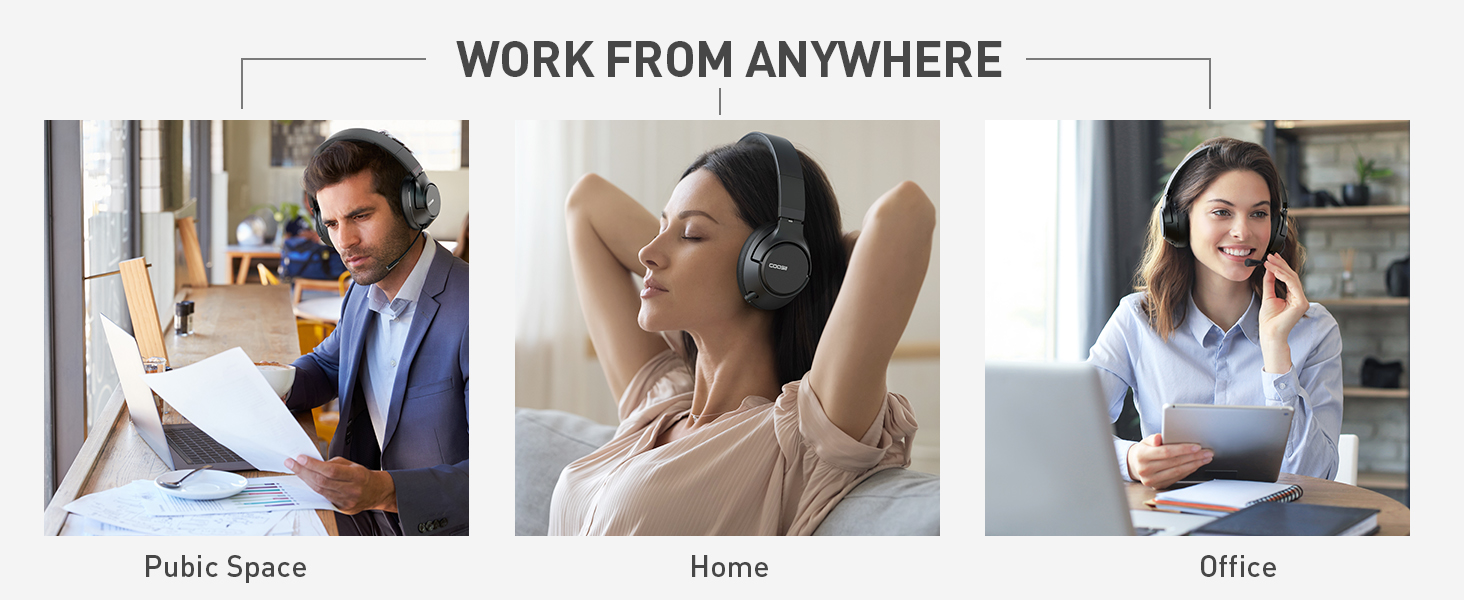
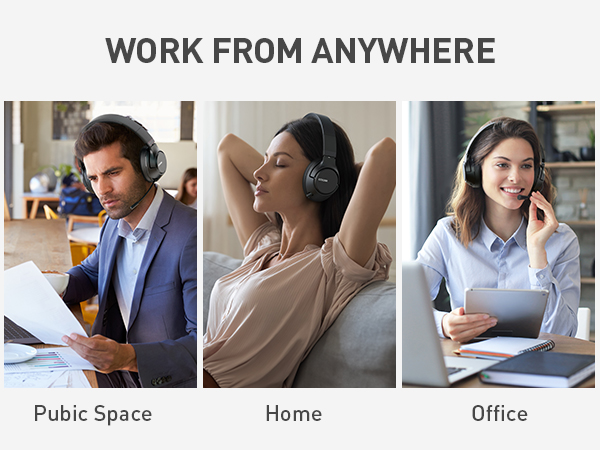
| Intended Use | Office, Home, Public places |
| Weight | 8 oz |
| Sound Quality | High Fidelity |
| Fit | Over-ear |
| Battery Life | 30-60 Hours |
| Wired Option | Yes |
| Foldable Design | Yes |
| Noise Isolation | Passive Noise Cancellation Microphone |
What affects the battery life of Bluetooth headphones during different types of use?
After full charge, the battery life may be shorter at higher volumes, call mode, in cold conditions, or with weak Bluetooth signals. Capacity also naturally declines after hundreds of charge cycles
Can I use these headphones for phone calls?
Yes, you can. The headphones offer talk time and the necessary controls for answering and ending calls.
Are these headphones suitable for long working hours?
Absolutely, the comfortable ear cushions and lightweight design ensure comfort even during extended work sessions. The headband size is adjustable to ensure a comfortable fit for different users.
Are these headphones compatible with various devices?
Yes, they can be connected to computers, tablets, and smartphones via Bluetooth or USB.
What should I do if the headphones get damaged?
Rest assured, COOSII provides complete coverage for one year to ensure your peace of mind. This includes addressing any concerns related to manufacturing, delivery, or normal wear during the initial year after your purchase.
COOSII: A journey through sound. Born from a love for exceptional audio, our brand is dedicated to infusing the best audio technology into every product. We lead in blending style with professionalism, advocating for a life of taste and convenience. COOSII is the ultimate indulgence in music and calls, offering limitless possibilities for work and play.
Efficiency with Wireless Ease
Seamless Device Switching
All-Day Comfort
Professional Style
Travel-Friendly Over-ear Size
Stable Bluetooth Connection