


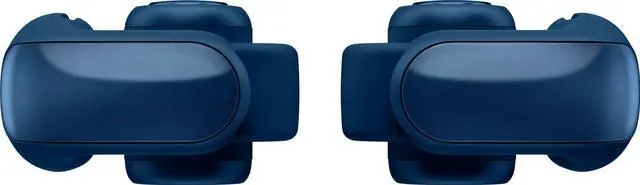
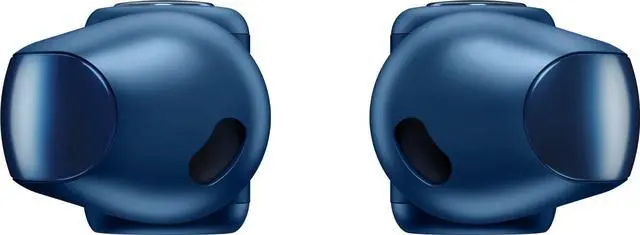






How do I setup my Bose Ultra Open Earbuds?
Download and install the free Bose app from your mobile device's app store. The Bose app lets you set up and control your product from any mobile device, such as a smartphone or tablet.
How do I connect my Bose Ultra Open Earbuds to my Bluetooth device?
1. Ensure Bluetooth is enabled on your device
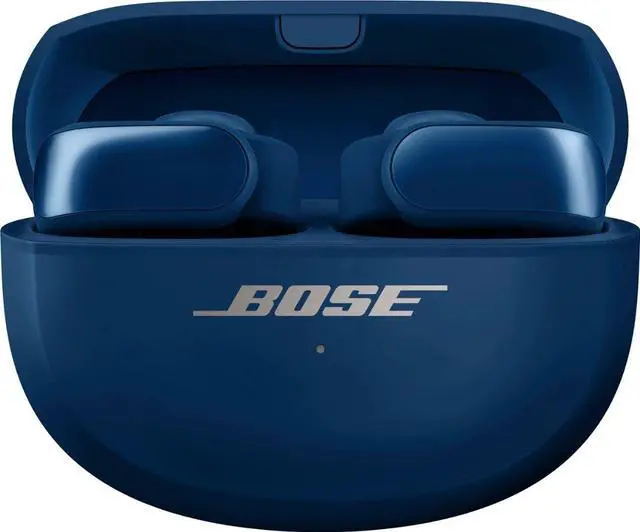
2. With the case open, and both earbuds inside, press and hold on the button on the back of the case until the light slowly blinks blue
3. Select the earbuds from the list of available devices
How do I update the firmware/software of my Bose Ultra Open Earbuds?
Updating the earbuds: When an update is available, the Bose app automatically downloads it. Tap Install Update.
Updating the case: Go to btu.bose.com and connect with the USB-C cable.
How do I reset my Bose Ultra Open Earbuds?
Place both earbuds in the charging case.
With the charging case open, press and hold the button on the back of the case for 20 seconds until the earbud status light blinks white 2 times, slowly blink blue, and then turn off.
How do I clear the Bluetooth pairing list?
Press and hold the Bluetooth button for 10 seconds until you hear "Bluetooth device list cleared." Once cleared, your earbuds are ready to connect a new device. Then delete the earbuds from Bluetooth list on your device.

Breakthrough Spatialized Audio
Bose Immersive Audio spatializes music so you’re not only listening to the music. You’re in it.
Stay Charged and Never Miss a Beat
With up to 7 hours of play time* or up to 48 hours of standby***, you’re equipped with the power of long-lasting battery life.
Feels Good, Stays Put
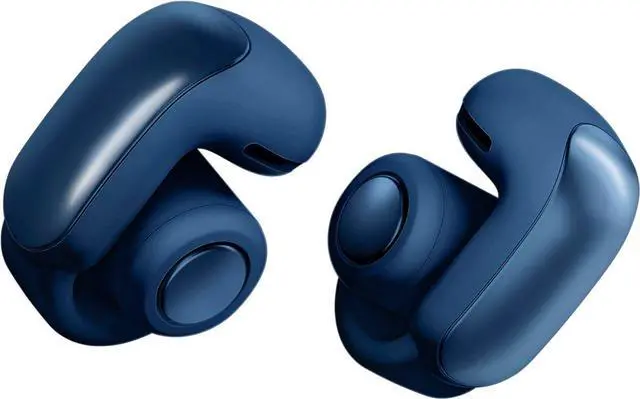
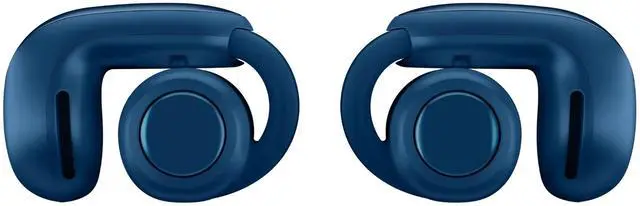
Designed for all-day wear, the Bose Ultra Open Earbuds feature a flexible joint and a light-as-air-grip; you’ll forget you’re even wearing these comfortable earbuds.
Water resistance with IPX4
Get splashed on, dripped on, sprayed on. No worries here. The Bose Ultra Open Earbuds can handle it. Acoustic mesh keeps out moisture and debris, so you can keep on listening.
Open Your Ears to the World
Hear all of what’s around you while enjoying rich, private sound with the earbuds' open ear design and OpenAudio technology.


How do I setup my Bose Ultra Open Earbuds?
Download and install the free Bose app from your mobile device's app store. The Bose app lets you set up and control your product from any mobile device, such as a smartphone or tablet.
How do I connect my Bose Ultra Open Earbuds to my Bluetooth device?
1. Ensure Bluetooth is enabled on your device
2. With the case open, and both earbuds inside, press and hold on the button on the back of the case until the light slowly blinks blue
3. Select the earbuds from the list of available devices
How do I update the firmware/software of my Bose Ultra Open Earbuds?
Updating the earbuds: When an update is available, the Bose app automatically downloads it. Tap Install Update.
Updating the case: Go to btu.bose.com and connect with the USB-C cable.
How do I reset my Bose Ultra Open Earbuds?
Place both earbuds in the charging case.
With the charging case open, press and hold the button on the back of the case for 20 seconds until the earbud status light blinks white 2 times, slowly blink blue, and then turn off.
How do I clear the Bluetooth pairing list?
Press and hold the Bluetooth button for 10 seconds until you hear "Bluetooth device list cleared." Once cleared, your earbuds are ready to connect a new device. Then delete the earbuds from Bluetooth list on your device.


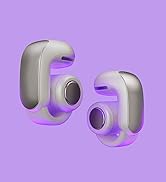
Ultra Open Earbuds


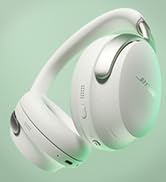
QuietComfort Ultra Headphones


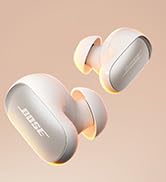
QuietComfort Ultra Earbuds


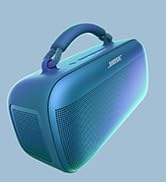
SoundLink Max Speaker
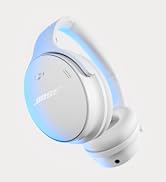
Shop All Bose Products